Docker Container Security Guide: Protecting Modern Cloud Environments
Updated on February 26, 2026, by Xcitium
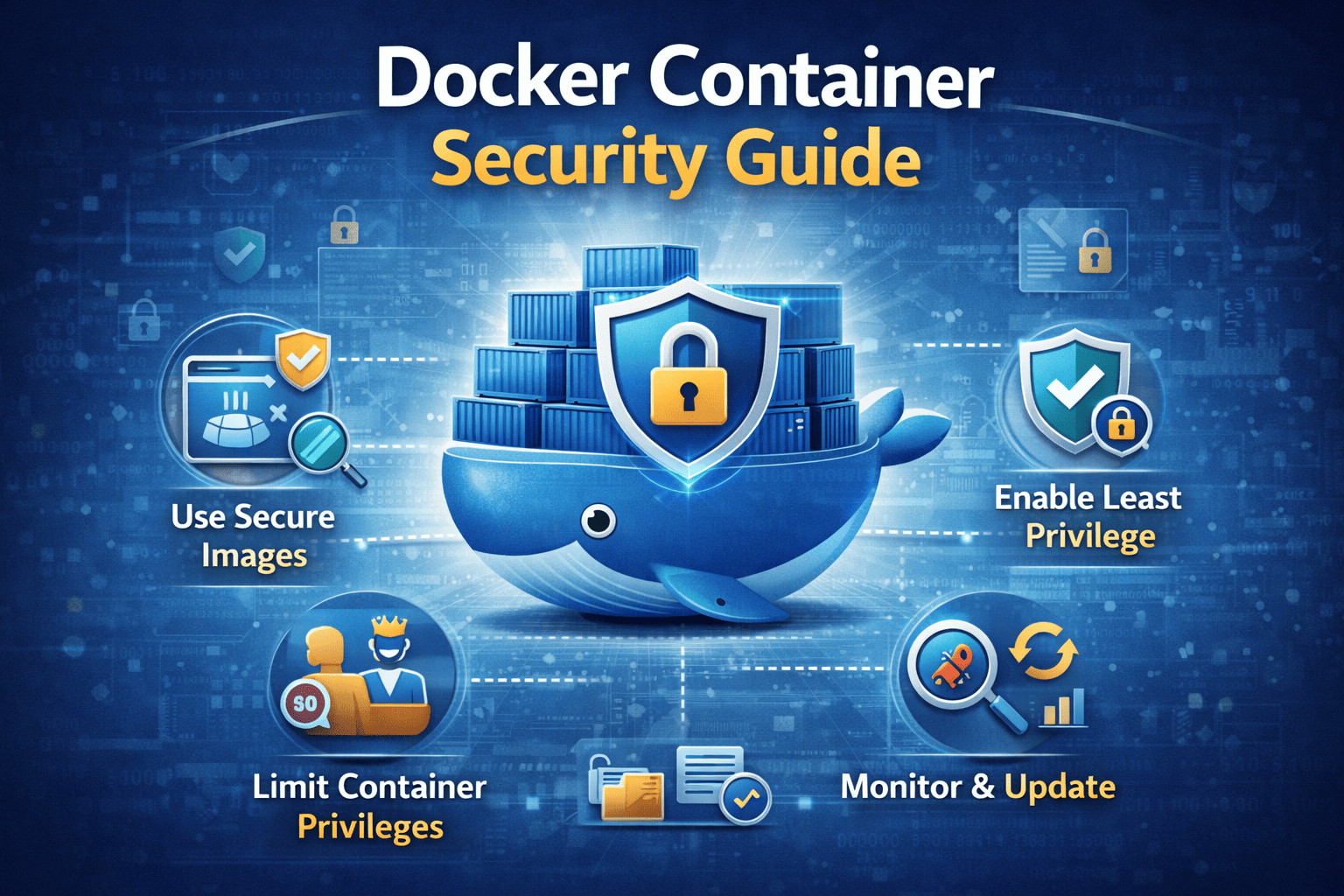
Containerization has transformed how businesses build and deploy applications. However, as adoption grows, so do the risks. This Docker Container Security Guide provides a comprehensive roadmap to securing containerized environments, preventing breaches, and maintaining compliance in cloud-native infrastructures.
Did you know that misconfigured containers and exposed images are among the top causes of cloud data breaches? While Docker simplifies development and deployment, it also expands the attack surface. For IT managers, cybersecurity teams, CEOs, and founders, container security is no longer optional—it’s a strategic necessity.
In this Docker Container Security Guide, we will explore container security best practices, Kubernetes security strategies, container vulnerability scanning, and cloud container security frameworks that protect modern enterprises.
Why Container Security Matters
Docker containers are lightweight and portable. However, they share the host operating system kernel. This architecture creates unique security challenges.
Without strong container security best practices, attackers can exploit:
-
Vulnerable base images
-
Misconfigured container settings
-
Weak access controls
-
Insecure APIs
-
Compromised Kubernetes clusters
A structured Docker Container Security Guide ensures security across the container lifecycle.
Understanding the Container Attack Surface
Container environments introduce multiple layers that require protection.
Image Layer Risks
Docker images may contain:
-
Outdated libraries
-
Known vulnerabilities
-
Embedded secrets
Regular container vulnerability scanning is essential.
Runtime Threats
Even secure images can be compromised during execution.
Common runtime risks include:
-
Privilege escalation
-
Malicious code injection
-
Container breakout attacks
Monitoring runtime behavior is critical.
Orchestration Risks
Kubernetes security becomes vital when managing clusters.
Weak role-based access controls (RBAC) or exposed dashboards increase risk.
Core Docker Container Security Guide Best Practices
1. Use Trusted Base Images
Always build containers from verified, minimal base images.
Benefits include:
-
Reduced attack surface
-
Fewer vulnerabilities
-
Smaller image sizes
Official and hardened images are safer starting points.
2. Implement Container Vulnerability Scanning
Container vulnerability scanning should occur:
-
During image build
-
Before deployment
-
Continuously in runtime
Scanning tools detect outdated libraries, CVEs, and configuration flaws.
Automation ensures consistent security.
3. Enforce Least Privilege Access
Containers should not run as root whenever possible.
Follow these principles:
-
Limit Linux capabilities
-
Restrict file system access
-
Avoid privileged containers
-
Enforce Kubernetes RBAC
Least privilege reduces exploitation impact.
4. Secure Docker Daemon and APIs
The Docker daemon controls container execution.
Best practices include:
-
Restricting daemon access
-
Using TLS encryption
-
Disabling remote root access
-
Applying strict API controls
Unauthorized daemon access can compromise entire environments.
5. Enable Runtime Security Monitoring
Runtime monitoring tools detect suspicious behavior.
Monitor for:
-
Unexpected process execution
-
Network anomalies
-
Unauthorized file modifications
-
Container escape attempts
Real-time alerts support incident response.
Kubernetes Security in Container Environments
Kubernetes security is essential for orchestrated container workloads.
Harden Kubernetes Configurations
-
Disable anonymous access
-
Secure etcd databases
-
Apply network policies
-
Restrict API server access
Strong Kubernetes security prevents lateral movement.
Use Network Segmentation
Micro-segmentation limits communication between containers.
This reduces:
-
East-west attack spread
-
Insider threat exposure
-
Unauthorized service access
Segmentation strengthens cloud container security.
Secrets Management and Encryption
Containers often require credentials and API keys.
Never hardcode secrets into images.
Instead:
-
Use secrets management tools
-
Encrypt secrets at rest and in transit
-
Rotate credentials regularly
Protecting secrets is fundamental to this Docker Container Security Guide.
Cloud Container Security Considerations
Cloud environments introduce shared responsibility models.
Understand Shared Responsibility
Cloud providers secure infrastructure. Organizations secure workloads.
Your responsibilities include:
-
Securing container images
-
Managing identity access
-
Monitoring workloads
-
Configuring policies correctly
Cloud container security requires continuous oversight.
Integrate Identity and Access Management (IAM)
Strong IAM policies limit access to container resources.
Implement:
-
Role-based permissions
-
Multi-factor authentication
-
Conditional access controls
IAM reduces unauthorized access risk.
DevSecOps and Continuous Security
Security should not slow development.
Integrate security into CI/CD pipelines.
Shift-Left Security
Embed container vulnerability scanning early in development.
Automated scanning tools help developers fix issues before deployment.
Continuous Compliance Monitoring
Monitor compliance with:
-
CIS Docker Benchmarks
-
NIST guidelines
-
Industry-specific regulations
Compliance monitoring reduces regulatory risk.
Incident Response for Containers
Preparation reduces damage during breaches.
Include containers in incident response plans.
Key Steps
-
Isolate affected containers
-
Analyze logs and runtime behavior
-
Rebuild from secure images
-
Patch vulnerabilities
-
Review IAM permissions
Fast response limits impact.
Industry Applications of Container Security
Financial Services
Secure microservices handling transactions.
Healthcare
Protect containerized patient data systems.
SaaS Providers
Ensure multi-tenant isolation.
E-Commerce
Protect payment processing containers.
Container security directly supports operational resilience.
Common Container Security Mistakes
Avoid these errors:
-
Using outdated base images
-
Ignoring vulnerability scanning
-
Running containers as root
-
Exposing Kubernetes dashboards
-
Failing to monitor runtime activity
Proactive governance prevents these risks.
Frequently Asked Questions
1. What is a Docker Container Security Guide?
It is a structured framework for securing containerized applications and infrastructure.
2. Why is container vulnerability scanning important?
It detects known vulnerabilities before deployment.
3. How does Kubernetes security improve container protection?
It enforces access controls and network segmentation across clusters.
4. Are containers more secure than virtual machines?
Containers are efficient but require additional security controls due to shared kernels.
5. How often should container security audits occur?
Continuously, with automated monitoring and regular assessments.
Final Thoughts
Containerization accelerates innovation—but it also increases risk. This Docker Container Security Guide emphasizes container security best practices, Kubernetes security hardening, and continuous container vulnerability scanning.
Security must evolve alongside DevOps.
👉 Request a demo today and strengthen your container security strategy:
https://www.xcitium.com/request-demo/
Protect your containers. Secure your cloud. Lead with confidence.