How to Sign Into Router: A Complete Step-by-Step Guide
Updated on September 17, 2025, by Xcitium
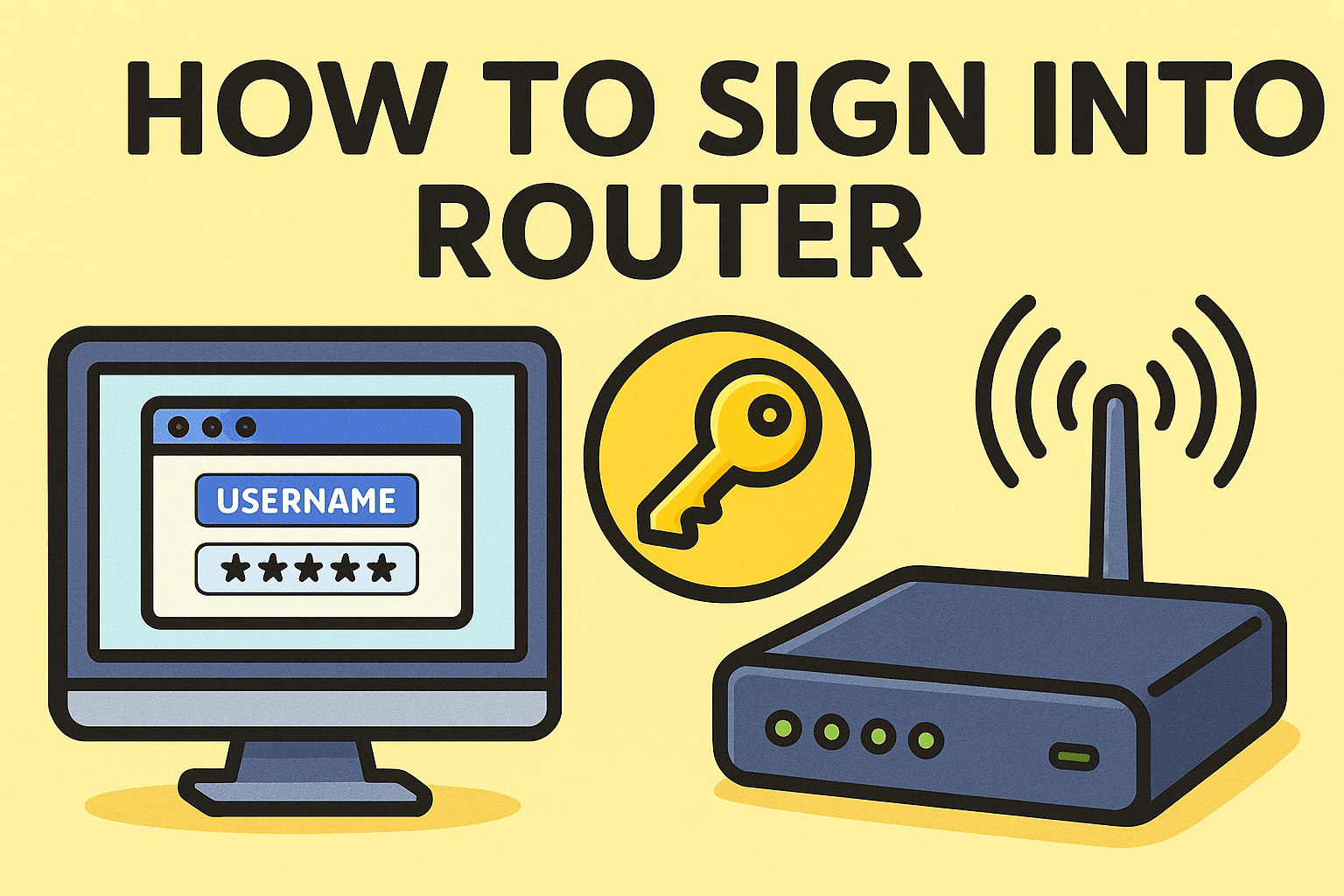
Have you ever asked yourself, “How to sign into router to change settings or improve security?” Whether at home or in a business environment, routers act as the gatekeepers of your network. Without knowing how to properly access and manage them, you risk leaving your systems open to cyber threats.
For IT managers, cybersecurity experts, and executives, understanding how to sign into a router is a fundamental step in safeguarding digital infrastructure. This guide will walk you through the process, highlight common issues, and explain best practices for secure network management.
Why Do You Need to Sign Into a Router?
Before diving into how to sign into a router, let’s look at why it matters.
- Change Wi-Fi Credentials: Update SSIDs and passwords regularly.
- Enhance Security: Configure firewalls, encryption, and guest networks.
- Monitor Devices: See what devices are connected to your network.
- Optimize Performance: Adjust bandwidth allocation or update firmware.
- Troubleshoot Problems: Diagnose connectivity or configuration issues.
👉 In business settings, router access is critical for maintaining uptime, compliance, and security.
How to Sign Into Router: Step-by-Step
Here’s the exact process for signing into a router securely.
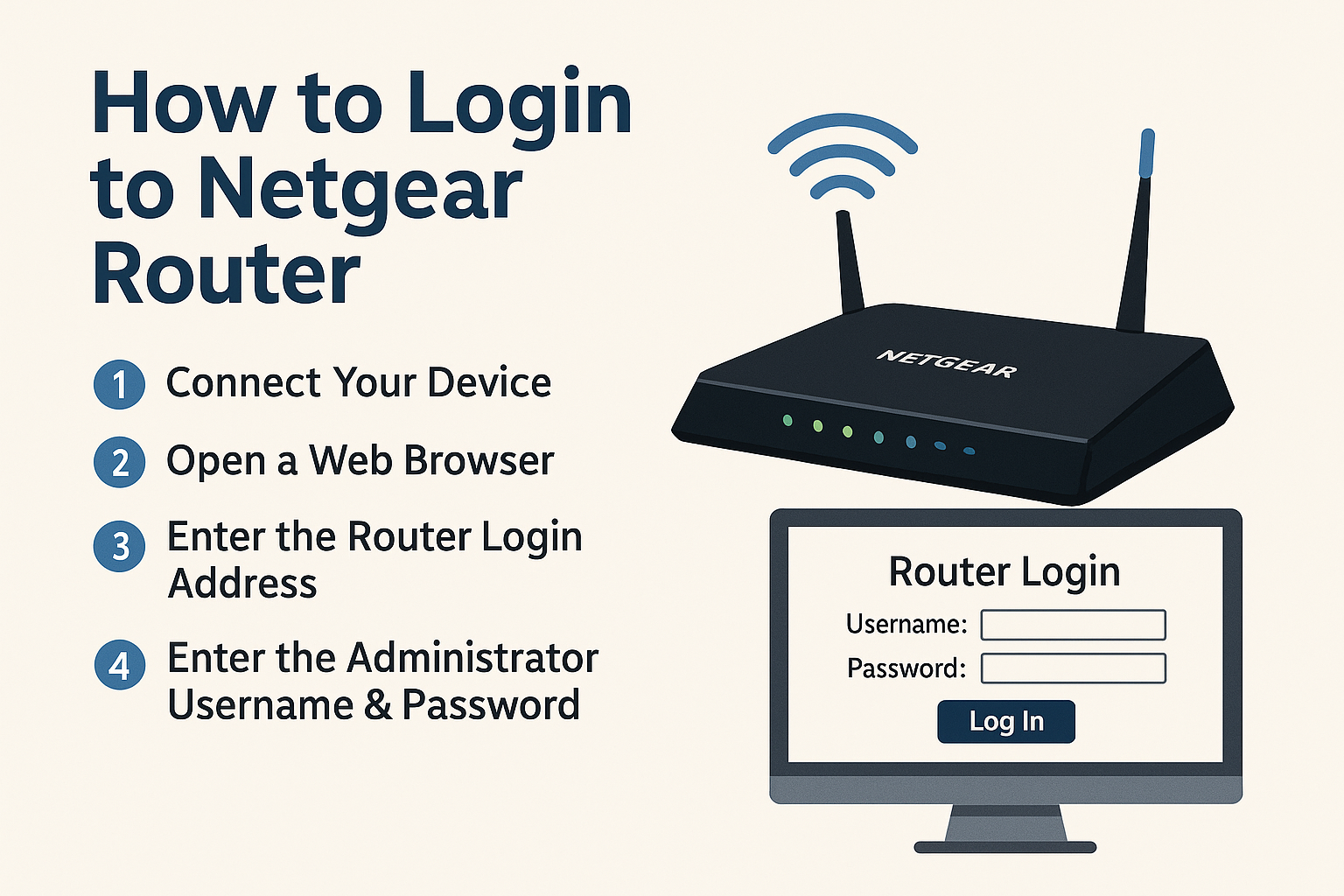
Step 1: Connect to the Router
- Make sure your computer or mobile device is connected to the router—either via Wi-Fi or Ethernet cable.
Step 2: Find the Router’s IP Address
- Windows: Open Command Prompt and type ipconfig, then look for “Default Gateway.”
- Mac: Go to System Preferences > Network > Advanced > TCP/IP.
- Mobile Devices: Check Wi-Fi details for gateway IP.
- Common IP addresses: 192.168.0.1, 192.168.1.1, or 10.0.0.1.
Step 3: Enter the IP in a Browser
- Open a web browser and type the IP address into the address bar.
- Press Enter to load the router login page.
Step 4: Enter Login Credentials
- Default credentials are usually printed on the router label.
- Common defaults: Username: admin, Password: admin or password.
- For business routers, credentials may be set by IT teams.
Step 5: Access Router Dashboard
- Once logged in, you’ll see the admin interface.
- From here, you can configure Wi-Fi settings, firewall rules, firmware updates, and connected devices.
Common Issues When Signing Into a Router
Even if you know how to sign into a router, you may encounter problems.
- Wrong IP Address: Ensure you’re using the correct default gateway.
- Forgotten Credentials: Reset the router to factory settings if login details are lost.
- Blocked Access: Some ISPs restrict certain settings—contact support if needed.
- Browser Errors: Try different browsers or clear cache.
Best Security Practices After Signing In
Knowing how to sign into a router is just the beginning—securing it is essential.
- Change Default Passwords: Hackers often exploit unchanged admin logins.
- Enable WPA3 or WPA2 Encryption: Protects wireless traffic from interception.
- Disable Remote Management (if unnecessary): Reduces attack surface.
- Update Firmware: Patches vulnerabilities regularly.
- Set Up Guest Networks: Keep personal and business devices separate.
- Monitor Logs: Watch for unusual traffic patterns.
👉 For enterprises, integrating router security into a zero-trust architecture ensures stronger defenses.
Business Use Cases for Router Access
- IT Managers: Configure VPN access for remote teams.
- Cybersecurity Teams: Monitor and block suspicious devices.
- Executives: Ensure corporate Wi-Fi is secured against unauthorized access.
- Compliance Officers: Validate router settings for regulatory audits.
Advantages of Managing Router Access
- Improved Security: Protects against cyber intrusions.
- Performance Optimization: Fine-tunes speed and bandwidth.
- Greater Control: Visibility into connected devices.
- Business Continuity: Minimizes downtime risks.
FAQs on Signing Into Routers
Q1. How do I find my router’s default IP address?
Check your device’s network settings for the “Default Gateway” or look on the router label.
Q2. What if I forget my router login credentials?
Reset the router using the physical reset button, then log in with default credentials.
Q3. Can I sign into my router from my phone?
Yes, by entering the router’s IP address in a mobile browser while connected to Wi-Fi.
Q4. Is it safe to leave default router settings unchanged?
No. Default logins and settings are easy targets for hackers. Always update them.
Q5. How often should I update my router firmware?
Check quarterly, or whenever the manufacturer releases security patches.
Conclusion: Securing Access to Your Router
So, how to sign into a router? It’s as simple as finding the IP address, logging in with credentials, and accessing the admin dashboard. But the true importance lies in what comes next—configuring and securing your router to protect networks, data, and business operations.
For IT managers, CEOs, and cybersecurity professionals, routers are frontline defenders. Ensuring they’re properly managed is essential for business resilience and security compliance.
👉 Want to go beyond router security and implement enterprise-grade protection? Discover how Xcitium’s zero-trust solutions can safeguard your network against modern cyber threats.