Risk Services FAQs

FAQ Quick Links
Contact Information
Whitelisting

Have your IT administrator whitelist the following domains:

These domains are registered to IP addresses: 104.37.180.1

If your organization uses spam filtering software such as the ones listed below, you can have your IT administrator customize the settings per the associated links to prevent the phishing emails from being blocked:

  • Barracuda: Setup email allow list. Click here for official Barracuda documentation.
  • Cisco ESA: Create whitelisting policy for phishing simulations. Click here for official Cisco documentation.
  • G Suite: Create and approve sender list. Click here for official G Suite documentation.
  • Microsoft 365: Configure 3rd party phishing simulations. Click here for official Microsoft documentation.

    Please note: Microsoft does not recommend using transport rules for phishing simulations.

  • Microsoft Defender for Office 365: Configure anti-phishing policies in EOP. Click here for official Microsoft documentation.
Phishing

The phishing simulations closely resemble emails received on a regular basis. They are created to look very similar to those sent by large, well-known corporations such as Google, Amazon, Chase, etc.

New email templates are carefully created and selected for each client and phishing period. Factors such as the time of year, client type (town vs. school), and location are all taken into consideration when designing simulations.

All URLs within phishing simulation emails link to Xcitium's own training domains. Upon clicking one of these links, the victim is sent to a landing page that provides education on how they could have identified the simulated phishing attempt and how to avoid clicking on potentially malicious URLs in the future.

Phishing simulations normally run for one to two weeks, Monday through Friday.

Users that receive the simulated phishing emails will not be negatively impacted in any way.

No. Xcitium can only use an email address provided by your organization.

You can add/remove users (one at a time or in bulk) by uploading a list through the online portal at insight.d2cybersecurity.com. Please confirm there are no typos on your list before submitting to ensure all users receive the simulated phishing emails.

Phishing simulations are run four times a year, once per quarter.
Xcitum will always send test phishing simulations several days to a week in advance. The emails will be titled "Cybersecurity Test" and each will include a short message informing you of your upcoming campaign. If still uncertain, contact Xcitium for confirmation.
Follow your organization's policies for reporting a phishing attack. Do not click anything in the email message. Contact Xcitumn so they may confirm the message's legitimacy and help keep your organization safe.
See the whitelisting FAQ above
Gap Assessment
The purpose of the Gap Assessment is to identify current gaps in your cyber security controls and practices against an industry recognized and established framework relevant to your vertical.
Once you participate in the service, the following process ensues: a welcome email is sent to your IT and Business Administrator Point of Contact (POC) to access the secure Insight portal; an online questionnaire will be accessible for each POC by logging into the Insight portal; once the answers are submitted online in its entirety, a review or audit will happen; a final report with findings and recommendations will be prepared and available for download from the secure Insight portal.
The questionnaires are divided into 2 parts.
Answer the Administrator questions if you are responsible for: vendor management and audit, communication and press communication, defining policies/procedures/guidelines, coordinating RFPs, arranging security awareness training, assessing security risk and working with Cyber Insurance, and authority to invoke incident response and disaster recovery.
Answer the IT questions if you are responsible for: network and infrastructure management, implementing physical and technical safeguards, configuration/inventory/account management, scanning/patching/remediation, managing access to network/systems/accounts, backup and recovery of data, and incident reporting/logging/analysis/documentation.
The questionnaire consists of two parts: Administrative (questions relevant to administrative functions) and Technical (questions relevant to IT functions). If a single individual is responsible for both functions, they may answer both sections.
Both parts of the questionnaire need to be completed online and submitted using the secured Insight portal.
Will my answers be audited? Depending on the kind of service prescribed: Gap Assessment Lite — answers will be reviewed by an auditor without you and a final report provided. Gap Assessment Full — answers will be audited by an auditor with both IT and Administrator POC.
Depending on the kind of service purchased: Gap Assessment is available as self assessment with report based on your responses and one with full audit of your response with the final report.​
The report can be accessed and downloaded for the duration of the service contract. For multi-year contracts, historical reports can be accessed should one decide to undertake the service in subsequent years.
Vulnerability Assessment
No data will ever be downloaded or modified.
Xcitium will never install software on your systems during a vulnerability scan.
Vulnerability scans: 104.37.180.44
There may be rare instances where Xcitium's IP addresses will need to be whitelisted. We will reach out to the technical POC if this becomes necessary.

Log in to your Insight portal and navigate to User Menu → Service Settings → Vulnerability Assessment

Enter the following information:

  • Estimated number of active hosts
  • List of all domains
  • Public IP addresses and ranges (active and inactive)
  • Whether you are using a dynamic IP address

Once completed, save the information. If you need assistance, please contact d2support@xcitium.com.

Vulnerability scanning uses automated tools to detect vulnerabilities in your network — during this process the vulnerabilities are only detected, not exploited. Penetration testing is a manual process that involves exploiting vulnerabilities, emulating what a hacker might attempt in an effort to access and take control of your network.
Vulnerability scanning is usually completed in under an hour and is performed during off-hours to minimize the already small chance of it affecting your network.
Xcitium recommends that ALL IP addresses be tested, including those which are thought to be unused. One of their goals is to identify potentially forgotten internet connected devices that might compromise the security of your network.
The KYC form has a "Testing Window" section, or you can email d2support@xcitium.com to modify the time you initially indicated.
Xcitium's advice is to scan every external IP address to detect any vulnerabilities. Leaving a critically important section of the network unscanned might leave it vulnerable to a cyber-attack. Xcitium will NOT conduct a vulnerability scan on any interconnected systems, will NOT attempt to connect to any interconnected county, state, or federal systems, and only the IP addresses listed on the KYC form will be included.
Reports will be available as downloadable PDFs at https://insight.d2cybersecurity.com/
Your report should be available the next business day after the scan is performed, usually the day after the KYC form is submitted.
No. Due to the sensitive nature of the information in the vulnerability reports they can only be accessed through the Insight portal at https://insight.d2cybersecurity.com/
It is strongly advised that you DO NOT share your Insight login credentials. If you would like to add more than two POCs, please either provide an additional copy of the KYC form that includes the additional users' information or contact d2support@xcitium.com.
Vulnerabilities are classified on a scale of Low, Medium, High, and Critical, based on their CVSS score.
In the event that we find a Critical vulnerability, Xcitium will notify the POCs within one business day.
This means that our scans did not detect any vulnerabilities at this time.
Please keep in mind that new vulnerabilities and exploits can be found daily, so you may see something appear on the next report.
If a vulnerability or exploit has been identified, Xcitium will include any known remediation steps within the report. We advise that you discuss these suggested solutions with your technology POCs.

Vulnerability Scanning and External Penetration Testing are conducted against your public IPs and domains. Please keep in mind the private IPs in the ranges listed below are not valid IPs for those services:

  • Class A: 10.0.0.0 — 10.255.255.255
  • Class B: 172.16.0.0 — 172.31.255.255
  • Class C: 192.168.0.0 — 192.168.255.255
Include the entire range. This will ensure that if you add a host onto an IP in the future it will automatically be included in the scans, and it will also ensure that any "rogue" devices connected to your network are similarly scanned.
Yes. The firewall may still respond to certain queries and some vulnerabilities can still be detected. It is important to verify that all security patches are up to date and configured properly, and vulnerability scanning can assist with that.

In general, any IP in the following ranges is a private IP used inside a network/firewall and not suitable for external scans:

  • 10.0.0.0 to 10.255.255.255
  • 172.16.0.0 to 172.31.255.255
  • 192.168.0.0 to 192.168.255.255
  • Please keep in mind there are others such as 127.0.0.1 that are special addresses that would also be unacceptable for external vulnerability scanning. See https://en.wikipedia.org/wiki/Reserved_IP_addresses
Penetration Testing
No data will ever be downloaded or modified.
Reach out to d2support@xcitium.com.
Additional IP addresses can be added at any time.
Vulnerability scanning uses automated tools to detect vulnerabilities in your network. During this process, the vulnerabilities are only detected, not exploited to gain access/control.
Penetration testing is a manual process that involves exploiting vulnerabilities, emulating what a hacker might attempt in an effort to access and take control of your network.
Vulnerability scanning is usually completed in under an hour and is performed during off-hours to minimize the already small chance of it affecting your network.
We recommend that ALL IP addresses be tested. Including those which are thought to be unused.
One of our goals is to identify potentially forgotten internet connected devices that might compromise the security of your network.
The KYC form has a “Testing Window” section or you can email d2support@xcitium.com to modify the time you initially indicated.
  • Our advice is to scan every external IP address to detect any vulnerabilities. Leaving a critically important section of the network unscanned/tested might leave it vulnerable to a cyber-attack that could have otherwise been prevented.
  • Xcitium will NOT conduct a vulnerability scan on any interconnected systems.
  • Xcitium will NOT attempt to connect to any interconnected county, state, or federal systems.
  • Only the IP addresses listed on the KYC form will be included.
Reports will be available as downloadable PDF’s at https://insight.d2cybersecurity.com/
No. Due to the sensitive nature of the information in the penetration testing reports they can only be access through the insight portal. https://insight.d2cybersecurity.com/
No. Due to the sensitive nature of the information in the penetration testing reports they can only be accessed through the Insight portal at https://insight.d2cybersecurity.com/
It is strongly advised that you DO NOT share your Insight login credentials. If you would like to add more than two POCs, please either provide an additional copy of the KYC form that includes the additional users' information or contact d2support@xcitium.com.

Vulnerability Scanning and External Penetration Testing are conducted against your public IPs and domains. The following private IP ranges are not valid for those services:

  • Class A: 10.0.0.0 — 10.255.255.255
  • Class B: 172.16.0.0 — 172.31.255.255
  • Class C: 192.168.0.0 — 192.168.255.255
Cybersecurity Awareness Training
Please contact our support team at d2support@xcitium.com to set up a 30-minute, 60-minute, or 90-minute course for your employees.
Please log in to the Insight dashboard and access the trainee management section to add, remove, or update trainees.

After your training course is configured, every trainee added to your organization will be automatically enrolled. They will receive a welcome email with their credential information.
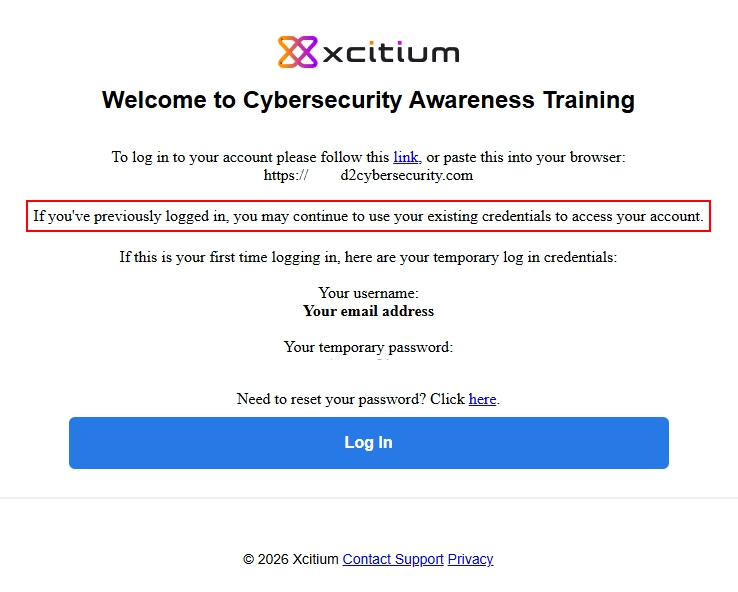
Course Welcome Email

Your organization has enrolled you in Xcitium Cybersecurity's Cyber Awareness Education program, and you have not yet fully completed your courseware.
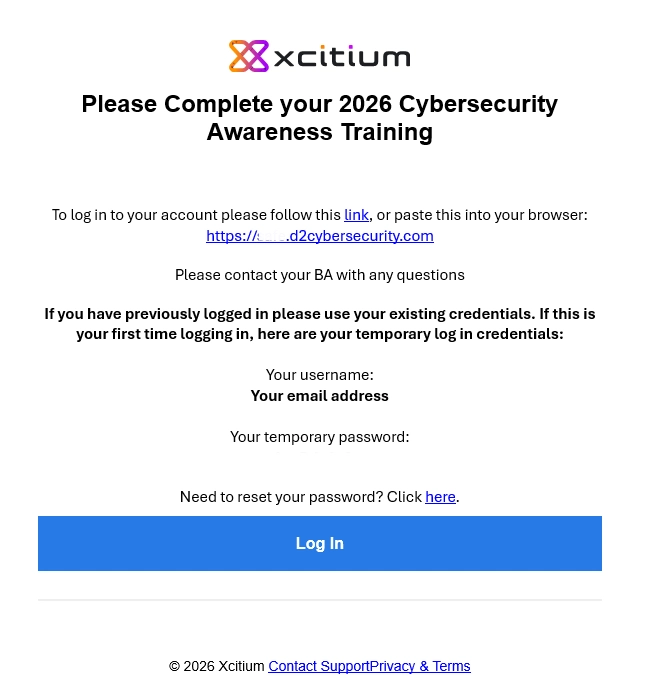
Why am I receiving this email
Please refer to the link provided near the bottom of your reminder email for login issues. This link will help you reset your password. If you continue to have issues, reach out to d2support@xcitium.com with your First Name, Last Name, Email Address that received the reminder email, and Organization.
Once logged into your training account through the login link provided in your reminder email, you may view your course modules by clicking on "My courses" at the top of your screen.
Cybersecurity Awareness Materials

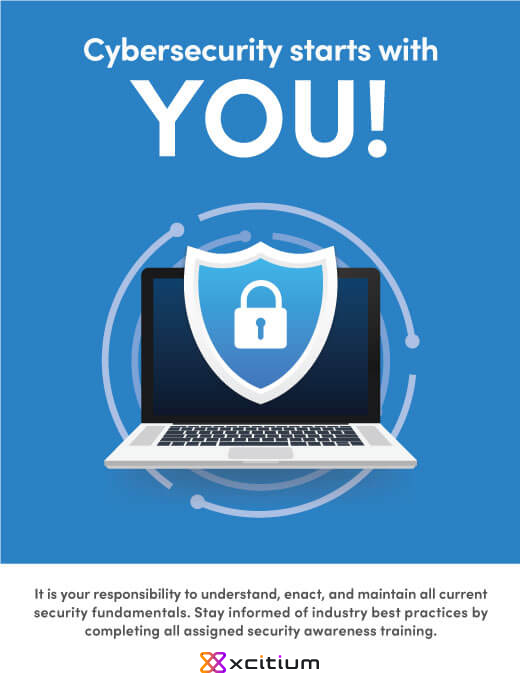
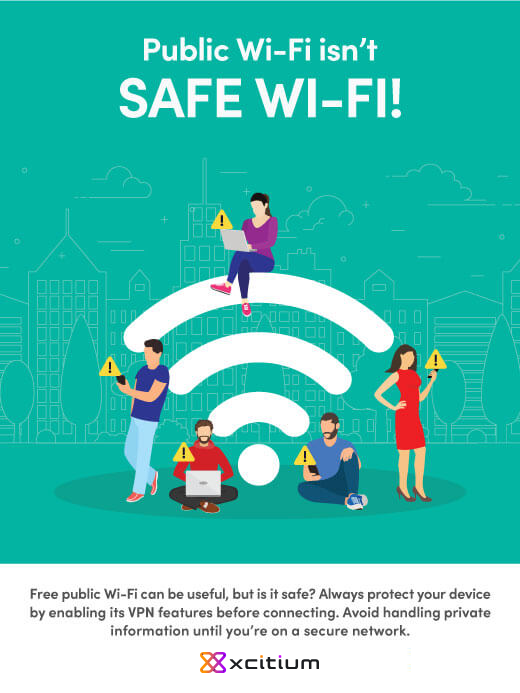
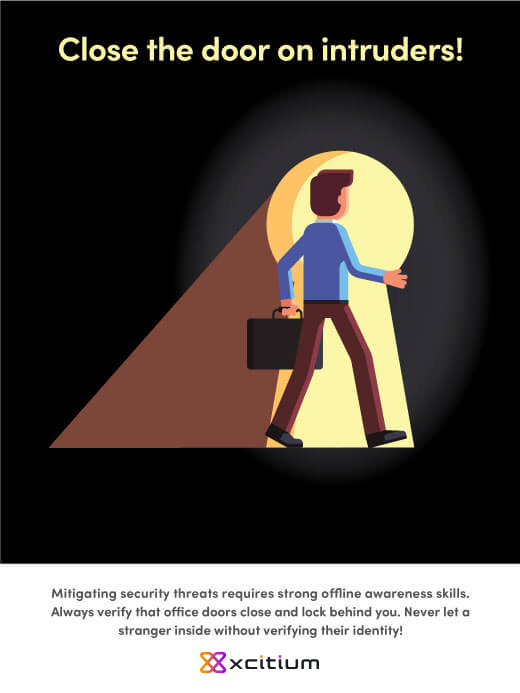
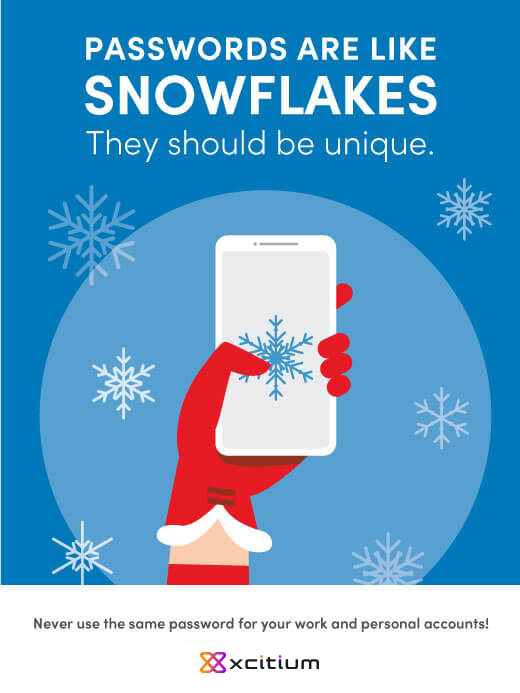
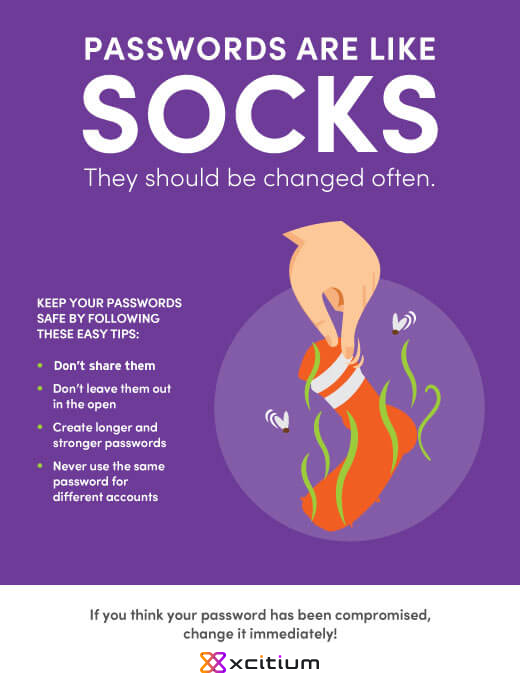
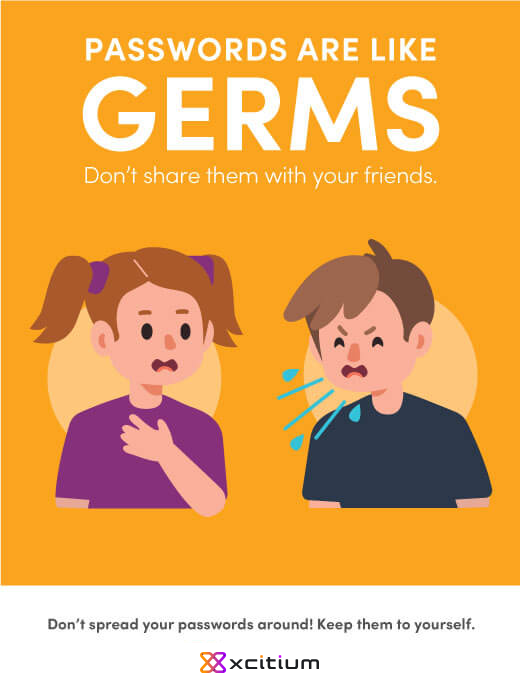
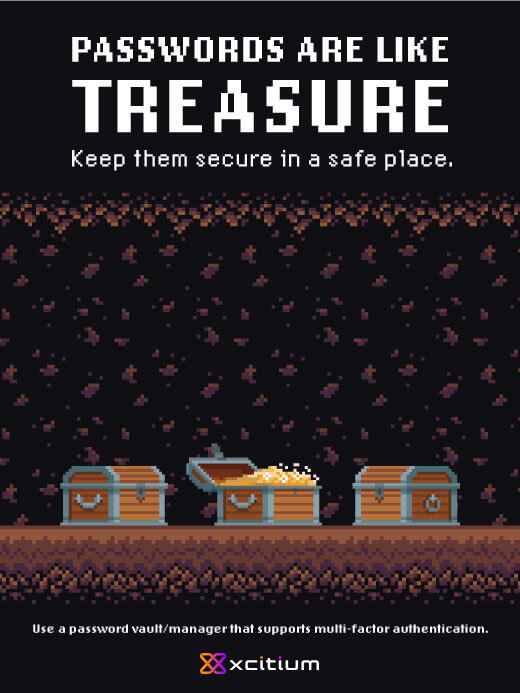
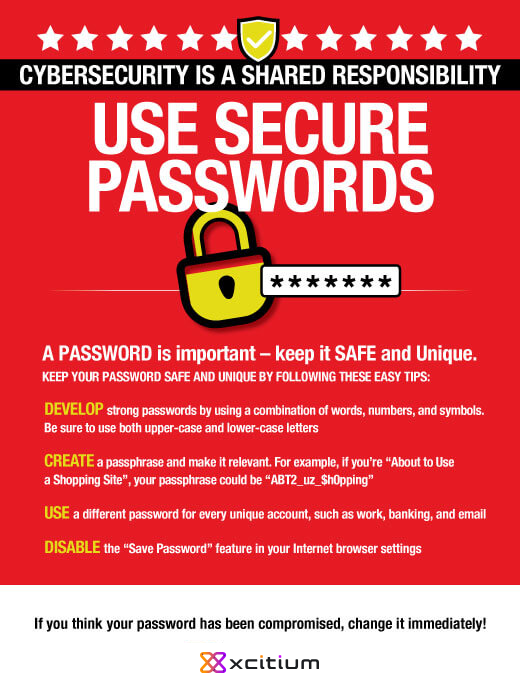
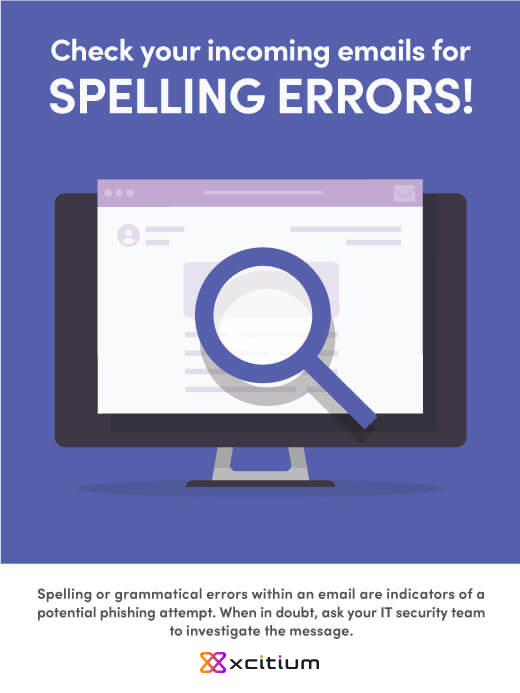
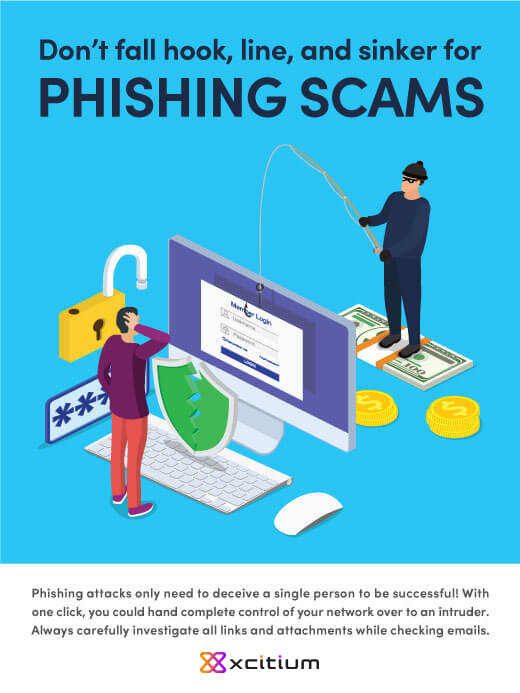
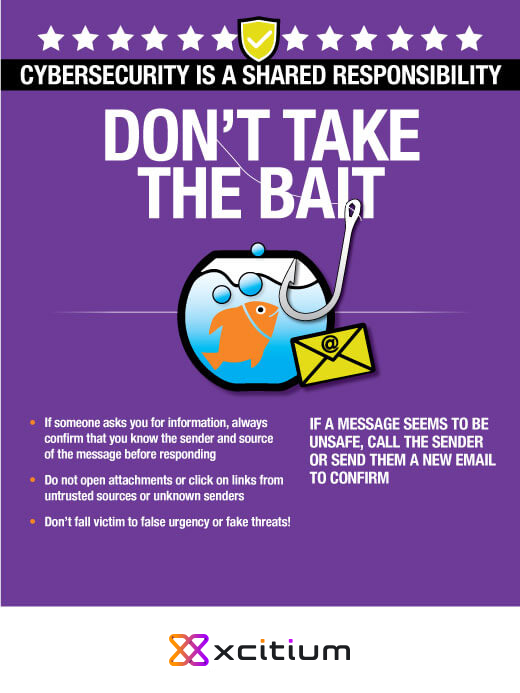
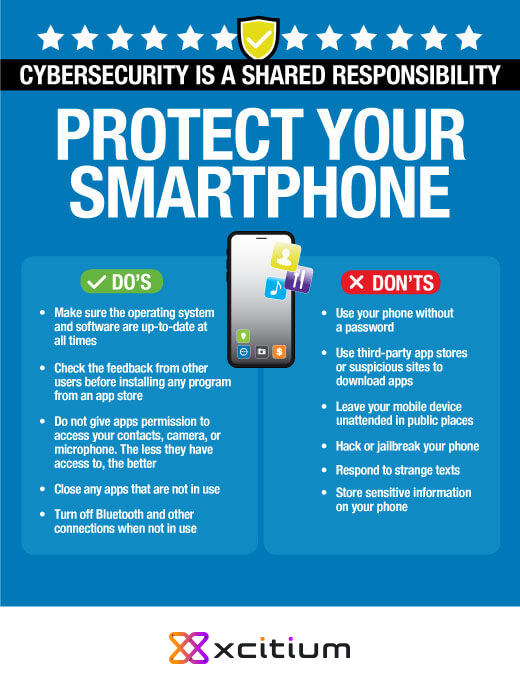
Download our collection of professionally designed cybersecurity awareness posters for use in your workspace. Each poster combines bright visuals and useful tips to keep viewers mindful of cybersecurity best practices.

Cybersecurity Poster 1
Get the Multi-pack
DownloadDownload Poster
Cybersecurity Poster 2
First Line of Defense
DownloadDownload Poster
Cybersecurity Poster 3
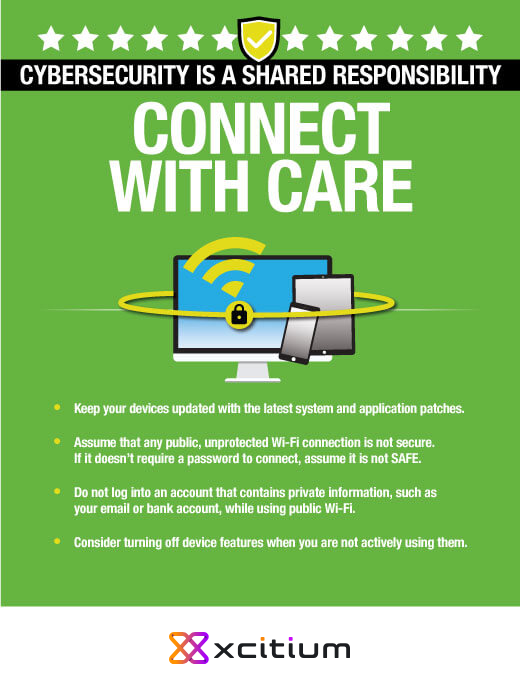
Public Wi-Fi
DownloadDownload Poster
Cybersecurity Poster 4
Social Engineering
DownloadDownload Poster
Cybersecurity Poster 5
Password Security
DownloadDownload Poster
Cybersecurity Poster 6
Password Security
DownloadDownload Poster
Cybersecurity Poster 7
Password Security
DownloadDownload Poster
Cybersecurity Poster 8
Password Security
DownloadDownload Poster
Cybersecurity Poster 9
Password Security
DownloadDownload Poster
Cybersecurity Poster 10
Phishing Tip
DownloadDownload Poster
Cybersecurity Poster 11
Phishing Tip
DownloadDownload Poster
Cybersecurity Poster 12
Phishing Tip
DownloadDownload Poster
Cybersecurity Poster 13
Smartphone Security
DownloadDownload Poster
Cybersecurity Poster 14
Internet Security
DownloadDownload Poster

By clicking “Accept All" button, you agree to the storing of cookies on your device to enhance site navigation, analyze site usage, and assist in our marketing efforts. Cookie Disclosure

Manage Consent Preferences

When you visit any website, it may store or retrieve information on your browser, mostly in the form of cookies. This information might be about you, your preferences or your device and is mostly used to make the site work as you expect it to. The information does not usually directly identify you, but it can give you a more personalized web experience. Because we respect your right to privacy, you can choose not to allow some types of cookies. Click on the different category headings to find out more and change our default settings. However, blocking some types of cookies may impact your experience of the site and the services we are able to offer.

These cookies are necessary for the website to function and cannot be switched off in our systems. They are usually only set in response to actions made by you which amount to a request for services, such as setting your privacy preferences, logging in or filling in forms. You can set your browser to block or alert you about these cookies, but some parts of the site will not then work. These cookies do not store any personally identifiable information.
These cookies allow us to count visits and traffic sources so we can measure and improve the performance of our site. They help us to know which pages are the most and least popular and see how visitors move around the site. All information these cookies collect is aggregated and therefore anonymous. If you do not allow these cookies we will not know when you have visited our site, and will not be able to monitor its performance.
These cookies enable the website to provide enhanced functionality and personalisation. They may be set by us or by third party providers whose services we have added to our pages. If you do not allow these cookies then some or all of these services may not function properly.
These cookies may be set through our site by our advertising partners. They may be used by those companies to build a profile of your interests and show you relevant adverts on other sites. They do not store directly personal information, but are based on uniquely identifying your browser and internet device. If you do not allow these cookies, you will experience less targeted advertising.
Breach Alert
Experiencing a Breach?

Lock In 10 Free Hours of Incident Response