Windows Antivirus Protection: A Complete Guide for Secure Systems
Updated on January 9, 2026, by Xcitium
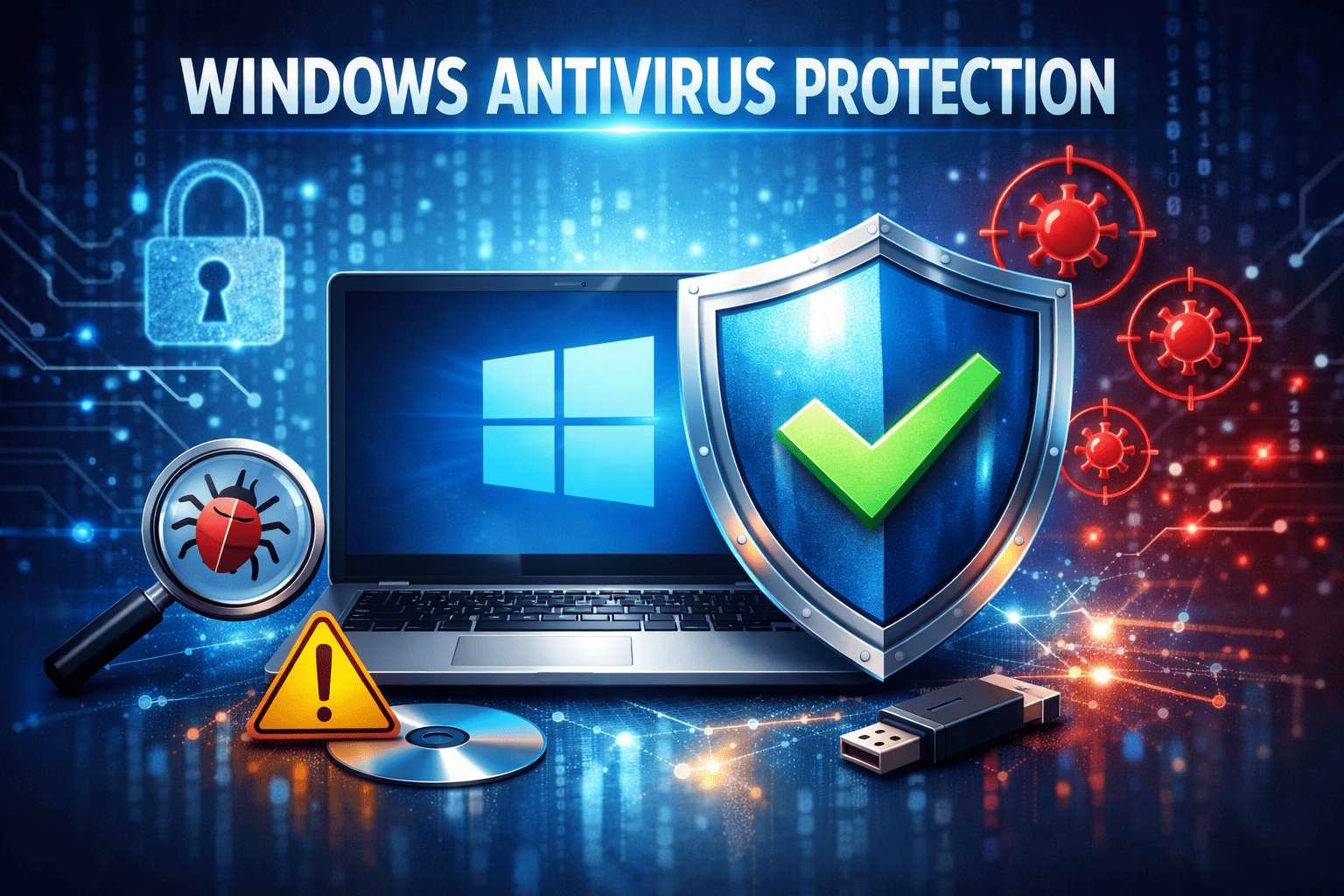
How secure is your Windows system right now? With ransomware attacks, phishing campaigns, and zero-day exploits on the rise, relying on basic defenses is no longer enough. This is why windows antivirus protection plays a critical role in safeguarding personal devices and enterprise environments alike.
For cybersecurity professionals, IT managers, and business leaders, Windows antivirus protection is more than a checkbox feature—it is a foundational layer of endpoint defense. In this guide, we’ll explore how Windows antivirus protection works, its strengths and limitations, and how organizations can enhance it to meet modern security demands.
What Is Windows Antivirus Protection?
Windows antivirus protection refers to the built-in and third-party security solutions designed to protect Windows operating systems from malware, viruses, spyware, ransomware, and other cyber threats.
At the core of Windows antivirus protection is Microsoft Defender Antivirus, which comes preinstalled on modern Windows versions. It continuously monitors files, applications, and network activity to detect malicious behavior.
Windows antivirus protection operates in real time, scanning for known threats while also using behavioral analysis to identify suspicious activity. This layered approach helps prevent infections before they can cause damage.
How Windows Antivirus Protection Works
To understand the value of windows antivirus protection, it’s important to know how it functions behind the scenes.
Windows antivirus protection uses a combination of:
-
Signature-based detection
-
Behavioral analysis
-
Heuristic scanning
-
Cloud-based threat intelligence
When a file or process runs, the antivirus engine checks it against known threat databases. If something looks suspicious, it is blocked, quarantined, or removed automatically.
This real-time defense is essential for stopping threats such as ransomware and fileless malware.
Key Features of Windows Antivirus Protection
Modern Windows antivirus protection offers far more than basic virus scanning.
Core features include:
-
Real-time threat detection
-
Automatic updates
-
Cloud-powered protection
-
Ransomware protection
-
Exploit prevention
-
Firewall integration
For many users, these features provide a solid baseline of malware protection for Windows systems.
Windows Defender Antivirus: Built-In Protection Explained
Windows Defender Antivirus is the default antivirus engine within Windows Security. It is tightly integrated with the operating system, which allows for deeper visibility and faster response.
Benefits of Windows Defender antivirus:
-
No additional cost
-
Seamless OS integration
-
Automatic updates from Microsoft
-
Low system performance impact
For small businesses and home users, Windows Defender antivirus often serves as the primary layer of windows antivirus protection.
Limitations of Native Windows Antivirus Protection
While Windows antivirus protection is effective against common threats, it has limitations—especially in enterprise environments.
Common limitations include:
-
Limited advanced threat hunting
-
Minimal visibility into attack chains
-
Reactive rather than proactive defense
-
Reduced control over remediation actions
Sophisticated attackers often bypass traditional antivirus engines using fileless techniques and living-off-the-land tools.
This is why many organizations enhance windows antivirus protection with advanced endpoint security solutions.
Windows Antivirus Protection and Ransomware Defense
Ransomware remains one of the most damaging cyber threats today. Windows antivirus protection includes basic ransomware safeguards, such as controlled folder access and behavior monitoring.
However, ransomware attacks have evolved rapidly.
Effective ransomware protection requires:
-
Behavior-based detection
-
Automated containment
-
Rapid rollback and recovery
-
Continuous monitoring
Relying solely on signature-based antivirus leaves systems vulnerable to new ransomware variants.
Endpoint Security vs Traditional Antivirus
Understanding the difference between endpoint security and windows antivirus protection is critical for IT decision-makers.
-
Traditional antivirus focuses on known malware
-
Endpoint security provides full visibility, detection, and response
Endpoint security platforms extend Windows antivirus protection by adding:
-
Endpoint Detection and Response (EDR)
-
Zero-trust enforcement
-
Threat intelligence correlation
-
Automated remediation
For modern businesses, antivirus alone is no longer sufficient.
Windows Antivirus Protection in Enterprise Environments
In enterprise settings, Windows antivirus protection must scale across hundreds or thousands of endpoints.
Enterprise challenges include:
-
Managing multiple devices
-
Detecting lateral movement
-
Handling insider threats
-
Meeting compliance requirements
IT teams need centralized management, reporting, and automation to effectively secure Windows endpoints.
This is where advanced platforms built on top of Windows antivirus protection become essential.
Best Practices for Strengthening Windows Antivirus Protection
To maximize the effectiveness of windows antivirus protection, organizations should follow proven best practices.
Actionable best practices:
-
Keep antivirus definitions up to date
-
Enable real-time and cloud-based protection
-
Restrict administrative privileges
-
Monitor antivirus alerts centrally
-
Combine antivirus with EDR solutions
Security works best when antivirus is part of a layered defense strategy.
Windows Antivirus Protection and Zero-Trust Security
Zero-trust security models assume no device or user is inherently trusted. Windows antivirus protection plays a supporting role in this approach.
In zero-trust environments:
-
Antivirus verifies endpoint health
-
Access is granted based on risk
-
Compromised systems are isolated automatically
This integration improves resilience against modern attack techniques.
Common Misconceptions About Windows Antivirus Protection
Many organizations misunderstand the role of antivirus.
Common myths:
-
“Built-in antivirus is enough for enterprises”
-
“Antivirus stops all cyberattacks”
-
“If nothing is detected, nothing is wrong”
In reality, antivirus is just one layer. Advanced threats often evade detection without additional controls.
The Future of Windows Antivirus Protection
Windows antivirus protection continues to evolve, driven by AI and cloud intelligence.
Future trends include:
-
AI-powered detection
-
Automated response and remediation
-
Deeper OS-level integration
-
Stronger ransomware rollback
Despite improvements, antivirus alone will not replace full endpoint protection platforms.
Final Thoughts: Why Windows Antivirus Protection Still Matters
Windows antivirus protection remains a critical foundation for endpoint security. It provides essential protection against known threats and helps reduce attack surfaces.
However, as threats grow more advanced, organizations must go beyond basic antivirus. Combining Windows antivirus protection with modern endpoint detection and response ensures visibility, control, and resilience.
For IT managers, cybersecurity teams, and executives, the goal is not just detection—but prevention, response, and recovery.
Take the Next Step Toward Advanced Windows Protection
Basic antivirus is no longer enough to stop today’s cyber threats. If you want stronger visibility, automated response, and real protection against ransomware and zero-day attacks, it’s time to upgrade your approach.
👉 Get started today:
https://openedr.platform.xcitium.com/register/
Frequently Asked Questions (FAQs)
1. Is Windows antivirus protection good enough?
Windows antivirus protection is effective for basic threats, but advanced attacks require additional endpoint security layers.
2. Does Windows Defender protect against ransomware?
Yes, but only at a basic level. Advanced ransomware protection requires behavioral detection and automated response.
3. Can Windows antivirus protection slow down systems?
Modern Windows antivirus protection is lightweight and optimized for performance.
4. Should businesses rely only on built-in antivirus?
No. Enterprises should combine antivirus with EDR and zero-trust security solutions.
5. How often should Windows antivirus be updated?
Antivirus definitions should update automatically and frequently to protect against emerging threats.