Best Malicious Software Removal: A Complete Guide for Modern Cyber Threats
Updated on January 9, 2026, by Xcitium
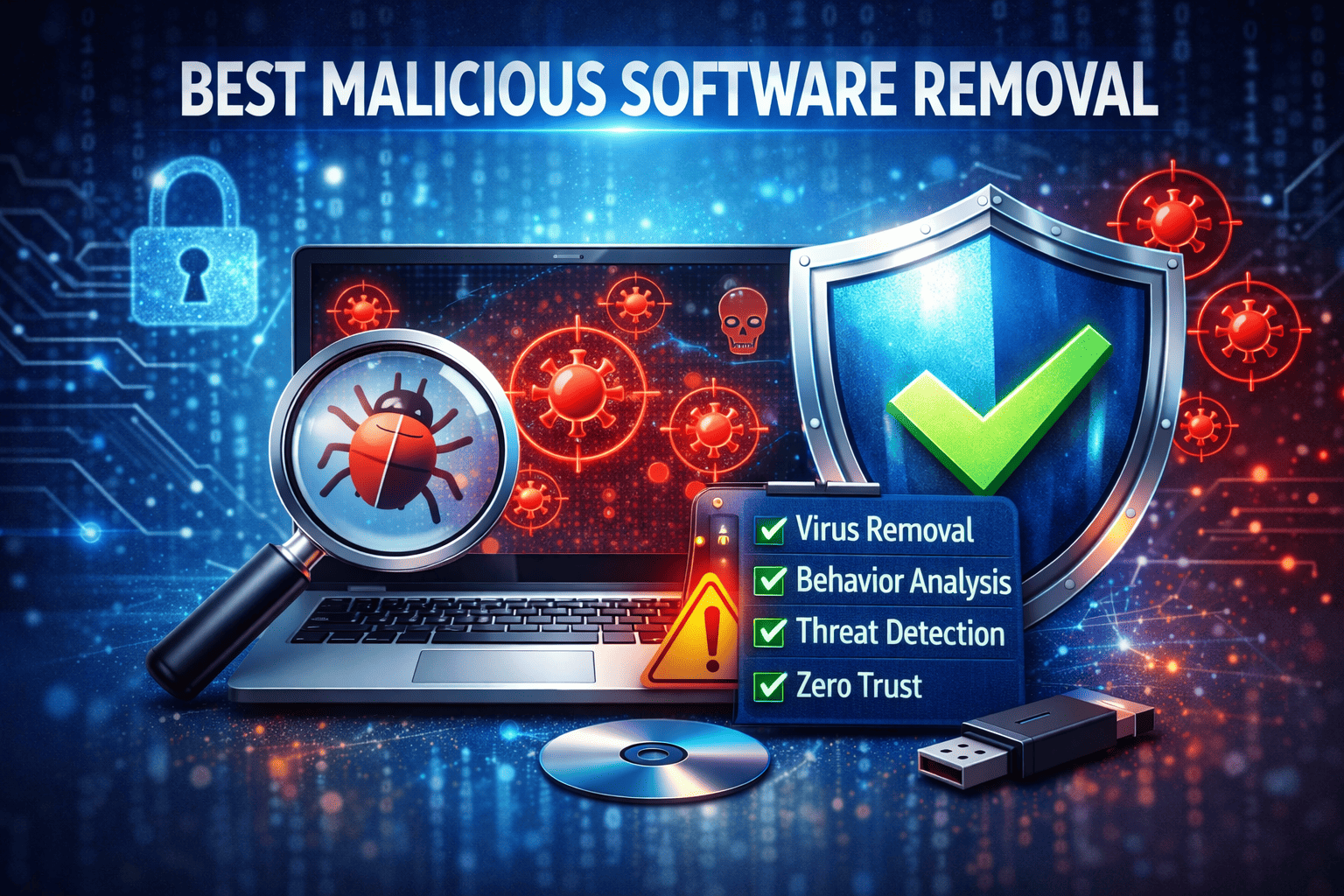
Is your organization truly protected from today’s rapidly evolving cyber threats—or are malicious programs already lurking inside your network without you knowing it?
Malware attacks are no longer limited to amateur hackers or random viruses. Modern cybercriminals deploy highly sophisticated malicious software designed to steal data, disrupt operations, and cripple businesses of every size. That’s why choosing the best malicious software removal solution is no longer optional—it’s mission-critical.
In this in-depth guide, we’ll explore what malicious software really is, how it infiltrates systems, why traditional antivirus tools often fall short, and how to choose the best malicious software removal strategy for enterprise-grade protection.
What Is Malicious Software and Why Is It So Dangerous?
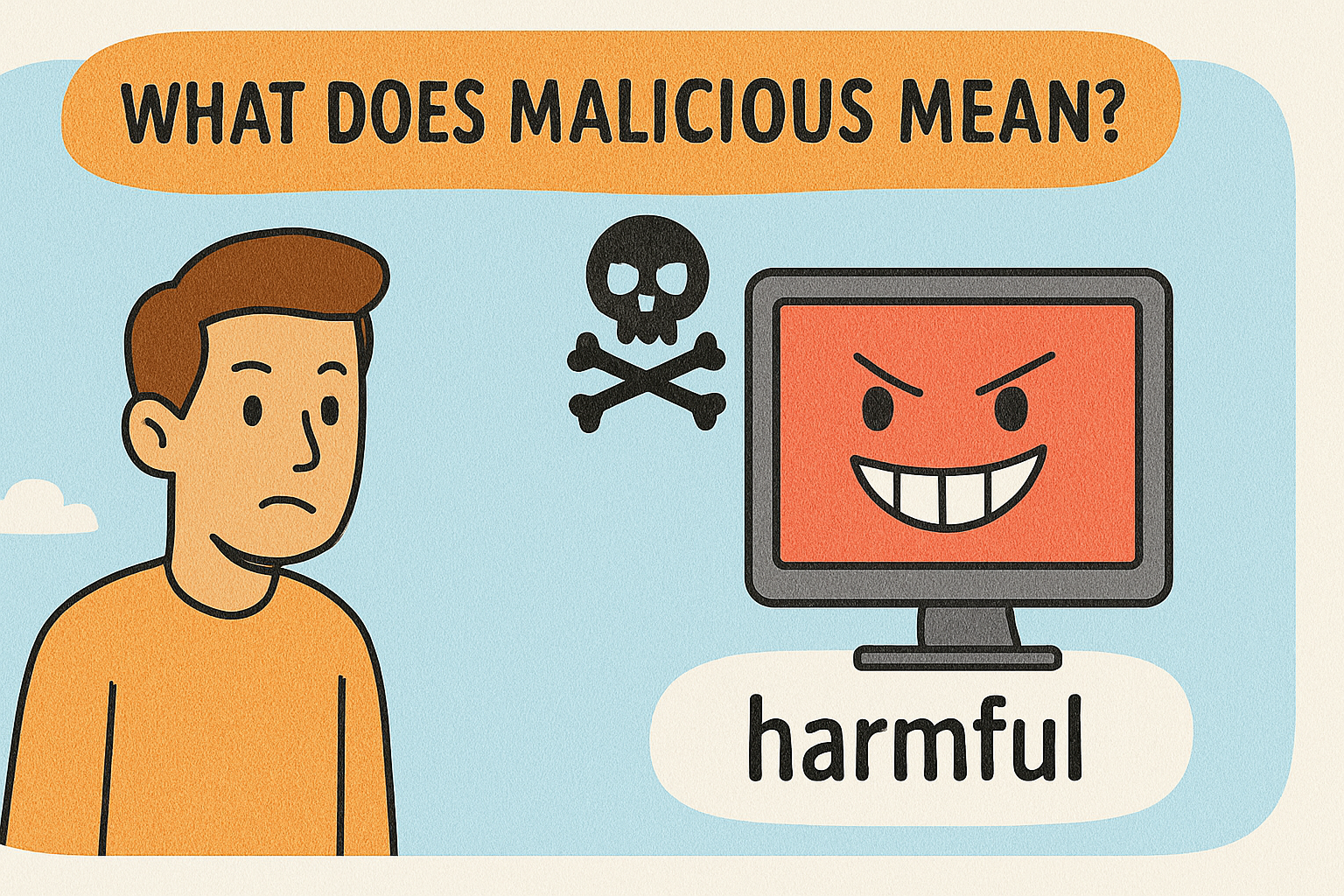
Malicious software—commonly referred to as malware—is any program intentionally designed to harm systems, steal information, or gain unauthorized access. Unlike older viruses, modern malware operates silently, often bypassing basic security controls.
Common Types of Malicious Software
-
Viruses & Worms – Self-replicating code that spreads across systems
-
Trojans – Disguised as legitimate software
-
Ransomware – Encrypts data and demands payment
-
Spyware & Keyloggers – Steals credentials and sensitive data
-
Rootkits – Hides deep within operating systems
-
Fileless Malware – Operates in memory, leaving no trace on disk
Without the best malicious software removal, these threats can remain undetected for months.
Why Traditional Antivirus Is No Longer Enough
Many organizations still rely on legacy antivirus tools that depend on signature-based detection. Unfortunately, modern malware evolves faster than signature databases can keep up.
Key Limitations of Traditional Antivirus
-
Cannot detect zero-day threats
-
Ineffective against fileless malware
-
Easily bypassed by polymorphic attacks
-
Limited behavioral analysis
-
Poor visibility into advanced threats
This gap is exactly why businesses must adopt best malicious software removal solutions that go beyond basic detection.
How Malicious Software Enters Your Systems
Understanding how malware spreads is essential to removing and preventing it effectively.
Common Infection Vectors
-
Phishing emails with malicious attachments
-
Compromised websites and drive-by downloads
-
Unpatched software vulnerabilities
-
USB devices and removable media
-
Supply-chain attacks
Once inside, malware can escalate privileges, disable defenses, and spread laterally—unless stopped by the best malicious software removal technology.
Key Features of the Best Malicious Software Removal Solutions
Not all malware removal tools are created equal. The most effective solutions combine multiple security layers to detect, contain, and eliminate threats in real time.
Essential Capabilities to Look For
-
Real-Time Behavioral Detection
-
AI-Driven Threat Analysis
-
Zero-Trust Execution
-
Rollback and Remediation
-
Endpoint Visibility and Control
-
Cloud-Based Threat Intelligence
A truly best malicious software removal solution doesn’t just clean infections—it prevents them entirely.
Behavioral Analysis: The Game Changer in Malware Removal
Behavior-based detection focuses on what software does, not what it looks like. This approach identifies threats even if they’ve never been seen before.
Why Behavioral Detection Matters
-
Stops zero-day attacks
-
Detects fileless malware
-
Identifies suspicious process behavior
-
Prevents lateral movement
Behavioral analysis is now a cornerstone of the best malicious software removal strategies used by modern enterprises.
The Role of Zero Trust in Malware Removal
Zero Trust security assumes nothing is safe by default—not even trusted applications.
How Zero Trust Enhances Malware Removal
-
Unknown files run in isolated environments
-
Malware executes harmlessly inside containers
-
No access to system resources or data
-
Automatic verdicts based on behavior
By applying Zero Trust principles, organizations drastically reduce their attack surface while strengthening best malicious software removal outcomes.
Best Malicious Software Removal for Businesses vs Individuals
The malware risks facing enterprises differ significantly from those targeting home users.
Enterprise Needs
-
Centralized management
-
Compliance support
-
Endpoint detection and response (EDR)
-
Advanced reporting and analytics
Individual Needs
-
Basic malware scanning
-
Real-time alerts
-
Minimal system impact
For businesses, only enterprise-grade best malicious software removal platforms can handle the complexity of modern threats.
How IT Managers Can Implement an Effective Malware Removal Strategy
A successful malware removal plan isn’t just about tools—it’s about process.
Step-by-Step Approach
-
Deploy advanced endpoint protection
-
Enable real-time monitoring and alerts
-
Segment networks to limit spread
-
Apply least-privilege access
-
Regularly update and patch systems
-
Train employees on phishing awareness
Combining strategy with the best malicious software removal ensures long-term cyber resilience.
Industry-Specific Malware Risks You Should Know
Different industries face different attack patterns.
High-Risk Industries
-
Healthcare – Ransomware targeting patient records
-
Finance – Banking trojans and credential theft
-
Manufacturing – Operational disruption malware
-
Retail – POS malware and card skimming
-
Technology – Supply-chain and IP theft attacks
Choosing the best malicious software removal tailored to your industry is essential for effective defense.
Signs Your System May Already Be Infected
Even advanced organizations can miss early indicators.
Red Flags to Watch For
-
Unexplained system slowdowns
-
Unexpected network traffic
-
Unauthorized login attempts
-
Disabled security tools
-
Unknown background processes
Immediate action using the best malicious software removal can prevent further damage.
Best Practices to Prevent Future Malware Infections
Removal is only half the battle—prevention is equally important.
Proven Prevention Tips
-
Use advanced endpoint protection
-
Enable multi-factor authentication
-
Conduct regular vulnerability scans
-
Monitor system behavior continuously
-
Back up critical data securely
The best malicious software removal solutions integrate prevention and remediation into a single platform.
Why Automated Malware Removal Is the Future
Manual malware removal is slow, error-prone, and outdated.
Benefits of Automation
-
Faster threat containment
-
Reduced human error
-
Continuous protection
-
Scalable across thousands of endpoints
Automation is now a defining feature of the best malicious software removal platforms.
Frequently Asked Questions (FAQs)
1. What is the best malicious software removal solution for enterprises?
The best solutions use AI, behavioral analysis, Zero Trust execution, and real-time threat intelligence to prevent and remove advanced malware.
2. Can malware hide from antivirus software?
Yes. Fileless malware and zero-day threats can bypass traditional antivirus, which is why advanced best malicious software removal tools are essential.
3. How often should malware scans be performed?
Continuous real-time monitoring is recommended rather than scheduled scans alone.
4. Is malware removal enough to stay protected?
No. Prevention, detection, containment, and remediation must work together for full protection.
5. Can malware removal tools impact system performance?
Modern solutions are lightweight and cloud-assisted, minimizing system impact while delivering robust security.
Final Thoughts: Choose Protection That Works Before Damage Occurs
Cyber threats aren’t slowing down—and attackers only need to succeed once. Relying on outdated tools leaves organizations vulnerable to devastating breaches, downtime, and financial loss.
Investing in the best malicious software removal is no longer just about cleaning infections—it’s about preventing them before they can cause harm.
🚀 Take the Next Step Toward Stronger Protection
Protect your systems with advanced, Zero-Trust-based malware defense today.
👉 Get started now:
https://openedr.platform.xcitium.com/register/
Don’t wait for an attack to expose weaknesses—secure your business with confidence today.