Here’s How To Test Ransomware Protection
Updated on October 11, 2022, by Xcitium

The history of the digital computer is riddled with issues of malware attacks and privacy problems. We have our personal tales as to how computer viruses, worms, and other forms of malware have infected our personal and professional lives. One malware that has created major problems in recent years is ransomware. It ha. s stolen data from computer systems thereby exposing users to fraudulent and illegal activities.
It is essential that users know how to test ransomware protection in order to make their computer use safe. Also, it is helpful to understand how ransomware simulator and ransomware simulator script work so that users will have an idea of the impact of ransomware on the computers of users. Such knowledge would empower people to choose the best protection for their devices.
Defining Ransomware
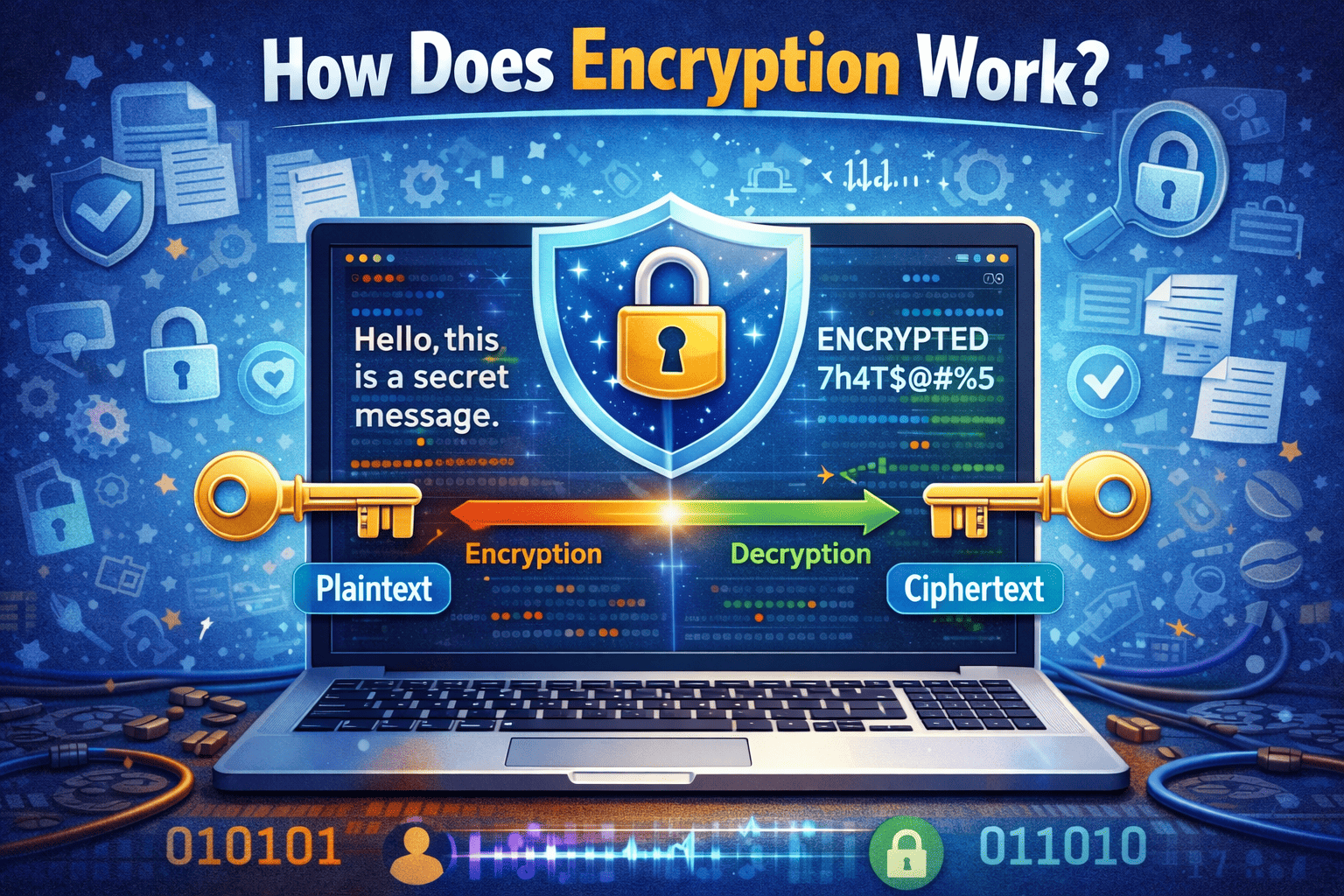
Ransomware is a term generally used to refer to malicious software that steals access to data of a computer system. Hackers would ask for a certain amount of money as a ransom. Oftentimes, this infection results in the loss of data or even in some cases loss of access to the entire computer system. Once the corrupted files are encrypted, users need the decryption programs from the hackers. It is essential to note though that affected users must not pay the ransom. Giving money to hackers will only create bigger problems in the future.
It is not surprising then that people would be curious about how to test ransomware protection. Others would even download ransomware simulator or ransomware simulator script in order to know how their computers might be affected. This would give them an idea of what types of files could be encrypted in their computer systems.
Threats Of Ransomware
Aside from knowing how to test ransomware protection, it is also important for users to understand the dangers of ransomware. Ransomware simulator available online can be a helpful guide for users to know the extent of ransomware to their devices. Also, they can install a ransomware simulator script to help them imagine the effect of ransomware on their personal devices.
For those who are unable to download ransomware simulator or run a ransomware simulator script on their computer, they have to realize that ransomware could potentially wipe out the content of their devices. Since computers serve as storage facilities of our personal data, a ransomware attack could mean that we will lose photos, videos, documents, and other pertinent files that have been on our computers since they were bought.
For individual users, ransomware could mean that our private and personal files and information can be given to others. Hackers could access our family photos, financial records, or even intimate files on our devices.
How To Test Ransomware Protection
Given the dangers posed by ransomware, it is valid to ask ourselves how to test ransomware protection. We surely would want to purchase the best protection in the market. Also, we have to make sure that our money is not put in to waste. One way to get an answer to the question of how to test ransomware protection is through the use of a third-party independent site that would check whether the anti-malware program is effective.
Another way to answer the query “how to test ransomware protection” is through looking at the history and cybersecurity company where you are purchasing our protection. Ensure that you are buying from a reliable company. Look into their track record and performance in warding off malware in the past.
What To Do In The Future?
Given our work-from-home set-up in this pandemic, experts warn us to be extra careful against ransomware. We must do the necessary precaution to protect our data from being stolen by hackers. Also, it is important to know the gravity of the damage that ransomware has made to businesses and government offices before. May these previous attacks remind users that ransomware is not a laughing matter. We must pay close attention to threats that may affect the use of computer devices or even our online experiences.
One way to counter the threats of malware such as ransomware is through purchasing an anti-virus program that could filter out suspicious files. This program could also notify and alert us if the firewall and security protocol of our devices are breached. This will help us in doing necessary steps before ransomware could decrypt our files. We could save our data through backup or we could even delete the ransomware script found in our devices.
To know more information about what to look for in antivirus programs, contact Xcitium Cybersecurity today!