What is XML? A Complete Guide for IT and Cybersecurity Professionals
Updated on July 2, 2025, by Xcitium
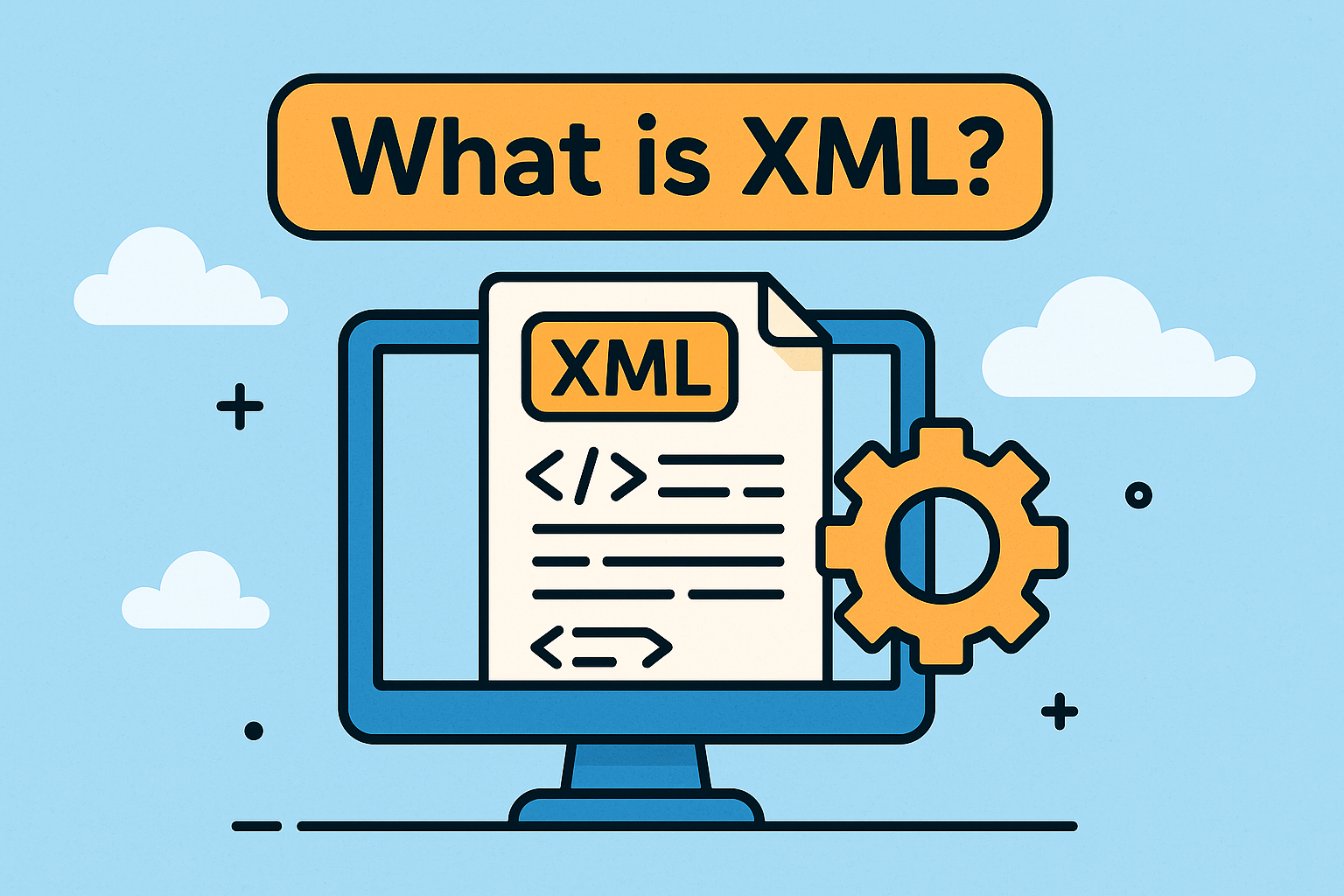
Have you ever wondered what is XML and why it still plays such a big role in technology today? Despite the rise of newer data formats, XML (eXtensible Markup Language) continues to power everything from web development to cybersecurity, API integrations, and document structuring.
If you deal with data, security, or enterprise systems, understanding XML can help you streamline operations and bolster security protocols.
What is XML?
XML stands for eXtensible Markup Language. It’s a text-based format used to store and transport structured data across platforms and systems. Unlike HTML, which is used for displaying data, XML is used for describing data.
Key Features:
- Platform-independent and human-readable
- Self-descriptive (tags define the structure)
- Supports nested, hierarchical structures
- Both machine and human-friendly
XML vs HTML: What’s the Difference?
While both are markup languages, they serve distinct purposes:
| Feature | XML | HTML |
| Purpose | Stores and transfers data | Displays data in browsers |
| Tag Definition | Custom user-defined tags | Predefined tags only |
| Structure | Strict and well-formed | Loosely structured |
| Validation | Supports schema validation (XSD) | Doesn’t validate content |
What is XML Used For?
XML is incredibly versatile. It’s used across industries and technologies, including:
- Configuration Files (e.g., .xml used in Java applications or Android)
- Data Interchange between servers and clients
- APIs & Web Services, especially SOAP-based services
- Document Formats like Microsoft Office files (.docx, .xlsx use XML)
- Security Policies & Software Configuration
- E-commerce platforms for product and transaction data
- Web Technologies for structured content and metadata
Structure of an XML File (With Example)
Here’s a simple XML example representing a book catalog:
xml
CopyEdit
<?xml version=”1.0″ encoding=”UTF-8″?>
<library>
<book>
<title>Cybersecurity 101</title>
<author>Jane Smith</author>
<year>2023</year>
</book>
</library>
Parts of XML:
- Declaration: <?xml version=”1.0″?>
- Root Element: <library>
- Child Elements: <book>, <title>, <author>, etc.
Benefits of Using XML
- ✅ Interoperability: Works across different systems and programming languages.
- ✅ Scalability: Easily handles small configs to large datasets.
- ✅ Security: Useful for defining access rules and user privileges.
- ✅ Extensibility: Users can define their own custom tags and structures.
- ✅ Validation: With XSD/DTD, ensures data follows predefined rules.
How to Open an XML File
There are several ways to open XML files:
- Text Editors: Notepad, VS Code, Sublime Text
- Web Browsers: Chrome, Firefox (read-only view)
- Spreadsheet Software: Excel can import XML for tabular view
- IDE Tools: Eclipse, IntelliJ for editing & validation
- Command Line Tools: xmllint on Linux
XML in Cybersecurity & Enterprise Environments
Why XML is Important in Cybersecurity:
- Policy Files: Many security tools use XML to define access rules.
- Log Formats: XML is used in SIEM systems for structured event logging.
- Encrypted Communication: SOAP APIs rely on XML payloads for secure data transfer.
In modern enterprise environments, XML ensures secure, consistent, and structured data exchange across microservices, cloud platforms, and legacy systems.
Challenges & Limitations of XML
- Verbosity compared to JSON
- Can become complex with deeply nested data
- Requires strict formatting (closing tags, case sensitivity)
- Slower parsing in large files vs binary formats
When to Use XML vs JSON
| Use Case | Choose XML | Choose JSON |
| Document Structure | ✅ | ❌ |
| Lightweight APIs | ❌ | ✅ |
| Complex Hierarchies | ✅ | ✅ |
| Readability | ✅ | ✅ |
| Binary/Compact Transfer | ❌ | ✅ |
Visual: XML Flow in Web Technology
Data Source → XML → Web Server → Client Parsing → Display
This will help readers grasp XML in web technology in action.
Conclusion: XML is Still Relevant in a Modern World
So, what is XML? It’s a foundational technology that enables structured, secure, and scalable data exchange. From cybersecurity configurations to enterprise document systems and beyond, XML is indispensable. Whether you’re an IT leader, web developer, or security pro, understanding XML gives you a competitive edge.
Call to Action
Looking to strengthen your digital infrastructure with intelligent, secure platforms that work across XML, APIs, and beyond?
👉 Request Your Free Demo with Xcitium
FAQs: What is XML?
1. What is the full form of XML?
XML stands for eXtensible Markup Language. It allows users to define custom tags for storing structured data.
2. Can I use XML in HTML?
Yes, XML can be embedded or referenced in HTML via <script> or as separate config files. However, it’s not directly rendered by browsers.
3. How is XML different from JSON?
XML is tag-based and can define schemas, while JSON is lighter and uses key-value pairs. XML is often preferred for complex documents or policy files.
4. Is XML still used today?
Absolutely. It’s widely used in industries like finance, security, healthcare, and enterprise software for configuration, communication, and documentation.
5. How do I open and read an XML file?
You can open it in a text editor, browser, Excel, or use command-line tools like xmllint for validation.