What is Duo Mobile? Complete Guide for IT and Cybersecurity Leaders
Updated on September 4, 2025, by Xcitium
Did you know that over 80% of data breaches involve weak or stolen credentials? Passwords alone are no longer enough to protect sensitive business data. As enterprises embrace hybrid work and cloud-first strategies, multi-factor authentication (MFA) has become a cybersecurity essential. That’s where Duo Mobile comes in.
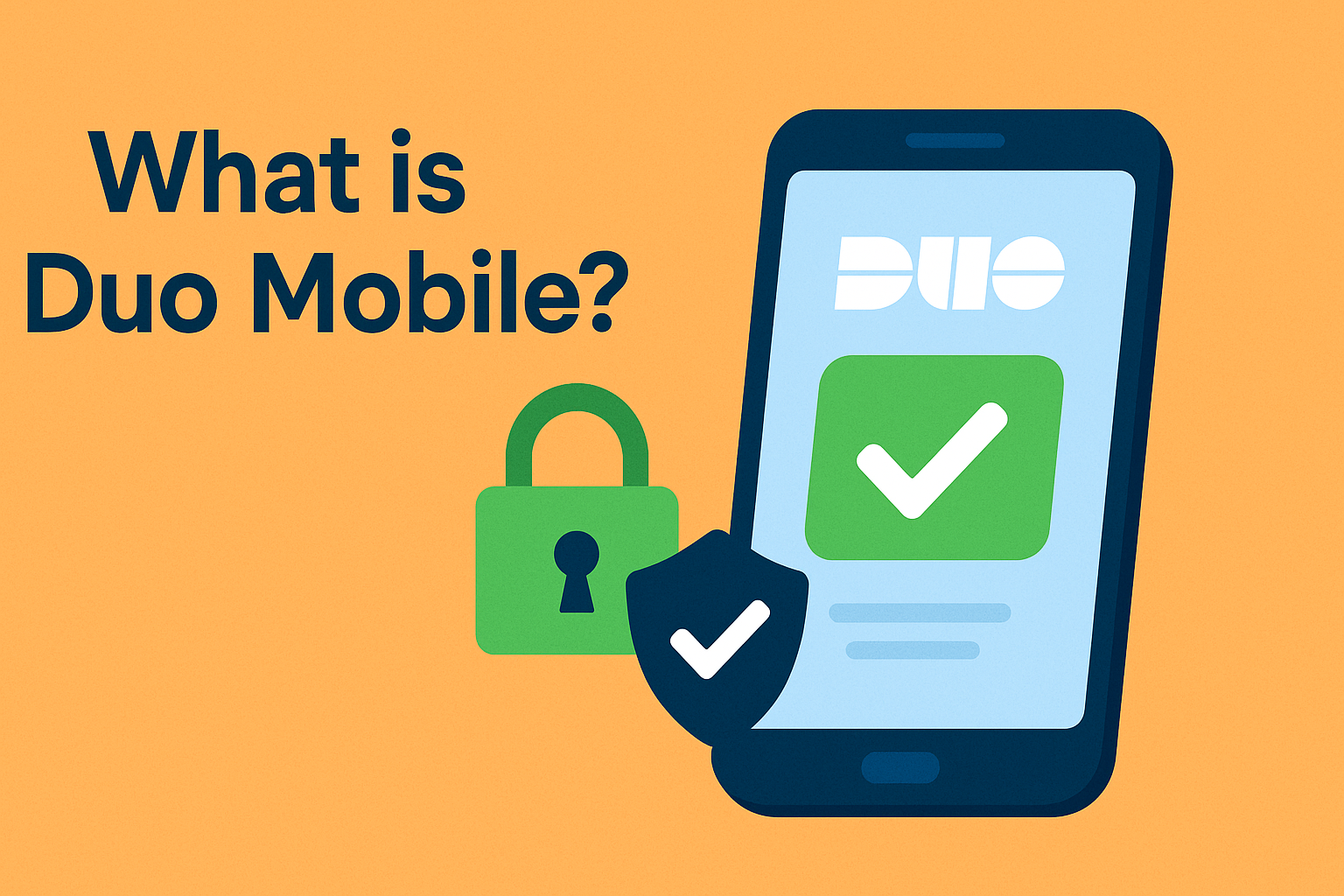
So, what is Duo Mobile? It’s a mobile application developed by Cisco’s Duo Security that provides MFA and secure login verification for enterprise accounts, apps, and devices. For IT managers, CISOs, and CEOs, Duo Mobile isn’t just an app—it’s a critical layer of defense against cyber threats and identity theft.
What is Duo Mobile?
Duo Mobile is a mobile-based authentication app that enables multi-factor authentication (MFA) by generating passcodes and sending login approval requests (push notifications). It’s part of Cisco’s Duo Security platform, widely used by enterprises for zero-trust access, endpoint security, and compliance.
Key Features of Duo Mobile:
- Push Authentication: Approve or deny login attempts with one tap.
- Passcode Generation: Works even without an internet connection.
- Biometric Integration: Supports Face ID, Touch ID, and Android biometrics.
- Secure Account Storage: Manages multiple accounts in one app.
- Device Health Checks: Verifies security posture of devices before granting access.
👉 In simple terms: Duo Mobile ensures that only the right user, on the right device, at the right time can access sensitive systems.
How Does Duo Mobile Work?
To understand what is Duo Mobile, let’s break down the authentication process:
- User Login: Employee enters username and password on a corporate system.
- Duo Mobile Prompt: The app sends a push notification to the user’s phone.
- User Verification: The employee approves (or denies) the request.
- Access Granted: Only after MFA approval is the login completed.
If the request is fraudulent (e.g., attacker tries to log in), the user can deny access instantly, alerting IT teams.
Duo Mobile vs Other Authentication Methods
| Authentication Method | Security Level | User Experience | Deployment Complexity |
| Password Only | Low | Easy | Simple |
| SMS Codes | Medium | Moderate (delays, SIM risk) | Easy |
| Hardware Tokens | High | Inconvenient to carry | Costly |
| Duo Mobile (MFA App) | Very High | Simple push or biometrics | Moderate (enterprise-ready) |
👉 Duo Mobile balances strong security with user convenience, making it ideal for enterprises.
Why Duo Mobile Matters for Cybersecurity
When IT leaders ask what is Duo Mobile used for, the answer lies in identity security, compliance, and zero trust.
1. Prevents Account Compromise
Stops attackers from logging in even if passwords are stolen.
2. Supports Zero Trust Security
Verifies user identity, device health, and location context before granting access.
3. Enables Secure Remote Work
Protects VPN, SaaS apps, and cloud services like Microsoft 365, AWS, and Salesforce.
4. Simplifies Compliance
Meets MFA requirements for HIPAA, PCI-DSS, NIST, and GDPR.
Benefits of Duo Mobile for IT & Business Leaders
For IT Managers:
- Centralized policy control.
- Easy integration with existing apps and infrastructure.
- Scalable for thousands of users.
For Cybersecurity Teams:
- Real-time monitoring of login attempts.
- Device posture checks (OS version, encryption, security status).
- Reduced risk of phishing and credential stuffing.
For CEOs & Executives:
- Protects reputation and compliance.
- Improves user experience while strengthening security.
- Reduces cost of breaches and downtime.
Duo Mobile in Action: Real-World Use Cases
- Healthcare: Doctors access patient data securely while meeting HIPAA compliance.
- Finance: MFA prevents fraudulent logins into banking systems.
- Education: Universities secure student and staff accounts across learning platforms.
- Government: Zero-trust adoption with strong identity verification.
- Corporate IT: Protects VPNs, email systems, and cloud applications.
Security Considerations with Duo Mobile
While Duo Mobile strengthens security, enterprises should address key considerations:
- Device Security: If a user’s phone is compromised, MFA could be at risk.
- Backup & Recovery: Users should set up backup codes or secondary devices.
- User Training: Employees must understand how to spot fraudulent login prompts.
- Integration Complexity: Large-scale deployments require IT planning.
👉 With proper implementation, Duo Mobile becomes a pillar of enterprise cybersecurity strategy.
Future of Duo Mobile and MFA
Cybersecurity threats continue to evolve, and Duo Mobile is adapting.
- Passwordless Authentication: Future logins may rely solely on biometrics and push approval.
- AI-Powered Anomaly Detection: Smarter alerts to flag unusual login patterns.
- Deeper Zero Trust Integration: Context-aware access based on user behavior and risk scoring.
- Cloud-First MFA Expansion: Seamless security across hybrid and multi-cloud environments.
For IT leaders, this means Duo Mobile will remain a cornerstone of identity security in the digital era.
FAQs on Duo Mobile
Q1: What is Duo Mobile in simple terms?
Duo Mobile is a mobile app that provides secure login verification through multi-factor authentication (MFA).
Q2: Does Duo Mobile work without internet?
Yes. It can generate passcodes offline if push notifications aren’t available.
Q3: Can Duo Mobile replace passwords?
Not yet fully, but it supports passwordless authentication as part of modern zero-trust strategies.
Q4: Is Duo Mobile free?
The app is free to download, but enterprise features require Duo Security subscriptions.
Q5: Who uses Duo Mobile?
Businesses in healthcare, finance, education, government, and IT use Duo Mobile to secure logins and meet compliance requirements.
Conclusion: Why Duo Mobile is Essential for Modern Enterprises
To recap, what is Duo Mobile? It’s a multi-factor authentication app that strengthens enterprise security by verifying users before granting access. For IT managers, it simplifies identity security. For cybersecurity teams, it reduces account compromise risks. For CEOs, it ensures compliance, business resilience, and trust.
As hybrid work and cloud adoption grow, Duo Mobile is no longer optional—it’s essential for protecting sensitive data and enabling secure digital transformation.
👉 Ready to strengthen your enterprise identity security? Request a Demo with Xcitium