What Is WPA2? A Complete Guide to Secure Wi-Fi Encryption
Updated on January 27, 2026, by Xcitium
If you manage networks or care about online security, you’ve likely asked: what is WPA2, and is it still safe to use today? Wi-Fi security remains one of the most common attack surfaces for businesses and individuals alike, making encryption protocols more important than ever.
Understanding what is WPA2 helps IT managers, cybersecurity teams, and executives protect sensitive data, secure wireless networks, and meet compliance requirements. While WPA2 has been the industry standard for years, evolving threats and newer protocols raise important questions about its continued use.
In this guide, we’ll explain what is WPA2, how it works, its strengths and limitations, how it compares to newer standards, and best practices for securing modern Wi-Fi networks.
What Is WPA2?
To start with the basics, what is WPA2?
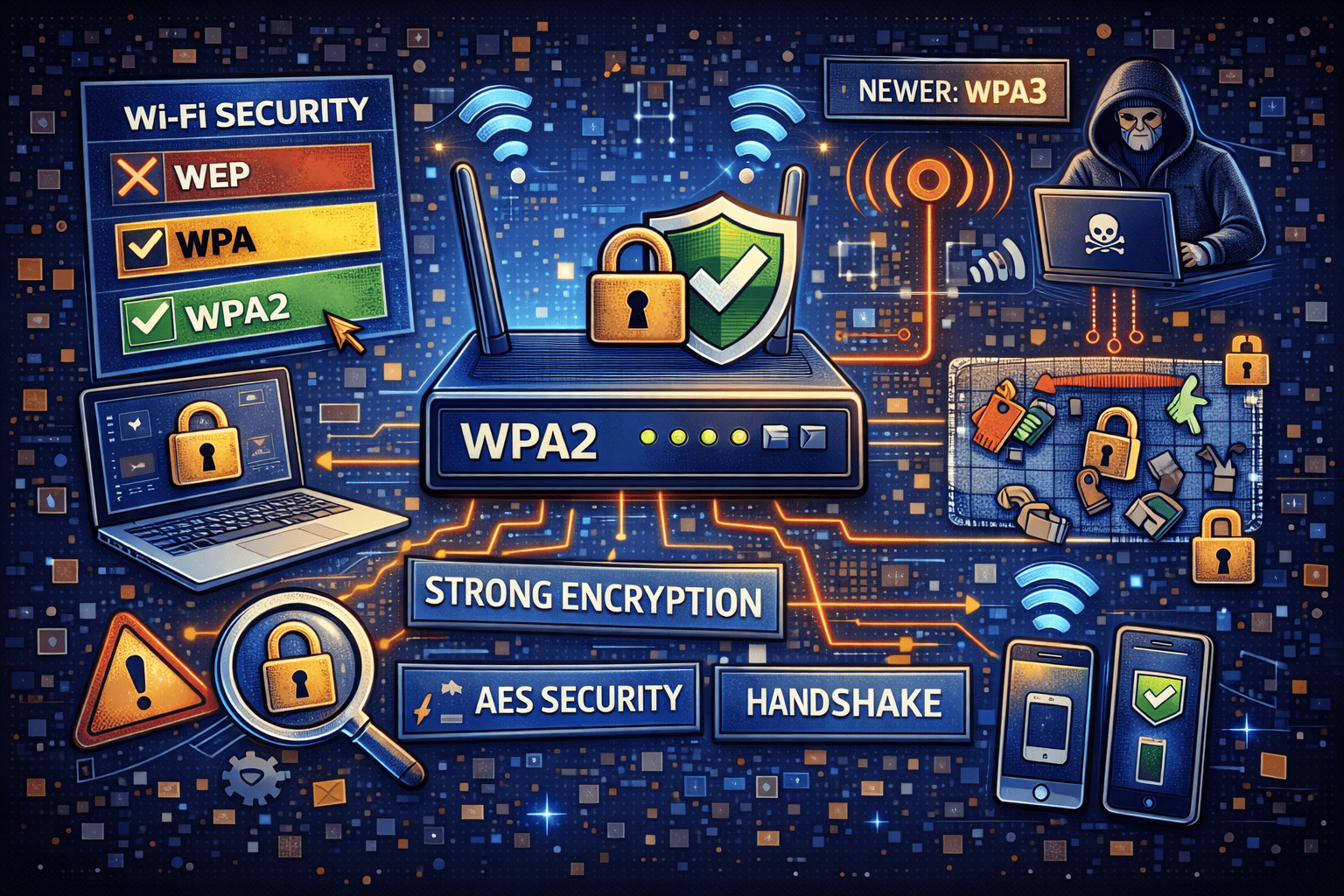
WPA2 (Wi-Fi Protected Access 2) is a wireless security protocol designed to secure Wi-Fi networks by encrypting data transmitted between devices and access points. Introduced in 2004 by the Wi-Fi Alliance, WPA2 replaced older, insecure standards such as WEP and the original WPA.
WPA2 uses strong encryption and authentication mechanisms to prevent unauthorized access, eavesdropping, and data theft over wireless connections.
Why WPA2 Was Introduced
Before WPA2, Wi-Fi security was fundamentally broken.
Problems with Older Wi-Fi Security Protocols
-
WEP used weak encryption keys that could be cracked in minutes
-
WPA improved security but relied on legacy encryption methods
-
Attackers could intercept data with basic tools
WPA2 was introduced to fix these flaws by implementing robust, modern cryptography.
How WPA2 Works
To fully understand what is WPA2, it helps to see how it protects wireless traffic.
Key WPA2 Security Components
-
AES encryption (Advanced Encryption Standard)
-
CCMP (Counter Mode with Cipher Block Chaining Message Authentication Code Protocol)
-
Strong authentication mechanisms
When a device connects to a WPA2-secured network, a secure handshake occurs to establish encrypted communication.
WPA2 Encryption Explained
One of the biggest reasons WPA2 became the standard is its encryption strength.
AES Encryption
WPA2 uses AES-128 encryption, which is approved for use by governments and enterprises worldwide. AES makes it extremely difficult for attackers to decrypt captured traffic.
Unlike older protocols, WPA2 encrypts every data packet uniquely, reducing the risk of replay attacks.
Types of WPA2 Security
When people ask what is WPA2, they’re often referring to one of two variants.
WPA2-Personal (WPA2-PSK)
-
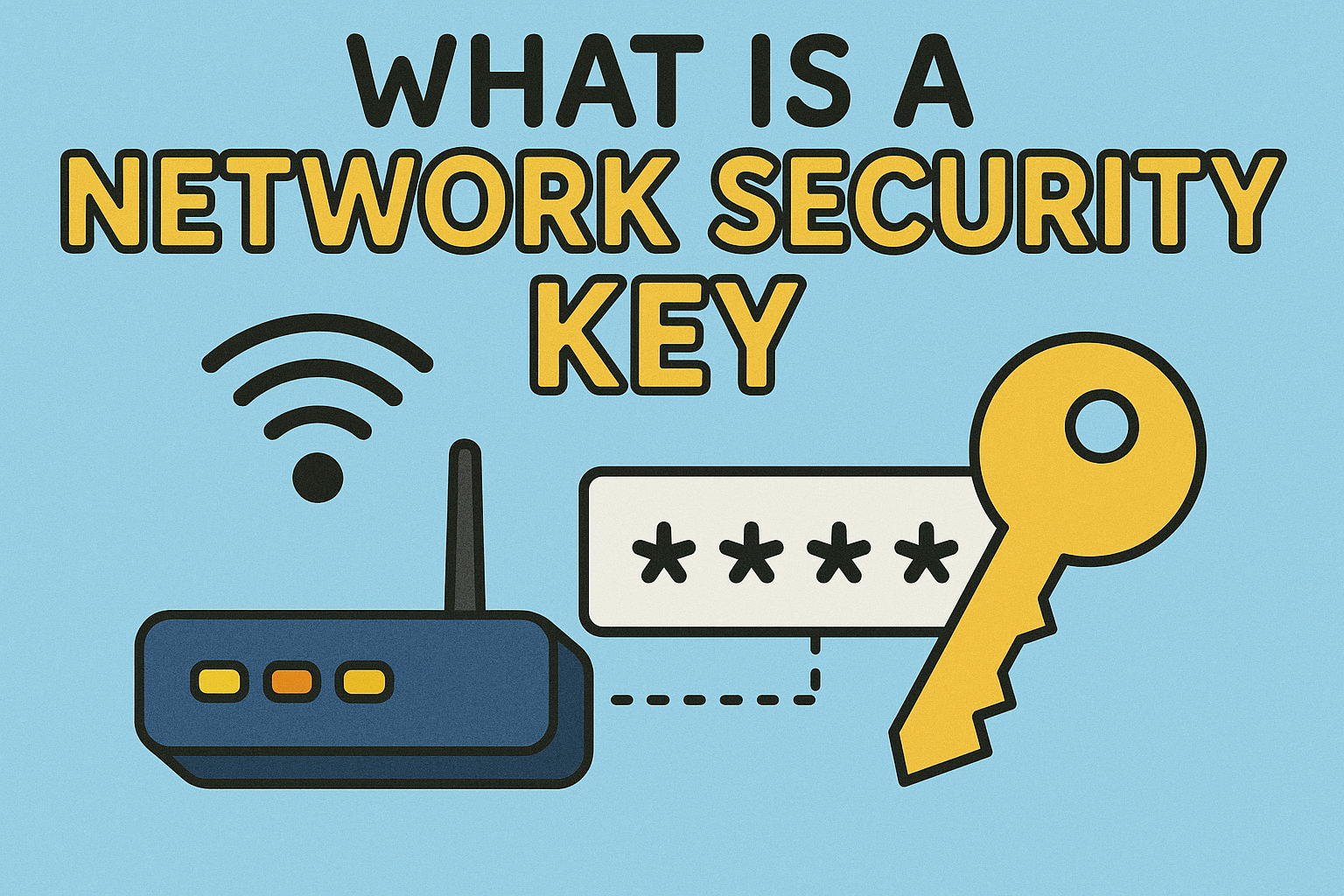
Uses a pre-shared key (password)
-
Common in homes and small businesses
-
Security depends on password strength
WPA2-Enterprise
-
Uses 802.1X authentication
-
Integrates with RADIUS servers
-
Assigns unique credentials to each user
For organizations, WPA2-Enterprise is far more secure than WPA2-Personal.
What Is WPA2 Used For?
WPA2 secures wireless communication in a wide range of environments.
Common Use Cases
-
Home Wi-Fi networks
-
Corporate wireless networks
-
Public hotspots (with additional controls)
-
Educational institutions
-
Healthcare and financial organizations
Anywhere Wi-Fi is used, WPA2 plays a role in protecting data.
Is WPA2 Secure?
A critical question for cybersecurity leaders is whether what is WPA2 still represents a secure option.
WPA2 Strengths
-
Strong AES encryption
-
Proven and widely supported
-
Compatible with most devices
WPA2 Weaknesses
-
Vulnerable to weak passwords
-
Susceptible to certain protocol-level attacks
-
Aging compared to newer standards
WPA2 is not broken, but it is no longer the most advanced option available.
The KRACK Vulnerability Explained
In 2017, researchers discovered KRACK (Key Reinstallation Attacks), which impacted WPA2.
What KRACK Did
-
Exploited weaknesses in the WPA2 handshake
-
Allowed attackers to replay encryption keys
-
Enabled limited data interception
Why WPA2 Survived
-
Most devices were patched
-
No need to abandon WPA2 entirely
-
Emphasized importance of updates
KRACK highlighted that protocol security evolves over time.
WPA2 vs WPA3: What’s the Difference?
A natural follow-up to what is WPA2 is how it compares to WPA3.
| Feature | WPA2 | WPA3 |
|---|---|---|
| Encryption | AES-128 | AES-128/192 |
| Handshake Security | Vulnerable to offline attacks | Protected |
| Password Protection | Moderate | Strong |
| IoT Support | Limited | Improved |
| Status | Legacy standard | Current standard |
WPA3 improves upon WPA2 but is not yet universally supported.
Should Businesses Still Use WPA2?
For many organizations, the reality is mixed.
WPA2 Is Still Acceptable When:
-
Devices don’t support WPA3
-
WPA2-Enterprise is used
-
Strong passwords and certificates are enforced
-
Networks are properly segmented
However, long-term security strategies should plan for WPA3 migration.
WPA2 and Enterprise Network Security
In enterprise environments, what is WPA2 goes beyond basic Wi-Fi access.
Enterprise Best Practices
-
Use WPA2-Enterprise with RADIUS
-
Implement certificate-based authentication
-
Enforce strong identity policies
-
Monitor wireless activity continuously
Wi-Fi security should integrate with broader Zero Trust frameworks.
WPA2 in Zero Trust Security Models
Zero Trust assumes no device or connection is automatically trusted.
WPA2 in Zero Trust
-
WPA2 provides encrypted transport
-
Zero Trust adds identity verification
-
Continuous monitoring detects anomalies
WPA2 handles encryption, but behavioral security must sit on top.
Common WPA2 Configuration Mistakes
Even strong encryption fails if misconfigured.
Frequent Mistakes
-
Weak Wi-Fi passwords
-
Shared credentials across users
-
Outdated firmware
-
No network segmentation
These errors turn WPA2 from a security asset into a liability.
Best Practices to Secure WPA2 Networks
To maximize WPA2 security, organizations should:
-
Use WPA2-Enterprise wherever possible
-
Enforce long, complex passwords
-
Disable WPS (Wi-Fi Protected Setup)
-
Keep firmware and devices updated
-
Monitor wireless access continuously
Security is only as strong as its weakest configuration.
WPA2 and Compliance Requirements
For regulated industries, what is WPA2 ties directly to compliance.
Compliance Relevance
-
Supports encryption requirements (HIPAA, PCI DSS)
-
Helps meet data protection standards
-
Requires proper configuration and monitoring
Misconfigured WPA2 networks can still fail audits.
The Future of WPA2
WPA2 is gradually being phased out in favor of WPA3, but it won’t disappear overnight.
What to Expect
-
Continued support for legacy devices
-
Increased pressure to migrate
-
Hybrid WPA2/WPA3 deployments
Planning ahead ensures smooth transitions without downtime.
Actionable Tips for IT Managers
If you’re managing Wi-Fi networks today:
-
Audit current WPA2 configurations
-
Identify devices that support WPA3
-
Upgrade access points where possible
-
Strengthen authentication controls
-
Monitor wireless traffic for anomalies
Security improvements don’t have to be disruptive.
Frequently Asked Questions (FAQ)
1. What is WPA2 in simple terms?
WPA2 is a Wi-Fi security standard that encrypts wireless data to prevent unauthorized access.
2. Is WPA2 still safe to use?
Yes, especially WPA2-Enterprise, but WPA3 is more secure.
3. Should I switch from WPA2 to WPA3?
If your devices support it, upgrading is recommended for stronger protection.
4. What’s the difference between WPA2-Personal and WPA2-Enterprise?
WPA2-Personal uses one password; WPA2-Enterprise uses individual user authentication.
5. Can WPA2 be hacked?
Poor configurations and weak passwords can be exploited, but properly configured WPA2 remains secure.
Final Thoughts: Does WPA2 Still Matter?
Understanding what is WPA2 remains critical for anyone managing wireless networks. While newer standards like WPA3 are emerging, WPA2 continues to protect millions of networks worldwide—when configured correctly.
That said, encryption alone isn’t enough. Modern cybersecurity demands visibility, monitoring, and proactive threat detection across all network layers.
👉 See how advanced security solutions strengthen Wi-Fi and endpoint protection beyond encryption.
Request a personalized demo today.
🔗 Request a demo:
https://www.xcitium.com/request-demo/



![what is wireless lan]](https://www.xcitium.com/blog/wp-content/uploads/2025/07/what-is-wireless-lan.png)