What Is Ethernet Connection? A Complete Guide for IT Leaders
Updated on October 13, 2025, by Xcitium
In a world where Wi-Fi dominates, many ask: what is Ethernet connection and why is it still relevant? While wireless technology offers convenience, Ethernet remains the gold standard for speed, stability, and security. According to recent studies, Ethernet connections can deliver up to 40% lower latency than Wi-Fi, making them essential for businesses that rely on real-time data, cloud applications, and cybersecurity resilience.
Introduction: Why Ethernet Still Matters in a Wireless World
This article will explore everything IT managers, CEOs, and cybersecurity professionals need to know about Ethernet connections—from how they work, to their benefits, risks, and future relevance in enterprise environments.
1. What Is Ethernet Connection?
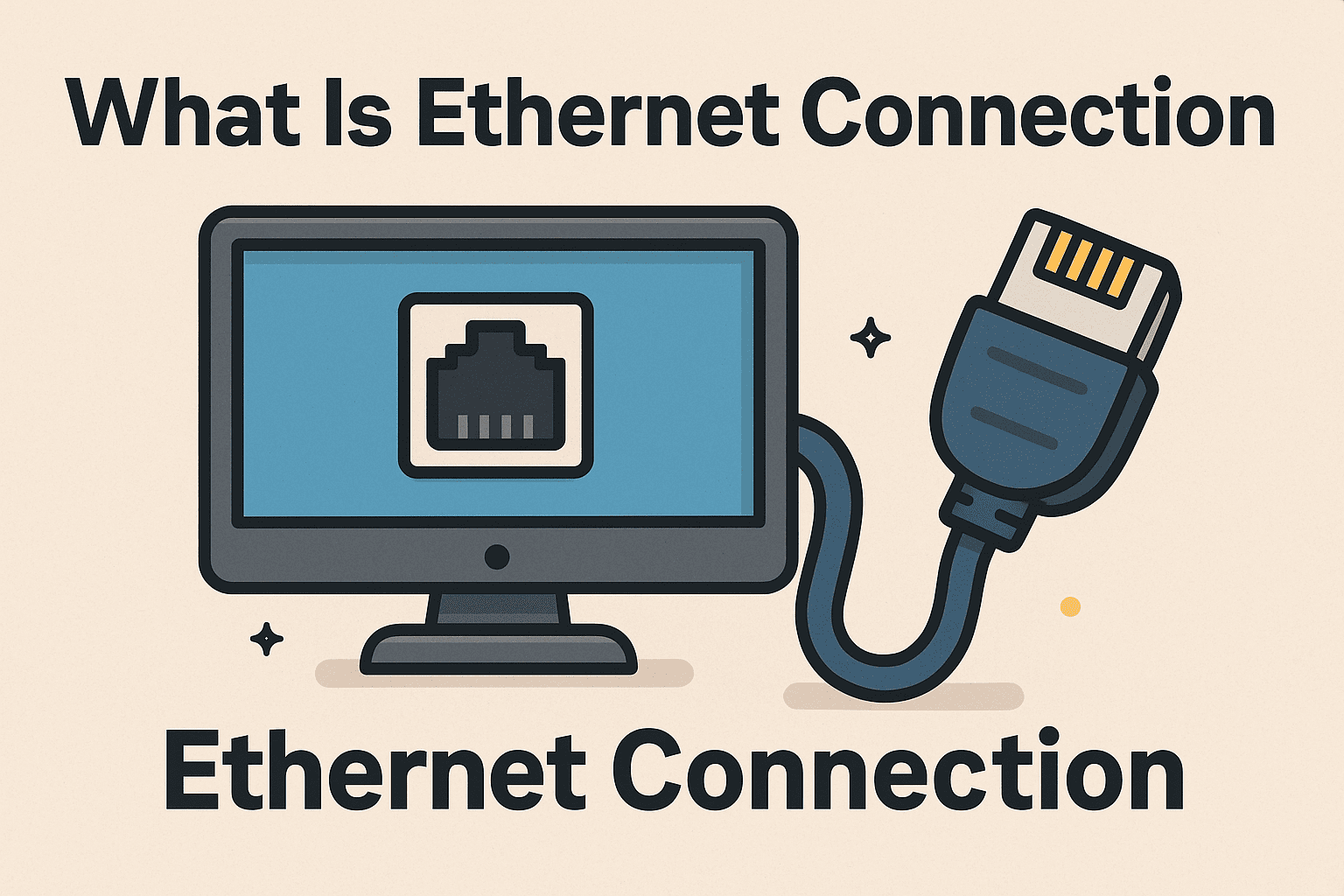
An Ethernet connection is a wired networking technology that links computers, servers, and devices using cables (commonly Cat5e, Cat6, or fiber optic). It allows devices to communicate over a local area network (LAN) and connect to the internet.
Key Characteristics of Ethernet:
-
Wired communication: Uses physical cables for stable connections.
-
High speed: Supports up to 10 Gbps and beyond.
-
Low latency: Ideal for gaming, video conferencing, and real-time applications.
-
Security: Less vulnerable to wireless interference or unauthorized access.
👉 In simple terms, Ethernet is the backbone of enterprise networking.
2. How Ethernet Works
Ethernet relies on cables, switches, and routers to transmit data.
-
Ethernet Cable: Connects the device to a network port.
-
Switch/Hub: Routes data between multiple devices in a LAN.
-
Router/Firewall: Provides internet access and adds security layers.
-
Data Transmission: Packets of information travel through cables using standardized Ethernet protocols (IEEE 802.3).
Unlike Wi-Fi, Ethernet doesn’t depend on radio signals, meaning less interference and more consistent performance.
3. Types of Ethernet Cables
Different Ethernet cables offer varying levels of speed and shielding.
-
Cat5e: Up to 1 Gbps, budget-friendly.
-
Cat6: Supports 10 Gbps over shorter distances, better shielding.
-
Cat6a: Enhanced version of Cat6, up to 10 Gbps over 100m.
-
Cat7/Cat8: Enterprise-grade, high-frequency cables for data centers.
-
Fiber Optic: Uses light instead of copper for ultra-high speed and long distances.
👉 Choosing the right cable ensures network performance aligns with business needs.
4. Benefits of Ethernet Connection
While Wi-Fi offers mobility, Ethernet provides unmatched reliability.
Key Business Advantages:
-
✅ Faster Speeds: Consistent gigabit or multi-gigabit performance.
-
✅ Reliability: Less prone to signal drops compared to Wi-Fi.
-
✅ Security: Harder to intercept without physical access.
-
✅ Lower Latency: Critical for VoIP, video calls, and financial transactions.
-
✅ Scalability: Easier to expand networks with switches and structured cabling.
For cybersecurity teams, Ethernet provides greater control and monitoring opportunities.
5. Ethernet vs Wi-Fi: Which Is Better?
Both Ethernet and Wi-Fi have their place.
| Feature | Ethernet | Wi-Fi |
|---|---|---|
| Speed | Faster & stable | Varies with interference |
| Security | More secure (physical access needed) | Vulnerable to hacking if misconfigured |
| Latency | Low | Higher |
| Mobility | Limited | High |
| Reliability | High | Moderate |
👉 For enterprise-grade networks, Ethernet is preferred—often combined with Wi-Fi for flexibility.
6. Security Implications of Ethernet Connections
Even though Ethernet is more secure than Wi-Fi, it isn’t invulnerable.
Security Risks:
-
Physical tampering: Unauthorized access to cables or ports.
-
Insider threats: Malicious actors within the organization.
-
Lack of encryption: Data may be unencrypted unless secured with VPNs.
Best Practices for Securing Ethernet:
-
Use port security and MAC filtering.
-
Deploy firewalls and intrusion detection systems (IDS).
-
Segment networks (VLANs) to isolate critical data.
-
Encrypt sensitive communications using VPNs or TLS.
👉 With proper security controls, Ethernet can be a fortress for enterprise data.
7. Enterprise Applications of Ethernet
Ethernet connections power critical industries:
-
Data Centers: Backbone for server communication.
-
Financial Services: Low-latency trading systems.
-
Healthcare: Secure transfer of patient records.
-
Manufacturing: IoT and industrial control systems.
-
Education: Reliable campus-wide networking.
👉 Any business that values speed, uptime, and security relies on Ethernet infrastructure.
8. Future of Ethernet Technology
Ethernet continues to evolve despite the growth of wireless.
-
Multi-gigabit Ethernet: 2.5/5/10 Gbps for modern enterprises.
-
Power over Ethernet (PoE): Powers IoT devices via Ethernet cables.
-
Terabit Ethernet: For hyperscale data centers.
-
Integration with 5G: Ethernet backbones support wireless edge devices.
👉 Far from obsolete, Ethernet is adapting to meet tomorrow’s digital demands.
Quick Checklist: What Is Ethernet Connection
✅ Wired networking technology using cables.
✅ Faster, more reliable, and secure than Wi-Fi.
✅ Used in enterprises for mission-critical operations.
✅ Requires proper security against physical and insider threats.
✅ Continues to evolve with higher speeds and PoE.
FAQs on Ethernet Connections
1. What is Ethernet connection in simple terms?
It’s a wired method of connecting devices to a network using Ethernet cables for fast, stable internet access.
2. Is Ethernet faster than Wi-Fi?
Yes, Ethernet typically offers higher speeds and lower latency compared to wireless connections.
3. Do I need Ethernet if I already have Wi-Fi?
For businesses, yes—Ethernet provides stability, security, and bandwidth Wi-Fi alone can’t guarantee.
4. Can Ethernet be hacked?
While harder to hack than Wi-Fi, Ethernet can be compromised through physical access or insider attacks if not properly secured.
5. What cable is best for Ethernet?
For most businesses, Cat6 or Cat6a provides a balance of performance and cost. Data centers often use Cat7, Cat8, or fiber optic.
Final Thoughts
So, what is Ethernet connection? It’s the wired networking backbone of modern enterprises—delivering speed, stability, and security unmatched by Wi-Fi. While wireless offers convenience, Ethernet remains critical for industries where performance and data protection are non-negotiable.
🚀 Want to strengthen your network security and resilience?
Request a demo from Xcitium today and discover how advanced cybersecurity solutions protect your business.