What Is a DHCP Server? A Complete Guide for Businesses
Updated on October 14, 2025, by Xcitium
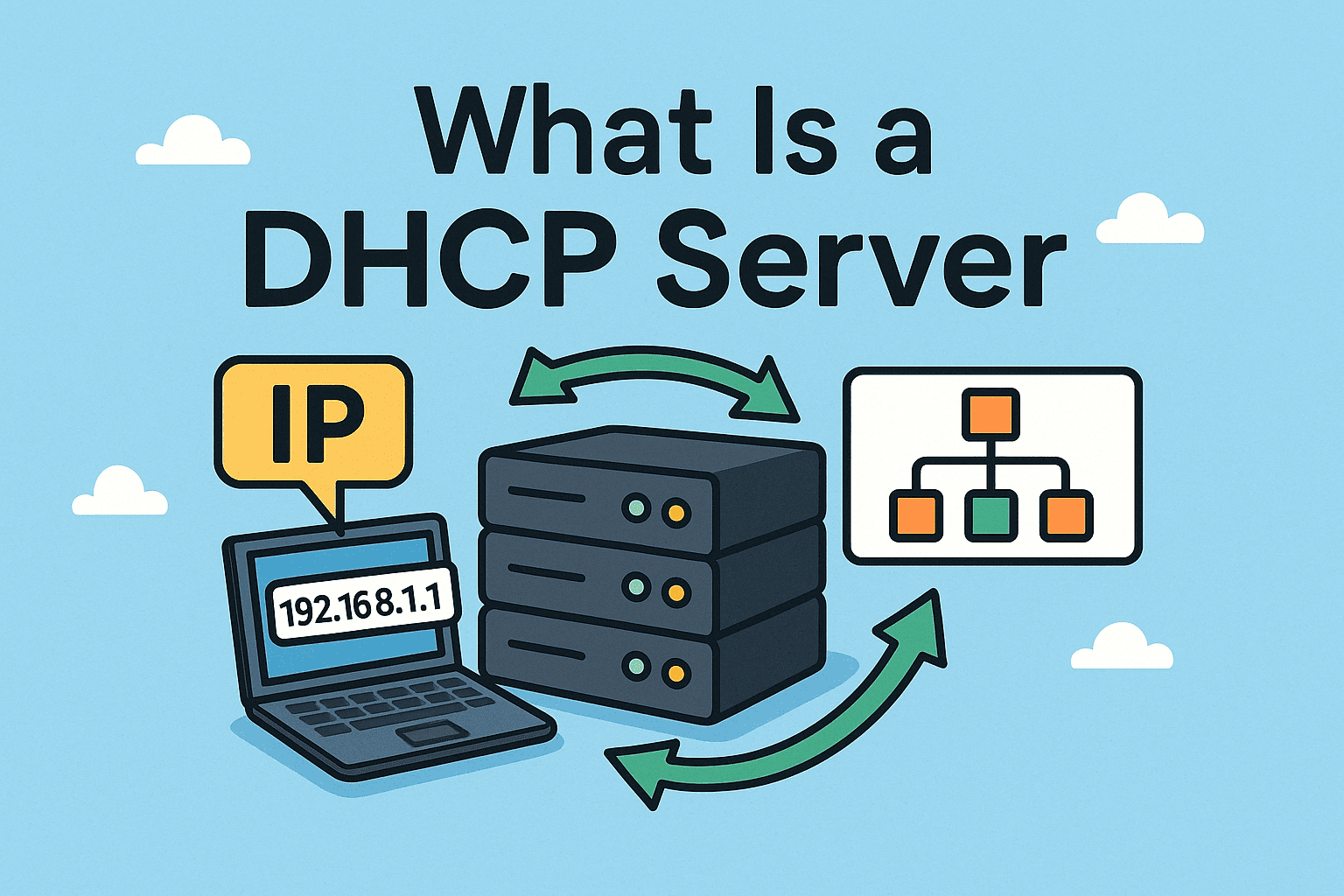
Have you ever wondered how your laptop, smartphone, or office printer automatically gets an IP address when connecting to a network? The answer lies in a DHCP server. Short for Dynamic Host Configuration Protocol, a DHCP server is a fundamental component of modern networking that ensures devices receive the right IP configuration without manual intervention.
In this article, we’ll break down what is a DHCP server, how it works, why it matters for cybersecurity, and how businesses can leverage it to simplify IT management. Whether you’re an IT manager, cybersecurity professional, or CEO overseeing digital operations, understanding DHCP can help improve efficiency and security across your organization.
What Is a DHCP Server?
A DHCP server is a network service that automatically assigns IP addresses and other configuration details (like default gateway and DNS servers) to devices on a network. Without it, every device would need to be manually configured—an impractical approach in today’s large-scale enterprise environments.
Key Functions of a DHCP Server:
-
Assigns unique IP addresses to devices.
-
Provides essential network configuration settings like subnet mask, default gateway, and DNS.
-
Prevents IP conflicts that can disrupt communication.
-
Reduces administrative overhead for IT teams.
In short, DHCP servers are like digital traffic managers, ensuring every device knows how to “drive” on the network safely and efficiently.
How Does a DHCP Server Work?
The process follows a four-step sequence known as DORA:
-
Discover – A device broadcasts a request asking for an IP address.
-
Offer – The DHCP server responds with an available IP address.
-
Request – The device accepts the offer and asks to use that address.
-
Acknowledge – The server confirms and assigns the IP configuration.
This entire exchange happens in seconds, making network access seamless for users.
Benefits of Using a DHCP Server
For organizations of all sizes, DHCP servers provide several advantages:
-
Efficiency – Automated IP allocation reduces manual configuration.
-
Scalability – Easily supports hundreds or thousands of devices.
-
Consistency – Ensures uniform settings across the network.
-
Reduced Errors – Eliminates mistakes that occur with manual IP assignments.
-
Security Support – Allows monitoring and better control of devices joining the network.
DHCP vs Static IP: Which Is Better?
Many businesses wonder whether they should rely on DHCP or static IPs. Here’s a quick comparison:
| Aspect | DHCP (Dynamic IP) | Static IP |
|---|---|---|
| Configuration | Automatic, assigned by DHCP server | Manually set by IT team |
| Flexibility | Best for mobile and growing environments | Ideal for servers and permanent devices |
| Management | Easy to scale and administer | Harder to manage at scale |
| Security | Dynamic reassignment adds complexity | Easier to track but may be predictable |
👉 Most businesses use a hybrid approach: DHCP for general devices and static IPs for critical servers and firewalls.
Security Risks with DHCP Servers
While DHCP servers are essential, they can also be exploited if left unsecured. Cybercriminals may use DHCP spoofing or rogue DHCP servers to redirect traffic and steal sensitive data.
Common Security Concerns:
-
Unauthorized DHCP servers assigning malicious IP configurations.
-
IP exhaustion attacks where attackers flood the network with requests.
-
Man-in-the-middle attacks leveraging DHCP vulnerabilities.
To mitigate these risks, businesses must implement network monitoring, access controls, and endpoint protection tools.
Best Practices for Managing DHCP Servers
To keep your network efficient and secure, follow these practices:
-
Enable DHCP Snooping – Prevents rogue servers from assigning addresses.
-
Use IP Address Reservations – Ensures critical devices always get the same address.
-
Regularly Monitor Logs – Detects unusual requests or suspicious activity.
-
Segment Networks (VLANs) – Limits the scope of attacks.
-
Combine with Endpoint Security – Tools like EDR (Endpoint Detection and Response) provide visibility into threats that DHCP alone cannot detect.
Real-World Applications of DHCP Servers
-
Corporate Networks: Automatically connecting laptops, VoIP phones, and IoT devices.
-
Data Centers: Managing thousands of servers with minimal manual input.
-
Educational Institutions: Allowing seamless access for students and staff.
-
Healthcare IT: Ensuring life-saving equipment stays connected reliably.
In all these cases, DHCP is more than convenience—it’s critical to uptime and cybersecurity.
FAQs on DHCP Servers
1. What is the main purpose of a DHCP server?
A DHCP server automates IP address assignment, reducing manual configuration and preventing conflicts.
2. Can DHCP servers assign the same IP address to multiple devices?
No, they are designed to prevent conflicts by ensuring unique IPs for each device.
3. Do businesses still need static IPs if they use DHCP?
Yes. Critical devices like servers, printers, and firewalls often use static IPs for reliability.
4. What are rogue DHCP servers?
These are unauthorized servers that assign malicious IP configurations to hijack traffic.
5. How can I secure my DHCP server?
Enable DHCP snooping, monitor logs, use VLAN segmentation, and pair DHCP with endpoint security tools.
Conclusion
Understanding what is a DHCP server is essential for anyone managing IT infrastructure. It automates IP allocation, simplifies device management, and strengthens network efficiency. However, without proper safeguards, it can also become a target for cyber threats.
For enterprises, the best approach combines DHCP efficiency with advanced security. Modern solutions like Xcitium’s OpenEDR provide the visibility and protection needed to secure both IP assignments and endpoint activity.
👉 If you want to streamline networking while improving cybersecurity, consider integrating DHCP management with next-gen endpoint protection.