Network Monitoring Tools: The Complete 2026 Guide for IT Teams & Cybersecurity Leaders
Updated on November 27, 2025, by Xcitium
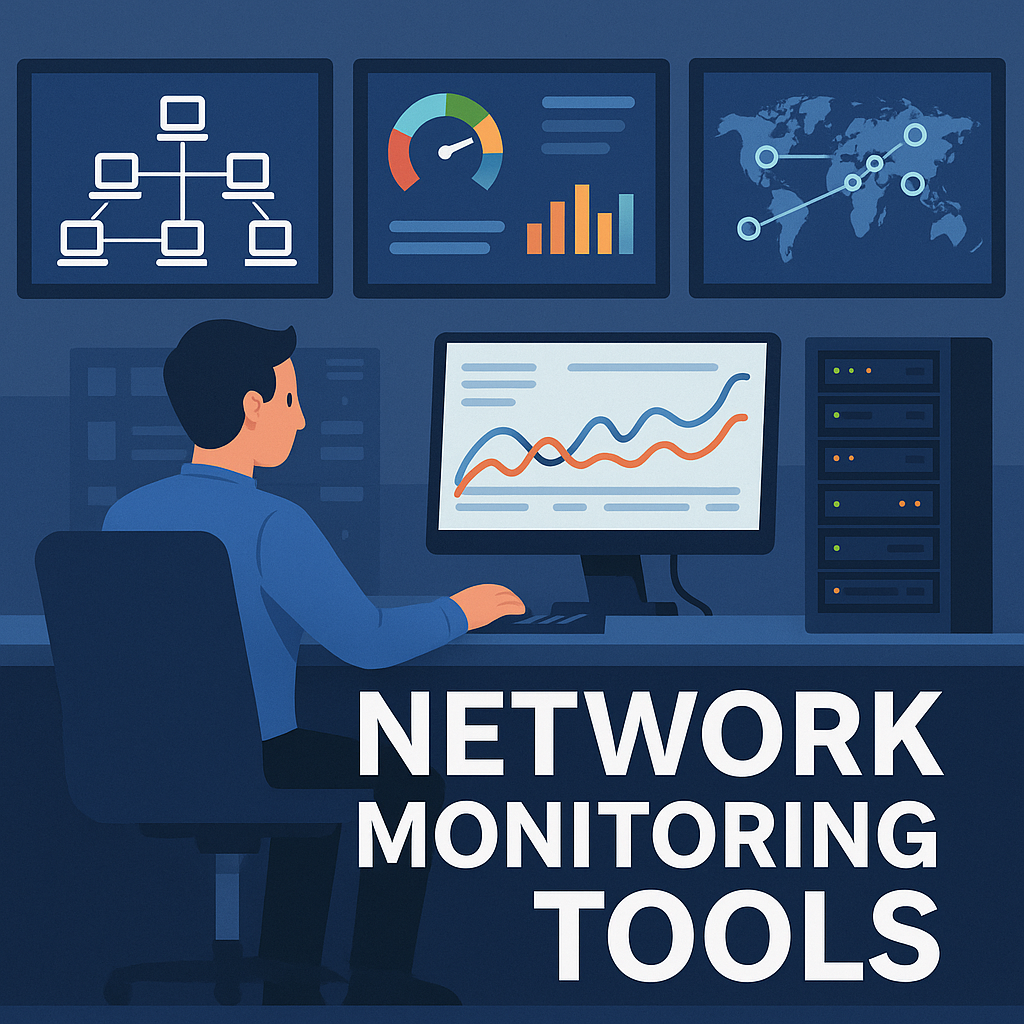
In the modern digital world, every organization depends heavily on a stable, secure, and high-performing network. Whether it’s cloud connectivity, user endpoints, remote teams, or mission-critical applications, the network is the backbone of business operations. And as threats grow more advanced and systems more complex, companies of all sizes must rely on network monitoring tools to maintain performance, detect issues early, and strengthen cybersecurity posture.
Network monitoring tools help IT managers, cybersecurity professionals, and business leaders gain complete visibility across their networks. They identify bottlenecks, monitor device health, detect intrusions, analyze performance, and ensure uptime—all in real time. Without these tools, organizations risk outages, cyberattacks, data breaches, and costly downtime.
This comprehensive guide explains what network monitoring tools are, how they work, why they’re essential in 2025, and which features matter most.
What Are Network Monitoring Tools?
Network monitoring tools are software systems designed to observe, analyze, and manage the health and performance of an organization’s network. These tools track metrics such as:
-
Network traffic
-
Bandwidth usage
-
Device availability
-
Latency and speed
-
Application performance
-
Security anomalies
-
Server health
-
Network device errors
In simple terms:
✔ Network monitoring tools show you what’s happening inside your network in real time.
They alert IT teams whenever something goes wrong—such as a server going offline, a router failing, an unexpected traffic spike, or a malicious intrusion attempt.
Why Network Monitoring Is Critical in 2026
As businesses move to hybrid cloud, remote work expands, and cyberattacks escalate, the need for proactive monitoring has never been greater.
Here’s why:
1. Rising Cybersecurity Threats
Cybercriminals now exploit:
-
Network vulnerabilities
-
Open ports
-
Misconfigured devices
-
Unencrypted traffic
-
Unknown IoT devices
Network monitoring tools help detect anomalies before damage is done.
2. Increased Network Complexity
Organizations rely on:
-
SaaS apps
-
Multi-cloud environments
-
BYOD policies
-
Remote endpoints
-
IoT networks
Monitoring tools give centralized visibility across diverse environments.
3. Minimizing Downtime
Network downtime costs businesses thousands (sometimes millions) per hour.
Monitoring tools prevent outages through early detection.
4. Performance Optimization
Slow networks hurt productivity.
Monitoring tools identify bottlenecks so IT teams can fix them fast.
5. Compliance & Governance
Industries like finance, healthcare, and government require:
-
Data logging
-
Audit trails
-
Security monitoring
Network tools help maintain compliance.
How Network Monitoring Tools Work
These platforms use advanced technology to analyze networks, devices, and traffic.
1. SNMP (Simple Network Management Protocol)
Devices send performance data to the monitoring system.
2. Packet Sniffing
Monitors packets flowing through the network to detect:
-
Intrusions
-
Latency
-
Data leaks
3. Flow-Based Monitoring
Using NetFlow, sFlow, IPFIX to track:
-
Traffic patterns
-
Application usage
-
Bandwidth consumption
4. Log Analysis
Collects logs from:
-
Firewalls
-
Switches
-
Routers
-
Servers
to identify suspicious behaviors.
5. Real-Time Dashboards
IT teams view:
-
Traffic charts
-
Alerts
-
Device status
-
Security flags
in one centralized console.
6. Automated Alerts
Triggered when thresholds are exceeded, such as:
-
High CPU usage
-
Network congestion
-
Failed devices
-
DDoS indicators
Types of Network Monitoring Tools
Network monitoring is not one-size-fits-all. Different tools address different needs.
1. Network Performance Monitoring (NPM) Tools
Track speed, uptime, and overall performance.
2. Network Detection & Response (NDR) Tools
Focus on cybersecurity threats and anomaly detection.
3. Application Performance Monitoring (APM) Tools
Monitor the performance of applications using the network.
4. Infrastructure Monitoring Tools
Monitor servers, databases, switches, routers, and IoT devices.
5. Cloud Monitoring Tools
Provide visibility into AWS, Azure, Google Cloud, and hybrid environments.
6. Endpoint Monitoring Tools
Track connectivity, bandwidth usage, and device health.
Key Features to Look for in Network Monitoring Tools
Choosing the right platform is crucial for efficient network management.
Look for tools that offer:
✔ Real-Time Alerts
Immediate notifications via email, SMS, or dashboards.
✔ AI-Based Anomaly Detection
Identifies suspicious patterns intelligently.
✔ Bandwidth Analysis
Shows which apps, users, or devices consume bandwidth.
✔ Traffic Visualization
Graphical network maps for easier troubleshooting.
✔ Device Health Monitoring
Tracks:
-
CPU
-
Memory usage
-
Device temperature
-
Disk usage
✔ Security Event Monitoring
Detects intrusions and malicious behavior.
✔ Cloud & Hybrid Support
Essential for modern infrastructures.
✔ Log Management & Correlation
Helps investigate incidents quickly.
✔ Scalability
Handles thousands of devices without slowdowns.
Benefits of Using Network Monitoring Tools
1. Faster Problem Resolution
Instant visibility = faster fixes.
2. Stronger Cybersecurity
Detects attacks early, reducing breach risk.
3. Lower Operational Costs
Prevents costly outages and inefficiencies.
4. Increased Productivity
Employees experience fewer disruptions.
5. Improved Customer Experience
Critical for online businesses and SaaS platforms.
6. Better Infrastructure Planning
Helps forecast resource needs and growth.
7. 24/7 Network Visibility
Essential for IT teams supporting global operations.
Common Network Issues These Tools Detect
Monitoring tools help identify:
-
Outages
-
Device failures
-
Misconfigurations
-
DDoS attacks
-
Network loops
-
Packet loss
-
Latency
-
Slow applications
-
Unexpected traffic spikes
Early detection prevents major disruptions.
Best Practices for Effective Network Monitoring
✔ Set alert thresholds
Avoid excessive alerts, focus on critical metrics.
✔ Implement network segmentation
Separates internal systems and reduces attack spread.
✔ Track baseline traffic
Helps identify anomalies faster.
✔ Use automated reporting
For compliance, audits, and performance reviews.
✔ Monitor all layers (from OSI Layer 1–7)
Gives complete visibility.
✔ Combine monitoring with Zero Trust security
Ensures identity-driven access.
Industries That Rely on Network Monitoring Tools
Healthcare
Protects patient data and ensures uptime for medical equipment.
Finance & Banking
Monitors fraud, transaction systems, and secure communications.
Retail
Tracks POS systems, WiFi networks, and inventory systems.
Education
Monitors large-scale campus networks.
Government & Defense
Critical for national security and infrastructure protection.
Manufacturing
Supports automation, robotics, and IoT sensors.
Frequently Asked Questions (FAQ)
1. What do network monitoring tools actually monitor?
They monitor traffic, devices, bandwidth, performance, and security anomalies.
2. Why does my business need network monitoring?
To prevent downtime, detect attacks, optimize performance, and maintain compliance.
3. Are network monitoring tools expensive?
Costs vary—many enterprise and cloud-based options fit different budgets.
4. Do these tools improve cybersecurity?
Yes—especially when combined with NDR, SIEM, and Zero Trust frameworks.
5. Can they monitor cloud environments?
Modern tools support AWS, Azure, Google Cloud, and hybrid networks.
Conclusion: Network Monitoring Tools Are Essential in 2026
As networks grow more complex and cyber threats escalate, businesses can no longer rely on manual troubleshooting or reactive support. Network monitoring tools provide essential visibility, real-time analytics, and powerful security insights—helping organizations stay resilient, compliant, and high-performing.
Whether you’re an executive, IT manager, cybersecurity analyst, or business owner, these tools are indispensable for protecting your infrastructure and ensuring seamless operations.
🚀 Strengthen Your Network with Zero-Trust Cyber Defense
Protect your entire IT ecosystem with advanced endpoint detection, monitoring, and threat prevention.
👉 Request Your Free Demo: https://openedr.platform.xcitium.com/register/