What is CI/CD? A Complete Guide for IT Leaders and Cybersecurity Experts
Updated on September 5, 2025, by Xcitium
Software development today is fast-paced, competitive, and security-driven. But how do organizations release software updates multiple times a day without breaking systems or exposing vulnerabilities? The answer lies in CI/CD (Continuous Integration and Continuous Delivery/Deployment).
In this blog, we’ll explain what is CI/CD, why it matters for IT managers, cybersecurity professionals, and business leaders, and how to implement it effectively in your organization.
What is CI/CD?
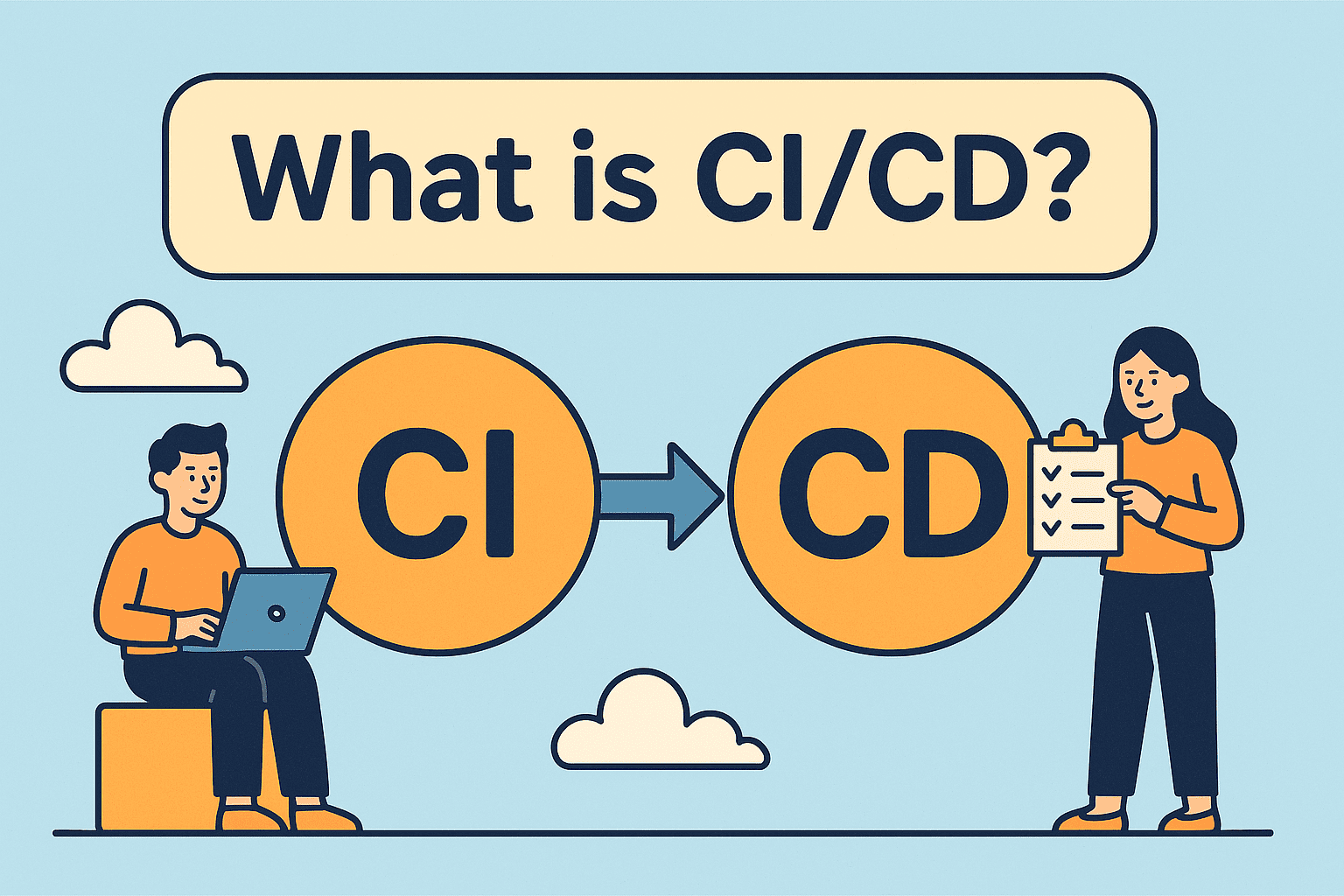
At its core, CI/CD is a set of practices that automate software development, testing, and deployment. It ensures that code changes are quickly tested, integrated, and released to production without long manual processes.
- CI (Continuous Integration): Developers frequently merge code into a shared repository, triggering automated builds and tests.
- CD (Continuous Delivery/Deployment): After integration, code is automatically deployed to staging or production environments.
👉 Simply put, CI/CD reduces human error, increases release speed, and strengthens software reliability.
Why CI/CD is Important
1. Speed and Agility
Modern businesses can’t afford month-long release cycles. CI/CD shortens the time between writing code and delivering value.
2. Security and Compliance
With automated testing and security scanning, CI/CD helps organizations catch vulnerabilities early.
3. Reliability
Automated pipelines ensure consistent deployments with fewer chances of “it worked on my machine” issues.
4. Cost Savings
Early bug detection saves money compared to fixing problems later in production.
How CI/CD Works: Step-by-Step
Here’s a typical CI/CD workflow:
- Code Commit – Developers push changes to a version control system (e.g., GitHub).
- Build Process – An automated tool compiles the code.
- Automated Testing – Unit, integration, and security tests run automatically.
- Staging Environment – If tests pass, code is deployed to a staging server.
- Production Deployment – Code is automatically or manually released to production.
- Monitoring – Tools track performance and security for quick response.
Popular CI/CD Tools
- Jenkins – Open-source and highly customizable.
- GitLab CI/CD – Integrated with Git repositories.
- GitHub Actions – Popular among developers for automation.
- CircleCI – Cloud-based with fast pipelines.
- Azure DevOps & AWS CodePipeline – Cloud-native enterprise solutions.
CI/CD in Cybersecurity
Cybersecurity teams benefit greatly from CI/CD by embedding security checks directly into pipelines:
- Static Application Security Testing (SAST) – Scans source code for vulnerabilities.
- Dynamic Application Security Testing (DAST) – Tests running applications for security flaws.
- Dependency Scanning – Detects insecure third-party libraries.
- Compliance Automation – Ensures code meets regulatory standards before deployment.
This approach is often called DevSecOps—security integrated into CI/CD from the start.
Best Practices for Implementing CI/CD
- Start Small: Begin with a simple pipeline and expand gradually.
- Automate Testing: Cover unit, integration, and security tests.
- Use Infrastructure as Code (IaC): For reproducible environments.
- Monitor Everything: Track logs, performance, and anomalies.
- Shift Security Left: Integrate security tests early in the pipeline.
- Train Teams: Developers, IT, and security teams must collaborate effectively.
Benefits for Business Leaders
- Faster Innovation: New features reach customers quickly.
- Reduced Downtime: Automated rollback features ensure stability.
- Better Security: Vulnerabilities caught earlier reduce risk.
- Competitive Advantage: Companies that adopt CI/CD stay ahead.
Frequently Asked Questions (FAQ)
1. What does CI/CD stand for?
CI/CD stands for Continuous Integration and Continuous Delivery/Deployment.
2. How is CI/CD different from DevOps?
DevOps is the culture and methodology, while CI/CD is the practical automation process within DevOps.
3. Can small businesses use CI/CD?
Yes! Even startups benefit from faster testing and deployments.
4. What’s the difference between Continuous Delivery and Continuous Deployment?
- Continuous Delivery: Code is ready for release at any time.
- Continuous Deployment: Code is automatically pushed to production without manual approval.
5. Why is CI/CD important for cybersecurity?
It integrates security testing into the development pipeline, reducing risks of breaches.
Final Thoughts
Adopting CI/CD is no longer optional—it’s essential for modern IT, cybersecurity, and business operations. By automating integration, testing, and deployment, organizations can release faster, stay secure, and remain competitive.
Ready to Strengthen Your Security with CI/CD?
CI/CD helps with speed, but cybersecurity requires proactive defense. Protect your business with enterprise-grade endpoint and threat protection.