Ransom Virus Definition
Updated on October 11, 2022, by Xcitium

Is there a thing called the ransom virus? This is the first question we have to answer before considering what is ransom virus entails. Conventionally, there is something like ransom virus but technically not correct. Puzzled? We have written this article to explain more about these terms as they are often used interchangeably with “ransom malware” or “ransomware” as you may know.
By continuing to read, you will learn more about ransom virus, if the term is correct or not and what it represents.
Ready? Let’s dig in!
What Is Ransom Virus, And What Is Not?
The term ransom virus refers to a malicious code that attacks a computer user, encrypts the victim’s data, and denies access and requests for a ransom before releasing it. However, “ransom virus” as used by some people to describe the attack is not technically correct. Most people refer to any computer attack by malicious codes as viruses, and it’s no surprise that the computer attack that demands ransom is regarded as a virus.
While it is not entirely wrong to depict it as a virus, it’s essential to note that there is no ransom virus but malware that asks for a ransom after taking hold of your computer. This is best known as ransomware or ransomware attack. You may also want to call it ransom malware but not a ransom virus. A computer virus is a different type of malware with different attacks and actions. The same applies to ransomware, which is erroneously called the ransom virus. So, instead of describing it as a virus, you should call it malware: viruses and ransomware are different types of malware with different functions.
That said, let’s now consider the ransom malware, which is ransomware. What is it all about?
Ransomware malware is somewhat a new malware. However, statistics say it has been around since 1989 but took off in the mid-2000s—when the attacks affected healthcare industries, banks, and government agencies. Ransomware’s name is derived from the ransom attackers’ demand when the malware hits you.
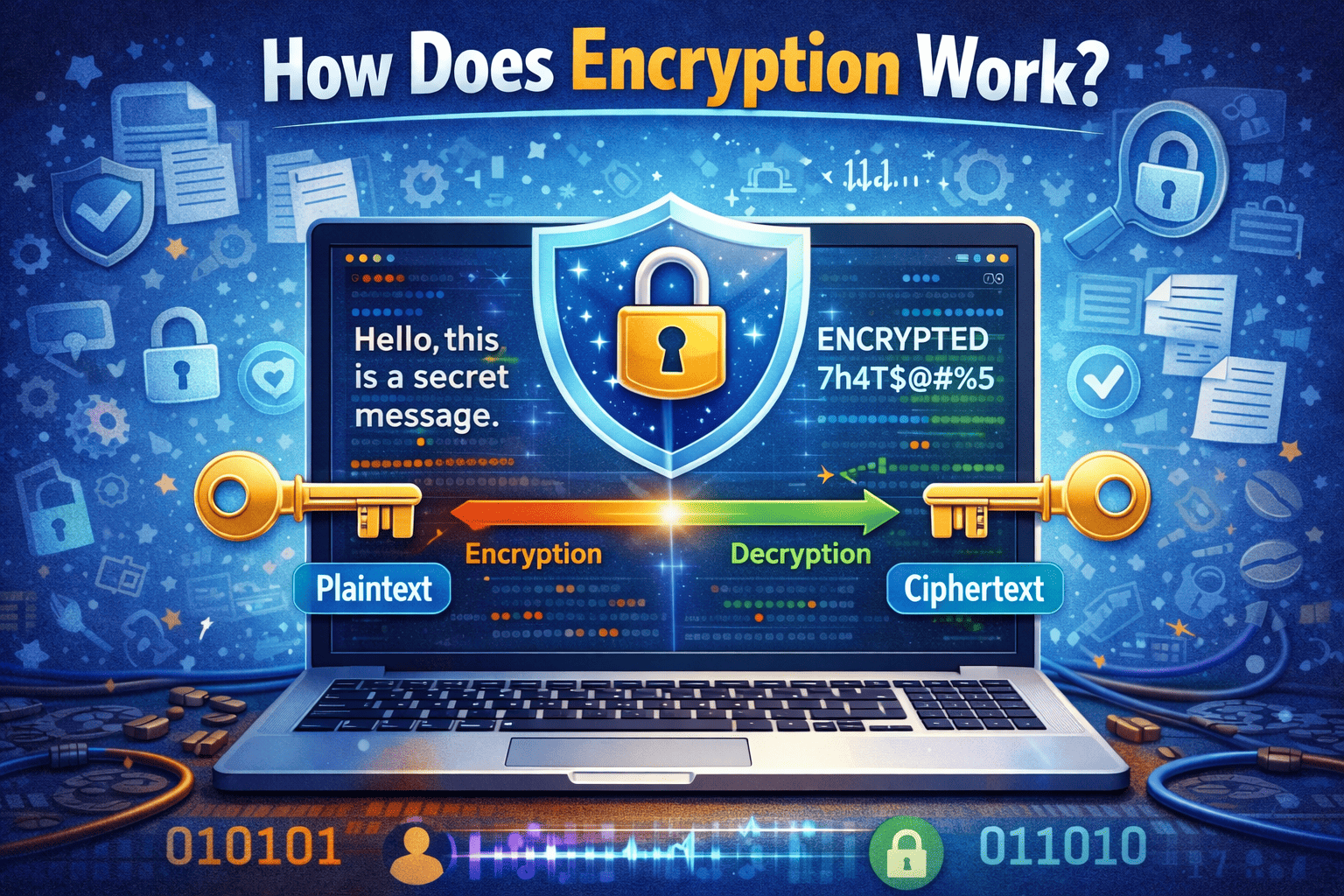
This malware may damage your data out of errors, but the primary intent is not to harm your data. The person behind the attack is interested in getting money from its victims and not stealing data or destroying them. So, when this malware finds its way into your computer, it encrypts your data and limits your access. To regain access to your data, you may have to pay the ransom demanded.
Must The Ransom Be Paid?
Ransomware attacks are not mild—the attackers target data-driven businesses, and you know what it means to be locked out. Many victims have to pay the ransom to return to business. A typical example was an attack on the Baltimore City government. It took them over one month to regain their systems and activities were crippled throughout the attack. Plus, losing over $18 million in the process of recovering their systems, including the ransom.
However, there are cases where the victims refused to pay the ransom and still retrieved their data. This approach may work if your ceased data is backed up or doesn’t affect your day-to-day business operations. Otherwise, you risk losing your data without paying the ransom. The best thing is to prevent ransomware attacks
Methods Of Ransomware Attacks
Like other forms of malware attacks, ransomware rests on a host to launch its attack. This malware doesn’t directly enter one’s computer but through an infected file or software. This host file may appear safe but contains malicious codes.
To spread the infected files to potential victims, the criminals would broadcast con emails with attachments containing the malware. The whole process is through phishing. They may impersonate any of your service providers to trick you into opening the infected attachments. With this same method, ransomware criminals also use social media, website pop-ups, and the likes to scout for victims.
Preventing Ransomware Attack
Avoiding suspicious email attachments and not downloading from software from random websites is the first step you want to take in preventing a ransomware attack. Other than that, cybersecurity can help you defend against ransomware and other malware attacks.
When you invest in cybersecurity, ensure you do not only rely on traditional security systems such as antiviruses and firewalls. Attackers have continued to devise new means of carrying their attacks, thereby developing more sophisticated codes that trick or forcefully bypass traditional security systems.
So, you need advanced security systems like advanced endpoint protection to stop sophisticated malware. You can learn more about advanced endpoint protection here.