Malware Attack Ransomware: Definition And Types
Updated on October 11, 2022, by Xcitium
A malware attack ransomware is almost a buzzword. However, as days go by, people are changing careers. If you’re new to the computer lifestyle, you may have little or no knowledge about malware attacks and the different types of malware that affect computers. In this article, we want to show you the different kinds of malware that can harm your computer. That should give you a clue about preventing malware attacks.
But first;
What Is A Malware Or Malware Attack?
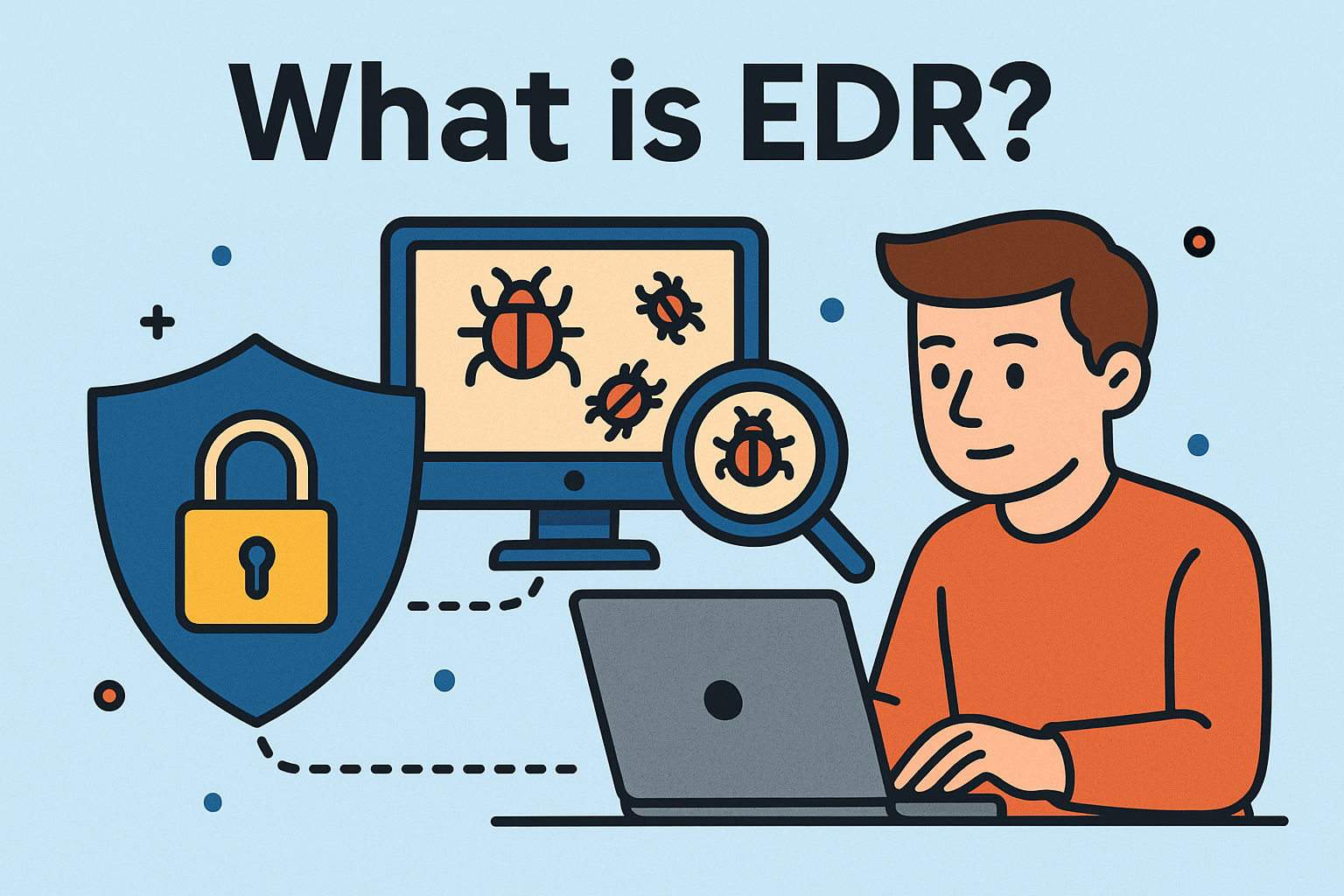
You probably know that everything about a computer program is about codes. Codes are used to develop the essential software we need to carry out our daily activities on our computers. But sadly, some fellows decided to use this negatively, hence the birth of malware. So, malware is a computer software designed to harm your computer. It might involve slowing your computer, stealing your data, corrupting your files, encrypting your data, and asking for a ransom.
This is how malware attacks your computer. So, a malware attack ransomware is what it is—this is the stage where malware is currently discharging its duties on your computer. You can get malware on your computer through:
- Downloading infected software
- Opening infected links
- Pop-ups from unsafe websites
- Receiving infected files into your computer through Bluetooth, Flash drives, etc.
To avoid this, you want to be careful of any link you open and avoid downloading software from untrusted sites.
Types Of Malware That Attack Your Computer
Viruses
This is almost a buzzword when it comes to any program that damages a computer. The term virus is commonly used to depict any malware attack ransomware. But this is not always correct as a virus is a type of malware, and not all malware programs are viruses. A computer virus is a type of malware that attacks a computer via other programs. It self-replicates on your computer through other programs. That is, it inserts its code into other applications, and gains access to your computer. This is why most computer viruses are usually tricky to rid as they operate from a host on your computer.
Most antiviruses programs may hardly detect a virus, and removing them would involve deleting the file or program that houses the virus.
Worms
Worms have been troubling computer users even before viruses became widely known and used by cyber-criminals. The method of spreading worms is usually via email attachments. The malicious worms are embedded in an attachment that may come with an email. Opening the attachment would immediately usher in the worm to your system. For companies operating on a network of systems, one infected computer may spread malicious codes to all other computers. Worms spread without an end-user action, which makes the attack so devastating.
Trojans
This malware replaces the dreadful computer worms. In a like manner of attack, Trojan horse disguises as a safe program but contains malicious codes that have been programmed to infect your system. Trojans are also older than computer viruses. They are pushed via emails with con content or through fishy websites. One of the most common Trojan is the fake antivirus program that pops up when you visit an infected site. The antivirus prompts you to run a program to rid out viruses from your system. Doing this opens the gateway for the Trojan.
Fileless Malware
This isn’t an entirely different category of malware but a description of malware that doesn’t infect systems through files. They don’t need any file to get into your system and find a place to settle. Instead, this malware spreads through non-file applications such as registry keys, APIs, scheduled tasks, and other forms of OS objects. Over time, fileless malware is increasingly becoming difficult to detect and stop. Since they don’t depend on files, traditional security systems like antiviruses and firewalls find it challenging to detect them. However, in recent times, advanced endpoint protection seems to be the best method of protecting against fileless malware.
Ransomware
Ransomware encrypts your computer data and asks for a ransom before the owner regains access. This malware operates in the form of a Trojan—they spread through phishing. This includes emails and social engineering. Ransomware victims are made to pay huge sums by the criminals before their data are released. It is difficult to reverse the attack once you’re a victim, and most victims have to pay the ransom.
Other types of malware include:
- Spyware
- Adware
- Malvertising
- Hybrids and exotic forms.
Wrap Up
Malware attack ransomware is often devastating, and the best thing is to avoid being a victim. This is possible by sticking to cyber-security rules and using advanced security systems to protect against stubborn malware.
Xcitium’s Advanced Endpoint Protection (AEP) can help you prevent any form of malware attack. Go here to learn more about AEP.