What Is Meant By A Computer Ransom Attack?
Updated on October 11, 2022, by Xcitium
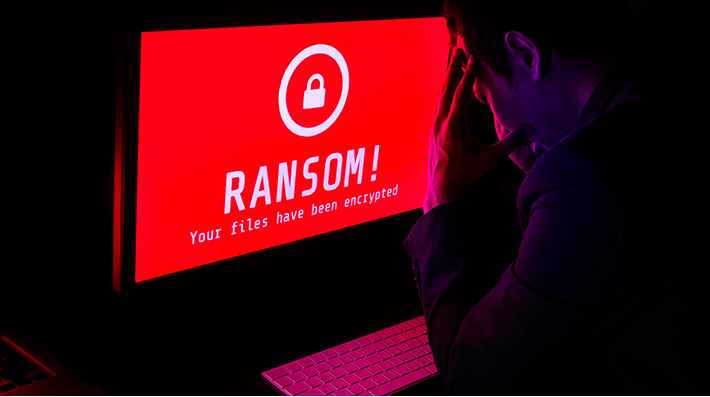
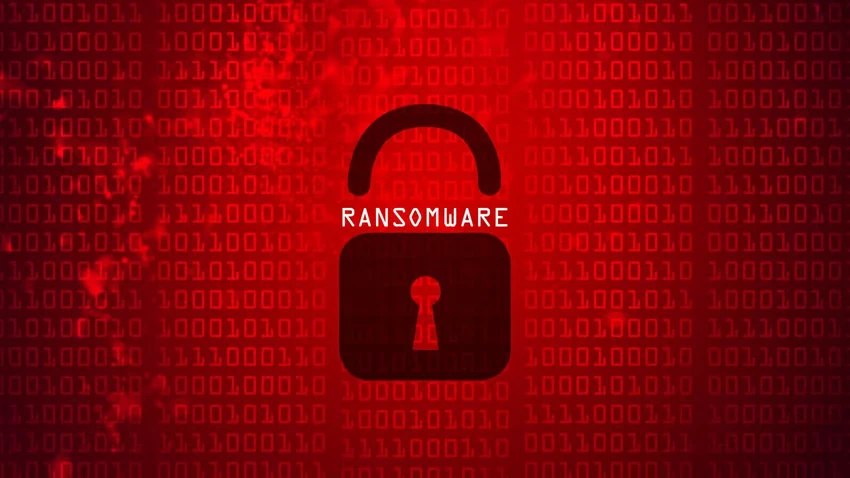
The regular malware attacks on computers were focused on stealing data, corrupting, or destroying them. But in recent years, malware attacks on computers took a new dimension—ceasing victims’ data and asking for a ransom before releasing it. This situation depicts what is computer ransom attack entails. However, this type of attack on computer users is best known as ransomware.
What is computer ransom attack? Of course, that is ransomware attacks. The first ransomware attack occurred in 1989. Although the attack was mild and no ransom was paid. However, the recent ransomware attacks that drifted since the mid-2000s have cost companies, individuals, and government agencies millions of dollars.
How Ransomware Attacks Occur?
Cybercriminals are the creators of ransomware. They want to cease your data and get money from victims fraudulently. So they target data-driven organizations—businesses, schools, healthcare providers, government agencies, and more. The methods of attacks revolve around phishing. Here are the methods the criminals deploy:
Email/Attachments
To have you open a malicious attachment, they send deceitful emails with attachments that may persuade you to open the attachment. These attachments are infected with malicious codes that will take over your system and reveal your information to the attacker.
To prevent ransomware attacks, ensure you watch emails you receive carefully before opening any attachment. They may also impersonate your business associate, service providers, etc. If possible, call your service providers or any correspondence on the email to confirm the sender.
Social Media
Like emails, ransomware attackers also spread ransomware malware through social media sites. They may send attachments or infected links to you with wrong messages. The messages may appear legitimate but loaded with malware via the links or attachment.
You can prevent this by checking short URLs on URLs tools to see what the URLs contain. Or you want to avoid clicking links from senders you don’t know.
Software
Downloading software from cracked software sites can land you in ransomware’s net. Most cracked software has malware in them, which could attack your computer after installing it. On the other hand, cracked software does not receive updates from the main developers, and you risk being easily attacked. Most updates help to patch security vulnerabilities, and you won’t get it on a cracked software.
You can prevent this by avoiding cracked software. Always get your computer programs from reliable platforms.
Website Pop-Ups
This is another method of spreading ransomware malware. Cybercriminals who own suspicious websites may display pop-ups asking you to update an application on your computer once you’re on their webpage.
Ensure you don’t click on everything that pops up when navigating random websites for whatsoever.
Ransomware Impacts
Aside from financial losses, ransomware has other negative consequences. Here’s a detailed look:
Temporal Or Permanent Loss Of Sensitive Information
During the ransomware attacks, victims are denied access to their data, which could mean a temporary loss of data. While most victims recover their data after paying a ransom, there are cases where victims couldn’t recover their data. Unless you have your data backed up, you do lose your data permanently if the attacker fails to lift the restriction. So it’s a two-way thing, you may recover your information or lose them.
Disrupts Regular Operations
The ransomware attack on the Baltimore City government crippled regular operations for one month. As you may know, ransomware attacks cease essential data, thereby halting their victims’ day-to-day activities. This impact extends to many other losses, including profits and customers. Not to mention the effect on patients, in the case of healthcare providers. And in recent times, healthcare providers have been major targets of ransomware. Perhaps because of the importance of data to their daily operations.
Financial Loses
Apart from the ransom paid to scammers, ransomware victims pay more money to have their systems restored as the returned data by the criminals won’t be as it was before the attacks. Some businesses may incur substantial financial stress to get their systems back.
Damages Business Reputation
For businesses that host users’ information, ransomware attacks can also access users’ private information, which may result in loss of trust. Customers may want to look elsewhere as they may feel their private information may be revealed often.
How To Prevent Ransomware
Cybersecurity can help you prevent ransomware attacks. In addition to detecting phishing scams, you should get the best security systems to protect your data. Apart from using antiviruses/anti-malware, you need advanced endpoint protection to tackle advanced malware like ransomware.
Data backup is also necessary. You can recover your data even when you lose them to physical disasters.