What Is APM? A Complete Guide to Application Performance Monitoring
Updated on January 28, 2026, by Xcitium
Slow applications frustrate users, reduce productivity, and quietly drain revenue. If you’ve ever struggled to pinpoint why an application is underperforming, you’ve likely asked what is APM and why it matters so much in modern IT environments.
Application Performance Monitoring (APM) has become essential for organizations running complex, cloud-based, and distributed applications. For IT managers, cybersecurity teams, CEOs, and founders, understanding what is APM is no longer just a technical concern—it’s a business priority.
In this guide, we’ll explain what is APM, how it works, key components, benefits, security considerations, and best practices for using APM effectively.
What Is APM?
To begin with the basics, what is APM?
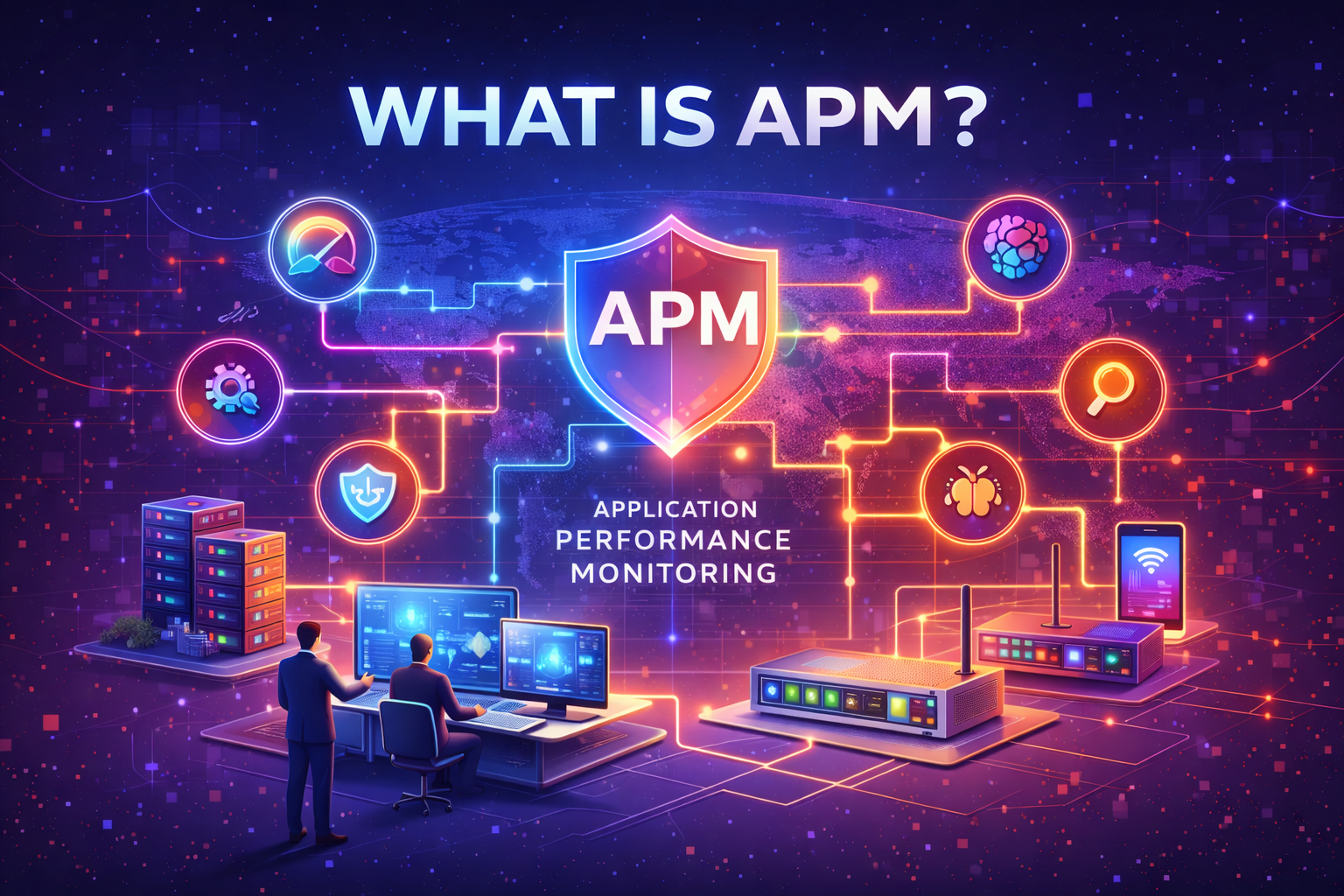
APM (Application Performance Monitoring) is a set of tools and processes used to monitor, analyze, and optimize the performance, availability, and reliability of software applications. APM provides real-time insights into how applications behave, how users experience them, and where performance issues originate.
In simple terms, APM helps teams see inside applications, identify bottlenecks, and fix problems before users notice them.
Why Application Performance Monitoring Is Critical Today
Understanding what is APM also means understanding why it has become indispensable.
Why APM Matters
-
Applications are more complex than ever
-
Cloud and microservices increase dependencies
-
Downtime directly impacts revenue and trust
-
Performance issues are harder to diagnose manually
Without APM, teams often react too late—after users complain or systems fail.
How APM Works
To fully grasp what is APM, it helps to understand how APM tools collect and analyze data.
How Application Performance Monitoring Functions
-
APM agents collect performance data from applications
-
Metrics are gathered from servers, databases, APIs, and user sessions
-
Data is analyzed in real time
-
Alerts are triggered when thresholds are breached
-
Teams receive actionable insights and root-cause analysis
This end-to-end visibility eliminates guesswork.
Core Components of APM
Modern APM platforms typically include several key components.
1. Application Metrics Monitoring
APM tools track vital performance metrics such as:
-
Response time
-
Throughput
-
Error rates
-
Resource usage
These metrics reveal how well an application is performing under real workloads.
2. Transaction Tracing
Transaction tracing follows individual requests as they move through an application.
Why This Matters
-
Identifies slow database queries
-
Pinpoints failing microservices
-
Reveals dependencies causing delays
This capability is central to understanding what is APM in complex environments.
3. Infrastructure Monitoring
APM doesn’t stop at the application layer.
Infrastructure Visibility Includes
-
CPU and memory usage
-
Disk and network performance
-
Virtual machines and containers
This correlation helps teams determine whether issues stem from code or infrastructure.
4. End-User Experience Monitoring
User experience is often the first indicator of performance problems.
What APM Tracks
-
Page load times
-
Application crashes
-
Geographic performance differences
APM ensures performance issues are fixed before they affect customers.
Types of APM Monitoring
Different environments require different APM approaches.
Agent-Based APM
Agent-based APM installs lightweight agents on application servers.
Benefits
-
Deep visibility
-
Detailed transaction tracing
-
Accurate root-cause analysis
This approach is common in enterprise environments.
Agentless APM
Agentless APM relies on network traffic and logs.
Advantages
-
Faster deployment
-
Minimal system impact
-
Useful for legacy systems
However, it typically offers less granular insight.
APM vs Traditional Monitoring Tools
A common question when learning what is APM is how it differs from traditional monitoring.
| Feature | Traditional Monitoring | APM |
|---|---|---|
| Focus | Infrastructure uptime | Application behavior |
| Visibility | Limited | End-to-end |
| Root cause | Manual | Automated |
| User experience | Minimal | Central focus |
APM provides context, not just metrics.
Benefits of Application Performance Monitoring
Organizations adopt APM because it delivers measurable value.
Key Benefits of APM
-
Faster issue detection
-
Reduced downtime
-
Improved user experience
-
Lower operational costs
-
Data-driven optimization
Performance improvements directly translate to business success.
APM and Cloud-Native Applications
Cloud adoption has accelerated the need for APM.
Cloud Challenges APM Solves
-
Dynamic scaling
-
Distributed services
-
Frequent deployments
-
Shared infrastructure
APM provides stability in otherwise dynamic environments.
APM in Microservices Architectures
Microservices introduce complexity that traditional tools can’t handle.
Why APM Is Essential for Microservices
-
Tracks service-to-service communication
-
Identifies cascading failures
-
Visualizes dependencies
Understanding what is APM is critical in microservices environments.
APM and Cybersecurity: The Overlap
From a cybersecurity perspective, what is APM also includes security value.
How APM Supports Security
-
Detects abnormal behavior patterns
-
Identifies suspicious performance spikes
-
Helps spot potential attacks (DDoS, abuse)
-
Supports incident investigations
Performance anomalies often signal security incidents.
APM and Zero Trust Environments
Zero Trust assumes systems can fail or be compromised.
APM’s Role in Zero Trust
-
Continuous monitoring
-
Behavioral analysis
-
Visibility across services
APM complements Zero Trust by validating system health continuously.
Common APM Use Cases
APM is used across industries and workloads.
Common Scenarios
-
Web application performance optimization
-
SaaS platform monitoring
-
API performance tracking
-
Enterprise application management
-
Cloud migration validation
Any performance-critical application benefits from APM.
Challenges Without APM
Organizations without APM face hidden risks.
Common Problems
-
Blind spots in application behavior
-
Slow incident response
-
User complaints before alerts
-
Reactive troubleshooting
APM shifts teams from reactive to proactive.
How to Choose the Right APM Solution
Not all APM tools are equal.
Evaluation Criteria
-
Depth of visibility
-
Ease of deployment
-
Cloud and microservices support
-
Integration with security tools
-
Scalability and reporting
Choosing the right solution maximizes long-term value.
Best Practices for Implementing APM
To get the most from APM:
-
Define performance baselines
-
Monitor critical user journeys
-
Set intelligent alerts
-
Correlate performance and security data
-
Review metrics regularly
APM is most effective when aligned with business goals.
Common Mistakes with APM
Even with good tools, mistakes can limit impact.
Mistakes to Avoid
-
Monitoring everything without prioritization
-
Ignoring alert fatigue
-
Not acting on insights
-
Treating APM as a one-time setup
APM requires continuous tuning and ownership.
The Future of APM
APM continues to evolve rapidly.
Emerging Trends
-
AI-driven anomaly detection
-
Predictive performance analytics
-
Deeper security integration
-
Observability platforms replacing siloed tools
Understanding what is APM prepares organizations for next-generation monitoring.
Actionable Tips for IT Leaders and Executives
If you’re evaluating APM:
-
Identify business-critical applications
-
Define performance KPIs
-
Integrate APM with incident response
-
Align monitoring with security strategy
-
Measure impact on uptime and revenue
Performance visibility drives smarter decisions.
Frequently Asked Questions (FAQ)
1. What is APM in simple terms?
APM monitors applications to ensure they run fast, reliably, and without errors.
2. Is APM only for large enterprises?
No. Small and mid-size organizations benefit significantly from APM.
3. Does APM replace infrastructure monitoring?
No. APM complements infrastructure monitoring by adding application context.
4. Can APM detect security issues?
Yes. Performance anomalies often reveal security threats or abuse.
5. How often should APM data be reviewed?
Continuously, with regular trend and incident reviews.
Final Thoughts: Why APM Is a Business Essential
Understanding what is APM is critical for organizations that depend on digital applications. Performance issues don’t just affect systems—they affect customers, revenue, and brand reputation.
APM provides the visibility, insight, and control needed to keep applications fast, secure, and reliable in today’s complex environments.
👉 See how advanced monitoring and security work together to protect modern applications.
Take the next step toward proactive performance and threat visibility.
🔗 Request a demo:
https://www.xcitium.com/request-demo/



 (3 votes, average: 3.67 out of 5, rated)