What Is a Binary File? A Complete Guide for Modern IT and Security Teams
Updated on January 2, 2026, by Xcitium
Every application you run, every image you view, and every program your system executes relies on a fundamental concept in computing. This leads many professionals to ask a core question: what is a binary file, and why does it matter?
Binary files are everywhere in modern IT environments. They power operating systems, applications, databases, and even malware. For cybersecurity professionals, understanding what is a binary file is essential for threat detection, incident response, and system integrity. In this guide, we’ll explain binary files in simple terms, explore how they work, where they’re used, their security risks, and best practices for managing them safely.
What Is a Binary File?
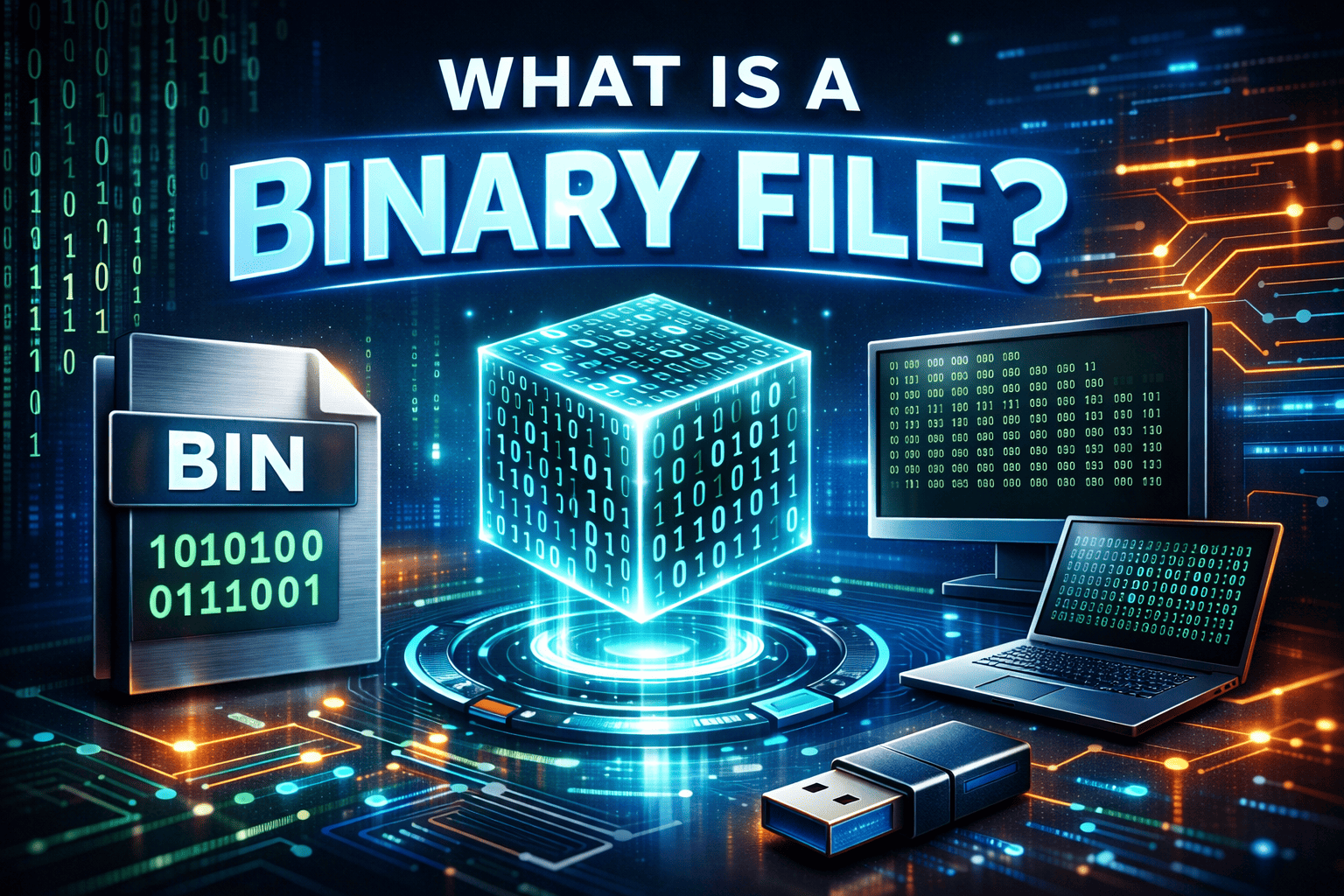
A binary file is a type of computer file that stores data in binary format—using only 0s and 1s. Unlike text files, which are human-readable, binary files are designed to be interpreted by software or operating systems rather than people.
In simple terms, when you ask what is a binary file, the answer is:
A file that contains raw data in a format meant for machines, not direct human reading.
Binary files can represent anything from executable programs and images to audio, video, and compiled code.
Why Binary Files Are Important
Binary files form the backbone of digital systems. Without them, modern computing simply would not exist.
Binary files are important because they:
-
Enable efficient data storage
-
Allow faster processing by machines
-
Support complex data structures
-
Power software applications and operating systems
-
Store non-text data like images, videos, and executables
For IT leaders and security teams, binary files represent both functionality and risk.
How Binary Files Work
To fully understand what is a binary file, it helps to understand how computers process data.
Computers operate using binary logic—on (1) and off (0). Binary files store information exactly as computers process it, without translation into readable characters.
This allows:
-
Precise control over data
-
Compact storage
-
Direct execution by the CPU
However, it also means binary files require specialized programs to interpret their contents.
Binary Files vs Text Files
One of the most common comparisons when learning what is a binary file is how it differs from a text file.
| Feature | Binary File | Text File |
|---|---|---|
| Readable by humans | No | Yes |
| Format | Raw binary (0s and 1s) | Plain characters |
| Editing | Requires special tools | Simple text editors |
| Performance | Faster | Slower |
| Examples | .exe, .jpg, .pdf | .txt, .csv, .log |
Binary files are optimized for machines, while text files are optimized for humans.
Common Examples of Binary Files
Binary files appear in nearly every computing environment.
Common Binary File Types
-
Executable files (.exe, .bin)
-
Images (.jpg, .png)
-
Videos (.mp4, .avi)
-
Audio files (.mp3, .wav)
-
Compiled libraries (.dll, .so)
-
Databases
-
Firmware files
Understanding what is a binary file helps professionals recognize how widely they are used.
How Binary Files Are Created
Binary files are usually created by:
-
Compilers
-
Software applications
-
Operating systems
-
Hardware devices
-
Cameras and sensors
For example:
-
A compiler converts source code into a binary executable
-
A camera saves images as binary files
-
An installer packages software as binary data
In each case, the output is optimized for machine use.
Binary Files in Operating Systems
Operating systems rely heavily on binary files.
Examples Include
-
System executables
-
Drivers
-
Kernel modules
-
Configuration binaries
If these files are altered or corrupted, systems can become unstable or compromised—making binary integrity critical.
Binary Files in Cybersecurity
For cybersecurity professionals, understanding what is a binary file is especially important.
Why Binary Files Matter in Security
-
Malware is often delivered as binary files
-
Attackers hide malicious code in executables
-
Binary analysis helps identify threats
-
File integrity monitoring detects tampering
Many advanced attacks involve manipulating or disguising binary files.
Binary Files and Malware
Most malware exists in binary form.
Common Malicious Binary Types
-
Trojans
-
Ransomware
-
Spyware
-
Rootkits
-
Backdoors
Attackers often rename or obfuscate binary files to appear legitimate, making detection more difficult.
How Security Teams Analyze Binary Files
Security teams use specialized tools to analyze binary files.
Common Binary Analysis Techniques
-
Static analysis
-
Dynamic analysis (sandboxing)
-
Hash comparison
-
Signature-based detection
-
Behavioral monitoring
Binary analysis helps determine whether a file is safe or malicious.
Binary Files and File Integrity
File integrity is critical in secure environments.
Binary file integrity ensures:
-
Files have not been modified
-
No unauthorized code has been injected
-
System components remain trustworthy
Tools like checksums, hashing, and digital signatures are used to verify integrity.
Binary Files vs Executable Files
A common misconception when learning what is a binary file is that all binary files are executables.
Key Difference
-
Binary file: Any file stored in binary format
-
Executable file: A binary file designed to be run by the system
All executables are binary files, but not all binary files are executable.
Binary Files in Data Storage and Transfer
Binary files are often used for efficient data storage and transmission.
Benefits Include
-
Smaller file sizes
-
Faster read/write speeds
-
Accurate data representation
-
Reduced processing overhead
This makes binary files ideal for multimedia, databases, and system-level operations.
Security Risks Associated with Binary Files
Binary files also present unique risks.
Common Security Risks
-
Malicious executables
-
Hidden payloads
-
Obfuscated code
-
Supply chain attacks
-
Unauthorized modifications
Because binary files are not human-readable, malicious content can go unnoticed.
Best Practices for Managing Binary Files Securely
Organizations should follow best practices to reduce risk.
Binary File Security Best Practices
-
Verify digital signatures
-
Use trusted sources only
-
Monitor file behavior
-
Restrict execution permissions
-
Scan binaries before execution
-
Implement application control policies
These steps help prevent binary-based attacks.
Binary Files and Zero Trust Security
Zero Trust security models treat every file as potentially untrusted.
Zero Trust Applied to Binary Files
-
Verify before execution
-
Monitor runtime behavior
-
Limit privileges
-
Assume compromise
-
Continuously validate integrity
This approach significantly reduces risk from malicious binaries.
Binary Files in Enterprise Environments
In enterprise IT environments, binary files are everywhere.
Enterprise Use Cases
-
Software deployment
-
System updates
-
Endpoint management
-
Security tooling
-
Application distribution
Managing binaries at scale requires strong governance and monitoring.
Binary Files vs Source Code
Another key distinction when understanding what is a binary file is how it differs from source code.
| Source Code | Binary File |
|---|---|
| Human-readable | Machine-readable |
| Editable | Not easily editable |
| Requires compilation | Ready to execute |
| Transparent logic | Obscured logic |
Security teams often analyze binaries when source code is unavailable.
Challenges of Working with Binary Files
Binary files introduce challenges for IT teams.
Common Challenges
-
Difficult debugging
-
Limited transparency
-
Harder modification
-
Security monitoring complexity
-
Reverse engineering requirements
These challenges require specialized tools and expertise.
The Future of Binary Files
Binary files will remain essential as computing evolves.
Future Trends
-
Increased binary obfuscation
-
AI-powered malware
-
Advanced binary analysis tools
-
Stronger execution controls
-
Behavior-based detection
Understanding what is a binary file will remain a core skill for IT and security professionals.
Frequently Asked Questions (FAQs)
1. What is a binary file in simple terms?
A binary file stores data in 0s and 1s and is meant to be read by computers, not humans.
2. Are binary files dangerous?
Not inherently, but malicious binary files can pose serious security risks.
3. Can binary files be opened in a text editor?
They can be opened, but the content will appear unreadable or garbled.
4. Are executable files binary files?
Yes. Executable files are a type of binary file.
5. How can I tell if a binary file is safe?
Use digital signatures, antivirus scans, behavior analysis, and trusted sources.
Final Thoughts: Why Understanding What Is a Binary File Matters
Binary files are the foundation of modern computing—and one of the most common attack vectors. Understanding what is a binary file helps organizations protect systems, detect threats earlier, and maintain operational integrity.
For IT managers, cybersecurity professionals, and business leaders, binary file awareness is not optional—it’s essential for secure, resilient operations.
Detect Malicious Binary Files Before They Execute
Malware often hides inside seemingly legitimate binary files. To gain real-time visibility, block unknown executables, and stop threats before they run:
👉 See how Xcitium helps control and monitor binary files
Request a Demo