What Does JS Mean? A Complete Guide for Security and IT Leaders
Updated on September 8, 2025, by Xcitium
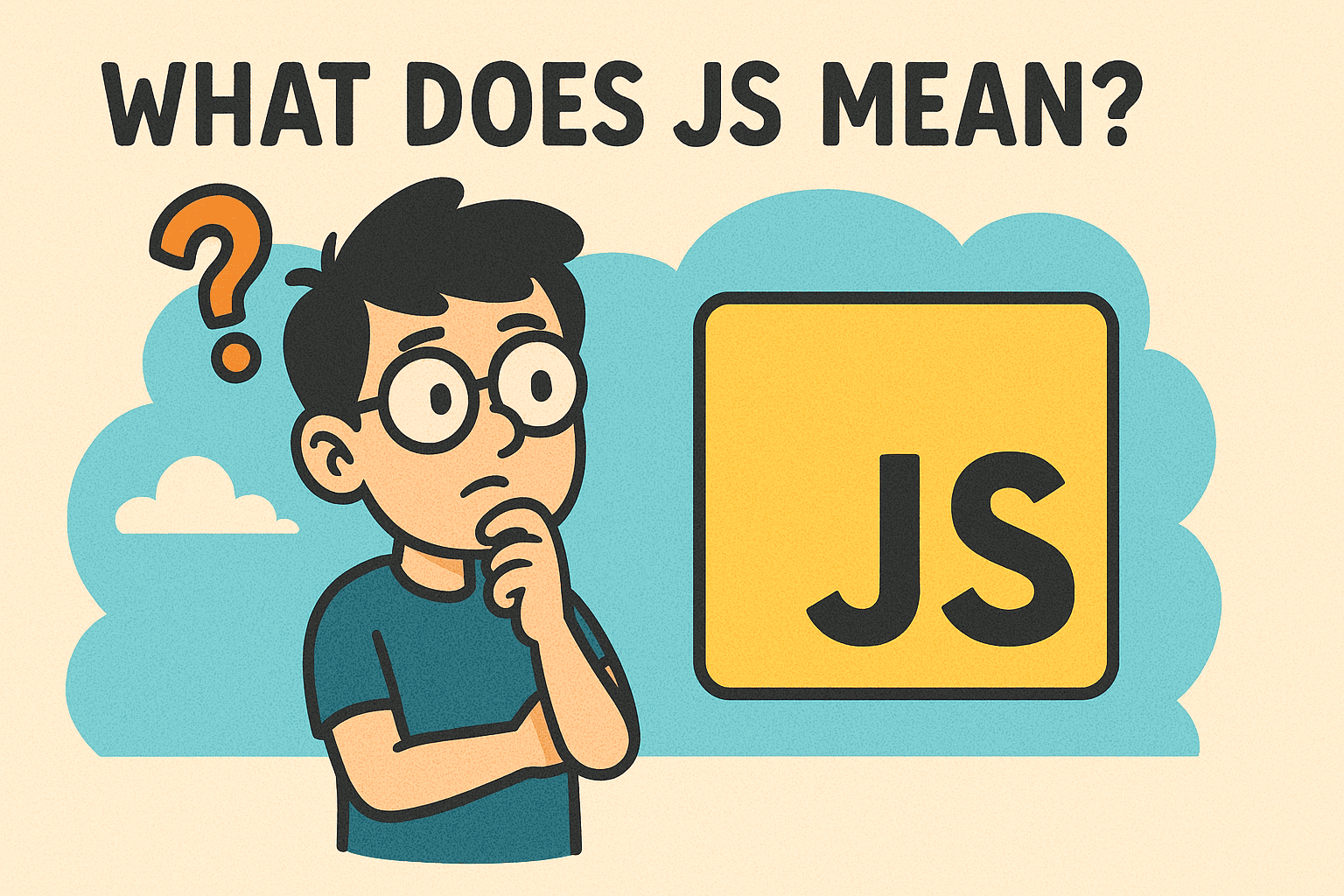
If you’ve worked in IT, cybersecurity, or business leadership, you’ve likely seen the term JS appear in emails, reports, or file names. But what does JS mean? For many, it simply refers to JavaScript, the backbone of modern web development. However, JS is more than just a coding language—it’s a key player in web security, cyber risk, and online business operations.
JS Meaning
In this guide, we’ll break down what JS means, explore its uses, highlight potential risks, and share best practices for IT managers, security teams, and executives.
What Does JS Mean in Technology?
The abbreviation JS most commonly stands for JavaScript, a high-level programming language used to create interactive websites and applications.
- JS = JavaScript
- It powers over 98% of websites, from online forms to dynamic dashboards.
- It runs on both client-side (in your browser) and server-side (with frameworks like Node.js).
Put simply: JS makes static web pages come alive.
Why JavaScript (JS) Is So Widely Used
JS is everywhere online because it’s flexible, lightweight, and easy to integrate. Some of the most common uses include:
- Interactive Features: Dropdown menus, chat widgets, dynamic updates.
- Web Applications: Platforms like Gmail, Slack, and Trello run heavily on JS.
- Mobile & Desktop Apps: Frameworks like React Native and Electron extend JS beyond browsers.
- Data Handling: JS enables real-time updates and API integrations.
For IT managers and business leaders, this means JS is mission-critical for customer engagement and internal applications.
The Security Side of JS: Benefits and Risks
While JavaScript is powerful, it’s also a frequent target for cybercriminals.
Benefits of JS in Security
- Encryption Support: Helps secure data transmissions.
- User Verification: Enables two-factor authentication forms.
- Dynamic Security Updates: Allows real-time patching on websites.
Security Risks of JS
- Cross-Site Scripting (XSS): Attackers inject malicious scripts into web pages.
- Malware Delivery: JS files in emails or downloads may contain harmful code.
- Phishing Attacks: Fake websites often use JS to trick users into entering sensitive data.
- Supply Chain Risks: Vulnerabilities in third-party JS libraries can impact entire systems.
👉 For online security teams, JS represents both a defensive tool and a threat vector.
Real-World Example: JS in Cyberattacks
In 2022, a Fortune 500 company fell victim to a malicious JavaScript supply chain attack, where hackers compromised a third-party plugin. The result? Stolen customer payment data and millions in damages.
This highlights why IT leaders must understand what JS means beyond programming—it’s a major factor in cybersecurity strategies.
Best Practices for Securing JavaScript
For IT Managers & Security Professionals
- Enable Content Security Policy (CSP): Restricts which scripts can run.
- Use Subresource Integrity (SRI): Protects against modified JS libraries.
- Regularly Update Frameworks: Outdated JS code is a hacker’s playground.
- Monitor Endpoints: Watch for suspicious JS activity across devices.
For CEOs & Founders
- Prioritize Vendor Security: Audit all third-party JS integrations.
- Invest in Security Training: Empower teams to identify JS threats.
- Adopt Zero Trust Models: Don’t assume internal JS code is always safe.
For General Users
- Keep browsers updated.
- Avoid downloading unknown JS files.
- Use ad-blockers and anti-malware plugins.
JS vs. Other Web Technologies
| Feature | JavaScript (JS) | HTML | CSS |
| Purpose | Logic & interactivity | Structure of web pages | Design & styling |
| Security Concerns | XSS, malware, phishing | Low | Low |
| Common Usage | Dynamic apps, forms, APIs | Page layout, content | Styling, animations |
This table shows why JS, unlike HTML and CSS, requires stronger cybersecurity measures.
FAQs About “What Does JS Mean?”
1. Does JS always mean JavaScript?
In tech, yes. But in other contexts, JS can stand for different things (like job shorthand or initials).
2. Is JS safe to use?
Yes, but only if implemented with security best practices. Poorly managed JS can expose vulnerabilities.
3. Why do hackers use JS?
Because it runs directly in browsers, making it an effective tool for phishing, malware, and data theft.
4. What is a JS file?
A .js file is a plain text file containing JavaScript code, executed by web browsers or servers.
5. How can businesses reduce JS risks?
By implementing strict security policies, monitoring third-party libraries, and training staff.
Final Thoughts
So, what does JS mean? For most, it’s short for JavaScript, the language that powers interactive, modern web experiences. But for IT managers, cybersecurity experts, and executives, it also means understanding the risks tied to this powerful technology.
By applying the right best practices, businesses can enjoy the benefits of JS while minimizing cyber risks.
Don’t let hidden vulnerabilities in JavaScript put your organization at risk.
👉 Request a free demo from Xcitium and discover how enterprise-grade cybersecurity protects your business.