What Does “CS” Mean in Text? Understanding Its Meaning Across Contexts
Updated on August 1, 2025, by Xcitium
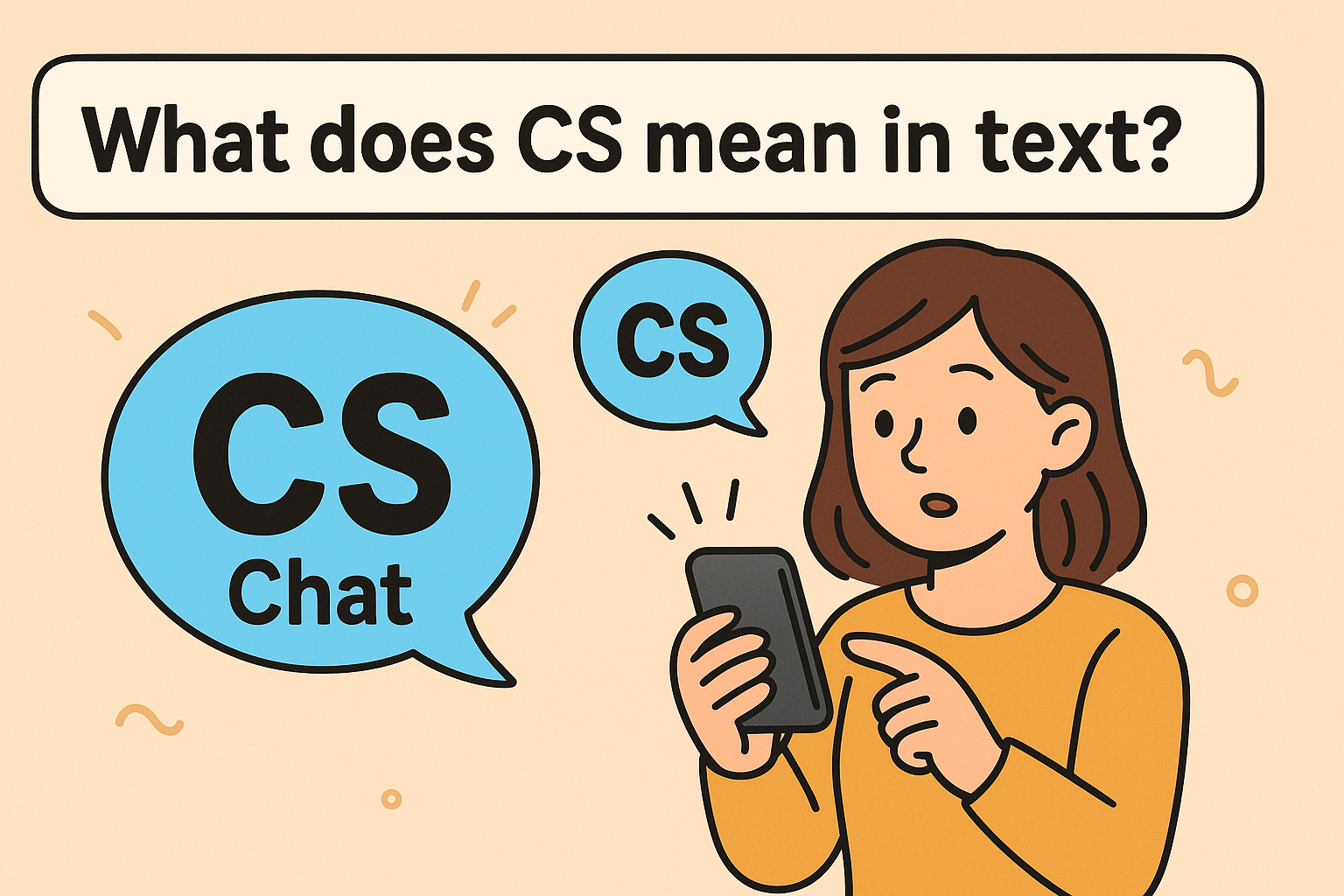
Ever seen “CS” pop up in a text message and paused for a second, wondering, what does CS mean in text? You’re not alone. In today’s fast-paced digital world, abbreviations and acronyms like CS are used across texting, social media, business communication, and gaming. But what exactly does it stand for?
Depending on the context, “CS” can have several meanings — from “Customer Service” to “Computer Science” and even “Counter-Strike,” the popular multiplayer game. In this post, we’ll dive into all the meanings of CS, explore examples, and help you understand when and how it’s used.
What Does CS Mean in Texting?
In casual text conversations, CS often stands for:
- Customer Service
- Can’t Stop
- Counter-Strike (in gaming texts)
- Computer Science (especially among students or professionals)
Let’s break each one down.
1. CS = Customer Service
This is perhaps the most common professional use. In corporate or business texting, CS refers to Customer Service.
Example:
“Can you escalate this issue to CS?”
“I spoke to CS and they resolved the refund issue.”
It’s often used in internal communications between support staff, sales reps, and clients.
2. CS = Can’t Stop (Slang Use)
In casual texting or on platforms like Snapchat, TikTok, or Instagram, CS might simply mean “Can’t Stop.”
Example:
“This series is so good, CS watching it lol!”
It’s a shorthand way of expressing enthusiasm or obsession with something.
Note: Context is key—this meaning is informal and typically used among Gen Z or younger audiences.
3. CS in Gaming = Counter-Strike
If you’re texting in a gaming community or among gamers, CS almost certainly means Counter-Strike, the iconic first-person shooter game.
Example:
“Let’s squad up for CS tonight.”
“CS servers are down again 😤”
Gamers commonly abbreviate games this way to save time or characters in chat.
4. CS = Computer Science
In educational and tech contexts, CS is universally known as Computer Science.
Example:
“I’m majoring in CS.”
“CS algorithms are tough to crack!”
Whether in universities, forums like Reddit, or career discussions, CS as “Computer Science” is a well-accepted abbreviation.
Secondary Meanings: Other Common Interpretations of CS
Depending on context, you might also encounter:
| Abbreviation | Meaning | Context |
| CS | Civil Services | Government exams |
| CS | Case Study | Education, Business |
| CS | Combat Specialist | Military or RPG Games |
| CS | Credit Suisse | Banking/Finance Sector |
Pro Tip: When unsure of what CS means, consider the conversation context—whether it’s about tech, games, work, or just friends chatting.
How to Know What CS Means in a Specific Message
Ask yourself:
- Who is the sender?
- What is the main topic?
- Does the platform have a known culture (gaming, business, etc.)?
- Are there other acronyms used in the same chat?
Example Analysis:
“The CS team is overwhelmed today.”
➡ This likely refers to Customer Service.
“I have a CS assignment due.”
➡ Clearly means Computer Science.
“CS GO or Valorant tonight?”
➡ Here, it means Counter-Strike: Global Offensive.
Why Do People Use CS and Other Abbreviations?
- 📱 Faster texting
- 🧠 Cognitive ease – especially when users share the same domain (tech, gaming)
- 📉 Limited character count – e.g., Twitter, text messages
- 📣 Informal communication tone
But with convenience comes confusion. That’s why it’s crucial to understand multiple meanings of terms like CS to avoid miscommunication.
Top Platforms Where “CS” is Frequently Used
- WhatsApp/Telegram: In business groups for Customer Service
- Discord/Steam: Among gaming communities referring to Counter-Strike
- Twitter/X: For Computer Science discussions
- Reddit (r/cscareerquestions): For students in tech fields
Bonus Tip: Add the sender’s tone and previous messages into your interpretation—it often makes the meaning clear.
Related Terms Worth Knowing
- TS = Technical Support
- FS = For Sale / Full Stack
- MS = Microsoft / Management System
- UX = User Experience
Knowing these can give you an edge in understanding shorthand communication across industries.
Bulleted Recap: What “CS” Can Mean
- ✅ Customer Service
- ✅ Can’t Stop (slang)
- ✅ Counter-Strike (game)
- ✅ Computer Science
- ✅ Civil Services / Case Study / Credit Suisse (less common)
Common Mistakes to Avoid
- ❌ Assuming CS means the same across all conversations
- ❌ Using CS in formal emails without defining it
- ❌ Misunderstanding CS in tech vs gaming vs support contexts
Always clarify when in doubt—especially in professional communication.
Frequently Asked Questions (FAQ)
1. What does CS mean on Snapchat or Instagram?
Usually “Can’t Stop,” referring to obsession or ongoing action (watching, texting, etc.).
2. What does CS mean in a job description?
It likely stands for Customer Service or Computer Science depending on the role.
3. Is CS a gaming term?
Yes, in gaming circles, CS stands for Counter-Strike, a famous multiplayer game.
4. What is a CS major?
A CS major refers to someone studying Computer Science, typically in college or university.
5. Can CS mean Case Study?
Yes, especially in academic or business discussions.
Conclusion: Decode CS Based on Context
So, what does CS mean in text? The short answer is: it depends. From “Customer Service” to “Computer Science” or “Counter-Strike,” CS can mean different things based on context. As communication evolves, staying on top of abbreviations is key—especially for IT professionals, business leaders, and cybersecurity experts who rely on fast and clear messaging.
Want to secure how your team communicates across systems?
👉 Request a Free Demo of Xcitium Security Platform — Secure your chats, emails, and systems with zero trust!