What are Logging? Essential Knowledge for IT & Security Leaders
Updated on August 12, 2025, by Xcitium
Ever wondered what are logging and why it’s critical for your organization’s digital resilience? In simple terms, logging is the recording of events and activities within applications, systems, and networks. These logs become the backbone of monitoring, troubleshooting, and cybersecurity. For IT managers, security professionals, and executives, a strong logging strategy can mean the difference between detecting a breach and suffering a costly failure.
What are Logging?
Logging refers to the systematic capture of event data—such as user actions, system processes, errors, and transactions—into log files. These structured records help teams monitor system health, track user activity, and detect potential security threats in real time.
Common Types of Logs
Let’s explore the key categories.
1. System Logs
Record operating system events like startup/shutdown, driver errors, and hardware failures.
2. Application Logs
Log actions such as user requests, transaction flows, and error messages.
3. Security Logs
Capture authentication attempts, access permissions, and anti-malware alerts.
4. Audit Logs
Track administrative changes—e.g., account creation, configuration updates—that are essential for compliance.
5. Network Logs
Include firewall, router, and IDS events like traffic flow, port access, and anomalies.
Why Comprehensive Logging Matters
- Troubleshooting: Identify root causes quickly through error logs.
- Threat Detection: Detect suspicious behavior like failed logins or unusual system access.
- Compliance: Aid audit and regulatory requirements like HIPAA, GDPR, and SOC 2.
- Operational Insight: Provide visibility into resource use and performance trends.
Best Practices for Effective Log Management
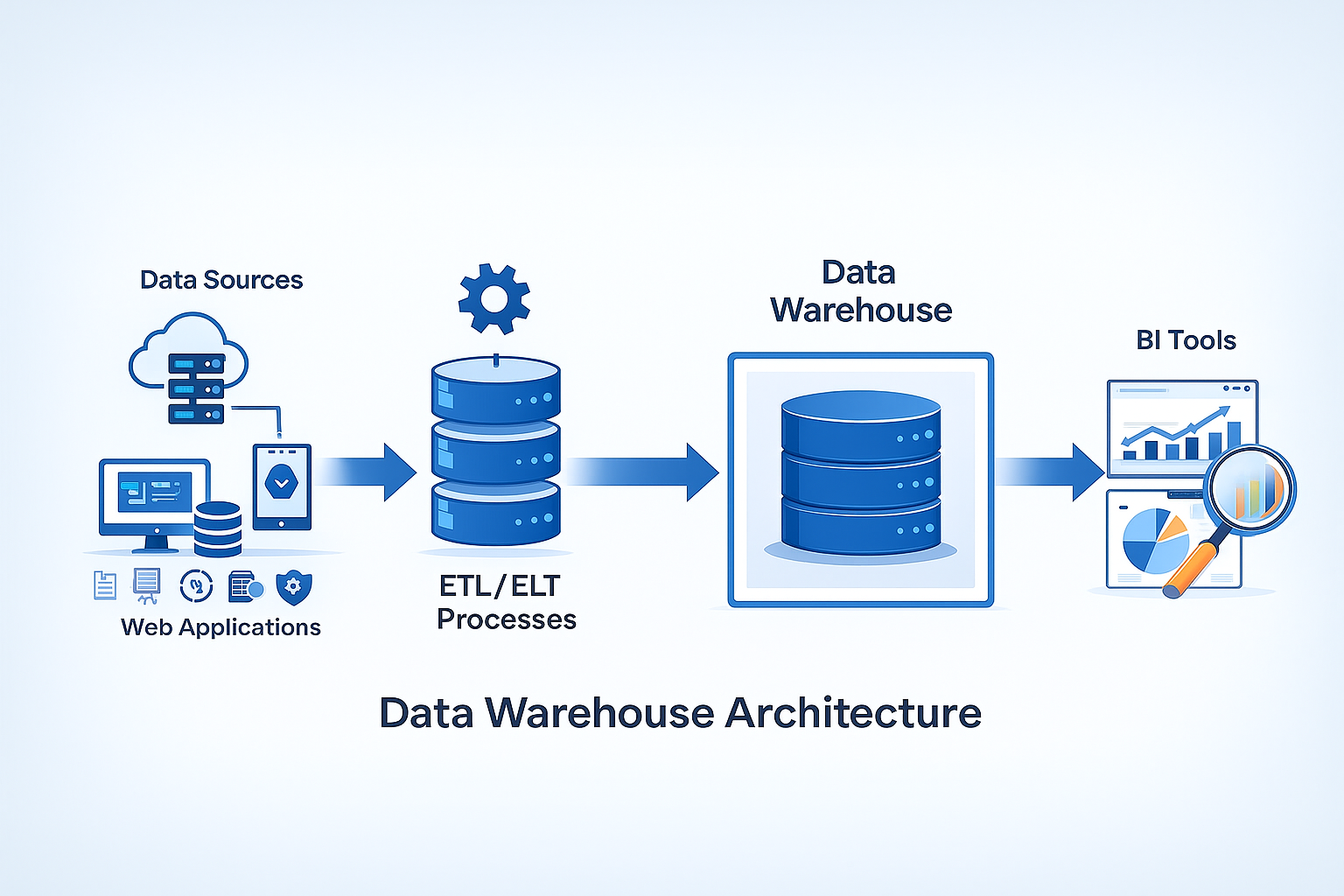
- Centralize Logs with a SIEM or Logging Platform
Simplifies monitoring and analysis across systems. - Normalize Log Formats
Standardize timestamp formats and fields for easier correlation. - Secure and Retain Logs Strategically
Encrypt at rest and adhere to retention policies relevant to your industry. - Set Up Real-Time Alerts
Flag deviation or failure events immediately to begin remediation quicker. - Periodically Review and Archive
Store older logs offline, but keep recent logs online for rapid investigation.
Logging Tools & Platforms
Popular systems that can help include:
- SIEM Tools: Splunk, IBM QRadar, ArcSight
- Cloud Solutions: AWS CloudWatch, Azure Monitor, Google Cloud Logging
- Logging Technologies: ELK Stack (Elasticsearch, Logstash, Kibana), Graylog
How Logging Supports Cybersecurity
Logs are essential for combating threats:
- Detection of breaches through pattern recognition across logs.
- Forensic analysis to trace attacker behavior across systems.
- Audit readiness to prove security controls and track compliance.
Real-World Scenario: Breach Tracked via Logs
Imagine sudden spikes in outbound DNS traffic. A centralized SIEM triggers alerts; security teams trace it back to Beacon traffic from a compromised host. Quick log correlation and alerting helped prevent a full-scale data exfiltration.
Integrating Logging into IT Strategy
- Enable comprehensive logging from day one across all critical assets.
- Provide stakeholders with dashboard visibility for key metrics.
- Use logs to guide architecture decisions and security investments.
FAQ: Common Questions
- What is log normalization?
Standardizing formats such as timestamps and fields so logs are comparable across systems. - How do log rotation and retention work?
Logs are archived after a defined period and stored separately to manage storage usage while preserving audit data. - Can logs help prevent insider threats?
Yes—behavioral anomalies in access logs or unusual admin actions can reveal insider misuse. - Which logs are most important?
It depends on your context, but security, audit, and application logs are often high priority. - Are logs vulnerable to tampering?
They can be, which is why encryption, access control, and immutability checks are vital.
Final Thoughts
Knowing what logging is and implementing it well forms the backbone of modern operational and security strategy. It’s not just data—it’s actionable insight and peace of mind.
Ready to Elevate Your Logging & Security Strategy?
Tap into real-time insights, unified log visibility, and compliance readiness with Xcitium’s platform.
👉 Request a Free Demo