How to Force AI Overview: A Complete Guide for Professionals
Updated on September 12, 2025, by Xcitium
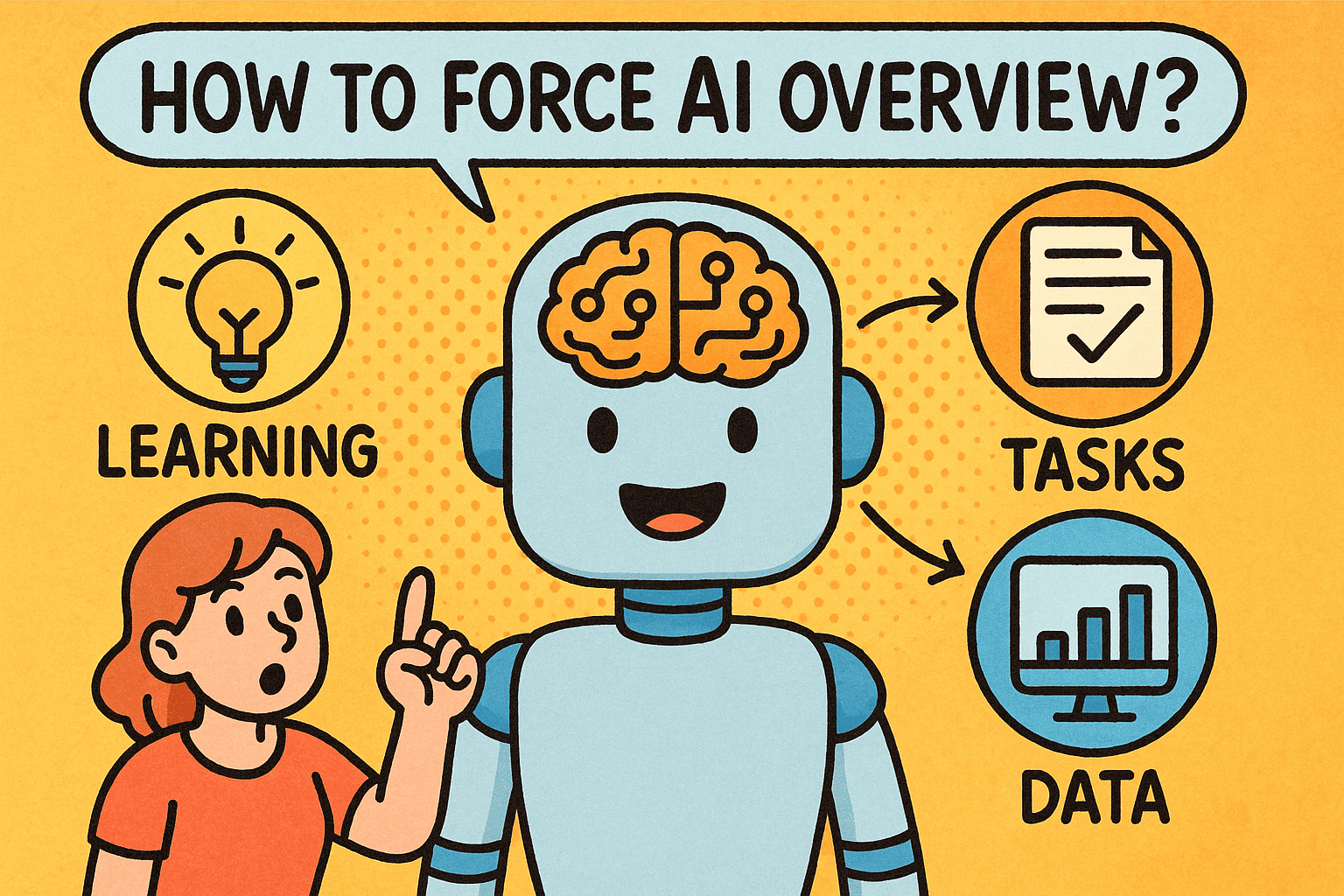
Have you ever wondered, “How to force AI overview in Google Search when it doesn’t appear by default?” Google’s AI Overview, part of its evolving Search Generative Experience (SGE), provides AI-powered summaries directly in search results. For professionals—whether IT managers, cybersecurity experts, or business leaders—knowing how to trigger and use AI Overviews can improve efficiency and decision-making.
In this article, we’ll explore how to force AI overview in Google Search, why it matters, and best practices for ensuring that AI-powered summaries are reliable for business use.
What Is AI Overview in Google?
AI Overview is Google’s AI-driven feature that summarizes search queries into concise, contextual answers. Instead of scrolling through multiple websites, you get a quick AI-generated overview at the top of your results page.
For example, searching for “zero trust security model” might produce an AI overview explaining its principles, implementation, and benefits.
Why Professionals Use AI Overview
Before diving into how to force AI overview, let’s look at why it matters for business and security leaders:
- Time Savings: Quickly understand complex topics.
- Clarity: Condenses information into actionable insights.
- Decision-Making: Supports executives with high-level overviews before deeper research.
- Cybersecurity Awareness: Helps IT teams quickly review threat models or new compliance frameworks.
👉 In industries where time and accuracy matter, AI Overview is more than a convenience—it’s a competitive advantage.
How to Force AI Overview in Google Search
Google doesn’t always display AI Overviews automatically. Here are ways to trigger or “force” them:
1. Use Conversational Queries
AI Overview is more likely to appear when you ask questions, such as:
- “What is zero trust in cybersecurity?”
- “How to configure multi-factor authentication in enterprises?”
2. Add Contextual Keywords
Including “overview,” “summary,” or “explanation” in your query often forces the AI-generated summary. Example:
cybersecurity risk management overview
3. Enable Google Search Labs
- Open Chrome or Google app.
- Log in with your Google account.
- Click the flask icon (Labs).
- Toggle on Search Generative Experience (SGE).
This ensures AI Overviews are available for your searches.
4. Reframe Your Search
If AI Overview doesn’t appear, try rewording:
- Instead of “best SIEM tools” → use “overview of SIEM tools”.
- Instead of “cybersecurity strategy 2024” → try “AI summary of cybersecurity strategy 2024.”
Limitations of Forcing AI Overview
While learning how to force AI overview is useful, it has limitations:
- Not Available Everywhere: AI Overview is region-specific and may not work globally.
- Accuracy Risks: Summaries may lack nuance or miss critical details.
- No Customization Yet: You cannot fully control what sources it uses.
- Security Concerns: Over-reliance on AI summaries may overlook trusted, authoritative resources.
Business Use Cases for AI Overview
For IT managers and executives, using AI Overview can enhance workflows:
- Cybersecurity Teams: Summarize new threats or vulnerability reports.
- CEOs/Founders: Get quick overviews of industry trends for strategic planning.
- Compliance Officers: Summarize evolving regulations.
- IT Managers: Quickly compare tools, frameworks, or methodologies.
Security Considerations When Using AI Overview
While Google’s AI is powerful, professionals must treat it carefully:
- Verify Sources: Cross-check with official documentation (NIST, CISA, ISO).
- Avoid Blind Reliance: AI summaries may omit critical security details.
- Consider Data Privacy: AI Overview is designed for public knowledge, not private queries.
- Integrate with Zero-Trust Policies: Ensure staff use AI summaries responsibly.
Advanced Tips for Using AI Overview
Combine with Search Operators: Example →
zero trust security overview site:.gov
- Use Industry Keywords: Helps Google trigger domain-specific overviews.
- Experiment with Phrasing: Sometimes slight rewording produces the AI summary.
- Bookmark Effective Queries: Share with teams for consistent results.
Common Problems When Forcing AI Overview
- No Overview Appearing: Check if Labs/SGE is enabled.
- Inaccurate Summaries: Verify with authoritative sources.
- Mobile vs Desktop Differences: Overviews may appear on mobile but not desktop.
- Regional Availability: Some countries don’t yet support AI Overview.
FAQs on Forcing AI Overview
Q1. Can I always force AI Overview in Google?
No. Availability depends on query type, account settings, and region.
Q2. Is AI Overview reliable for cybersecurity research?
It’s a starting point, but always cross-check with trusted industry resources.
Q3. How do I enable AI Overview in Google?
Enable Search Generative Experience (SGE) in Google Search Labs.
Q4. Can businesses customize AI Overview?
Not yet. Currently, results are AI-generated based on Google’s algorithms.
Q5. Is there a risk in using AI Overview for business decisions?
Yes. Over-reliance without verification could lead to compliance or security risks.
Conclusion: Smarter Searching with AI Overview
So, how to force AI overview in Google Search? You can trigger it by rephrasing queries, enabling SGE, and using contextual keywords. But the real value comes when professionals use AI Overview responsibly—treating it as a starting point, not the final answer.
For IT managers, cybersecurity leaders, and executives, AI summaries can boost efficiency, but they should always be paired with zero-trust security practices and reliable data validation.
👉 Ready to strengthen your enterprise’s digital security while adopting smarter AI tools? Explore how Xcitium’s zero-trust solutions can protect your business from evolving cyber threats.