AWS Security Hardening Checklist: A Complete Guide to Securing Your Cloud
Updated on March 26, 2026, by Xcitium
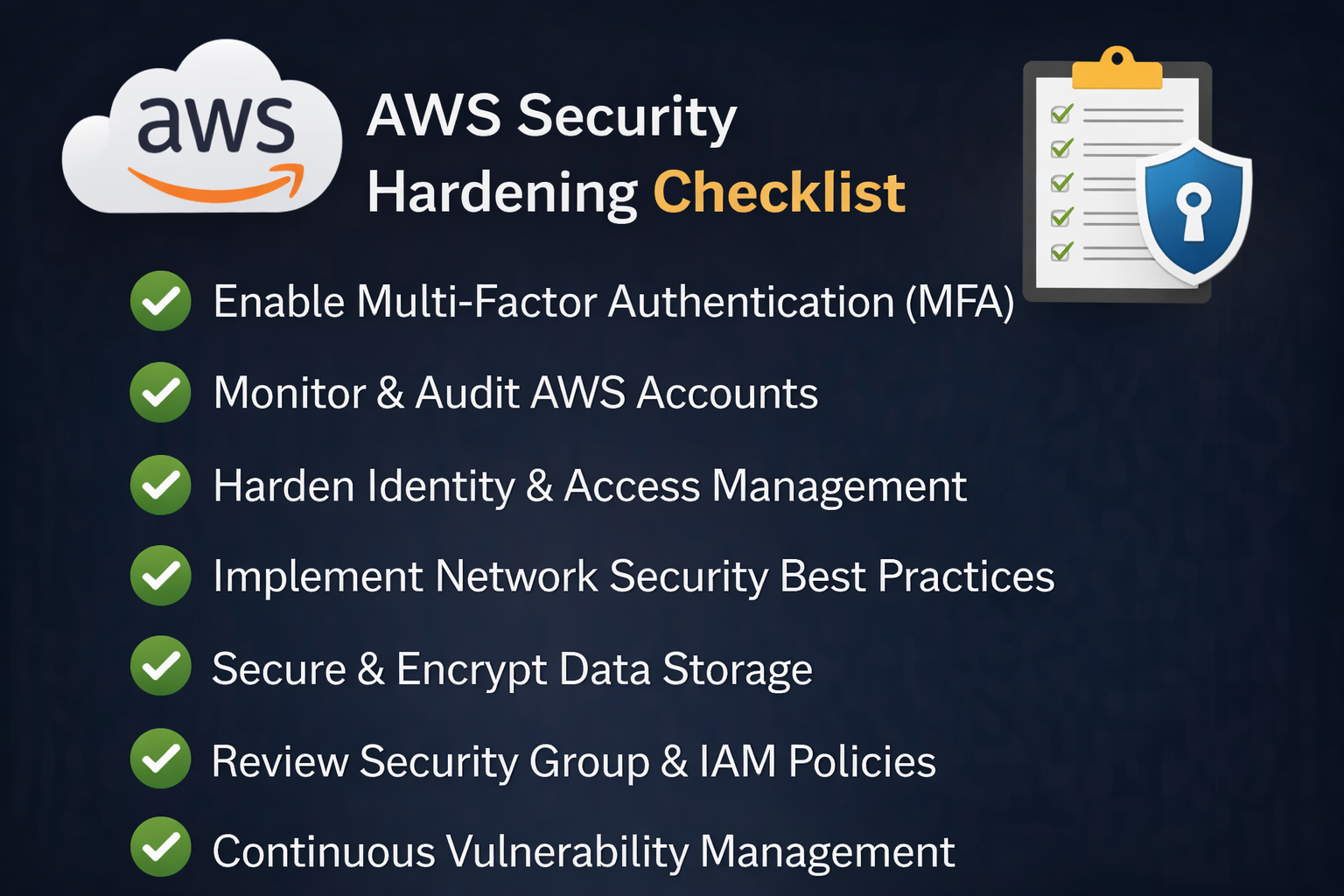
Is your AWS environment truly secure—or just assumed to be? Many organizations believe that moving to the cloud automatically improves security. But without proper configuration, AWS environments can become easy targets for cyberattacks.
This is where an AWS Security Hardening Checklist becomes critical. It helps organizations identify vulnerabilities, enforce best practices, and reduce risks across cloud infrastructure.
In this guide, we’ll walk you through a complete AWS Security Hardening Checklist designed for cybersecurity professionals, IT managers, and business leaders.
Why AWS Security Hardening Matters
AWS follows a shared responsibility model, meaning AWS secures the infrastructure, but you are responsible for securing your data, applications, and configurations.
Without a proper AWS Security Hardening Checklist, organizations risk:
- Data breaches due to misconfigurations
- Unauthorized access and privilege escalation
- Lack of visibility into cloud activity
- Compliance failures
Cloud security is not a one-time setup—it’s an ongoing process.
Core Components of an AWS Security Hardening Checklist
Before diving into detailed steps, here are the key areas every AWS Security Hardening Checklist should cover:
- Identity and Access Management (IAM)
- Network security
- Data protection and encryption
- Logging and monitoring
- Patch management and vulnerability scanning
- Compliance and governance
Let’s explore each in detail.
1. Identity and Access Management (IAM) Best Practices
IAM is the backbone of AWS security. Mismanaged identities are one of the top causes of breaches.
Key Actions:
- Enforce least privilege access
- Avoid using root account for daily tasks
- Enable multi-factor authentication (MFA)
- Use IAM roles instead of access keys
- Rotate credentials regularly
Pro Tip:
Audit permissions frequently to remove unnecessary access.
Related Keyword: cloud access security, IAM best practices
2. Secure Your Network Infrastructure
Your network configuration determines how traffic flows in and out of your AWS environment.
Checklist for Network Security:
- Use Virtual Private Cloud (VPC) for isolation
- Configure security groups and NACLs properly
- Restrict inbound traffic to necessary ports only
- Use private subnets for sensitive workloads
- Enable AWS Shield and WAF for DDoS protection
Example:
Avoid leaving ports like SSH (22) or RDP (3389) open to the public.
3. Data Protection and Encryption
Data is one of your most valuable assets. Protecting it should be a top priority in your AWS Security Hardening Checklist.
Best Practices:
- Enable encryption at rest using AWS KMS
- Use TLS/SSL encryption for data in transit
- Secure S3 buckets (no public access unless required)
- Implement backup and recovery strategies
Bonus Tip:
Use automatic encryption policies for all new resources.
4. Logging, Monitoring, and Threat Detection
Visibility is key to detecting and responding to threats quickly.
Essential Tools:
- AWS CloudTrail for API activity tracking
- Amazon CloudWatch for performance monitoring
- AWS GuardDuty for threat detection
- AWS Config for compliance monitoring
Checklist:
- Enable logging across all services
- Set up alerts for suspicious activity
- Retain logs for auditing and compliance
5. Patch Management and Vulnerability Scanning
Outdated systems are easy targets for attackers.
What to Do:
- Regularly update OS and applications
- Use AWS Systems Manager Patch Manager
- Conduct vulnerability scans frequently
- Automate patch deployment
Why It Matters:
Unpatched vulnerabilities are one of the most common entry points for cyberattacks.
6. Secure Workloads and Applications
Workload protection ensures your applications remain safe during runtime.
Checklist:
- Harden EC2 instances (disable unused services)
- Use container security for Kubernetes workloads
- Implement runtime protection tools
- Scan images before deployment
7. Backup and Disaster Recovery Planning
Even with strong security, incidents can still happen.
Best Practices:
- Schedule regular backups
- Use cross-region replication
- Test recovery processes regularly
- Store backups securely
Goal:
Minimize downtime and data loss during incidents.
8. Compliance and Governance
Organizations must meet regulatory standards depending on their industry.
Checklist:
- Use AWS compliance frameworks (HIPAA, GDPR, PCI-DSS)
- Enable AWS Config rules
- Conduct regular audits
- Document security policies
Tip:
Automate compliance checks wherever possible.
Common Mistakes to Avoid
Even with a strong AWS Security Hardening Checklist, teams often make these mistakes:
- Leaving S3 buckets publicly accessible
- Over-permissioned IAM roles
- Ignoring security alerts
- Lack of monitoring
- Not encrypting sensitive data
Avoiding these pitfalls significantly improves your security posture.
How to Implement AWS Security Hardening Effectively
To successfully implement your AWS Security Hardening Checklist, follow these steps:
1. Start with a Security Assessment
Evaluate your current environment to identify gaps.
2. Prioritize High-Risk Areas
Focus on IAM, network exposure, and sensitive data first.
3. Automate Security Controls
Use tools to reduce manual errors.
4. Train Your Team
Ensure everyone understands cloud security best practices.
5. Continuously Monitor and Improve
Security is not static—review and update regularly.
Future of AWS Security: Automation and AI
Cloud security is evolving rapidly. Organizations are now adopting:
- AI-driven threat detection
- Automated remediation
- Unified security platforms (CNAPP)
These technologies enhance the effectiveness of your AWS Security Hardening Checklist and reduce response times.
Conclusion: Strengthen Your AWS Security Today
A strong AWS Security Hardening Checklist is not optional—it’s essential for protecting your cloud environment.
By focusing on IAM, network security, encryption, monitoring, and compliance, organizations can significantly reduce risks and improve resilience.
👉 Ready to take your cloud security to the next level?
Request a demo today and discover how advanced security solutions can protect your AWS environment.
FAQs: AWS Security Hardening Checklist
1. What is an AWS Security Hardening Checklist?
It is a set of best practices and steps to secure AWS environments against threats and vulnerabilities.
2. How often should I review my AWS security settings?
At least quarterly, or whenever major changes are made.
3. What is the biggest AWS security risk?
Misconfigurations and excessive permissions are the most common risks.
4. Do I need third-party tools for AWS security?
AWS provides native tools, but third-party solutions can enhance visibility and protection.
5. How does AWS shared responsibility model affect security?
AWS secures infrastructure, but you are responsible for securing your data and configurations.