What Is Network Attached Storage? A Complete Guide for Modern Businesses
Updated on January 8, 2026, by Xcitium
What happens when your business data grows faster than your infrastructure can handle? Many organizations reach this point sooner than expected. Understanding what is network attached storage becomes essential when traditional storage methods start slowing productivity, increasing costs, or exposing security risks.
Network attached storage, commonly known as NAS, offers a centralized, scalable, and efficient way to manage data across teams and devices. For IT managers, cybersecurity professionals, and business leaders, NAS plays a critical role in modern data strategy. This guide explains how NAS works, why it matters, and how businesses can use it securely and effectively.
What Is Network Attached Storage?
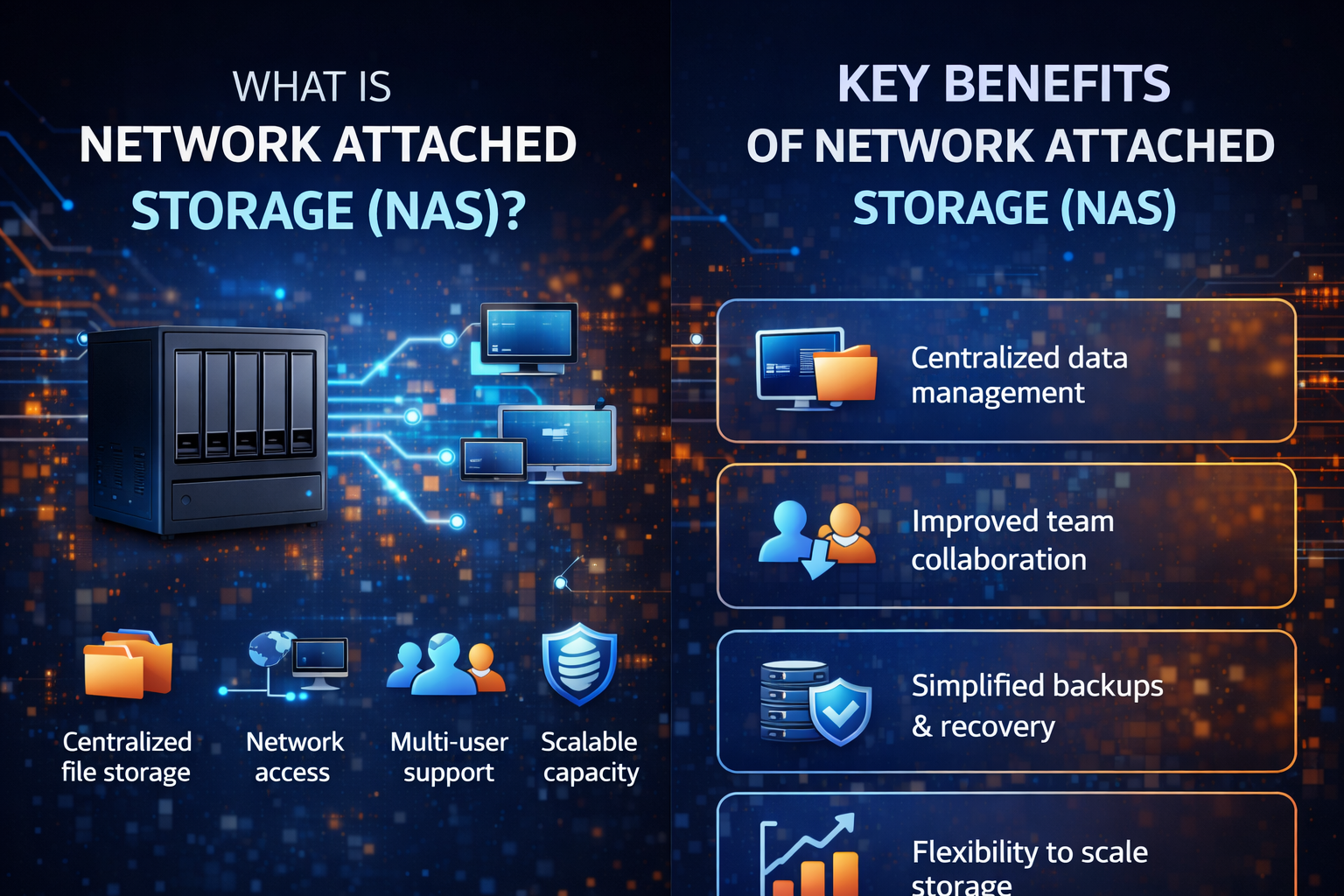
What is network attached storage? Network attached storage (NAS) is a dedicated file storage system that connects to a network, allowing multiple users and devices to access data from a centralized location. Unlike direct-attached storage, NAS operates independently and is accessed over standard network connections.
A NAS device typically includes storage drives, an operating system, and network interfaces. It acts as a private cloud within your organization, offering controlled access to shared files, backups, and applications.
Key characteristics of network attached storage:
-
Centralized file storage
-
Network-based access
-
Multi-user support
-
Scalable capacity
-
Always-on availability
Understanding what is network attached storage helps organizations improve collaboration while maintaining control over critical data.
How Network Attached Storage Works
To fully grasp what is network attached storage, it’s important to understand how it operates within a network environment.
A NAS device connects directly to your local area network (LAN). Users access stored files using standard protocols such as SMB, NFS, or FTP. Authentication controls determine who can view, edit, or manage files.
The NAS workflow:
-
Data is stored on hard drives or SSDs within the NAS
-
The NAS connects to the network via Ethernet
-
Users request files through network protocols
-
The NAS delivers data securely and efficiently
Because NAS storage solutions operate independently, they reduce the load on individual computers and servers.
Why Businesses Use Network Attached Storage
Businesses adopt NAS for one simple reason: efficiency. As data volumes grow, managing files across individual systems becomes impractical and risky.
Understanding what is network attached storage reveals why it has become a standard component of business data storage strategies.
Benefits of network attached storage include:
-
Centralized data management
-
Improved collaboration across teams
-
Simplified backups and recovery
-
Lower storage costs
-
Better scalability
For growing organizations, NAS offers flexibility without the complexity of enterprise storage systems.
Network Attached Storage vs Traditional Storage Methods
When evaluating storage options, decision-makers often compare NAS with other solutions. Understanding these differences clarifies what is network attached storage and when it is the right choice.
NAS vs Direct-Attached Storage (DAS)
-
DAS connects to a single computer
-
NAS serves multiple users simultaneously
-
NAS offers better scalability and sharing
NAS vs Storage Area Network (SAN)
-
NAS operates at the file level
-
SAN operates at the block level
-
NAS is simpler and more cost-effective
-
SAN is designed for high-performance enterprise workloads
For most small to mid-sized businesses, NAS storage solutions provide the right balance of performance and simplicity.
Common Use Cases for Network Attached Storage
Understanding what is network attached storage also means knowing where it delivers the most value.
Popular NAS use cases include:
-
File sharing and collaboration
-
Centralized data backups
-
Media storage and streaming
-
Virtual machine storage
-
Archiving and compliance data
Many IT teams rely on NAS as the backbone of their business data storage strategy.
Security Considerations for Network Attached Storage
Security is a top concern when discussing what is network attached storage, especially in cybersecurity-focused environments.
While NAS devices provide convenience, they must be secured properly to avoid becoming attack vectors.
Best practices for securing NAS storage solutions:
-
Enforce strong authentication and access controls
-
Use encryption for data at rest and in transit
-
Keep NAS firmware updated
-
Segment NAS from public-facing networks
-
Monitor access logs continuously
A poorly secured NAS can expose sensitive data, making security management essential.
Network Attached Storage and Cybersecurity
For cybersecurity professionals, understanding what is network attached storage extends beyond storage capacity. NAS devices often hold sensitive data, backups, and intellectual property.
When integrated with modern security platforms, NAS can support:
-
Secure backups against ransomware
-
Faster incident recovery
-
Centralized logging and auditing
-
Compliance with data protection regulations
NAS plays a key role in resilience strategies when paired with endpoint detection and response (EDR) and network monitoring tools.
Choosing the Right NAS Storage Solution
Selecting the right NAS requires aligning technology with business needs.
Factors to consider:
-
Storage capacity and scalability
-
Performance requirements
-
Number of concurrent users
-
Security features
-
Vendor support and reliability
Understanding what is network attached storage helps IT managers choose a solution that grows with the organization.
Cloud NAS vs On-Premises NAS
Many organizations now evaluate cloud-based NAS options alongside traditional on-prem systems.
On-premises NAS:
-
Full control over data
-
Lower long-term costs
-
Requires internal management
Cloud NAS:
-
Greater flexibility
-
Easier remote access
-
Subscription-based pricing
The choice depends on compliance needs, budget, and infrastructure strategy.
Future of Network Attached Storage
The future of NAS storage solutions is shaped by automation, cloud integration, and security-first design.
Emerging trends include:
-
AI-driven storage optimization
-
Hybrid NAS architectures
-
Zero-trust access models
-
Integrated ransomware protection
As threats and data demands grow, network attached storage continues to evolve.
Final Thoughts: Why Network Attached Storage Matters
Understanding what is network attached storage is no longer optional for modern businesses. NAS provides a practical, scalable, and secure way to manage growing volumes of data while supporting collaboration and resilience.
For IT managers and executives alike, NAS is a foundational component of digital infrastructure.
Take the Next Step Toward Secure Data Management
If your organization is evaluating secure storage and cyber protection strategies, now is the time to modernize.
👉 Request a demo today:
https://www.xcitium.com/request-demo/
Frequently Asked Questions (FAQs)
1. What is network attached storage used for?
Network attached storage is used for centralized file storage, backups, collaboration, and secure data access across multiple users.
2. Is network attached storage secure?
Yes, when properly configured with authentication, encryption, and monitoring, NAS can be a secure data storage solution.
3. What is the difference between NAS and cloud storage?
NAS is typically owned and controlled by the organization, while cloud storage is hosted by third-party providers and accessed over the internet.
4. Can network attached storage prevent data loss?
NAS supports data redundancy and backups, helping reduce the risk of data loss when combined with proper security controls.
5. Is NAS suitable for small businesses?
Absolutely. Many NAS storage solutions are designed specifically for small and mid-sized businesses due to their affordability and ease of use.