What Is an IMAP Server? A Complete Guide for Modern Email Systems
Updated on January 28, 2026, by Xcitium
Email remains the backbone of business communication—but have you ever wondered what is an IMAP server and why it plays such a critical role in today’s connected workplaces? From executives checking email on multiple devices to IT teams managing secure communication channels, IMAP servers quietly power modern email workflows.
For IT managers, cybersecurity professionals, CEOs, and founders, understanding what is an IMAP server is essential. Email is one of the most targeted attack vectors, and how messages are stored, accessed, and synchronized has direct implications for productivity, data security, and compliance.
In this comprehensive guide, we’ll explain what is an IMAP server, how it works, its advantages over other email protocols, security considerations, use cases, and best practices for secure deployment.
What Is an IMAP Server?
Let’s start with the fundamentals: what is an IMAP server?
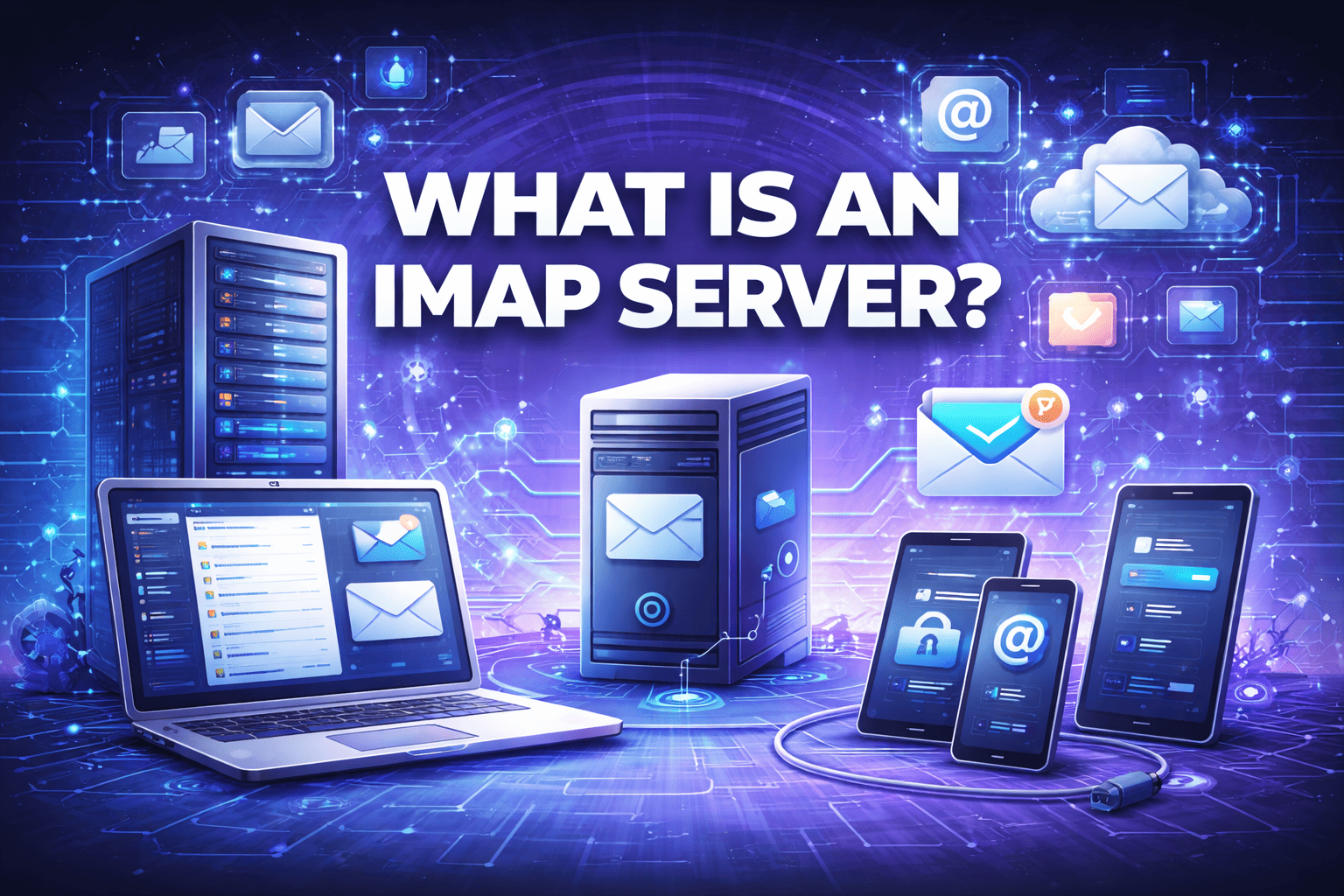
An IMAP server uses the Internet Message Access Protocol (IMAP) to store, manage, and synchronize email messages on a central mail server. Instead of downloading emails directly to a single device, IMAP keeps messages on the server and allows users to access them from multiple devices simultaneously.
In simple terms, an IMAP server ensures that your email looks the same—whether you’re checking it on a laptop, smartphone, tablet, or web browser.
Why IMAP Servers Are So Important Today
Understanding what is an IMAP server also means understanding why it has become the preferred email protocol for businesses.
Why Organizations Rely on IMAP
-
Employees use multiple devices
-
Remote and hybrid work is standard
-
Email data must remain centralized
-
Collaboration and consistency are critical
IMAP servers provide the flexibility modern workplaces require.
How an IMAP Server Works
To fully understand what is an IMAP server, it helps to look at how it functions behind the scenes.
How IMAP Works Step by Step
-
An email client connects to the IMAP server
-
The server authenticates the user
-
Email headers and message lists are synchronized
-
Messages remain stored on the server
-
Actions (read, delete, move) sync across devices
This real-time synchronization is what makes IMAP so powerful.
Key Features of an IMAP Server
IMAP servers offer capabilities that go beyond basic email delivery.
Core IMAP Features
-
Centralized message storage
-
Real-time synchronization
-
Folder and label management
-
Partial message downloads
-
Multi-device access
These features make IMAP ideal for enterprise environments.
IMAP vs POP3: What’s the Difference?
One of the most common questions after learning what is an IMAP server is how it compares to POP3.
| Feature | IMAP Server | POP3 |
|---|---|---|
| Email storage | Server-based | Local device |
| Multi-device sync | Yes | No |
| Folder support | Yes | Limited |
| Offline access | Partial | Full |
| Business use | Preferred | Rare |
IMAP is designed for modern, connected workflows, while POP3 is largely outdated.
IMAP vs SMTP: Understanding Their Roles
IMAP and SMTP are often confused, but they serve different purposes.
-
IMAP – Retrieves and manages emails
-
SMTP – Sends outgoing emails
Both protocols work together to enable full email functionality.
Common Use Cases for IMAP Servers
IMAP servers are used across organizations of all sizes.
Typical Use Cases
-
Corporate email systems
-
Cloud-based email platforms
-
Remote workforce communication
-
Executive email access
-
Multi-device email synchronization
Anywhere email consistency matters, IMAP is the preferred solution.
IMAP Servers in Business Environments
From a business perspective, what is an IMAP server translates directly to operational efficiency.
Business Benefits
-
Seamless collaboration
-
Centralized backups
-
Reduced data loss risk
-
Easier IT management
IMAP servers help ensure email availability and continuity.
Security Considerations for IMAP Servers
Email is one of the most targeted attack vectors, making IMAP server security critical.
Common IMAP Security Risks
-
Credential theft
-
Unencrypted connections
-
Brute-force login attempts
-
Malware-laced attachments
A poorly secured IMAP server can become an entry point for attackers.
How IMAP Servers Handle Encryption
Modern IMAP servers support strong encryption.
Encryption Methods
-
SSL/TLS encryption
-
Secure authentication mechanisms
-
Encrypted email transmission
Encryption ensures emails cannot be intercepted in transit.
IMAP Servers and Authentication
Authentication plays a key role in IMAP security.
Common Authentication Methods
-
Username and password
-
OAuth-based authentication
-
Multi-factor authentication (MFA)
Strong authentication significantly reduces compromise risk.
IMAP Servers and Phishing Attacks
Phishing remains the top email-based threat.
Why IMAP Matters for Phishing Defense
-
Centralized email storage enables scanning
-
Server-side filtering blocks malicious emails
-
Consistent enforcement of security policies
IMAP servers integrate well with modern email security solutions.
IMAP Servers and Compliance
Many industries require strict email data controls.
Compliance Benefits
-
Centralized data retention
-
Audit logging
-
Access control
-
Encrypted storage and transmission
IMAP servers support regulatory requirements such as GDPR, HIPAA, and SOC 2.
IMAP Servers in Cloud and Hybrid Environments
IMAP servers are no longer limited to on-prem deployments.
Modern IMAP Deployments
-
Cloud-based email platforms
-
Hybrid email infrastructures
-
Managed email services
Cloud IMAP servers offer scalability and resilience.
IMAP Server Performance Considerations
Performance matters for user experience.
Performance Best Practices
-
Optimize server storage
-
Use fast disks (SSD)
-
Enable caching
-
Monitor server load
Well-tuned IMAP servers provide smooth, responsive email access.
Common IMAP Server Misconfigurations
Even experienced teams make mistakes.
Mistakes to Avoid
-
Allowing plaintext connections
-
Weak password policies
-
Exposing IMAP ports to the internet
-
Lack of monitoring and logging
Misconfigurations often lead to breaches.
Best Practices for Securing an IMAP Server
To protect IMAP servers:
-
Enforce TLS encryption
-
Require strong passwords or MFA
-
Limit login attempts
-
Monitor authentication logs
-
Integrate with email security platforms
Security should be layered and proactive.
IMAP Servers and Zero Trust Security
Zero Trust principles apply directly to email infrastructure.
Zero Trust for IMAP Servers
-
Never trust connections by default
-
Authenticate every session
-
Monitor continuously
-
Restrict access by role
IMAP servers should be treated as high-risk assets.
IMAP Servers vs Modern Webmail
Many users access email via web browsers.
Key Difference
-
Webmail is an interface
-
IMAP is the protocol behind it
Even webmail platforms rely on IMAP to manage email data.
How to Choose the Right IMAP Server
When selecting or configuring an IMAP server, consider:
-
Security features
-
Scalability
-
Integration with security tools
-
Compliance requirements
-
Support and reliability
The right IMAP server supports both productivity and protection.
The Future of IMAP Servers
Despite new technologies, IMAP remains essential.
What’s Ahead
-
Stronger authentication methods
-
Deeper integration with threat detection
-
Cloud-native email security
-
Improved performance optimization
IMAP continues to evolve alongside email threats.
Actionable Tips for IT Leaders and Executives
If your organization relies on IMAP servers:
-
Audit IMAP security settings regularly
-
Enforce encryption and MFA
-
Monitor login and access patterns
-
Integrate with advanced email security tools
-
Educate users about phishing risks
Email security starts with strong infrastructure.
Frequently Asked Questions (FAQ)
1. What is an IMAP server used for?
It stores and synchronizes emails so users can access them from multiple devices.
2. Is IMAP more secure than POP3?
Yes, especially when configured with encryption and strong authentication.
3. Does IMAP download emails to my device?
No. Emails remain on the server and sync in real time.
4. Is IMAP suitable for businesses?
Absolutely. IMAP is the preferred protocol for modern business email.
5. Can IMAP servers be cloud-based?
Yes. Many cloud email providers use IMAP.
Final Thoughts: Why IMAP Servers Still Matter
Understanding what is an IMAP server is essential in a world where email remains a primary communication channel—and a prime target for attackers. IMAP servers provide flexibility, consistency, and centralized control, but only when secured and monitored correctly.
As email threats continue to evolve, organizations must pair reliable IMAP infrastructure with advanced email and endpoint security.
👉 See how modern cybersecurity solutions protect email, endpoints, and networks together.
Strengthen your email security strategy today.
🔗 Request a demo:
https://www.xcitium.com/request-demo/