What Is a Switch in Networking? A Complete Guide for Modern IT Environments
Updated on January 28, 2026, by Xcitium
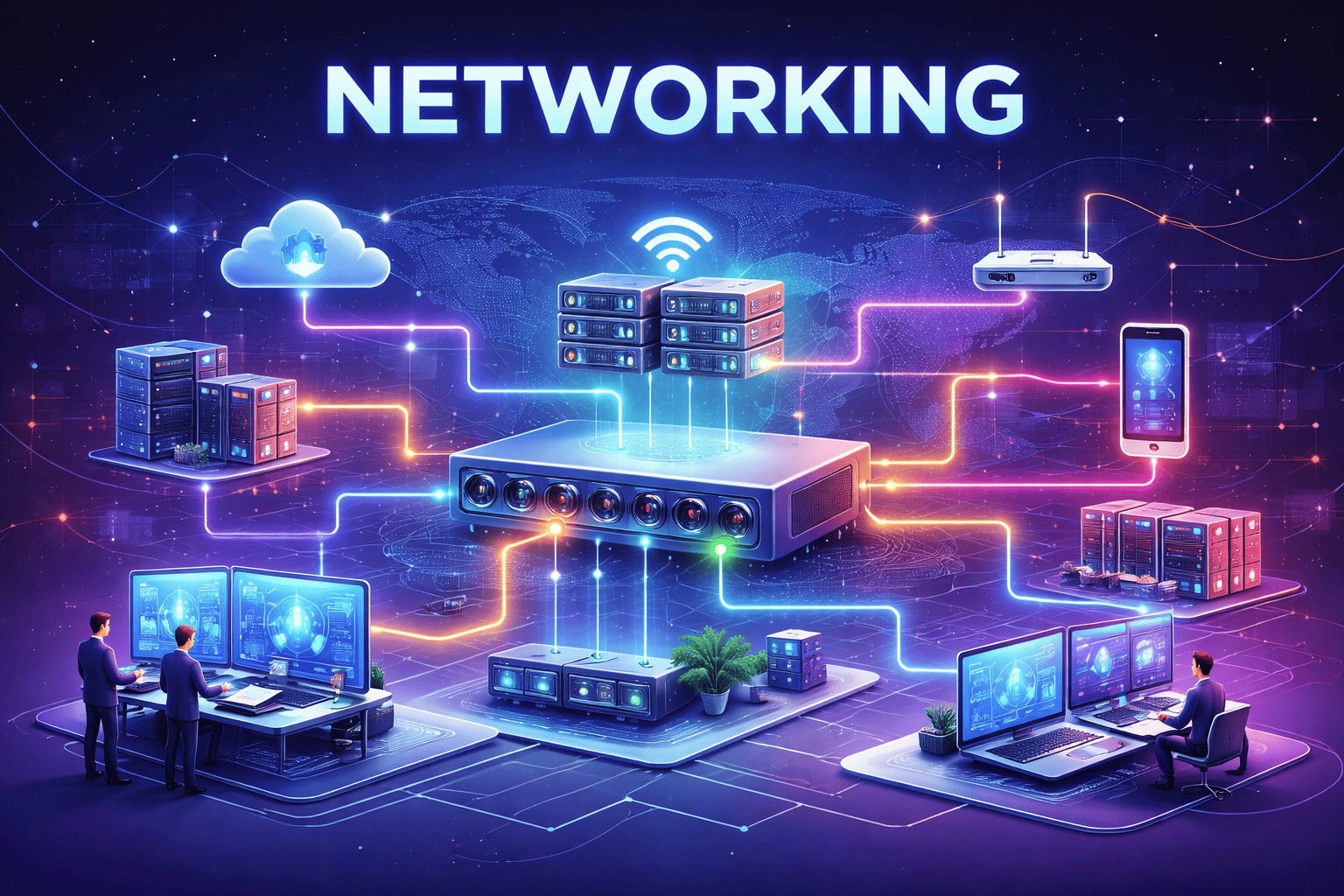
Every modern network—whether in a small office or a global enterprise—relies on one foundational device. If you’ve ever wondered what is a switch in networking, you’re not alone. Network switches quietly power data flow behind the scenes, enabling communication between computers, servers, and connected devices.
For IT managers, cybersecurity teams, CEOs, and founders, understanding what is a switch in networking is essential. Switches impact network performance, scalability, and security. A poorly designed switching layer can slow applications, create blind spots, and expose systems to cyber threats.
In this guide, we’ll explain what is a switch in networking, how switches work, types of network switches, key benefits, security considerations, and best practices for enterprise environments.
What Is a Switch in Networking?
To start with the basics, what is a switch in networking?
A network switch is a hardware device that connects multiple devices within a local area network (LAN) and forwards data to the correct destination using MAC (Media Access Control) addresses. Unlike hubs, which broadcast data to all connected devices, switches intelligently send data only where it needs to go.
In simple terms, a switch acts as a traffic controller, ensuring efficient and secure communication between devices on a network.
Why Network Switches Are Essential
Understanding what is a switch in networking also means understanding why switches are critical to business operations.
Why Switches Matter
-
Enable fast, reliable device communication
-
Reduce network congestion
-
Improve performance and scalability
-
Support segmentation and security
-
Form the backbone of enterprise networks
Without switches, modern digital operations would grind to a halt.
How a Switch Works in Networking
To fully understand what is a switch in networking, it helps to see how switches operate internally.
How Network Switches Function
-
Devices connect to switch ports via Ethernet
-
The switch learns each device’s MAC address
-
Incoming data frames are inspected
-
Data is forwarded only to the intended device
This targeted delivery reduces unnecessary traffic and improves efficiency.
Switch vs Hub: What’s the Difference?
A common question when learning what is a switch in networking is how it differs from a hub.
| Feature | Hub | Switch |
|---|---|---|
| Data forwarding | Broadcasts to all | Sends to specific device |
| Efficiency | Low | High |
| Security | Weak | Stronger |
| Performance | Poor | Excellent |
| Modern usage | Rare | Standard |
Switches replaced hubs because they are faster, smarter, and more secure.
Switch vs Router: Key Differences
Another frequent comparison involves switches and routers.
| Feature | Switch | Router |
|---|---|---|
| Operates at | Layer 2 (sometimes Layer 3) | Layer 3 |
| Primary role | Connect devices | Connect networks |
| IP routing | Limited or optional | Yes |
| Enterprise use | Core network layer | Network edge |
Switches handle internal communication, while routers manage external traffic.
Types of Network Switches
Not all switches are the same. Understanding types helps clarify what is a switch in networking across environments.
1. Unmanaged Switches
Unmanaged switches are plug-and-play devices with no configuration options.
Best For
-
Home networks
-
Small offices
-
Temporary setups
They are affordable but offer limited control and security.
2. Managed Switches
Managed switches provide advanced configuration and monitoring capabilities.
Key Features
-
VLAN configuration
-
Traffic prioritization (QoS)
-
Port security
-
Network monitoring
Managed switches are standard in enterprise networks.
3. Layer 2 vs Layer 3 Switches
Switches can operate at different OSI layers.
Layer 2 Switches
-
Forward traffic using MAC addresses
-
Common in access layers
Layer 3 Switches
-
Perform IP routing
-
Combine switching and routing
-
Used in core and distribution layers
Layer 3 switches reduce latency and simplify network design.
Where Switches Fit in Network Architecture
Understanding what is a switch in networking also requires knowing where switches sit in network design.
Typical Network Layers
-
Access layer – Connects end devices
-
Distribution layer – Controls traffic flow
-
Core layer – High-speed backbone
Switches are present at every layer, serving different purposes.
Benefits of Using Switches in Networking
Organizations rely on switches because they deliver measurable advantages.
Key Benefits
-
Faster data transfer
-
Reduced packet collisions
-
Better scalability
-
Enhanced network segmentation
-
Improved uptime
Switches are foundational to high-performance networks.
Network Switches and Cybersecurity
From a security perspective, what is a switch in networking also defines an important control point.
Why Switches Matter for Security
-
Control internal traffic
-
Enforce access policies
-
Support segmentation
-
Enable monitoring and logging
Poorly configured switches can expose internal systems to attackers.
Security Features in Modern Network Switches
Enterprise-grade switches include advanced security controls.
Common Security Capabilities
-
VLANs for network segmentation
-
Port security (MAC filtering)
-
802.1X authentication
-
Access control lists (ACLs)
-
Traffic monitoring
These features help limit lateral movement during breaches.
Switches and Zero Trust Networking
Zero Trust principles apply directly to switching infrastructure.
Zero Trust at the Switch Level
-
Authenticate every device
-
Segment networks by role
-
Limit access by default
-
Monitor traffic continuously
Switches act as enforcement points in Zero Trust architectures.
Switches in High-Density Environments
High-density environments demand powerful switches.
Examples
-
Data centers
-
Corporate campuses
-
Healthcare facilities
-
Manufacturing plants
Enterprise switches handle thousands of connections without bottlenecks.
Network Switches and IoT Growth
IoT adoption adds complexity to switching environments.
IoT Challenges
-
Large device volumes
-
Limited built-in security
-
Continuous connectivity
Properly configured switches help isolate and protect IoT devices.
How to Choose the Right Network Switch
Choosing the right device is key to long-term success.
Selection Criteria
-
Number of ports
-
Speed (1G, 10G, 40G)
-
Layer 2 vs Layer 3
-
Security features
-
Management capabilities
The wrong switch can limit performance and growth.
Common Mistakes When Deploying Switches
Even experienced teams make avoidable mistakes.
Mistakes to Avoid
-
Overlooking future scalability
-
Ignoring security configuration
-
Poor cable management
-
Lack of redundancy
-
No monitoring strategy
Planning ahead saves time and cost.
Network Switches and Compliance
Switches play a role in regulatory compliance.
Compliance Benefits
-
Traffic segmentation
-
Logging and auditing
-
Secure internal communication
Industries like finance and healthcare depend on secure switching layers.
The Future of Network Switching
Switching technology continues to evolve.
Emerging Trends
-
Software-defined networking (SDN)
-
AI-driven traffic optimization
-
Deeper security integration
-
Higher-speed Ethernet
Understanding what is a switch in networking prepares organizations for future growth.
Actionable Tips for IT Leaders
If you manage enterprise networks:
-
Audit current switching infrastructure
-
Segment networks by risk
-
Enable security features by default
-
Monitor internal traffic continuously
-
Plan upgrades proactively
Switches should support both performance and security goals.
Frequently Asked Questions (FAQ)
1. What is a switch in networking in simple terms?
A switch connects devices in a network and sends data only to the intended recipient.
2. Is a switch better than a hub?
Yes. Switches are faster, more secure, and far more efficient.
3. Can switches improve network security?
Yes. Switches support segmentation, authentication, and access control.
4. Do small businesses need managed switches?
Often yes, especially if security and growth are priorities.
5. How many devices can a switch support?
It depends on the model—enterprise switches support hundreds or thousands.
Final Thoughts: Why Network Switches Matter
Understanding what is a switch in networking is essential for anyone responsible for IT infrastructure. Switches are not just connectors—they are performance enablers, security enforcers, and the backbone of modern networks.
As cyber threats grow and networks expand, pairing robust switching infrastructure with advanced endpoint and network security is critical.
👉 See how modern cybersecurity solutions protect networks at every layer.
Strengthen your infrastructure today.
🔗 Request a demo:
https://www.xcitium.com/request-demo/