Privileged Access Management Best Practices
Updated on February 27, 2026, by Xcitium
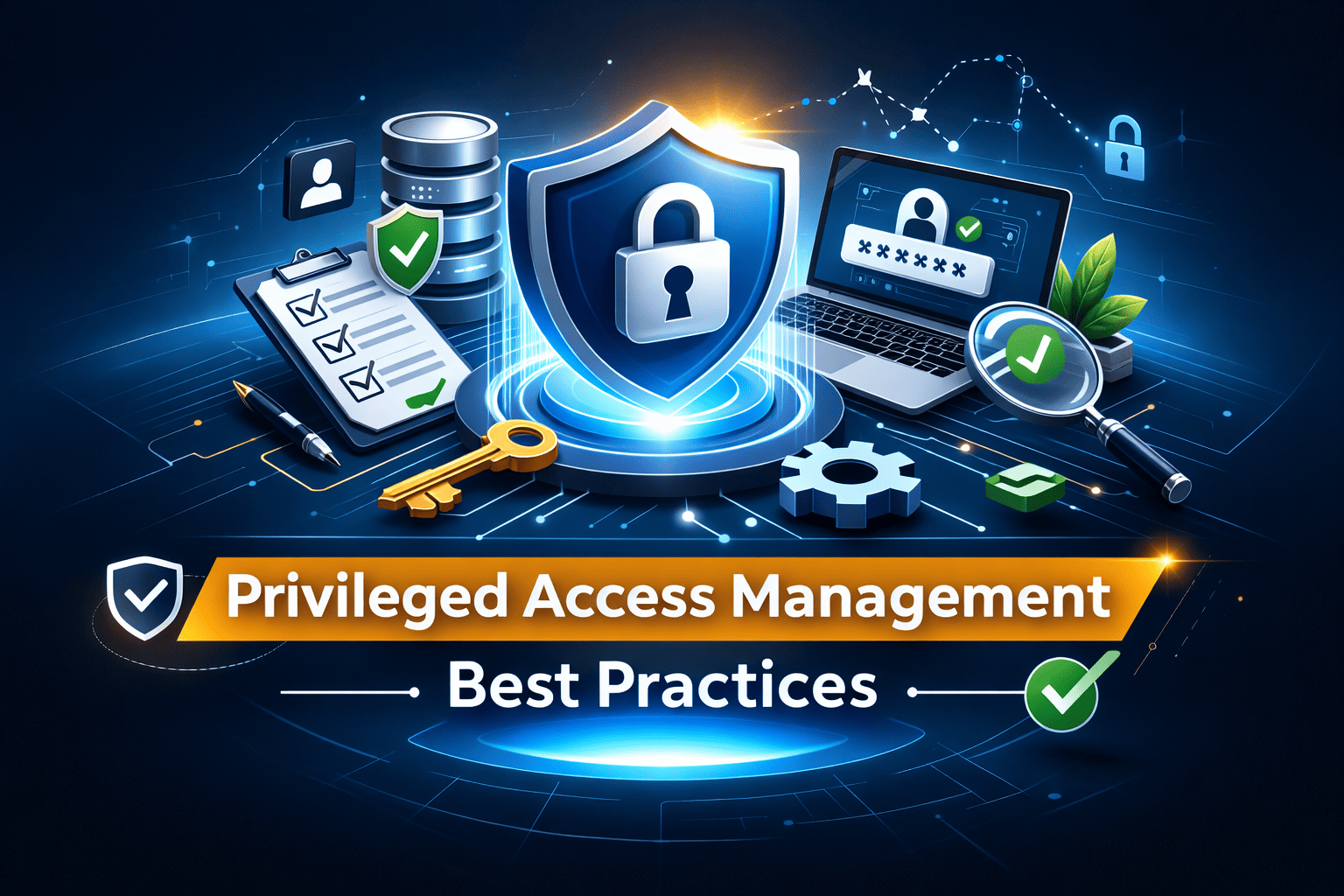
Did you know that most major data breaches involve compromised privileged accounts? Attackers don’t need to break down the front door when they can steal the master key. That is why understanding Privileged Access Management Best Practices is critical for IT managers, cybersecurity leaders, CEOs, and founders.
Privileged accounts control sensitive systems, databases, cloud platforms, and security tools. If these accounts fall into the wrong hands, the damage can be catastrophic. Implementing strong privileged access management (PAM) strategies reduces insider threats, limits attack surfaces, and supports Zero Trust security models.
In this comprehensive guide, we will explore Privileged Access Management Best Practices, practical implementation steps, common mistakes, and how organizations can strengthen identity security across hybrid and cloud environments.
What Is Privileged Access Management (PAM)?
Privileged Access Management (PAM) refers to security strategies and technologies designed to control, monitor, and secure accounts with elevated permissions.
Privileged accounts include:
-
Domain administrators
-
Root accounts
-
Database administrators
-
Cloud super users
-
Service accounts
-
Application administrators
These accounts have broad access and high authority. Without proper controls, they become prime targets for cybercriminals.
Why Privileged Access Is a High-Risk Target
Before diving deeper into Privileged Access Management Best Practices, it is important to understand the risks.
The Threat Landscape
Privileged credentials are attractive because they provide:
-
Access to sensitive data
-
Control over infrastructure
-
Ability to disable security tools
-
Lateral movement opportunities
If attackers compromise a privileged account, they can escalate their access quickly.
Insider Threats
Not all risks come from external attackers. Insider threats—whether malicious or accidental—also pose significant risks.
Over-privileged users may:
-
Access data beyond their job role
-
Modify configurations incorrectly
-
Bypass security controls
Strong PAM reduces these risks.
Core Privileged Access Management Best Practices
Implementing effective PAM requires structured policies and technology controls.
Enforce the Principle of Least Privilege
The principle of least privilege ensures users receive only the access they need—and nothing more.
How to Apply It
-
Remove unnecessary admin rights
-
Conduct regular access reviews
-
Restrict service account permissions
-
Limit cross-domain privileges
This foundational step reduces the attack surface significantly.
Implement Just-In-Time (JIT) Access
Standing privileges create persistent risk. Just-In-Time access provides temporary elevated permissions only when required.
Benefits of JIT
-
Reduces permanent admin exposure
-
Limits insider misuse
-
Automatically revokes privileges
Combining JIT with PAM strengthens overall identity security.
Use Multi-Factor Authentication (MFA)
Strong authentication is essential for privileged accounts.
Require MFA for:
-
Administrative logins
-
Remote access
-
Cloud management consoles
-
Critical system changes
Multi-factor authentication adds an additional security layer against credential theft.
Secure and Rotate Privileged Credentials
Password rotation prevents long-term credential exposure.
Best practices include:
-
Automated password vaulting
-
Frequent credential rotation
-
Eliminating hardcoded passwords
-
Protecting service account credentials
Credential vaulting reduces human handling errors.
Monitor and Record Privileged Sessions
Continuous monitoring provides visibility into privileged activity.
Log:
-
Administrative logins
-
Configuration changes
-
Database access
-
Privileged command execution
Session recording supports compliance audits and incident investigations.
Privileged Access Management in Cloud Environments
Cloud adoption introduces new identity risks.
Cloud-Specific Risks
-
Over-permissioned IAM roles
-
Unmonitored API access
-
Misconfigured service accounts
Implement cloud-native PAM controls within:
-
Microsoft Azure
-
AWS
-
Google Cloud
Temporary role assignments and policy enforcement improve security posture.
Integrating PAM with Zero Trust Security
Zero Trust assumes no implicit trust—especially for privileged users.
How PAM Supports Zero Trust
-
Continuous identity verification
-
Context-based access decisions
-
Behavior monitoring
-
Automatic privilege revocation
Privileged Access Management Best Practices align directly with Zero Trust frameworks.
Automating Privileged Access Governance
Manual processes increase risk and delay response.
Automation enables:
-
Real-time access approvals
-
Policy enforcement
-
Alert generation
-
Audit reporting
Automated governance improves efficiency and compliance.
Compliance and Regulatory Considerations
Many frameworks require strict control of privileged access.
These include:
-
GDPR
-
HIPAA
-
PCI-DSS
-
SOC 2
-
ISO 27001
Implementing Privileged Access Management Best Practices helps demonstrate regulatory compliance.
Common PAM Mistakes to Avoid
Even organizations with PAM tools can make errors.
Overlooking Service Accounts
Service accounts often have excessive permissions and are rarely reviewed.
Ignoring Cloud Privileges
Cloud IAM roles must be monitored and audited regularly.
Failing to Monitor Privileged Sessions
Without logging and monitoring, suspicious activity may go undetected.
Delayed Credential Rotation
Stale passwords increase compromise risk.
Industry Use Cases for PAM
Financial Services
Protect transaction systems and prevent fraud.
Healthcare
Secure access to patient data and medical systems.
Technology Companies
Protect intellectual property and production environments.
Government Agencies
Enforce strict identity governance and accountability.
Steps to Build a Strong PAM Strategy
Step 1: Conduct a Privilege Audit
Identify all privileged accounts across systems.
Step 2: Classify Risk Levels
Prioritize high-risk accounts first.
Step 3: Implement Centralized Credential Vaulting
Store and manage credentials securely.
Step 4: Deploy Continuous Monitoring
Track privileged sessions and generate alerts.
Step 5: Review and Refine Policies Regularly
Cybersecurity evolves. PAM policies must evolve as well.
Frequently Asked Questions
1. What are Privileged Access Management Best Practices?
They are structured security measures designed to control, monitor, and secure privileged accounts.
2. Why is PAM important?
Privileged accounts provide high-level access. If compromised, they can cause severe damage.
3. How does PAM support Zero Trust?
It enforces least privilege and continuous monitoring of high-risk users.
4. Is PAM only for large enterprises?
No. Small and mid-sized organizations also need strong privileged access controls.
5. How often should privileged access be reviewed?
Quarterly reviews are recommended, with continuous monitoring in place.
Final Thoughts
Privileged Access Management Best Practices are no longer optional in today’s threat landscape. As cyberattacks become more sophisticated, attackers target the most powerful accounts first.
By enforcing least privilege, implementing Just-In-Time access, securing credentials, and continuously monitoring privileged activity, organizations can significantly reduce risk.
Strong PAM is not just a security control—it is a business safeguard.
👉 Request a demo and strengthen your privileged access strategy today:
https://www.xcitium.com/request-demo/
Protect your critical systems. Reduce insider risk. Secure your enterprise with confidence.