FIDO2 Authentication Guide
Updated on February 27, 2026, by Xcitium
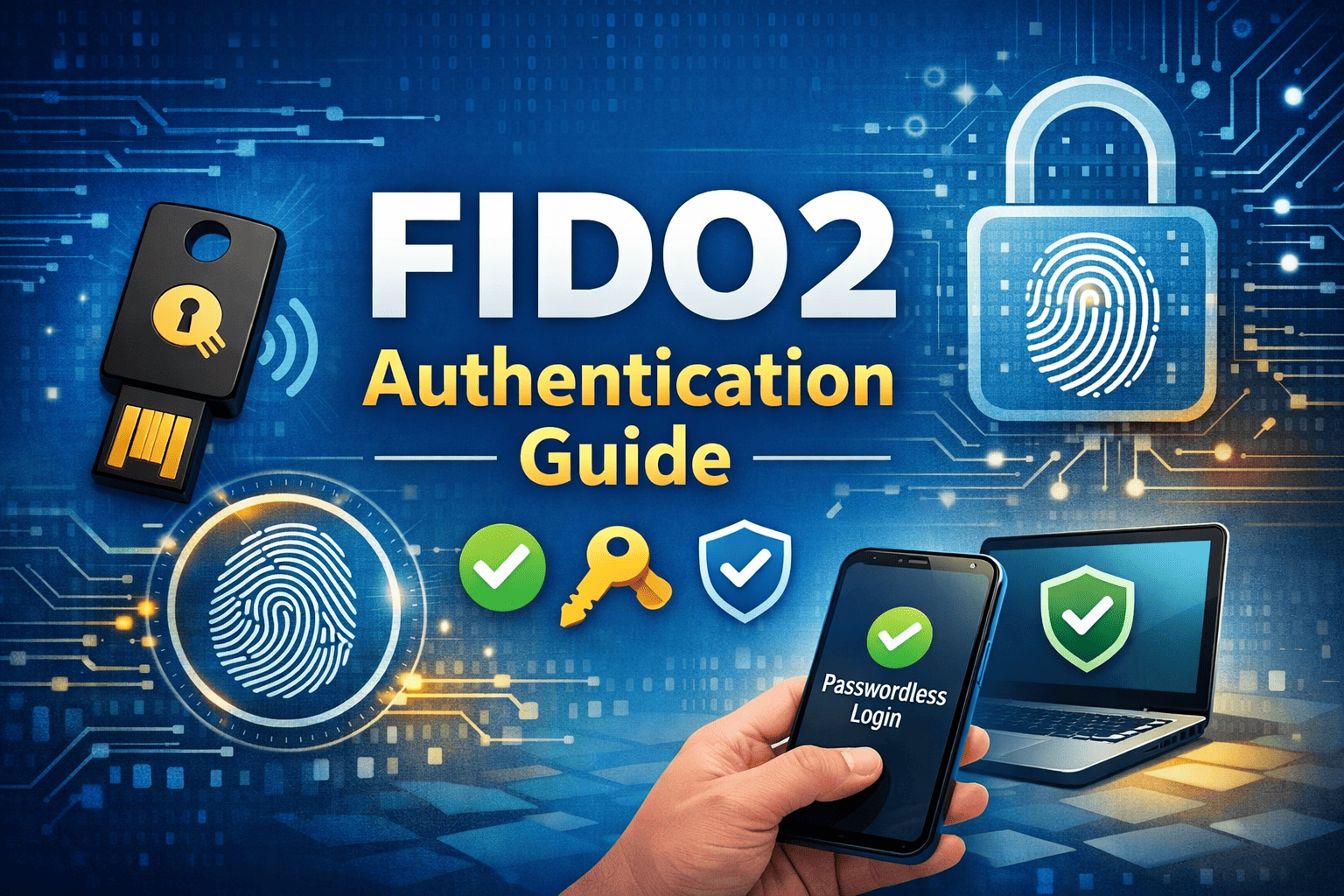
Are passwords putting your organization at risk? Stolen credentials remain one of the leading causes of data breaches worldwide. Phishing attacks, credential stuffing, and brute-force attempts continue to bypass traditional security methods. That is why this FIDO2 Authentication Guide is essential for IT managers, cybersecurity teams, CEOs, and founders seeking stronger identity protection.
FIDO2 authentication replaces vulnerable passwords with secure, phishing-resistant login methods. It supports passwordless authentication and strong multi-factor authentication (MFA), making it one of the most effective identity security standards available today.
In this comprehensive FIDO2 Authentication Guide, we will explain how FIDO2 works, its benefits, implementation strategies, and how it strengthens Zero Trust security.
What Is FIDO2 Authentication?
FIDO2 is an open authentication standard developed by the FIDO Alliance. It enables passwordless authentication using public-key cryptography.
Instead of storing passwords, FIDO2 uses:
-
Cryptographic key pairs
-
Hardware security keys
-
Biometric authentication
-
Platform authenticators
This approach eliminates shared secrets, which are the primary target of attackers.
Why Passwords Are No Longer Enough
Before diving deeper into this FIDO2 Authentication Guide, it’s important to understand the problem.
Passwords are vulnerable because:
-
Users reuse them across accounts
-
Phishing attacks steal them easily
-
Databases storing passwords can be breached
-
Brute-force attacks can guess weak credentials
Even strong passwords can be compromised through social engineering.
FIDO2 authentication removes these weaknesses by eliminating password dependency.
How FIDO2 Authentication Works
This FIDO2 Authentication Guide focuses on the technology behind secure login.
Public-Key Cryptography
When a user registers:
-
The device generates a public and private key pair.
-
The public key is stored by the service.
-
The private key remains securely on the user’s device.
During login, the server sends a challenge that only the private key can answer.
WebAuthn and CTAP
FIDO2 consists of two core components:
WebAuthn (Web Authentication API)
-
Browser-based authentication standard
-
Enables secure communication between websites and authenticators
CTAP (Client to Authenticator Protocol)
-
Connects hardware authenticators to devices
-
Supports USB, NFC, and Bluetooth security keys
Together, they enable strong authentication without passwords.
Types of FIDO2 Authenticators
Platform Authenticators
Built into devices, such as:
-
Windows Hello
-
Apple Face ID
-
Android fingerprint sensors
These provide seamless passwordless authentication.
Roaming Authenticators
External hardware devices, including:
-
USB security keys
-
NFC tokens
-
Bluetooth authenticators
Roaming authenticators support enterprise-grade multi-factor authentication.
Benefits of FIDO2 Authentication
Phishing Resistance
FIDO2 verifies the domain before authenticating. Fake login pages cannot capture credentials.
Strong Multi-Factor Authentication
FIDO2 combines:
-
Something you have (security key or device)
-
Something you are (biometric)
This significantly improves identity security.
Improved User Experience
Users log in faster without remembering complex passwords.
Reduced IT Costs
Password resets consume IT resources. Passwordless authentication reduces helpdesk tickets.
FIDO2 and Zero Trust Security
Zero Trust architecture requires continuous verification.
FIDO2 strengthens Zero Trust by:
-
Verifying identity at every login
-
Eliminating password-based risks
-
Reducing credential exposure
This FIDO2 Authentication Guide highlights its role in modern identity strategies.
Implementing FIDO2 in Enterprise Environments
Step 1: Identify High-Risk Accounts
Start with:
-
Administrative accounts
-
Financial systems
-
Email accounts
-
Cloud platforms
Step 2: Deploy Security Keys
Issue hardware authenticators to employees.
Ensure:
-
Backup keys are available
-
Clear onboarding instructions are provided
Step 3: Integrate with Identity Providers
FIDO2 works with:
-
Microsoft Entra ID
-
Google Workspace
-
Okta
-
AWS
Integration strengthens centralized identity management.
Step 4: Train Employees
User education improves adoption and reduces confusion.
Compliance and Regulatory Advantages
FIDO2 authentication supports compliance frameworks such as:
-
GDPR
-
HIPAA
-
PCI-DSS
-
NIST guidelines
Strong authentication reduces regulatory risk.
Common Misconceptions About FIDO2
“It’s Too Expensive”
Security keys are affordable compared to breach costs.
“It’s Hard to Implement”
Many identity providers offer built-in FIDO2 support.
“Users Won’t Adopt It”
Passwordless login often improves user satisfaction.
FIDO2 vs. Traditional MFA
| Feature | SMS MFA | Authenticator App | FIDO2 |
|---|---|---|---|
| Phishing Resistant | No | Limited | Yes |
| SIM-Swap Safe | No | Yes | Yes |
| Passwordless Support | No | No | Yes |
FIDO2 offers the highest level of authentication assurance.
Industry Use Cases
Financial Services
Protect customer accounts and prevent fraud.
Healthcare
Secure patient portals and sensitive records.
Technology Companies
Protect intellectual property and cloud workloads.
Government Agencies
Meet strict identity verification requirements.
Frequently Asked Questions
1. What is FIDO2 authentication?
FIDO2 is a passwordless authentication standard using public-key cryptography to secure user logins.
2. Is FIDO2 better than SMS-based MFA?
Yes. FIDO2 is phishing-resistant and not vulnerable to SIM-swapping.
3. Can FIDO2 eliminate passwords entirely?
Yes. Many platforms support full passwordless authentication.
4. Are hardware security keys required?
Not always. Platform authenticators like biometrics can also support FIDO2.
5. Is FIDO2 suitable for small businesses?
Absolutely. It is scalable and cost-effective for organizations of all sizes.
Final Thoughts
This FIDO2 Authentication Guide demonstrates why passwordless security is no longer optional. As phishing and credential theft increase, businesses must adopt stronger identity controls.
FIDO2 authentication provides phishing resistance, multi-factor security, improved user experience, and reduced IT overhead. It aligns perfectly with Zero Trust principles and modern compliance requirements.
If you’re ready to strengthen your organization’s authentication strategy, take the next step today.
👉 Request a demo and discover advanced cybersecurity solutions:
https://www.xcitium.com/request-demo/
Protect identities. Eliminate password risk. Lead with confidence.