How To Detect A Ransomware Attack?
Updated on October 11, 2022, by Xcitium
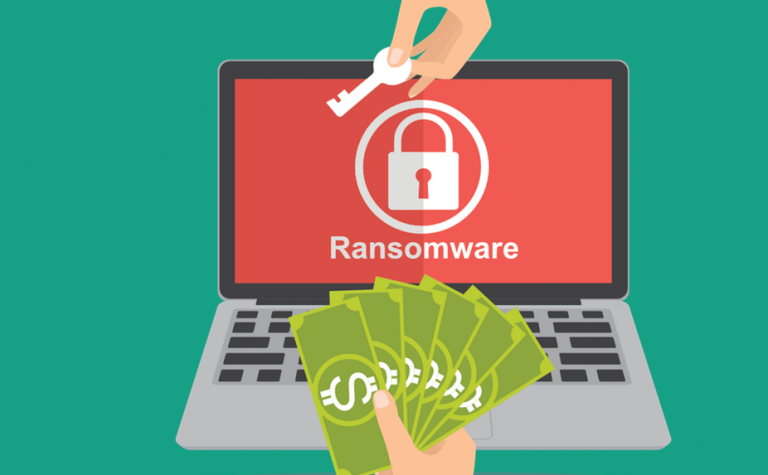
Because ransomware is an inventive malware type that uses elaborate cop-out techniques, it’s a lot more difficult and challenging for ordinary antivirus programs to find. So considering how IT experts continue to up their ways in finding ransomware removal solutions, it’s only right that we improve our individual ransomware detection techniques, too. Precisely why for this article, we’re talking about how to detect a ransomware attack.
How To Detect A Ransomware Attack
Check your email sources
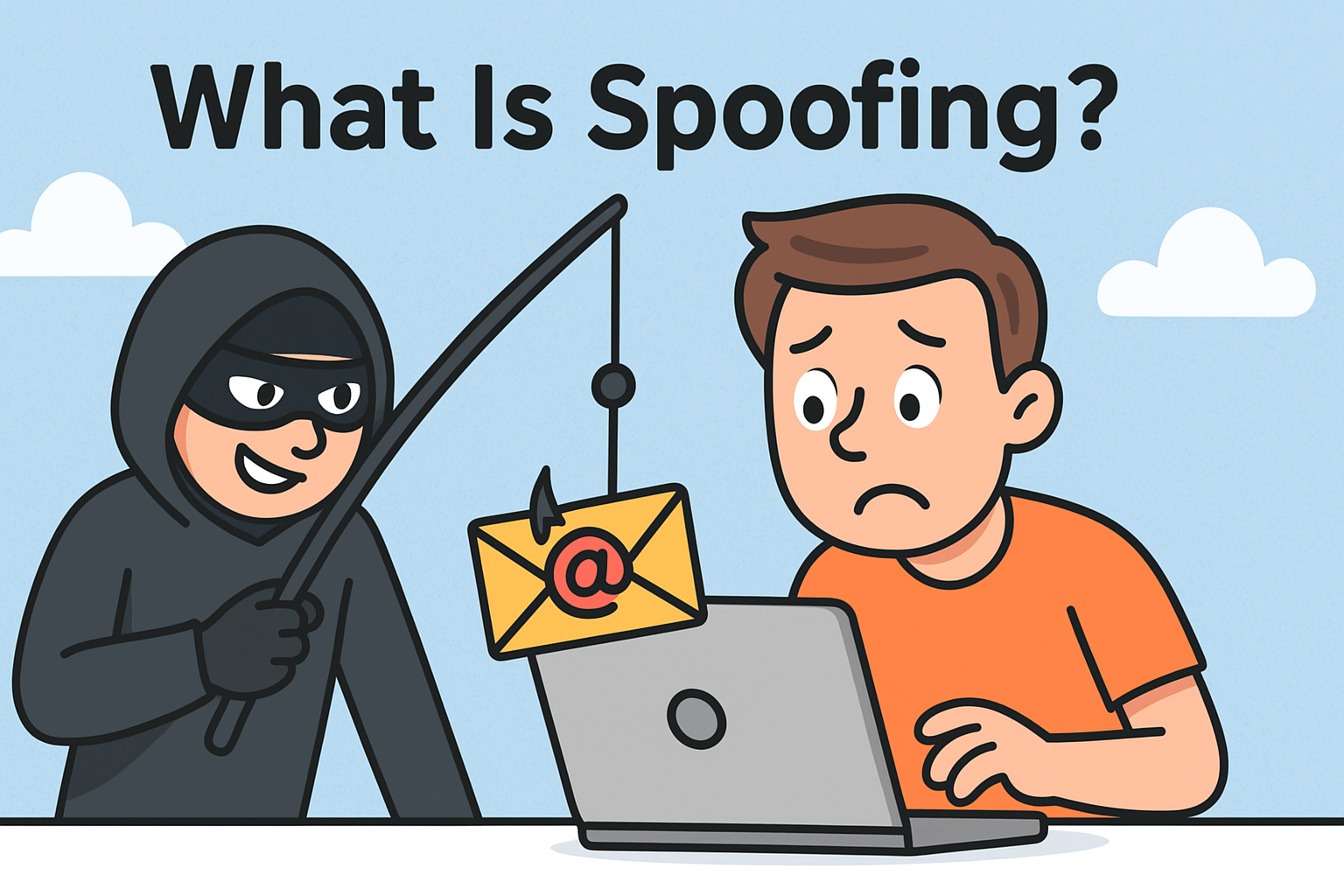
Much of knowing how to detect a ransomware attack comes from being careful, cautious, and alert. You can start by working on your ransomware detection techniques by checking the email addresses of the mail you get online. By using email addresses with similar spellings from the original ones, ransomware criminals send shady emails, hoping their recipients don’t see the difference. For instance, they can replace the uppercase letter ‘I” with the lower-case letter “L” since both symbols resemble each other. That said, take extra care before opening emails and clicking on attachments.
Double-check the content of the email, too. Ransomware removal isn’t something you need to be worried about if, at the onset of an email, you’ve already ascertained its authenticity. Over are the days when ransomware is immediately noticeable because of the overt nonsense these emails contain. That isn’t the case anymore. Your first line of defense on knowing how to detect a ransomware attack will depend on your capacity to be mindful.
Check domain links, too.
How to detect a ransomware attack is also reliant on users being patient enough to check links before clicking them. Technology has now allowed many cybercriminals to thrive simply when their victims click on the link. If you suspect that an email is malicious, double-check the links included in the mail. Check the domains. Are they trustworthy? Have you heard of these domain names before? If you Google the domain name alone, will you be able to find something relevant?
Attackers are extra deceitful nowadays so be very cautious. Ransomware removal can be costly if you don’t have the right computer protection. Of course, this tip isn’t exclusive to emails only. Whenever you see random links on social media or random blog posts, check them out, too. Again, we can’t stress enough how cyber thieves are upping their game. The last thing you’d want in all of this is to regret your internet surfing choices and re-think your ransomware detection techniques.
Be careful with what you download
Another surefire way to not have to worry about ransomware removal is being extra careful with what you download online, especially if you’re about to download zip files. A successful tactic attackers have mastered is to conveniently include malicious files in attachments that comprise a zip file.
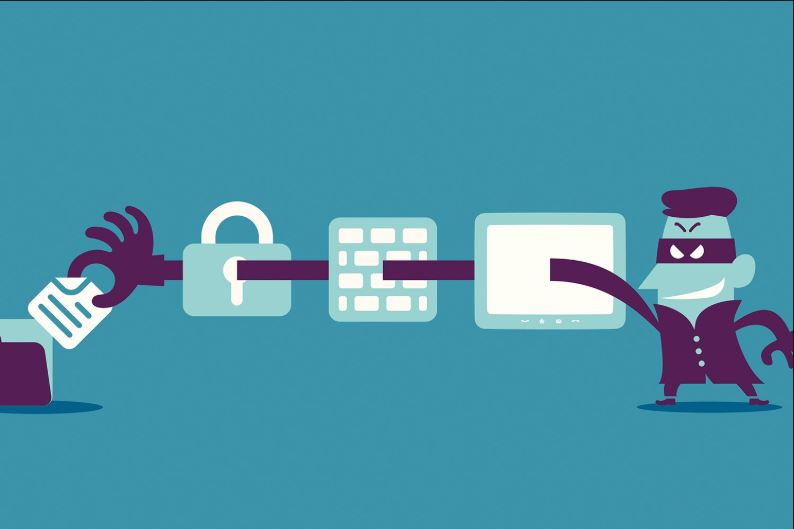
If, by any chance, a ransomware attacker successfully invades your system, don’t immediately give in to their demands. Study other ways out. Remember that anyone can be a victim of ransomware. This is why knowing how to detect a ransomware attack in advance is helpful.
Protect Yourself With Advanced Endpoint Protection
Perhaps the best and safest way anyone can ever guarantee complete protection from ransomware attacks is by signing up with a credible cybersecurity provider. Xcitium Cybersecurity, for instance, extends stellar advanced endpoint protection. Knowing how to detect a ransomware attack can be challenging at times since being extra careful yourself can only go so far.
Consider cybersecurity to be a vaccine for your computer and data.
How Much Longer Will Ransomware Stick Around?
Quite honestly, there is no end in sight. Granted how heavily digitized everything is now, we’re going to have to depend on computers and computing devices moving forward. Studies suggest that as long as automation and digitization thrive and expand, so will ransomware threats. It also doesn’t help that sending money today has never been easier.
All that mentioned, expect only rapid growth from ransomware creators. If anything, knowing how to detect a ransomware attack should be instinctual for us users. The truth is, we can’t always double-check every single link we click. So the best thing to do is to always have a backup for our data. Prepare an external hard drive and make a habit of transferring files.
For personal and intimate documents, be extra careful, too. Storing it only on your computer can prove detrimental. Prepare an ample number of flash drives around with you so you can categorize what documents belong where.
For affordable award-winning cybersecurity, head over to Xcitium Cybersecurity today!