What Is Random Access Memory (RAM)? A Complete Beginner-to-Pro Guide
Updated on October 27, 2025, by Xcitium
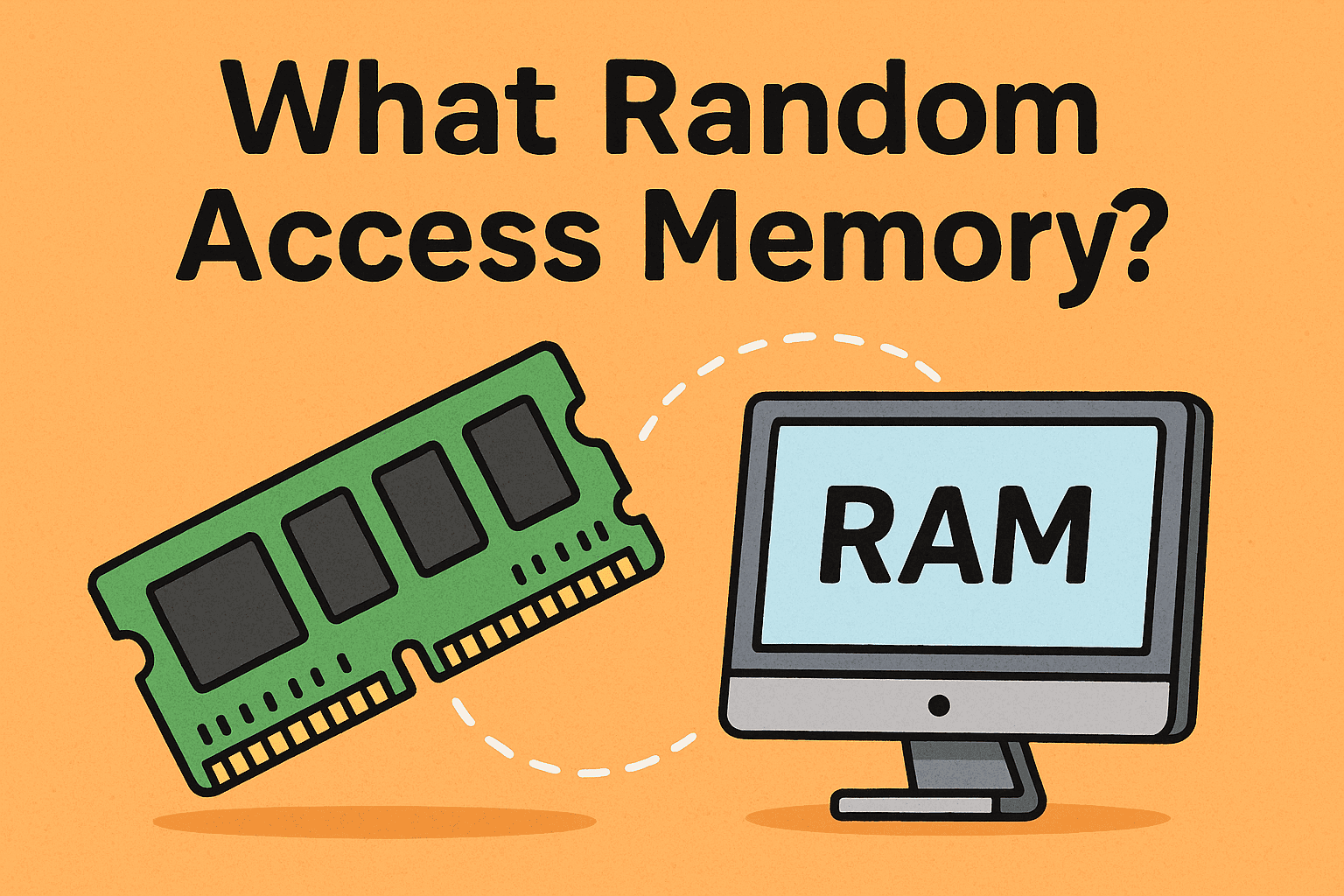
Have you ever wondered why one computer runs lightning fast while another seems sluggish, even with the same processor? The answer often lies in one key component: random access memory (RAM).
RAM plays a critical role in how computers and servers process data, execute programs, and handle cybersecurity tasks. Whether you’re an IT manager optimizing systems, a CEO investing in infrastructure, or a cybersecurity analyst managing endpoint defenses, understanding what random access memory is—and how it functions—can help you make smarter technology decisions.
This comprehensive guide covers the definition of RAM, its types, functions, benefits, and best practices for maximizing performance and data security.
What Is Random Access Memory?
Random Access Memory (RAM) is a type of volatile memory that temporarily stores data and instructions that your computer needs while performing tasks. Unlike a hard drive or SSD (which permanently stores files), RAM holds data only while the device is powered on.
When you open a program, play a video, or run a cybersecurity scan, the data is loaded into RAM for fast access by the central processing unit (CPU). Once you shut down or restart your computer, all data in RAM is erased.
In Simple Terms
Think of RAM as your computer’s short-term memory—it helps your device multitask efficiently by keeping active data close to the CPU for instant retrieval.
How Random Access Memory Works
When an application is launched, the operating system loads relevant files and instructions from long-term storage (SSD or HDD) into RAM. The CPU then fetches and executes those instructions directly from RAM because it’s exponentially faster.
Here’s the process step-by-step:
-
Startup: Your operating system and background processes are loaded into RAM.
-
Execution: When you open an app (e.g., browser or antivirus tool), it’s transferred to RAM.
-
Processing: The CPU communicates with RAM to retrieve data instantly, avoiding slower disk reads.
-
Shutdown: RAM is cleared when power is lost or the system restarts.
This process allows systems to run multiple applications simultaneously without delays.
Types of Random Access Memory
There are several types of RAM, each with distinct characteristics and use cases.
1. DRAM (Dynamic RAM)
-
Most common type of RAM in personal computers.
-
Stores data using tiny capacitors that must be refreshed thousands of times per second.
-
Cost-effective and offers large storage capacity.
2. SRAM (Static RAM)
-
Faster and more reliable than DRAM but also more expensive.
-
Commonly used in CPU cache memory due to its speed.
-
Doesn’t need constant refreshing, making it ideal for performance-critical tasks.
3. SDRAM (Synchronous DRAM)
-
Operates in sync with the CPU clock for better coordination.
-
Found in most modern computers as DDR (Double Data Rate) SDRAM.
4. DDR RAM (DDR1 – DDR5)
-
DDR (Double Data Rate) RAM transfers data twice per clock cycle.
-
DDR5 is the latest version, offering faster speeds and better energy efficiency.
-
Ideal for high-performance computing, gaming, and cybersecurity applications.
5. VRAM (Video RAM)
-
Specialized RAM for graphics processing (GPUs).
-
Used in video rendering, gaming, and deep learning tasks.
The Role of RAM in System Performance
RAM directly affects how fast and efficiently your computer runs.
Key Performance Impacts:
-
Multitasking: More RAM means you can run more applications simultaneously.
-
Speed: RAM determines how quickly programs load and respond.
-
System Stability: Adequate RAM prevents crashes or freezing when running memory-intensive apps.
-
Cybersecurity Operations: Security scans, sandboxing, and real-time threat detection rely on RAM to process data instantly.
For cybersecurity professionals, insufficient RAM can delay malware analysis, endpoint protection tasks, or SOC (Security Operations Center) monitoring.
RAM and Cybersecurity: The Hidden Connection
You might not think of RAM as a security component—but it plays a critical role in digital protection.
1. RAM-Based Malware
Cybercriminals sometimes inject malicious code directly into RAM, bypassing traditional storage-based detection. These attacks—known as fileless malware—are harder to trace since they disappear when the system reboots.
2. Memory Forensics
Cybersecurity analysts perform memory dumps to capture data stored in RAM during or after an attack. This helps identify malicious processes, encryption keys, or exfiltrated data.
3. Endpoint Security Tools
Solutions like OpenEDR or Xcitium Endpoint Protection use RAM efficiently to monitor behavior and respond to threats in real time.
4. Data Privacy
RAM encryption and memory isolation protect sensitive data (e.g., passwords, encryption keys) from exposure during runtime.
RAM vs. Storage: What’s the Difference?
| Aspect | RAM (Random Access Memory) | Storage (SSD/HDD) |
|---|---|---|
| Type | Volatile (temporary) | Non-volatile (permanent) |
| Purpose | Short-term data access | Long-term file storage |
| Speed | Much faster | Slower |
| Capacity | Measured in GB (8–64GB typical) | Measured in TB |
| Retains Data After Power Off? | No | Yes |
While both store data, RAM handles immediate computing needs, while storage holds your files and programs permanently.
How Much RAM Do You Need?
The ideal RAM size depends on your use case and workload:
| User Type | Recommended RAM | Use Case |
|---|---|---|
| General users | 8 GB | Web browsing, office work |
| IT professionals | 16 GB | Multitasking, system monitoring |
| Cybersecurity analysts | 32 GB+ | Virtual machines, endpoint defense, data analysis |
| Servers & Enterprises | 64 GB – 1 TB+ | Cloud computing, SOC operations, AI workloads |
If you’re running real-time endpoint protection, threat analysis, or incident response, investing in higher RAM ensures smoother performance and faster data processing.
How to Optimize RAM for Better Performance
Here are practical ways to get the most from your system’s RAM:
-
Close Unnecessary Background Apps – Free up memory for essential tasks.
-
Enable Virtual Memory (Page File) – Acts as backup RAM using disk space.
-
Upgrade Physical RAM – Install additional or higher-speed memory modules.
-
Use 64-Bit Operating Systems – Allows access to more than 4 GB of RAM.
-
Keep Drivers Updated – Prevent memory leaks and improve performance.
-
Monitor Memory Usage – Use Task Manager or third-party tools to track resource consumption.
In enterprise setups, automated monitoring through endpoint detection and response (EDR) tools ensures RAM-intensive security tasks don’t impact performance.
The Future of Random Access Memory
As AI, cloud computing, and cybersecurity evolve, RAM technology is advancing rapidly.
Future Trends:
-
AI-Optimized Memory – Designed to handle large datasets and real-time inference.
-
Persistent RAM (PRAM) – Combines the speed of RAM with the persistence of SSDs.
-
Memory Encryption – Enhances protection against RAM-based attacks.
-
Edge Computing Integration – Faster memory modules to support real-time analytics.
Why RAM Matters to Business Leaders and IT Managers
For CEOs and IT managers, understanding RAM’s importance goes beyond hardware specs. It influences:
-
System uptime and productivity
-
Data processing efficiency
-
Cybersecurity response times
-
Return on IT infrastructure investments
Investing in the right memory configuration ensures that your cybersecurity tools, analytics platforms, and automation systems perform at their best.
Conclusion
Now that you understand what random access memory is, you can see it’s much more than a hardware component—it’s the lifeblood of your system’s performance, security, and efficiency.
From enabling multitasking to supporting endpoint protection, RAM plays a pivotal role in maintaining fast, secure, and reliable operations across all industries.
👉 Boost your organization’s performance and security today — Request a demo to see how advanced endpoint protection solutions can help optimize your IT infrastructure.
FAQs
1. What is the main function of random access memory?
RAM temporarily stores data that the CPU needs for quick access while performing tasks.
2. Why is RAM called “random access”?
Because data can be read or written in any order (randomly), unlike sequential storage like hard drives.
3. What happens if my computer doesn’t have enough RAM?
It slows down, crashes, or uses disk space as virtual memory, reducing performance.
4. Is RAM important for cybersecurity operations?
Yes. Cybersecurity tools use RAM to process real-time data, detect anomalies, and prevent breaches efficiently.
5. What’s the difference between RAM and cache memory?
Cache is faster and located inside the CPU, while RAM is external and holds larger amounts of data temporarily.