What Is a VoIP Phone? A Complete Guide for IT and Security Professionals
Updated on December 10, 2025, by Xcitium
If you’ve worked in IT or modern business communications, you’ve likely heard the term but may still wonder: what is a VoIP phone, and why has it become the standard for companies worldwide? As organizations shift toward digital transformation, cloud telephony and internet-based communication have become essential for flexibility, cost efficiency, and cybersecurity readiness.
A VoIP phone uses the internet—not traditional phone lines—to transmit voice, video, and data. This makes communication faster, easier to scale, and more cost-effective. For IT managers, CEOs, and cybersecurity teams, understanding how VoIP phones work is key to maintaining secure and reliable business communication in a hybrid world.
In this in-depth guide, we explain exactly what a VoIP phone is, how it works, the benefits, the risks, and the best practices you need today.
What Is a VoIP Phone? (Simple Definition)
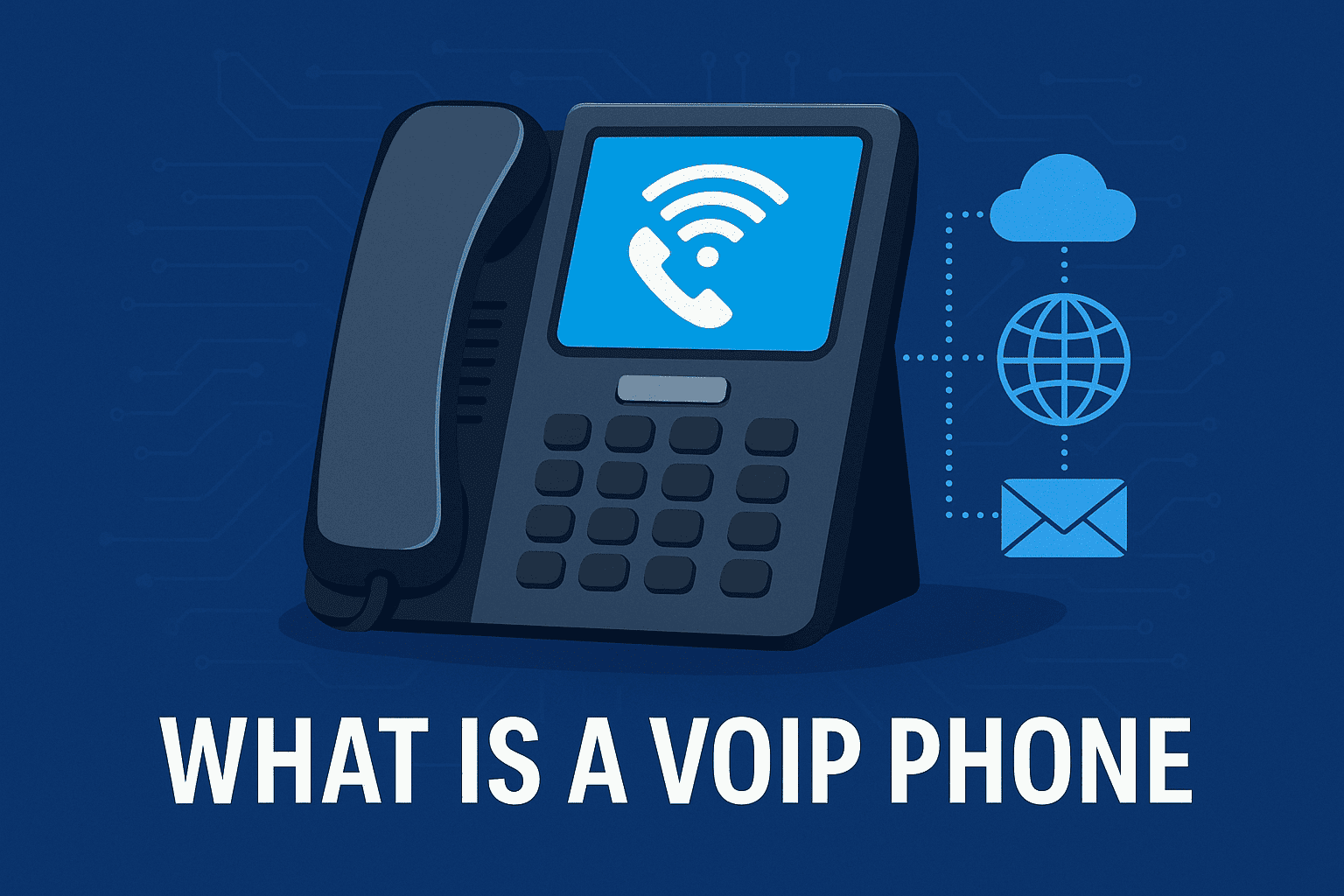
A VoIP phone (Voice over Internet Protocol phone) is a communication device that uses an internet connection instead of a traditional landline to make and receive phone calls. VoIP phones convert your voice into digital signals and transmit them over the internet.
There are two main types of VoIP phones:
-
Hardware-based VoIP phones (look like traditional phones but use the internet)
-
Software-based VoIP phones (softphones you install on computers or mobile devices)
How Does a VoIP Phone Work?
To understand what a VoIP phone is, you need to know how it connects voice communication to digital networks.
VoIP technology involves three simple steps:
1. Voice Conversion
Your voice is captured and converted into digital packets.
2. Packet Transmission
Those packets travel across networks:
-
Wi-Fi
-
Ethernet
-
Mobile data
-
Private networks
3. Packet Reconstruction
At the receiving end, packets are reassembled into clear audio.
This entire process occurs in milliseconds, enabling real-time communication.
Types of VoIP Phones
Understanding the categories helps clarify what a VoIP phone is and how organizations choose the right one.
1. Desktop VoIP Phones
Physical devices that connect via Ethernet or Wi-Fi.
Ideal for:
-
Offices
-
Call centers
-
Front desks
2. Softphones
Applications installed on:
-
Computers
-
Smartphones
-
Tablets
They allow users to communicate anywhere, anytime.
3. USB VoIP Phones
Plug directly into a computer and act as a physical handset.
4. Conference VoIP Phones
Used in:
-
Boardrooms
-
Large team meetings
-
Executive offices
They offer 360-degree audio and noise suppression.
Key Features of VoIP Phones
Companies adopting VoIP phones typically look for advanced capabilities beyond basic calling.
Here are the most important features:
1. HD Voice Quality
VoIP supports wideband audio, making conversations clearer and more natural.
2. Call Routing & Forwarding
Automatically direct calls to:
-
Specific teams
-
Devices
-
Locations
This improves customer experience and reduces wait times.
3. Voicemail-to-Email
Voicemails can be transcribed or sent as audio files to your inbox.
4. Multi-Device Synchronization
One phone number can ring across:
-
Desktop
-
Laptop
-
Mobile
-
VoIP desk phone
5. Video Calling
Many VoIP phones integrate video conferencing with tools like Teams or Zoom.
6. Auto Attendant / IVR
Automated menus guide callers to the right department.
7. Analytics & Call Reporting
Track:
-
Call durations
-
Missed calls
-
Peak hours
-
Agent performance
Benefits of Using VoIP Phones
Organizations researching what a VoIP phone is often do so because of its operational and financial advantages.
1. Lower Costs
Traditional phone systems require:
-
Expensive hardware
-
Complex wiring
-
High per-minute charges
VoIP eliminates most of these costs with simple subscription plans.
2. Flexible & Remote-Friendly
Perfect for hybrid workforces.
Employees can use the same phone number across devices and locations.
3. Scalability
Adding or removing users is instant—no technicians or rewiring needed.
4. Rich Communication Features
VoIP phones combine:
-
Voice
-
Video
-
Messaging
-
File sharing
-
Collaboration tools
5. Integration with Business Systems
VoIP integrates with:
-
CRM tools
-
Cybersecurity tools
-
Helpdesk platforms
This helps streamline workflows and support automation.
VoIP Phone Use Cases Across Industries
1. Cybersecurity & IT Teams
VoIP phones support:
-
Secure remote access
-
Encrypted communication
-
Centralized management
-
Call logging for compliance
2. Healthcare
Hospitals and clinics use VoIP for:
-
Patient outreach
-
Staff coordination
-
Telemedicine
-
Secure messaging
3. Finance
Banks rely on VoIP systems with:
-
Call recording
-
Fraud analysis
-
High availability
4. Retail & Hospitality
Retailers use VoIP for:
-
Customer service
-
Multi-location support
-
Call queuing
5. Manufacturing
Factories use VoIP for:
-
Safety alerts
-
Machine-to-human notifications
-
Internal communication
VoIP Phone Security Risks
Although VoIP delivers many benefits, it introduces cybersecurity considerations.
1. VoIP Hacking
Attackers may intercept calls or gain access to phone systems.
2. SIP Attacks
Session Initiation Protocol (SIP) can be exploited if not secured.
3. Call Interception
Unencrypted VoIP traffic can be monitored by attackers.
4. DDoS Attacks
VoIP servers may be targeted to disrupt communications.
5. Identity Spoofing
Attackers may impersonate internal staff or external customers.
Best Practices to Secure VoIP Phones
To protect organizational communication, IT teams should implement the following measures:
1. Enable Encryption
Protect:
-
VoIP signaling (SIP)
-
Voice traffic (SRTP)
2. Use Firewalls & Session Border Controllers (SBCs)
These prevent unauthorized VoIP traffic from entering the network.
3. Enforce Multi-Factor Authentication
Stops unauthorized device access.
4. Implement Network Segmentation
Place VoIP phones in separate VLANs to reduce exposure.
5. Regular Patching & Updates
Outdated firmware increases risk.
6. Monitor for VoIP Anomalies
Use SIEM tools to track:
-
Suspicious call volumes
-
Unauthorized access attempts
VoIP Phone System vs Traditional Landline: Key Differences
| Feature | VoIP Phone | Landline |
|---|---|---|
| Technology | Internet-based | Physical copper lines |
| Cost | Low | High |
| Scalability | Easy | Limited |
| Features | Rich & modern | Basic |
| Security | High with encryption | Difficult to secure |
| Remote Use | Yes | No |
VoIP Phone Installation: What You Need
Requirements are minimal compared to traditional telephony.
You need:
-
Stable internet
-
Router and modem
-
VoIP provider account
-
VoIP phone or app
Optional enhancements:
-
PoE switches
-
QoS configuration
-
Dedicated VoIP VLAN
Future Trends in VoIP Communication
The evolution of VoIP phones continues to reshape business communications.
1. AI-Powered Communication
Including:
-
Real-time transcription
-
Sentiment analysis
-
Automated call routing
2. Unified Communications (UCaaS)
VoIP merges with:
-
Chat
-
Video conferencing
-
Collaboration tools
3. Enhanced Mobile VoIP
5G networks will make VoIP faster and more reliable.
4. Zero Trust VoIP Security
Protects against identity spoofing and endpoint compromise.
Frequently Asked Questions (FAQ)
1. What is a VoIP phone in simple words?
A VoIP phone uses the internet—not traditional phone lines—to make calls.
2. Are VoIP phones secure?
Yes, when encrypted and properly configured. SBCs and MFA greatly improve VoIP security.
3. Can VoIP phones work without the internet?
No. They require an active internet connection.
4. Do VoIP phones sound better than landlines?
Yes. VoIP supports HD audio, which landlines cannot match.
5. How much do VoIP phone systems cost?
Costs vary, but VoIP is significantly cheaper than traditional business phone lines.
Final Thoughts
Understanding what a VoIP phone is helps organizations modernize communication, strengthen cybersecurity, and support remote teams more effectively. VoIP systems deliver unmatched flexibility, lower costs, and enterprise-grade features ideal for fast-moving industries.
As digital communication expands, securing VoIP endpoints and traffic becomes a top priority for IT leaders.
👉 Ready to enhance your communication security and modernize your IT infrastructure?
Request a demo today: https://www.xcitium.com/request-demo/