What Does SSD Stand For? A Complete Guide to Solid State Drives
Updated on September 8, 2025, by Xcitium
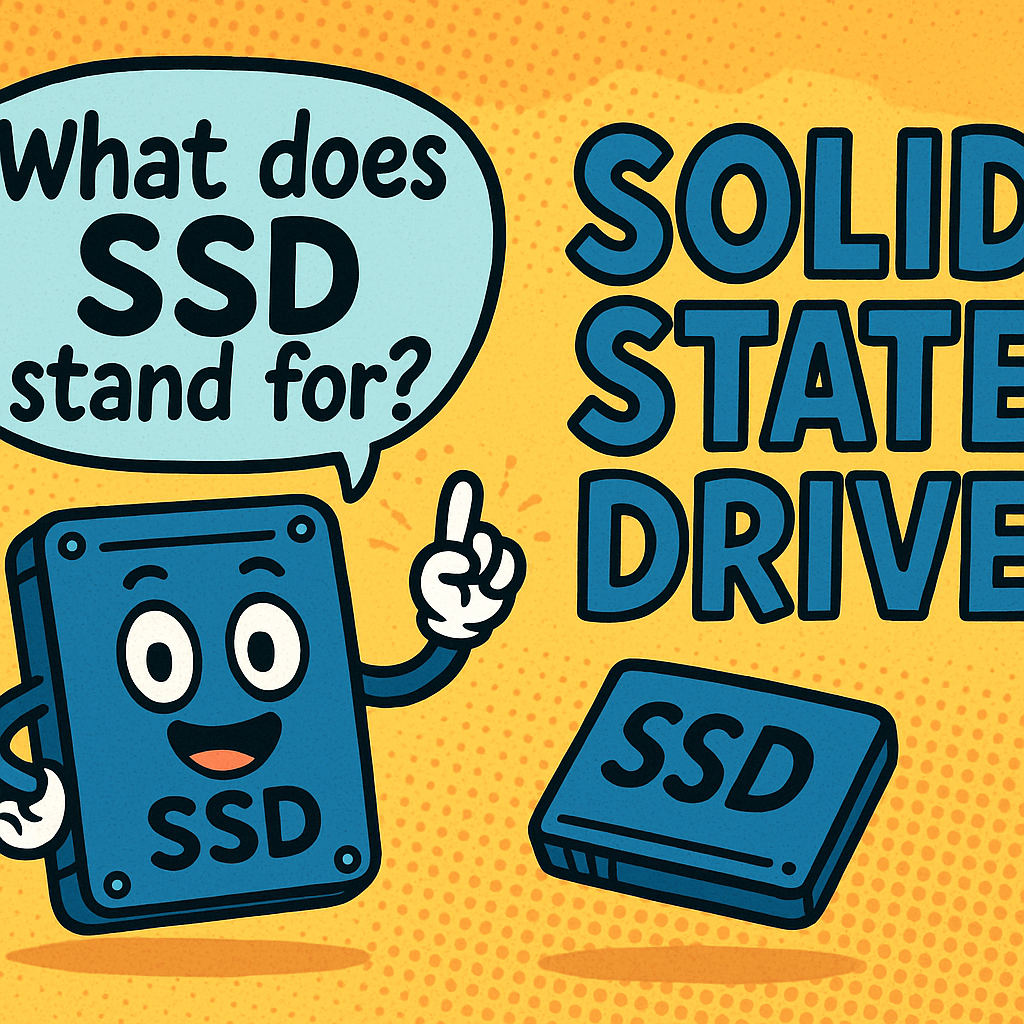
If you’ve shopped for a computer recently, you’ve probably seen the term SSD highlighted as a key selling point. But what does SSD stand for and why does it matter? SSD stands for Solid State Drive, a modern type of storage device that has transformed how we store and access data. Unlike traditional HDDs (Hard Disk Drives) that use spinning disks, SSDs rely on flash memory, offering speed, reliability, and durability.
For IT managers, cybersecurity experts, and business leaders, understanding SSDs is crucial when making infrastructure decisions that affect performance, security, and efficiency.
What Does SSD Stand For?
The acronym SSD stands for Solid State Drive. It’s a type of storage device that uses NAND-based flash memory to store data. Unlike mechanical hard drives, SSDs contain no moving parts, making them faster, more durable, and energy-efficient.
Key takeaways:
- Solid State = built with solid semiconductor chips instead of mechanical components.
- Drive = functions as a storage device for operating systems, applications, and files.
How Does an SSD Work?
SSDs use flash memory chips to store data in cells. These chips are connected to a controller that manages how data is written, read, and erased.
- Data Storage: Information is stored electronically, not magnetically.
- Access Speed: Data can be retrieved almost instantly, reducing boot and load times.
- Durability: No moving parts means less risk of mechanical failure.
This is why SSDs have become the preferred choice for laptops, servers, and enterprise systems.
SSD vs HDD: What’s the Difference?
To better understand what SSD stands for, let’s compare it with HDDs.
| Feature | SSD (Solid State Drive) | HDD (Hard Disk Drive) |
| Storage Medium | Flash memory | Magnetic spinning disks |
| Speed | Much faster | Slower read/write speeds |
| Durability | Shock-resistant | Susceptible to damage |
| Noise | Silent operation | Audible spinning/clicks |
| Power Consumption | Lower | Higher |
| Price per GB | Higher | Lower |
Bottom line: SSDs excel in performance, while HDDs are still used for bulk storage due to affordability.
Types of SSDs
There are multiple SSD types available, each suited for different use cases:
1. SATA SSDs
- The most common and affordable.
- Uses the same interface as HDDs but offers faster performance.
2. NVMe SSDs
- Uses PCIe interface for ultra-fast data transfer.
- Ideal for gaming PCs, high-performance workstations, and servers.
3. M.2 SSDs
- Compact design, often used in modern laptops.
- Can support both SATA and NVMe standards.
4. U.2 and Enterprise SSDs
- Built for data centers and enterprise use.
- Designed for high endurance and continuous workloads.
Advantages of SSDs
Why choose SSDs over traditional HDDs?
- Blazing speed – Faster boot times and app launches.
- Durability – No moving parts reduces failure risks.
- Energy efficiency – Extends laptop battery life.
- Compact size – Allows for slimmer devices.
- Lower latency – Ideal for databases and virtual machines.
Use Cases in Cybersecurity and Business IT
For enterprises and cybersecurity teams, SSDs provide tangible benefits:
- Faster data processing for threat detection tools.
- Improved system reliability in mission-critical environments.
- Reduced downtime thanks to durable storage.
- Enhanced virtualization performance for IT admins managing servers.
Frequently Asked Questions (FAQ)
1. What does SSD stand for in computers?
SSD stands for Solid State Drive, a storage device using flash memory instead of spinning disks.
2. Is SSD better than HDD?
Yes, SSDs are faster, more reliable, and energy-efficient, but HDDs remain cheaper for large storage.
3. How long do SSDs last?
Most SSDs last 5–10 years, depending on usage and write cycles.
4. Can I replace an HDD with an SSD?
Yes, most laptops and desktops allow upgrades to SSDs, dramatically improving performance.
5. Which SSD is best for business use?
For businesses, NVMe SSDs or enterprise-grade SSDs are recommended due to their speed and endurance.
Final Thoughts
Now that you know what SSD stands for, you can see why it has become the gold standard in modern computing. From laptops to enterprise servers, SSDs deliver speed, reliability, and efficiency that HDDs simply can’t match. For IT leaders, upgrading to SSD-based infrastructure can be a game-changer for both productivity and cybersecurity.
Ready to Strengthen Your Business IT Infrastructure?
Boost your organization’s security and performance with Xcitium’s enterprise-grade cybersecurity solutions.