How to Install npm: A Step-by-Step Guide for IT and Security Professionals
Updated on September 15, 2025, by Xcitium
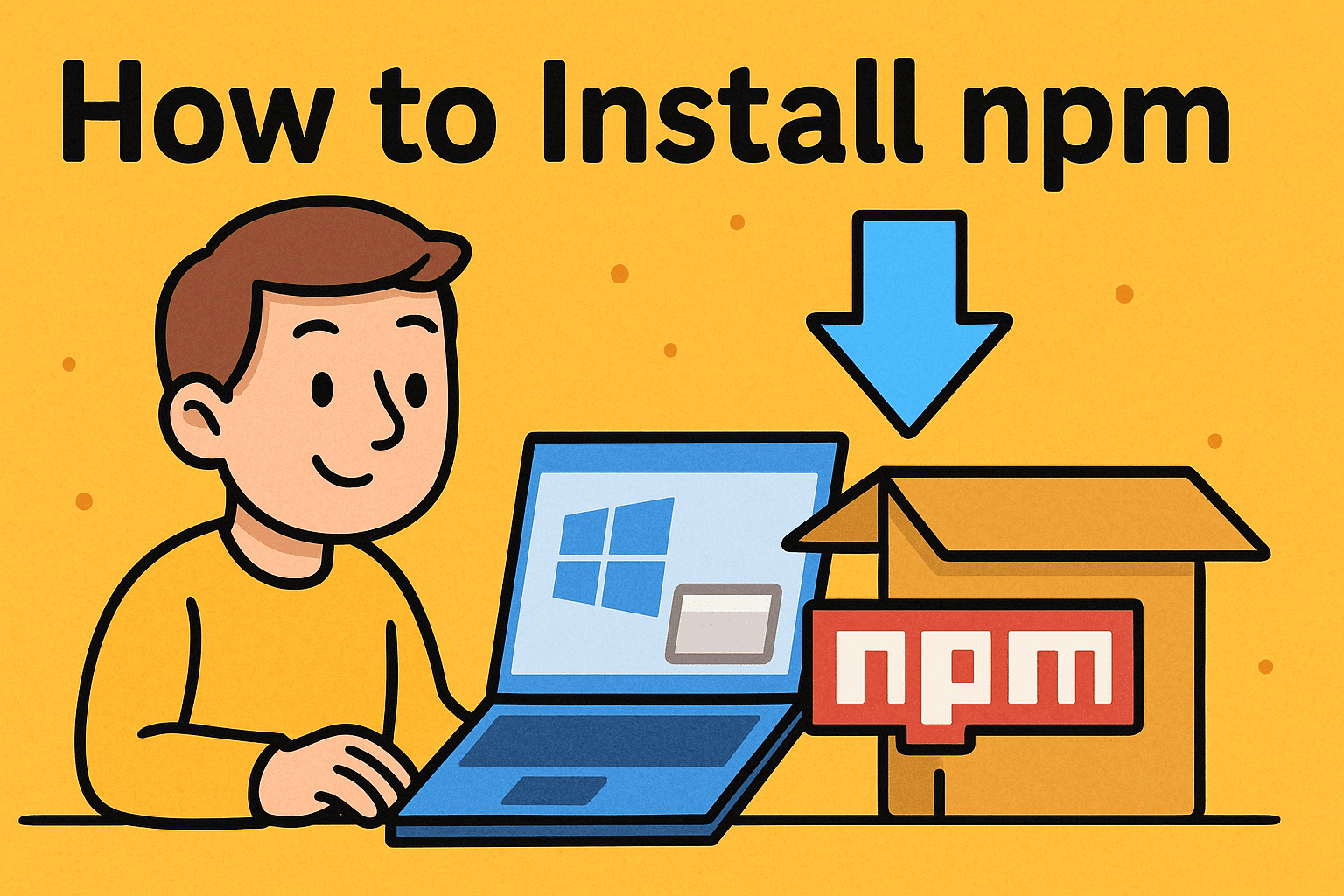
Have you ever asked yourself, “How to install npm on my system to manage JavaScript packages?” If you’re working in development, cybersecurity, or IT management, you’ll likely encounter npm (Node Package Manager). It’s a critical tool for installing, updating, and managing open-source packages that power modern applications.
For CEOs, IT managers, and cybersecurity experts, knowing how to install npm is more than a technical task—it’s about enabling innovation while ensuring security. In this guide, we’ll break down the installation process across operating systems, highlight security best practices, and explain why npm matters in business environments.
What Is npm and Why Is It Important?
Before diving into how to install npm, let’s define it.
- npm (Node Package Manager): The world’s largest software registry, used for managing JavaScript libraries and dependencies.
- Node.js Dependency: npm is bundled with Node.js, so installing Node usually installs npm.
Why It Matters for Professionals:
- For Developers: Speeds up project setup with reusable packages.
- For IT Managers: Simplifies dependency management.
- For Cybersecurity Teams: Ensures vulnerabilities are patched quickly.
- For CEOs: Accelerates product development cycles.
How to Install npm on Windows
Installing npm on Windows is straightforward:
Step 1: Download Node.js
- Visit the official Node.js website.
- Choose the LTS (Long-Term Support) version for stability.
Step 2: Run the Installer
- Open the .msi installer.
- Select “Add to PATH” during setup.
Step 3: Verify Installation
Open Command Prompt and type:
node -v
npm -v
You should see version numbers for both.
How to Install npm on Mac
On macOS, you can install npm via Homebrew or directly.
Method 1: Using Homebrew
Install Homebrew if not already installed:
/bin/bash -c “$(curl -fsSL https://raw.githubusercontent.com/Homebrew/install/HEAD/install.sh)”
Install Node.js (npm included):
brew install node
Method 2: Direct Installer
- Download Node.js from the official website and follow prompts.
👉 Verify installation with:
node -v
npm -v
How to Install npm on Linux
Linux users often prefer package managers.
Ubuntu/Debian
sudo apt update
sudo apt install nodejs npm
CentOS/Fedora
sudo yum install nodejs npm
Verify Installation
node -v
npm -v
Updating npm After Installation
Even if you’ve installed npm, updates are frequent. To upgrade:
npm install -g npm@latest
👉 IT managers should ensure teams always use the latest npm version for security patches.
Installing Packages with npm
After setup, you can start installing packages:
Local Install:
npm install package-name
Global Install:
npm install -g package-name
Examples:
- npm install express (for web applications).
- npm install lodash (for utilities).
Security Considerations When Using npm
For cybersecurity-conscious organizations, npm requires careful management:
Audit Dependencies:
npm audit
- Use Trusted Sources: Avoid unknown or suspicious packages.
- Lock Versions: Use package-lock.json to prevent accidental updates.
Run Updates Regularly:
npm update
- Enable CI/CD Scans: Integrate vulnerability scans into DevOps pipelines.
👉 This prevents supply chain attacks, which are a growing threat in open-source ecosystems.
Common Problems and Solutions
- npm command not found: Ensure Node.js is added to PATH.
- Permission errors (Linux/Mac): Use sudo or configure proper permissions.
- Version conflicts: Use Node Version Manager (nvm) to manage multiple Node versions.
- Slow installations: Use npm cache clean –force or switch to a registry mirror.
Business Benefits of npm
For executives and IT leaders, npm provides strategic advantages:
- Rapid Development: Speeds up product delivery.
- Cost Savings: Leverages open-source libraries instead of building from scratch.
- Scalability: Easily manages dependencies in large projects.
- Security Agility: Provides fast updates for critical vulnerabilities.
FAQs on Installing npm
Q1. Do I need Node.js to install npm?
Yes. npm comes bundled with Node.js.
Q2. Can I install npm separately?
Yes, but it’s best installed alongside Node.js for compatibility.
Q3. How do I check my npm version?
Run npm -v in the terminal.
Q4. Is npm safe to use?
Yes, if you only install trusted packages and regularly run audits.
Q5. What’s the difference between npm and Yarn?
Both are package managers, but npm is default with Node.js while Yarn offers performance benefits in some cases.
Conclusion: Mastering npm for Secure Development
So, how to install npm? The process varies slightly by system—Windows, Mac, or Linux—but it always starts with installing Node.js. Once set up, npm unlocks access to millions of packages, speeding up development and enabling innovation.
For IT managers, cybersecurity professionals, and CEOs, npm is more than a tool—it’s a strategic asset. But with great power comes responsibility: managing dependencies securely is critical to preventing risks.
👉 Ready to strengthen your enterprise’s software supply chain security? Discover how Xcitium’s zero-trust solutions protect businesses against evolving cyber threats.