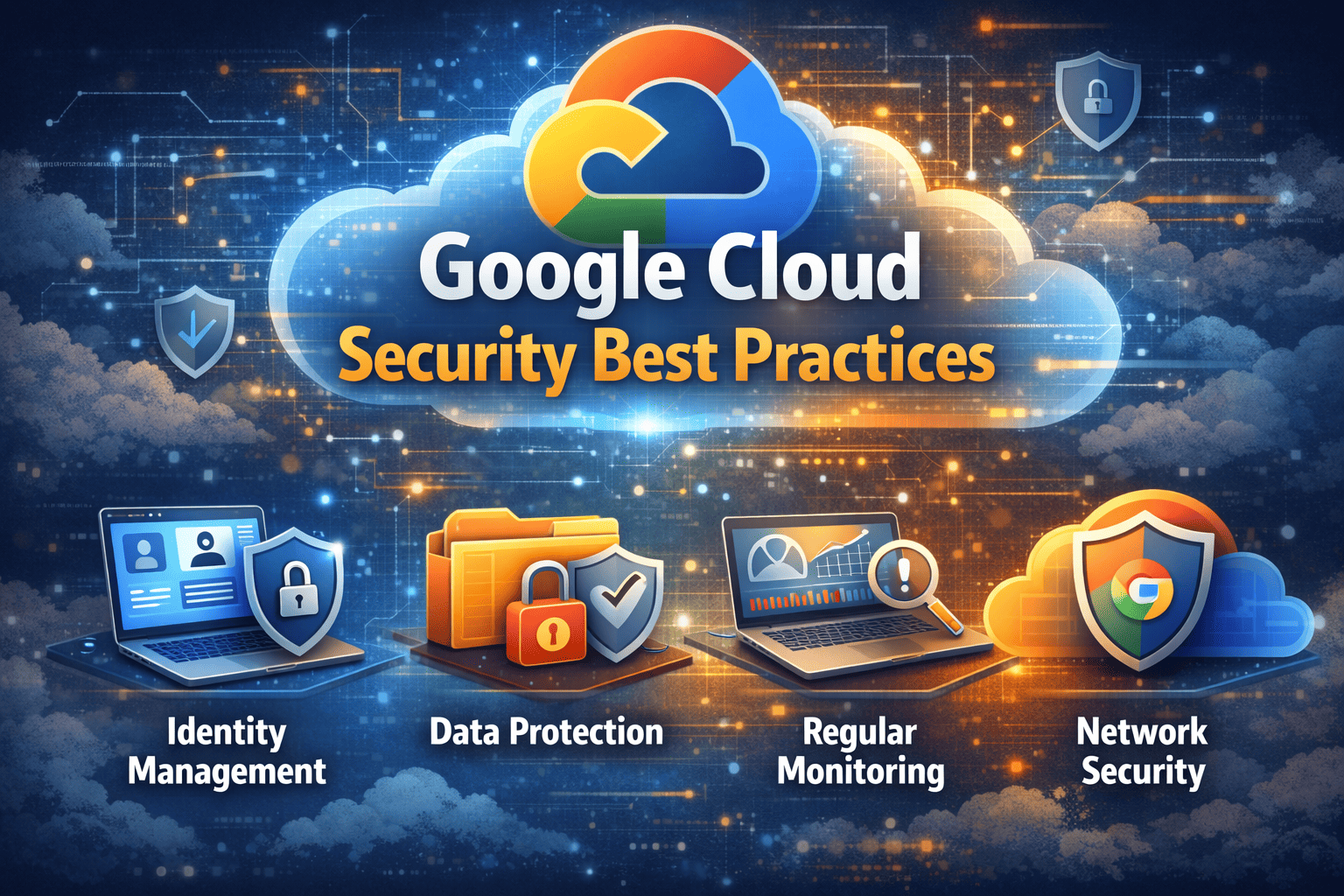
Google Cloud Security Best Practices
Updated on February 18, 2026, by Xcitium
Is your Google Cloud environment truly secure—or just assumed to be?
As organizations accelerate digital transformation, Google Cloud Platform (GCP) has become a preferred choice for scalability, AI innovation, and enterprise workloads. But here’s the reality: cloud environments are not automatically secure. In fact, misconfigurations, weak identity controls, and insufficient monitoring are among the leading causes of cloud data breaches.
Understanding and implementing Google Cloud security best practices is essential to protect sensitive data, maintain compliance, and prevent cyberattacks.
This in-depth guide covers actionable, real-world GCP security strategies designed for IT managers, cloud architects, security teams, and CISOs.
Why Google Cloud Security Matters More Than Ever
Cloud adoption is growing rapidly, and so are cloud-based threats. Attackers actively scan for:
-
Misconfigured storage buckets
-
Overly permissive IAM roles
-
Exposed APIs
-
Unsecured Kubernetes clusters
-
Weak authentication controls
Google operates under a shared responsibility model, meaning:
-
Google secures the infrastructure.
-
You are responsible for securing your configurations, data, access policies, and workloads.
Failing to understand this model can lead to serious security gaps.
Core Principles of Google Cloud Security
Before diving into technical controls, align your strategy with these foundational principles:
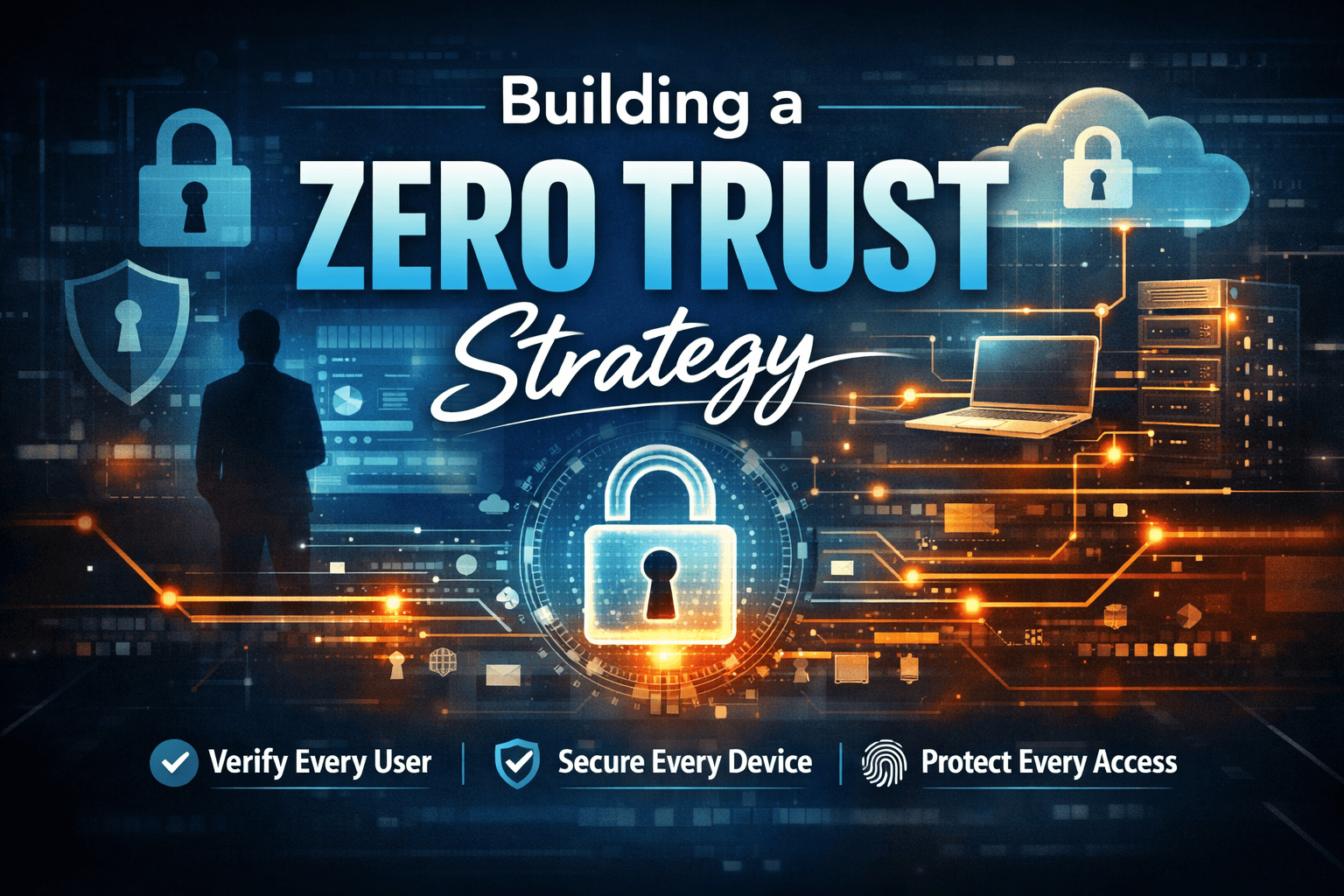
Zero Trust Architecture
Never trust by default—even inside your network perimeter. Always verify identity and access.
Least Privilege Access
Grant users only the permissions they absolutely need.
Defense in Depth
Layer multiple security controls across identity, network, data, and workloads.
Continuous Monitoring
Security is not a one-time setup. It requires ongoing visibility and threat detection.
Identity and Access Management (IAM) Best Practices
Identity misconfigurations are one of the most common causes of cloud security incidents.
Implement the Principle of Least Privilege
Overly broad IAM roles increase risk.
Action Steps
-
Use predefined roles instead of basic roles (Owner, Editor, Viewer).
-
Create custom roles for specific job functions.
-
Regularly audit IAM policies.
-
Remove unused service accounts.
Enforce Multi-Factor Authentication (MFA)
Passwords alone are not enough.
Why MFA Is Critical
If credentials are compromised through phishing or brute-force attacks, MFA prevents unauthorized access.
Best Practice
-
Enforce MFA for all users.
-
Require hardware-based security keys for privileged accounts.
-
Monitor suspicious login attempts.
Secure Service Accounts
Service accounts are often overlooked but highly privileged.
Common Risks
-
Hard-coded credentials
-
Excessive permissions
-
Long-lived keys
Mitigation
-
Avoid long-lived service account keys.
-
Use workload identity federation.
-
Rotate keys regularly.
Network Security in Google Cloud
Network misconfigurations can expose internal services to the public internet.
Use VPC Best Practices
Virtual Private Cloud (VPC) configuration is foundational to GCP security.
Key Recommendations
-
Segment workloads into separate VPCs.
-
Use private IP addresses whenever possible.
-
Restrict firewall rules to specific IP ranges.
-
Avoid allowing 0.0.0.0/0 unless absolutely necessary.
Enable Private Google Access
This allows VMs without external IP addresses to access Google services securely.
Deploy Cloud Armor for DDoS Protection
Cloud Armor helps defend against:
-
Distributed Denial-of-Service (DDoS) attacks
-
Layer 7 attacks
-
Application-based threats
Data Protection and Encryption
Data is the most valuable asset in your cloud environment.
Encrypt Data at Rest and in Transit
Google encrypts data by default, but additional controls enhance protection.
Best Practices
-
Use customer-managed encryption keys (CMEK).
-
Enforce HTTPS/TLS for all communications.
-
Rotate encryption keys periodically.
Protect Google Cloud Storage Buckets
Misconfigured storage buckets are a leading cause of cloud breaches.
Avoid These Mistakes
-
Publicly accessible buckets
-
Broad IAM permissions
-
Disabled logging
Secure Configuration Checklist
-
Enable uniform bucket-level access.
-
Disable public access unless required.
-
Turn on access logging.
-
Regularly review bucket policies.
Kubernetes and Container Security (GKE)
Google Kubernetes Engine (GKE) introduces additional security considerations.
Secure the Kubernetes Control Plane
Recommendations
-
Restrict API server access.
-
Use authorized networks.
-
Enable private clusters.
Enforce Pod Security Standards
Containers running with excessive privileges can compromise the entire cluster.
Actions
-
Avoid running containers as root.
-
Use minimal base images.
-
Implement runtime security controls.
-
Scan container images for vulnerabilities.
Use Binary Authorization
Binary Authorization ensures only trusted container images are deployed.
Logging, Monitoring, and Threat Detection
You cannot secure what you cannot see.
Enable Cloud Logging and Cloud Monitoring
Ensure logging is active for:
-
Admin activities
-
Data access events
-
System events
-
Network traffic
Use Security Command Center
Google Cloud Security Command Center provides:
-
Misconfiguration detection
-
Threat intelligence
-
Compliance reporting
-
Vulnerability scanning
This centralized visibility strengthens your cloud security posture.
Integrate with SIEM and EDR Solutions
Advanced threat detection requires:
-
Endpoint detection and response (EDR)
-
Behavioral analytics
-
Real-time alerts
-
Automated remediation
Combining configuration management with proactive threat hunting reduces dwell time and prevents escalation.
Compliance and Governance in Google Cloud
Organizations must meet strict regulatory standards.
Align With Compliance Frameworks
Google Cloud supports:
-
GDPR
-
HIPAA
-
PCI DSS
-
ISO 27001
-
SOC 2
However, compliance depends on how you configure your environment.
Automate Compliance Monitoring
Use:
-
Policy Controller
-
Infrastructure-as-code scanning
-
Continuous compliance audits
Automation prevents drift and ensures long-term security alignment.
Common Google Cloud Security Mistakes to Avoid
Even experienced teams make mistakes. Watch out for:
-
Using basic IAM roles excessively
-
Leaving storage buckets publicly accessible
-
Exposing SSH or RDP to the internet
-
Disabling logging to reduce costs
-
Neglecting service account security
-
Ignoring vulnerability scans
Addressing these gaps dramatically reduces risk.
Building a Strong Google Cloud Security Strategy
A mature GCP security strategy should include:
-
Identity-first security controls
-
Network segmentation
-
Continuous configuration monitoring
-
Vulnerability management
-
Endpoint protection
-
Automated threat containment
Security must evolve alongside your cloud architecture.
FAQ: Google Cloud Security Best Practices
1. Is Google Cloud secure by default?
Google secures the infrastructure, but customers must properly configure IAM, storage, networking, and monitoring to ensure full security.
2. What is the biggest security risk in Google Cloud?
Misconfigured IAM permissions and publicly exposed storage buckets are among the most common risks.
3. How often should Google Cloud security be reviewed?
Security configurations should be continuously monitored, with formal audits conducted quarterly or after major changes.
4. What tools improve Google Cloud security?
Security Command Center, Cloud Armor, IAM controls, logging tools, CSPM solutions, and EDR platforms enhance protection.
5. How does Zero Trust apply to GCP?
Zero Trust requires strict identity verification, least privilege access, continuous monitoring, and segmentation across all cloud resources.
Secure Your Google Cloud Environment Before Attackers Do
Google Cloud offers powerful tools and infrastructure—but configuration determines security.
A single misconfiguration can expose sensitive data, disrupt operations, and damage your reputation. The key is continuous visibility, proactive monitoring, and automated response.
If you’re ready to strengthen your Google Cloud security posture and eliminate hidden risks, take the next step today.
👉 Request a personalized demo and see how you can protect your cloud workloads with advanced security solutions:
https://www.xcitium.com/request-demo/
Your cloud environment deserves more than basic protection. Secure it with confidence.