What Is WiFi? Understanding the Wireless Tech Powering the World
Updated on June 26, 2025, by Xcitium
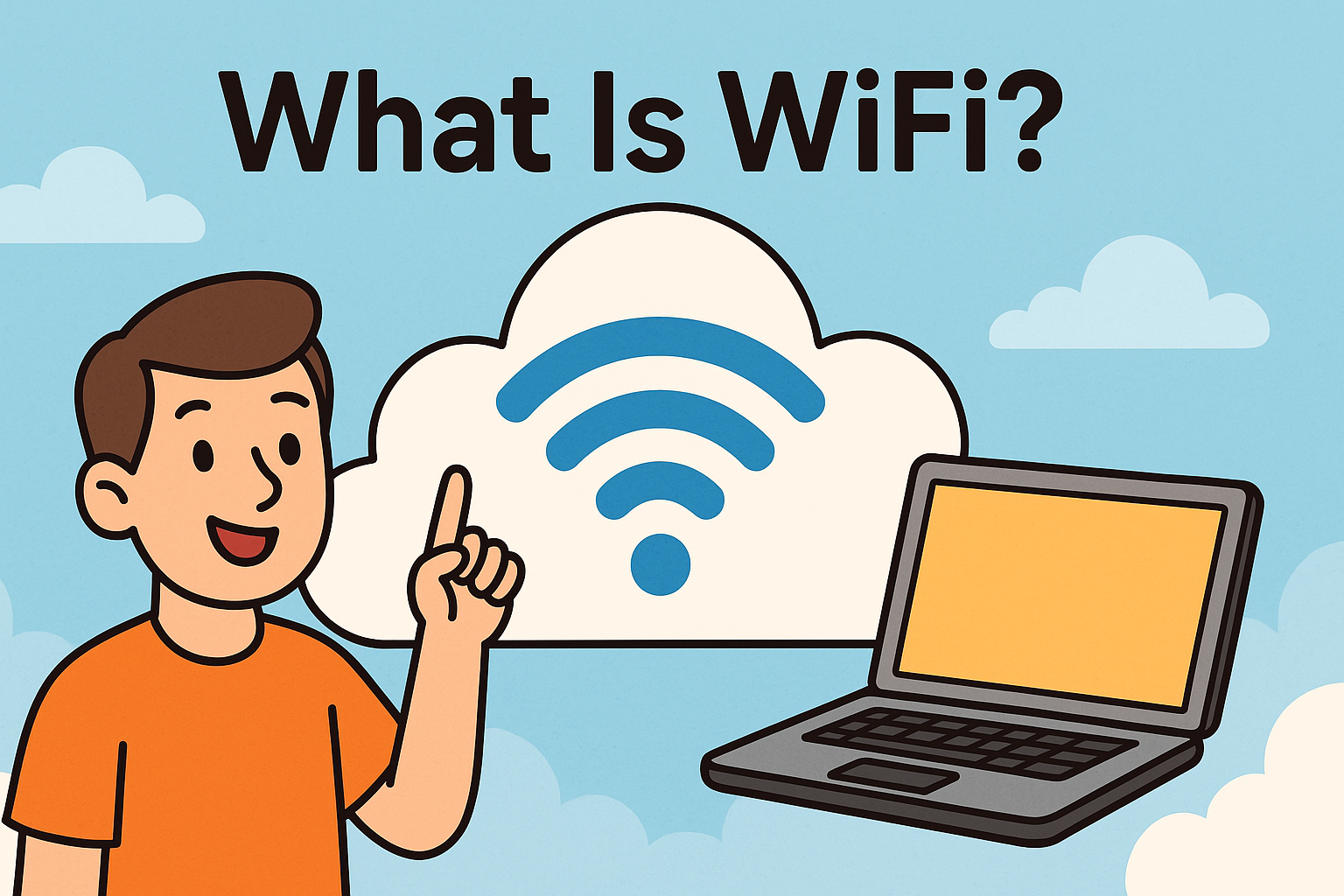
Ever paused and asked yourself, “What is WiFi?” Though we use it daily to stream, browse, and work, many still don’t fully understand how this invisible tech operates. Simply put, WiFi is a wireless networking technology that allows devices to connect to the internet and each other without physical cables.
From WiFi routers in office buildings to portable WiFi devices in remote areas, this technology forms the backbone of our connected lives. For IT professionals and cybersecurity leaders, understanding WiFi isn’t optional—it’s essential.
📘 WiFi Meaning: The Basics
🔍 Definition of WiFi
WiFi, short for “Wireless Fidelity,” is a wireless communication protocol based on IEEE 802.11 standards. It enables devices such as laptops, smartphones, and IoT gadgets to transmit data over radio waves.
🔧 How It Works:
- A WiFi router sends radio signals.
- Devices with wireless network adapters receive the signals.
- Data is transmitted to and from the internet using radio frequency bands (typically 2.4GHz and 5GHz).
💨 WiFi Speed: Factors That Matter
One of the most common concerns users have is about speed. A quick WiFi speed test can reveal your network’s current performance—but what affects it?
📊 Factors Influencing WiFi Speed:
- Router Quality: Newer routers with dual or tri-band features provide faster speeds.
- Bandwidth: Higher bandwidth allows more data to flow simultaneously.
- Interference: Walls, electronic devices, and other networks can affect performance.
- Device Limitations: Older devices may not support higher speeds.
- Distance from Router: The farther you are, the weaker the signal.
Pro Tip: Always run a WiFi speed test after router setup or upgrades to benchmark performance.
📡 WiFi Hardware Essentials
To maximize the potential of your WiFi, you need the right hardware setup. Here are key components:
1. WiFi Router
The heart of any wireless network. Modern routers often include:
- Dual/tri-band support
- Built-in firewalls
- Guest networks
- MU-MIMO technology for better multitasking
2. WiFi Extender
Also known as a repeater, it boosts signal to areas with poor coverage. Ideal for large homes or multi-floor offices.
3. Portable WiFi
These devices, often powered by SIM cards, allow you to connect on the go—perfect for remote workers, travelers, and field teams.
🌐 Choosing the Right WiFi Providers
Not all WiFi providers offer equal service. While evaluating options, consider:
- Speed Tiers
- Customer Support
- Security Features
- Bundled Equipment
- Scalability for business needs
Some providers offer enterprise-level solutions that include enhanced security, VPN support, and static IPs—important for cybersecurity-sensitive industries.
🔐 WiFi Security: Stay Safe on the Signal
Security should never be an afterthought. A poorly secured WiFi network can lead to data breaches, malware infiltration, and unauthorized access.
🔒 Best Practices for WiFi Security:
- Use WPA3 encryption when available.
- Change default admin credentials.
- Set a strong, unique WiFi password.
- Regularly update firmware on your router.
- Segment guest access from your main network.
Implementing these tips ensures your network isn’t just fast—but also safe from cyber threats.
🔄 Common WiFi Problems and Fixes
🛠️ Troubleshooting Tips:
- Slow Speeds: Move closer to the router or use a different frequency band.
- No Signal: Restart the router or check for ISP outages.
- Frequent Disconnections: Check for firmware updates or interference.
Use diagnostic tools or apps provided by your router manufacturer for advanced troubleshooting.
📈 Future of WiFi: What’s Next?
The future lies in WiFi 6 and WiFi 7. These standards promise:
- Lower latency
- Higher device capacity
- Better performance in dense environments
- Enhanced security protocols
Enterprise-grade WiFi will soon become even more reliable, scalable, and secure—key for supporting smart buildings, IoT, and real-time analytics.
✅ Quick Checklist: Boosting Your WiFi Performance
- Upgrade to a modern WiFi router
- Use a WiFi extender for dead zones
- Run periodic WiFi speed tests
- Secure the network with WPA3
- Choose reliable WiFi providers
📢 Take Charge of Your Network Security
WiFi is more than just a convenience—it’s a vital part of your business infrastructure. Ensuring speed, security, and reliability starts with understanding how WiFi works and how to optimize it.
👉 Request a free demo from Xcitium to explore WiFi-integrated cybersecurity solutions.
❓ FAQ: What Is WiFi?
1. What does WiFi stand for?
WiFi stands for “Wireless Fidelity.” It’s a wireless technology that lets devices connect to the internet without cables.
2. How can I test my WiFi speed?
Use a trusted WiFi speed test website or app like Ookla or Fast.com to check your current upload/download speeds and latency.
3. What is the best WiFi extender for home use?
Look for dual-band extenders with WPA3 support and good range (e.g., Netgear, TP-Link). They help eliminate signal dead zones.
4. Is portable WiFi better than mobile hotspot?
Portable WiFi devices often support multiple users with better bandwidth, making them ideal for travel or remote teams.
5. How do I choose the best WiFi router?
Consider speed capabilities, number of bands, coverage area, and security features like firewall integration and parental controls.