What Is a WAP? A Complete Guide to Wireless Access Points
Updated on January 28, 2026, by Xcitium
If your business relies on Wi-Fi—and today, almost every business does—you may be asking: what is a WAP, and why is it so important to network performance and security?
A Wireless Access Point (WAP) is a foundational component of modern wireless networks. From offices and campuses to healthcare facilities and manufacturing floors, WAPs enable devices to connect securely and efficiently to wired networks.
For IT managers, cybersecurity teams, CEOs, and founders, understanding what is a WAP goes beyond basic connectivity. It directly impacts network performance, scalability, and cyber risk exposure.
In this guide, we’ll explain what is a WAP, how it works, key benefits, security considerations, enterprise use cases, and best practices for deployment.
What Is a WAP?
To start with the basics, what is a WAP?
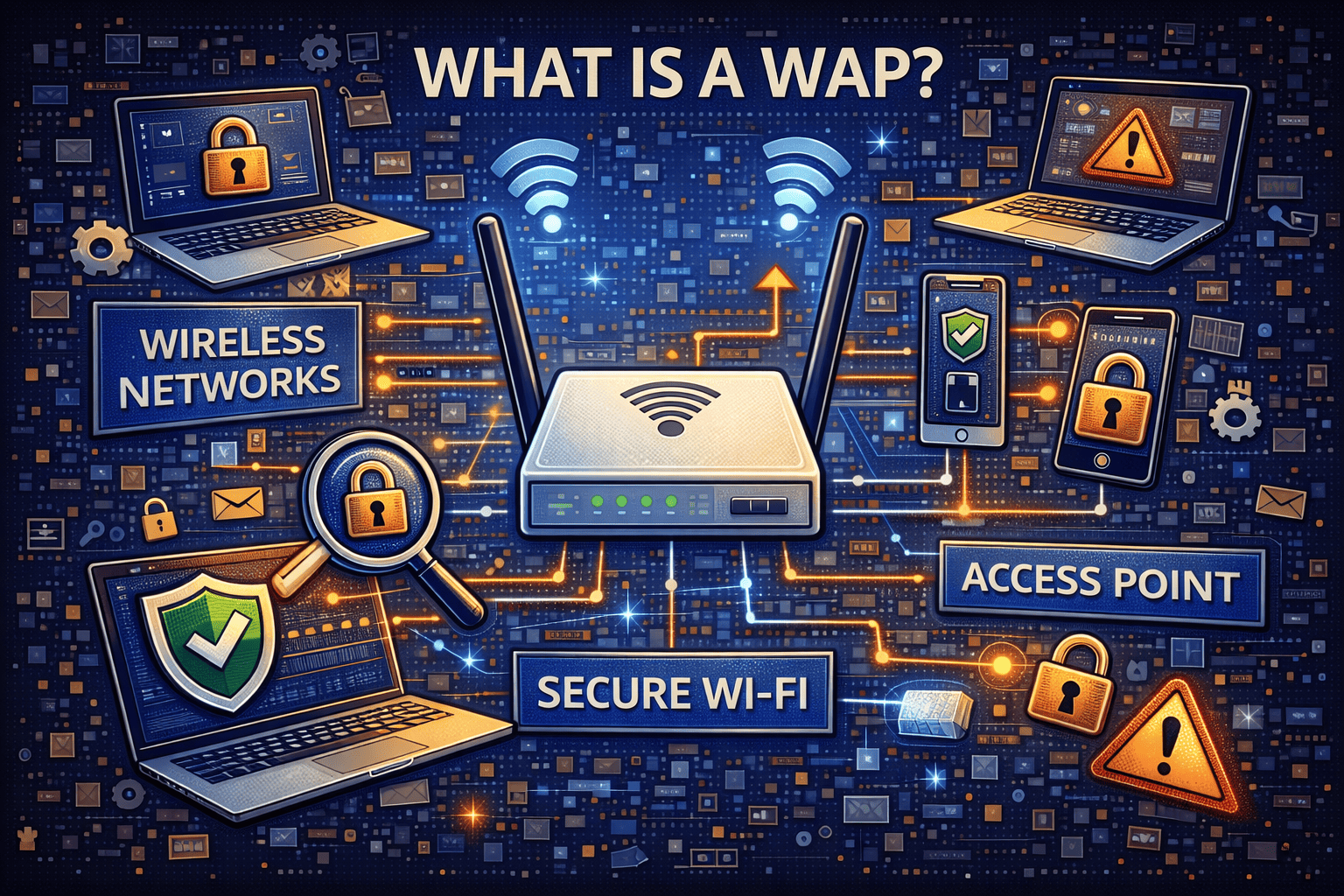
A Wireless Access Point (WAP) is a networking device that allows wireless devices—such as laptops, smartphones, tablets, and IoT devices—to connect to a wired network using Wi-Fi.
A WAP acts as a bridge between wireless users and the local area network (LAN). It broadcasts Wi-Fi signals and manages wireless communication, authentication, and traffic flow.
In simple terms, a WAP is what makes Wi-Fi possible in business and enterprise environments.
Why Wireless Access Points Matter
Understanding what is a WAP also means understanding why access points are critical to modern organizations.
Why WAPs Are Essential
-
Enable wireless connectivity for users and devices
-
Support mobility and remote work
-
Improve network scalability
-
Allow centralized control and monitoring
-
Enable secure access to internal resources
Without WAPs, organizations would be limited to wired-only connectivity—an unrealistic model today.
How a WAP Works
To fully grasp what is a WAP, it helps to see how it functions behind the scenes.
How Wireless Access Points Operate
-
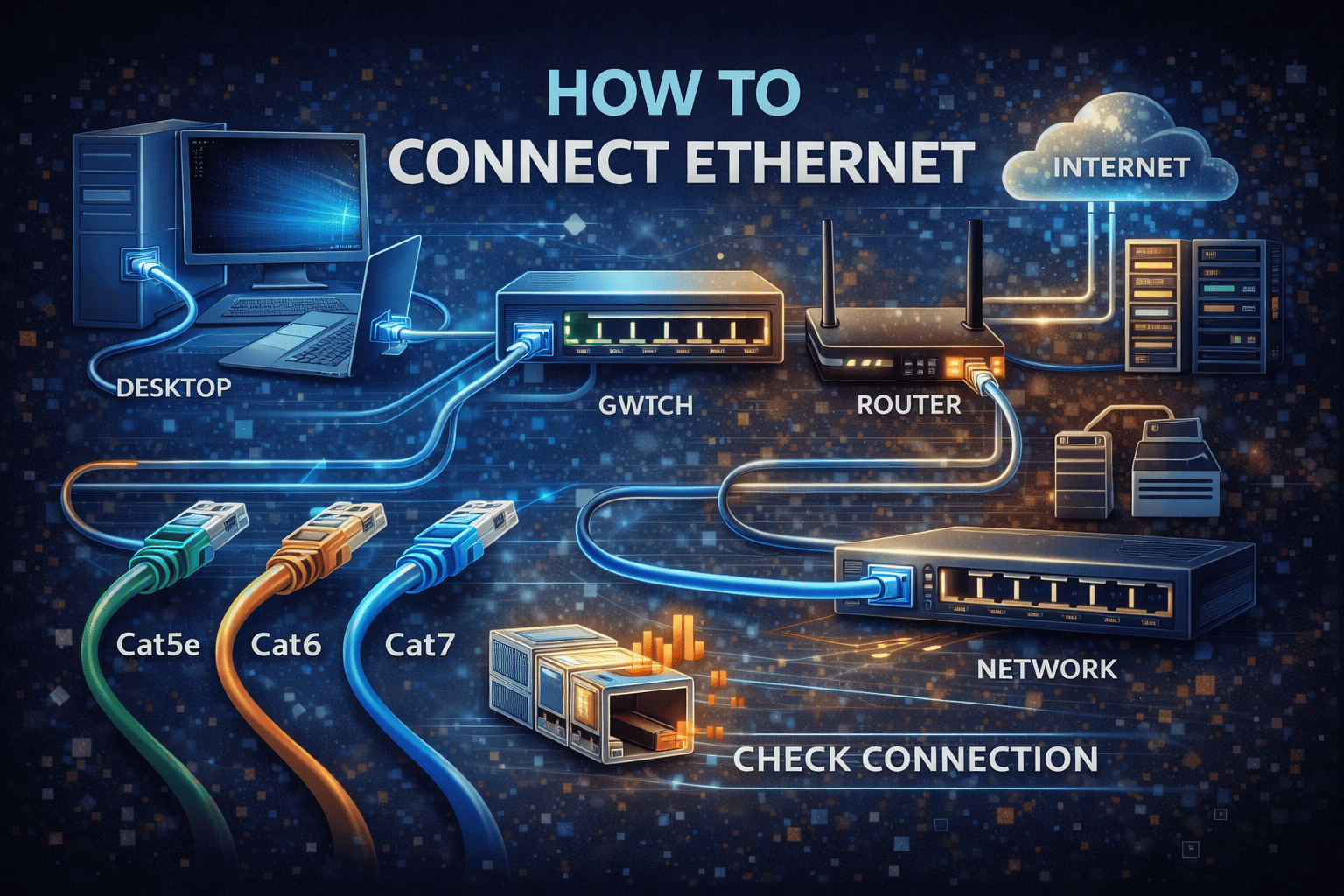
The WAP connects to the wired network via Ethernet
-
It broadcasts Wi-Fi signals using radio frequencies
-
Devices authenticate using security protocols
-
The WAP forwards traffic between wireless devices and the LAN
Modern WAPs also manage bandwidth, prioritize traffic, and enforce security policies.
WAP vs Router: What’s the Difference?
A common source of confusion when asking what is a WAP is how it differs from a router.
| Feature | WAP | Router |
|---|---|---|
| Primary role | Wireless connectivity | Network routing |
| IP address management | No | Yes |
| NAT & firewall | No (usually) | Yes |
| Enterprise use | Very common | Limited |
In enterprise networks, routers and WAPs serve distinct but complementary roles.
Types of Wireless Access Points
Not all WAPs are the same. Different environments require different designs.
1. Standalone Wireless Access Points
Standalone WAPs operate independently and are typically used in small networks.
Use Cases
-
Small offices
-
Home offices
-
Temporary setups
They are easy to deploy but harder to manage at scale.
2. Controller-Based Wireless Access Points
In enterprise environments, WAPs are often managed by a centralized controller.
Benefits
-
Centralized configuration
-
Consistent security policies
-
Simplified monitoring
-
Seamless roaming
Controller-based WAPs are ideal for large deployments.
3. Cloud-Managed Wireless Access Points
Cloud-managed WAPs are increasingly popular.
Advantages
-
Remote management
-
Automatic updates
-
Scalable deployment
-
Real-time analytics
This model aligns well with cloud-first IT strategies.
What Is a WAP Used For in Business?
Understanding what is a WAP becomes clearer when looking at real-world use cases.
Common Business Applications
-
Office Wi-Fi networks
-
Guest wireless access
-
Retail and hospitality connectivity
-
Healthcare environments
-
Industrial IoT deployments
WAPs enable both productivity and innovation.
Wireless Access Points and Network Performance
Performance is a major reason organizations invest in quality WAPs.
How WAPs Improve Performance
-
Load balancing across users
-
Band steering between frequency bands
-
Quality of Service (QoS) enforcement
-
Reduced congestion
Well-placed WAPs ensure consistent user experience.
Security Considerations: Why WAPs Are a Cybersecurity Focus
From a cybersecurity standpoint, what is a WAP is also a potential attack surface.
Common Wireless Security Risks
-
Unauthorized access
-
Weak encryption
-
Rogue access points
-
Man-in-the-middle attacks
-
Misconfigured authentication
A poorly secured WAP can become an entry point for attackers.
How WAPs Enforce Wireless Security
Modern WAPs support advanced security mechanisms.
Key Security Features
-
WPA2/WPA3 encryption
-
802.1X authentication
-
Network segmentation
-
Guest network isolation
-
Device access control
Security should be built into WAP deployment from day one.
WAP Security Best Practices
To protect wireless networks, organizations should follow best practices.
Recommended Best Practices
-
Use WPA3 or WPA2-Enterprise
-
Disable default credentials
-
Segment guest and internal traffic
-
Monitor for rogue access points
-
Keep firmware updated
Security misconfigurations are the leading cause of wireless breaches.
Wireless Access Points and Zero Trust Security
Zero Trust security models extend naturally to Wi-Fi.
Zero Trust and WAPs
-
No device is trusted by default
-
Authentication is continuous
-
Access is based on identity and context
-
Network segmentation limits lateral movement
WAPs become enforcement points in Zero Trust architectures.
WAPs in High-Density Environments
High-density environments place special demands on WAPs.
Examples
-
Conference centers
-
Stadiums
-
Universities
-
Hospitals
Enterprise-grade WAPs handle thousands of simultaneous connections without performance loss.
WAPs and IoT Devices
As IoT adoption grows, WAPs play a critical role.
IoT Challenges
-
Large number of devices
-
Limited device security
-
Continuous connectivity
Properly configured WAPs help isolate and secure IoT traffic.
How to Choose the Right Wireless Access Point
Selecting the right WAP depends on multiple factors.
Key Selection Criteria
-
Coverage requirements
-
Number of concurrent users
-
Security capabilities
-
Management model (local vs cloud)
-
Integration with existing infrastructure
The wrong choice can create performance and security gaps.
Common Mistakes When Deploying WAPs
Even experienced teams make mistakes.
Mistakes to Avoid
-
Poor access point placement
-
Overlapping channels
-
Weak encryption settings
-
Ignoring firmware updates
-
Lack of monitoring
Proper planning prevents long-term issues.
Benefits of Enterprise-Grade WAPs
Enterprise WAPs deliver value beyond basic connectivity.
Key Benefits
-
Scalability
-
Enhanced security
-
Centralized management
-
Better performance
-
Compliance support
They are designed for business-critical environments.
Wireless Access Points and Compliance
Many industries have strict compliance requirements.
Compliance Support
-
Encrypted wireless communication
-
Authentication logging
-
Network segmentation
-
Audit-ready reporting
WAPs play a direct role in meeting regulatory standards.
The Future of Wireless Access Points
Wireless technology continues to evolve.
Emerging Trends
-
Wi-Fi 6 and Wi-Fi 6E
-
AI-driven network optimization
-
Deeper security integration
-
Cloud-native management
Understanding what is a WAP helps organizations prepare for future demands.
Actionable Tips for IT Leaders
If you’re managing wireless networks:
-
Audit current WAP coverage and security
-
Upgrade legacy access points
-
Enforce strong authentication
-
Monitor wireless traffic continuously
-
Align Wi-Fi security with Zero Trust
Strategic planning leads to resilient networks.
Frequently Asked Questions (FAQ)
1. What is a WAP in simple terms?
A WAP is a device that provides Wi-Fi access by connecting wireless devices to a wired network.
2. Is a WAP the same as a router?
No. A router manages network traffic, while a WAP provides wireless connectivity.
3. Are WAPs secure?
Yes, when properly configured with strong encryption and authentication.
4. How many devices can a WAP support?
It depends on the model, but enterprise WAPs can support hundreds of devices.
5. Do businesses need multiple WAPs?
Yes. Multiple WAPs ensure coverage, performance, and redundancy.
Final Thoughts: Why Understanding WAPs Matters
Knowing what is a WAP is essential for organizations that depend on wireless connectivity. Wireless access points are not just networking hardware—they are security enforcement points, performance optimizers, and enablers of modern work.
As wireless threats grow and networks expand, pairing strong WAP configurations with advanced endpoint and network security is critical.
👉 See how modern cybersecurity solutions protect devices connecting through WAPs.
Strengthen your wireless security strategy today.
🔗 Request a demo:
https://www.xcitium.com/request-demo/