What Is a Network? A Beginner-Friendly Guide to Types, Topologies & Uses
Updated on July 10, 2025, by Xcitium
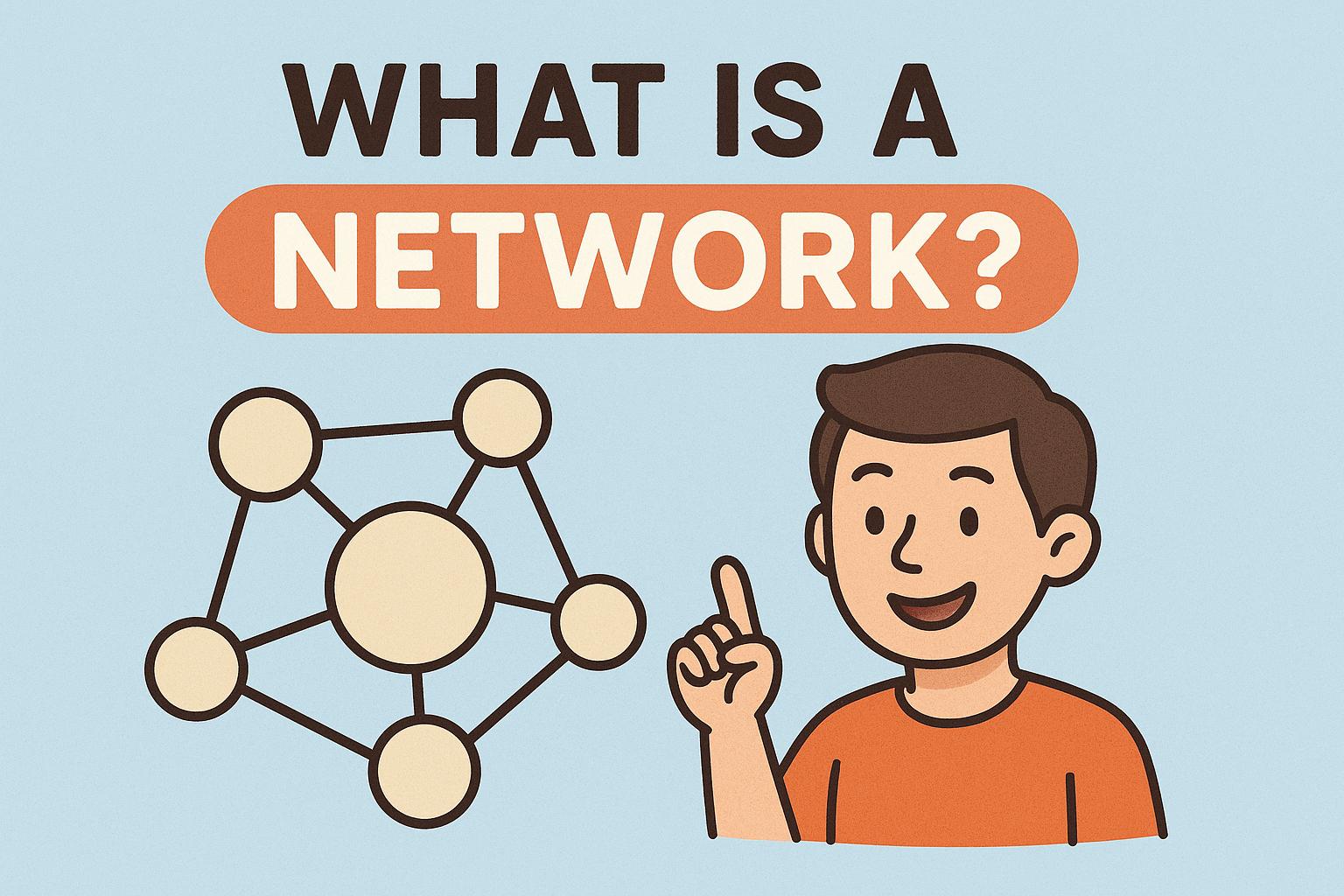
Have you ever wondered, what is a network and why it’s essential in today’s hyper-connected digital world?
In simple terms, a network is a collection of interconnected devices (like computers, servers, phones) that communicate with each other to share data, applications, or resources. Whether it’s accessing email in the office or browsing the internet at home, you’re relying on a network.
From IT professionals managing enterprise systems to CEOs making tech investments, understanding networks is foundational for success in cybersecurity and digital operations.
🔍 What Is a Network in Computer Network Terminology?
In computing, a network refers to a digital telecommunications system that enables devices to exchange data using a shared medium (wired or wireless). The devices (also called nodes) include routers, switches, servers, desktops, laptops, smartphones, and more.
Networks support critical functions such as:
- Secure file transfers
- Internet access
- Cloud communication
- Remote collaboration
- Software updates
📂 Types of Computer Networks
There are several types of networks, each serving different purposes. Here’s a breakdown:
1. LAN (Local Area Network)
- Used in: Offices, homes, schools
- Connects: Devices within a limited area
- Example: Home Wi-Fi or office Ethernet
2. WAN (Wide Area Network)
- Used in: Telecoms, enterprises
- Connects: Large geographic areas
- Example: The Internet
3. MAN (Metropolitan Area Network)
- Used in: Cities or campuses
- Connects: Networks within a large city or region
- Example: ISP-managed city-wide broadband
4. PAN (Personal Area Network)
- Used in: Individual device pairing
- Connects: Personal devices
- Example: Smartphone connected to Bluetooth headphones
5. CAN (Campus Area Network)
- Used in: Universities or large campuses
- Connects: Multiple LANs in close proximity
🌐 Network Example in Real Life
Let’s simplify it further with a relatable example.
Imagine your office:
- Your desktop is connected via LAN to the office printer.
- You access files stored on the company server.
- Your team uses cloud apps like Microsoft 365 or Google Workspace.
This setup is a combination of LAN for local communication and WAN for internet/cloud access. That’s a hybrid network architecture in action.
🧠 What Is Network Topology?
Network topology refers to the physical or logical layout of a network.
Popular Types of Network Topology:
- Bus Topology – One main cable connects all nodes (low cost but single point of failure).
- Star Topology – All nodes connect to a central hub (common in home and office networks).
- Ring Topology – Each node connects to two others in a circle (data travels in one direction).
- Mesh Topology – Every node connects to every other (high redundancy, costly).
- Hybrid Topology – Combines two or more topologies (flexible and scalable).
Knowing your topology helps in network planning and troubleshooting.
🛠️ Types of Network Devices
To build or manage a network, these components are key:
- Router – Directs data between networks (e.g., home to internet)
- Switch – Connects devices within a LAN
- Access Point – Provides wireless access to a wired network
- Firewall – Protects against unauthorized access
- Modem – Converts internet signals from your ISP
Each device plays a role in making your network efficient and secure.
🔐 Importance of Networks in Cybersecurity
For IT managers and cybersecurity professionals, networks are both a strength and a vulnerability.
Why Networks Matter in Security:
- They enable secure communication within and outside organizations
- They are targets for attacks like sniffing, man-in-the-middle, and ransomware
- They are where you deploy firewalls, intrusion detection systems (IDS), and VPNs
Understanding network layout is essential for enforcing zero trust security, segmentation, and data protection.
🧠 LSI Insights: Commonly Related Questions Answered
What is a network in computer network?
It’s an arrangement of interconnected computers and devices that communicate using data links.
Computer network example?
Your home Wi-Fi that connects a laptop, mobile phone, and smart TV is a great example.
Types of network?
LAN, WAN, MAN, PAN, CAN, and SAN (Storage Area Network).
📝 Quick Recap: Key Network Concepts
| Concept | Description |
| Network | A group of connected devices for communication |
| Topology | Layout of those connections |
| LAN/WAN | Local vs. wide coverage |
| Router/Switch | Devices managing data flow |
| Cybersecurity | Protects the network from threats |
✅ Best Practices for Managing Networks
- Conduct regular audits of devices and permissions
- Use strong encryption protocols (e.g., WPA3, SSL)
- Implement multi-factor authentication (MFA)
- Set up network segmentation for critical zones
- Monitor with tools like SIEM and packet sniffers
📢 Conclusion: Networks Power the Digital World
To sum it up—what is a network? It’s the foundation of communication in modern IT. From your home setup to enterprise infrastructure, networks allow data to flow, people to connect, and businesses to thrive. Understanding networks also empowers you to secure your data, optimize performance, and scale effectively.
🔒 Ready to Fortify Your Network?
Cyber threats are evolving fast. Don’t wait until your network is compromised.
Request a demo with Xcitium now to see how we can secure your digital infrastructure.
❓ Frequently Asked Questions (FAQs)
1. What are the 3 most common types of networks?
LAN, WAN, and MAN are the most common types used in homes, businesses, and cities.
2. What is a good example of a network?
A corporate office connecting multiple computers, printers, and servers through a LAN.
3. What is the difference between LAN and WAN?
LAN is local and used for small areas (like homes or offices). WAN spans large geographic regions (like the internet).
4. How is network topology useful?
It helps design efficient networks and improves troubleshooting by visualizing how nodes connect.
5. What are the benefits of a computer network?
Resource sharing, easy communication, centralized data, and improved productivity.