What Does WiFi Mean? A Complete Guide to Wireless Networking
Updated on September 23, 2025, by Xcitium
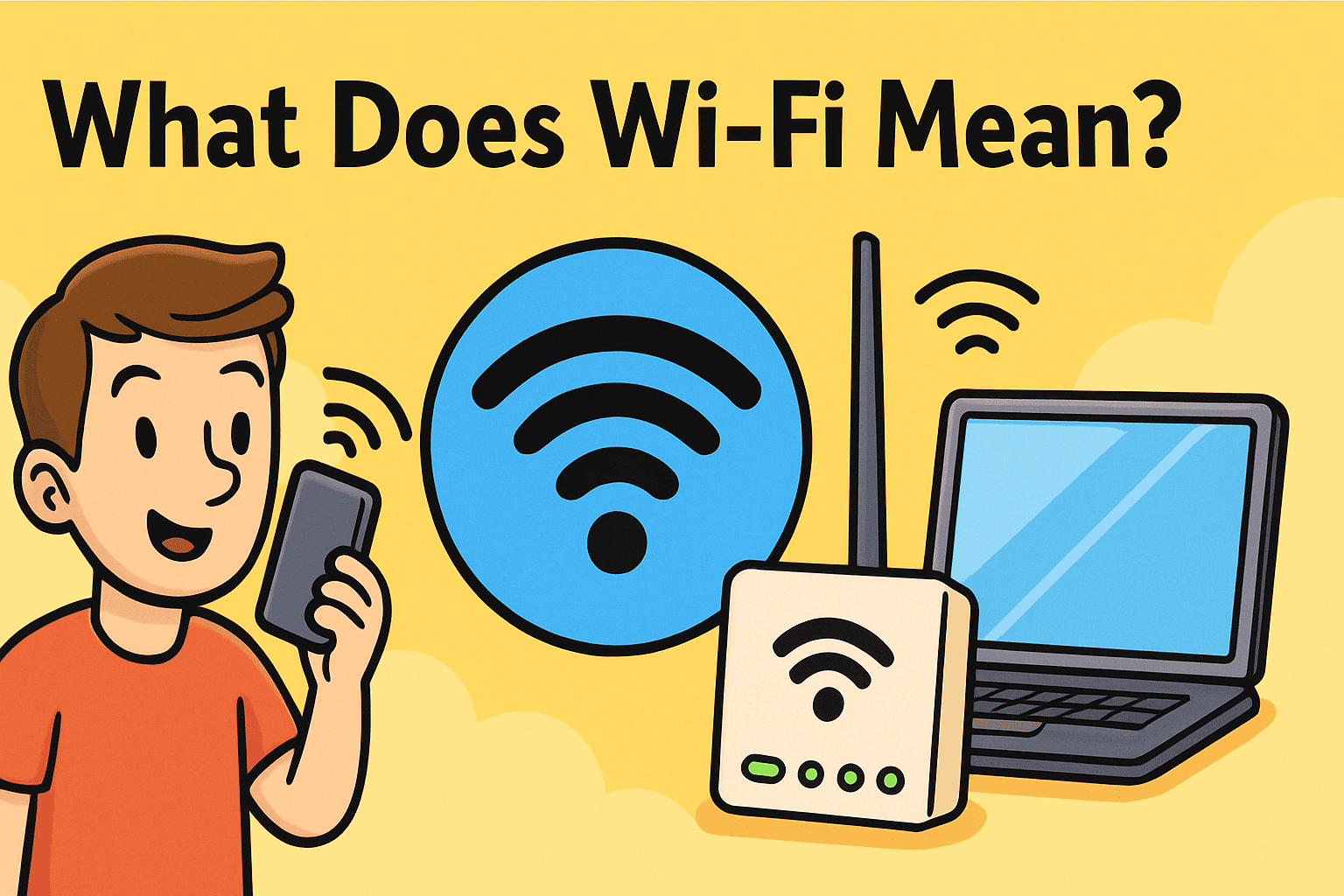
In today’s hyper-connected world, almost everyone uses WiFi daily. But have you ever stopped to ask: what does WiFi mean and how does it actually work?
WiFi is more than just internet without cables—it’s the technology that powers global communication. From smartphones and laptops to smart homes and corporate networks, WiFi has become the backbone of modern business and everyday life.
For IT managers, CEOs, and cybersecurity professionals, understanding WiFi isn’t just about convenience. It’s about securing networks, protecting data, and ensuring business continuity in a world where cyberattacks occur every 39 seconds.
What Does WiFi Mean?
WiFi stands for Wireless Fidelity, a branding term created in the late 1990s. While many believe it’s short for “Wireless Internet,” it’s actually a marketing-friendly name developed by the Wi-Fi Alliance to describe IEEE 802.11 wireless networking standards.
In simple terms: WiFi allows devices to connect to the internet and each other without physical cables by using radio frequency signals.
Key aspects of WiFi:
-
Uses radio waves to transmit data.
-
Connects devices like laptops, smartphones, and IoT devices.
-
Requires a router or access point for connectivity.
-
Operates on frequency bands such as 2.4 GHz and 5 GHz.
A Brief History of WiFi
To truly understand what does WiFi mean, let’s explore its history:
-
1997: First IEEE 802.11 standard introduced, offering 2 Mbps speeds.
-
1999: Wi-Fi Alliance formed, popularizing the term “WiFi.”
-
2003–2012: Standards evolved (802.11g, n, ac), boosting speeds and reliability.
-
2019–Present: WiFi 6 and WiFi 6E deliver faster, more secure connections for high-demand business environments.
-
Future: WiFi 7 promises even greater speeds and lower latency for industries like finance, healthcare, and manufacturing.
How Does WiFi Work?
At its core, WiFi uses wireless access points (APs) and routers to transmit data between devices and the internet.
-
Device Connection – A laptop, phone, or IoT device sends a request to the router.
-
Router Processing – The router uses radio signals to transmit data.
-
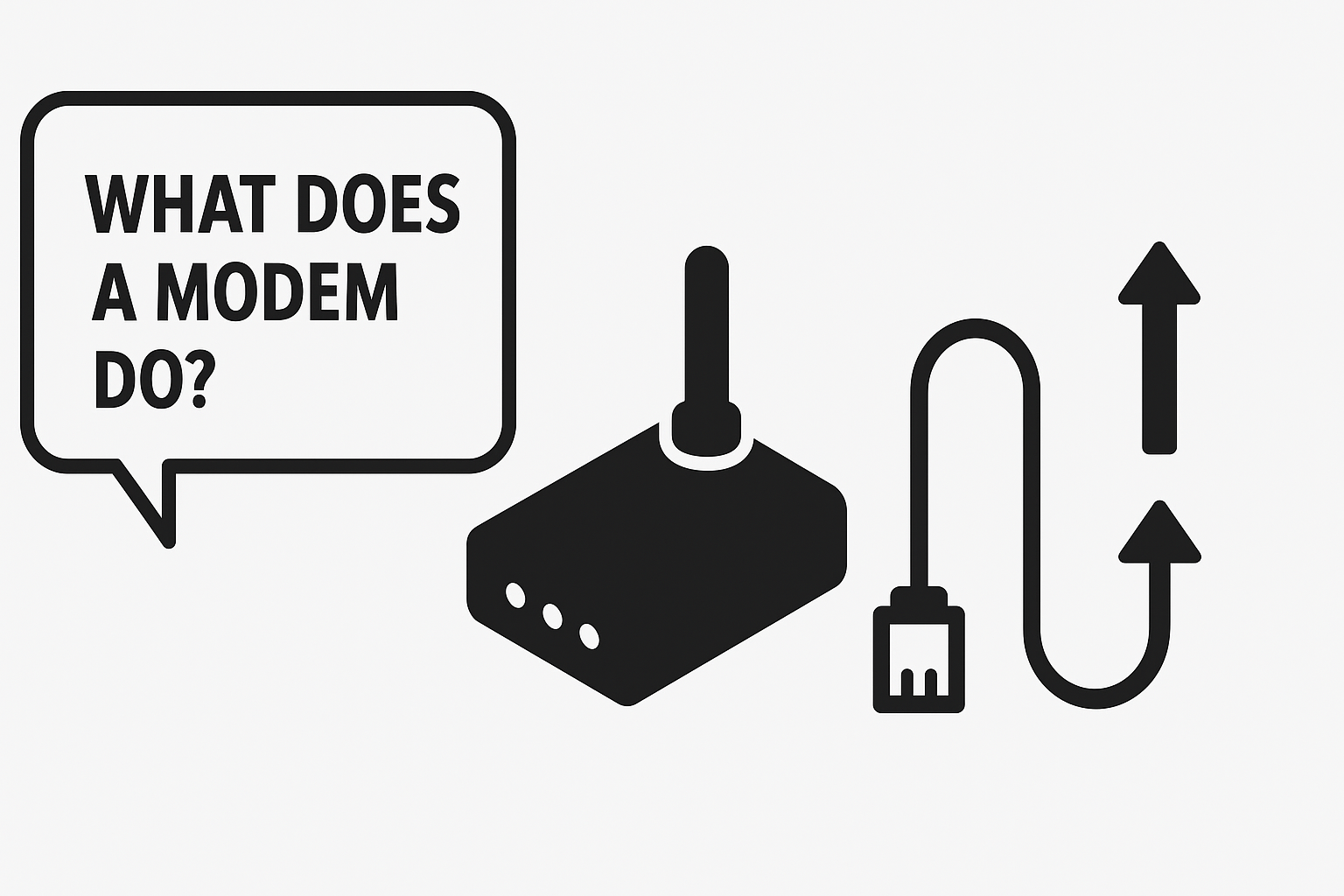
Internet Access – Data passes through the modem to connect with the internet.
-
Two-Way Communication – Information is sent back to the device wirelessly.
👉 Example: When you stream a movie, your WiFi router communicates wirelessly with your device, pulling data packets from the internet and delivering them seamlessly.
Types of WiFi Networks
When businesses ask what does WiFi mean, they also need to know the different types of WiFi networks:
1. Personal WiFi (Home Networks)
-
Found in homes and small offices.
-
Typically protected by WPA2/WPA3 security.
2. Public WiFi (Hotspots)
-
Available in cafes, airports, and hotels.
-
Often unsecured, making them risky for sensitive activities.
3. Enterprise WiFi
-
Advanced wireless networks used in large businesses.
-
Includes multiple access points, centralized management, and strict security controls.
4. Mesh WiFi
-
Uses multiple nodes to eliminate dead zones.
-
Ideal for large homes, campuses, or office buildings.
Advantages of WiFi
Why do businesses and individuals rely so heavily on WiFi?
-
Mobility: Connect anywhere without cables.
-
Scalability: Easily add new devices to the network.
-
Productivity: Enables remote work and collaboration.
-
Cost Savings: Reduces the need for extensive cabling.
-
Connectivity for IoT: Powers smart devices and automation.
Security Concerns with WiFi
While WiFi is convenient, it’s also a target for hackers. Weak or unsecured WiFi can lead to:
-
Data theft through man-in-the-middle attacks.
-
Malware infections spread across devices.
-
Unauthorized access to company resources.
-
Compliance violations (HIPAA, GDPR, PCI DSS).
👉 Fun fact: Over 25% of WiFi networks globally remain unsecured, putting businesses at significant risk.
How to Secure Your WiFi Network
To protect sensitive data, IT managers should enforce strict WiFi security measures:
-
✅ Always use WPA3 encryption (or at least WPA2).
-
✅ Change default router usernames and passwords.
-
✅ Segment guest WiFi from business-critical networks.
-
✅ Monitor connected devices regularly.
-
✅ Pair WiFi security with Endpoint Detection & Response (EDR).
WiFi vs Ethernet: Which Is Better for Business?
| Feature | WiFi | Ethernet (Wired) |
|---|---|---|
| Speed | High, but variable | Very high and stable |
| Mobility | Excellent | Limited |
| Security | Moderate (requires encryption) | Strong (harder to intercept) |
| Scalability | Easy to expand | Harder, requires cabling |
| Best For | Remote work, flexibility | Data centers, secure systems |
👉 Verdict: Businesses benefit from a hybrid approach—using Ethernet for critical servers and WiFi for workforce mobility.
The Future of WiFi
WiFi technology continues to evolve rapidly:
-
WiFi 6 & 6E: Improved speed, efficiency, and security for enterprises.
-
WiFi 7: Promises speeds up to 30 Gbps, perfect for high-demand industries.
-
Integration with 5G: Hybrid connectivity for seamless mobile and enterprise use.
-
AI-driven WiFi Management: Automates optimization and security enforcement.
FAQs: What Does WiFi Mean?
1. Does WiFi mean Wireless Fidelity?
Yes, though it was originally a branding term rather than a technical acronym.
2. Is WiFi the same as the internet?
No. WiFi is the technology that connects devices to the internet wirelessly, but the internet itself is the global network.
3. Is public WiFi safe?
Not always. Public WiFi often lacks encryption, making VPNs and endpoint security critical.
4. What is WiFi 6?
WiFi 6 is the latest standard offering higher speeds, lower latency, and better security.
5. Can WiFi be hacked?
Yes. That’s why businesses must use strong encryption, complex passwords, and monitoring tools like EDR.
Conclusion: WiFi as the Backbone of Business Connectivity
So, what does WiFi mean? It’s the wireless technology that powers modern life, enabling everything from streaming to business collaboration. But beyond convenience, WiFi also introduces cybersecurity risks that organizations must address.
For enterprises, WiFi security is not optional. Combining strong encryption, firewalls, and EDR solutions ensures that wireless networks remain secure and reliable.
👉 Ready to strengthen your WiFi security? Request a Demo Today