How to Make WiFi Faster: A Complete Guide for Business and Security
Updated on September 23, 2025, by Xcitium
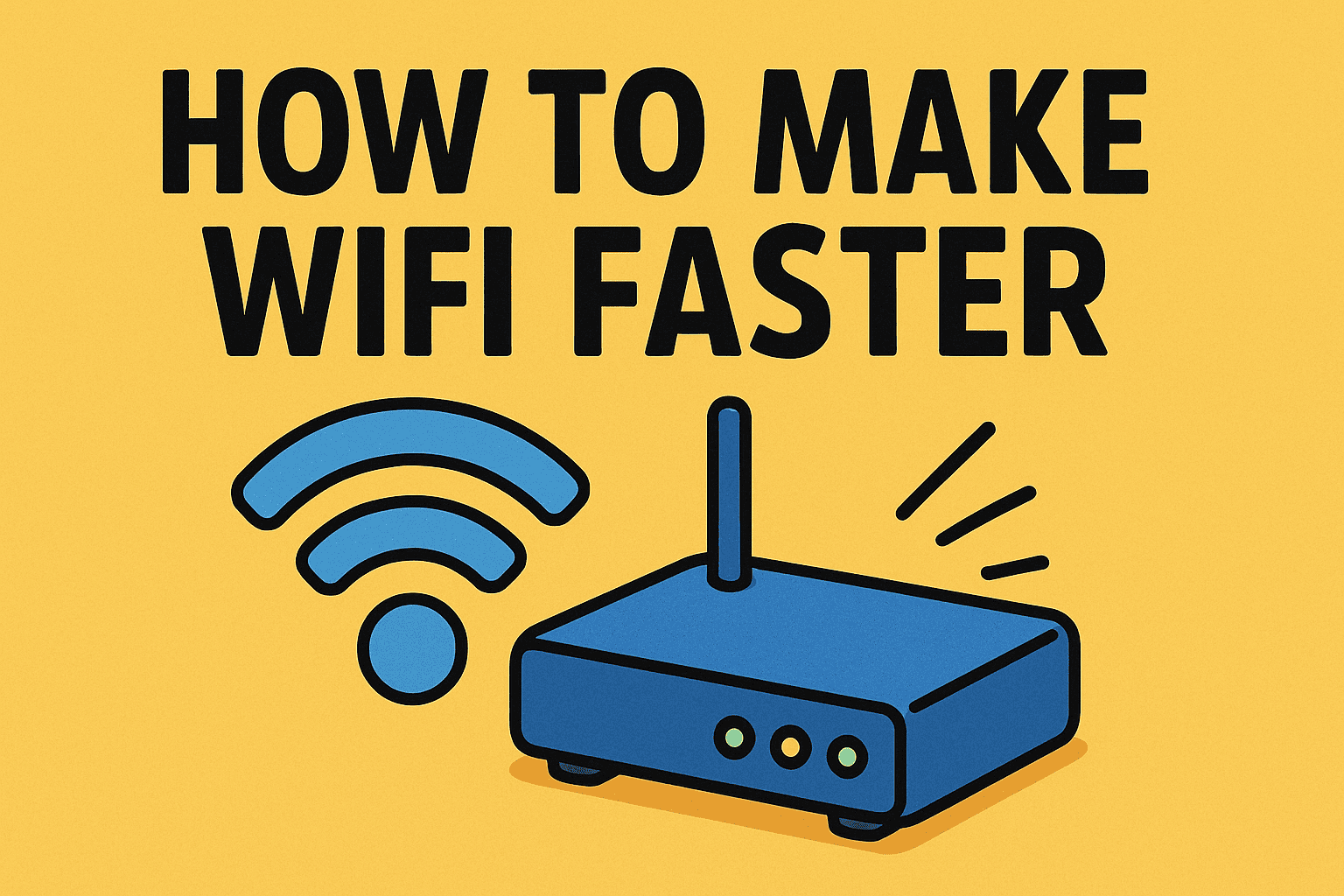
Have you ever asked yourself, how to make WiFi faster when your video call drops or a critical file takes forever to upload? In today’s hyper-connected world, slow WiFi isn’t just an annoyance—it’s a productivity killer and potential security risk. For executives, IT managers, and cybersecurity professionals, improving WiFi speed is essential for seamless operations and secure communication.
This guide explains how to boost WiFi performance with practical steps, security measures, and enterprise strategies, ensuring your network is both fast and protected.
Why WiFi Speed Matters for Business
Before diving into how to make WiFi faster, let’s understand why it matters:
- Productivity: Faster WiFi improves collaboration through smooth video conferencing and data sharing.
- Cybersecurity: Secure, optimized networks reduce vulnerabilities.
- Customer Experience: Businesses relying on WiFi (e.g., retail, hospitality) deliver better services.
- Remote Work: Ensures employees stay connected without disruptions.
👉 For organizations, WiFi speed is tied directly to efficiency and security.
How to Make WiFi Faster: Essential Steps
1. Optimize Router Placement
- Place your router in a central location.
- Avoid walls, metal objects, or appliances that cause interference.
- Elevate the router to improve coverage.
2. Update Router Firmware
- Regular updates fix bugs and security flaws.
- Enhanced firmware often improves performance.
3. Change WiFi Channels and Bands
- Use 5 GHz band for faster speeds and less interference.
- Switch channels if neighbors’ WiFi overlaps with yours.
4. Secure Your Network
- Use WPA3 encryption for stronger protection.
- Change default admin credentials to prevent unauthorized access.
- Limit guest access to a separate network.
5. Use Quality of Service (QoS) Settings
- Prioritize bandwidth for essential apps like video conferencing.
- Prevent streaming or gaming from hogging business-critical bandwidth.
Advanced Techniques for IT and Cybersecurity Leaders
Once you master the basics of how to make WiFi faster, consider these advanced strategies:
Mesh WiFi Systems
- Deploy mesh networks for seamless coverage across large offices.
- Eliminates dead zones in enterprise environments.
Upgrade Hardware
- Invest in WiFi 6 or WiFi 6E routers for higher speeds.
- Ensure devices support the latest WiFi standards.
Network Monitoring Tools
- Use software to track bandwidth usage.
- Detect and isolate devices consuming excessive data.
VLANs and Segmentation
- Separate guest, employee, and IoT devices.
- Improves both speed and security.
Cybersecurity Integration
- Pair WiFi optimization with Zero-Trust frameworks.
- Regularly audit connected devices for vulnerabilities.
Common WiFi Speed Killers
If you’re asking how to make WiFi faster, you must first identify what slows it down:
- Interference: Microwaves, cordless phones, or neighboring WiFi networks.
- Obsolete Equipment: Older routers or modems.
- Too Many Devices: Excessive simultaneous connections.
- Background Apps: Hidden processes consuming bandwidth.
- Unsecured Networks: Unauthorized users draining resources.
👉 Regular audits help IT teams detect and fix these bottlenecks.
Cybersecurity and WiFi Speed: The Connection
A common misconception is that security slows WiFi. In reality, poor security often slows performance due to malware, unauthorized access, and data leaks.
Secure WiFi Practices for Faster Networks:
- Use strong passwords to keep intruders out.
- Enable firewall and intrusion detection systems.
- Monitor logs for suspicious activity.
- Use VPNs optimized for speed when accessing sensitive data remotely.
👉 Cybersecurity and performance are two sides of the same coin.
WiFi Speed Checklist for Executives
If you want to know how to make WiFi faster for your organization, here’s a quick checklist:
- ✅ Router placed in optimal location
- ✅ Firmware updated
- ✅ WPA3 enabled
- ✅ Network segmented (VLANs/Guest WiFi)
- ✅ Mesh or WiFi 6 hardware deployed
- ✅ QoS enabled for critical apps
- ✅ Regular cybersecurity audits performed
FAQs: How to Make WiFi Faster
Q1. How do I make my WiFi faster without buying new equipment?
Reposition your router, update firmware, and change channels to reduce interference.
Q2. Does using 5 GHz make WiFi faster?
Yes. The 5 GHz band provides faster speeds but shorter range than 2.4 GHz.
Q3. Can too many devices slow WiFi?
Absolutely. Each device consumes bandwidth, so monitoring and segmentation are key.
Q4. Is a VPN slowing my WiFi?
Some VPNs reduce speed. Choosing a business-grade, optimized VPN can balance speed and security.
Q5. Should businesses upgrade to WiFi 6?
Yes. WiFi 6 supports more devices, higher speeds, and better security.
Conclusion: Faster WiFi, Stronger Security
So, how to make WiFi faster? It’s about combining smart placement, hardware upgrades, and strong cybersecurity practices. For IT managers, cybersecurity leaders, and executives, fast WiFi ensures productivity, compliance, and business continuity.
By optimizing performance and integrating security, organizations can eliminate downtime and protect sensitive data at the same time.
👉 Want enterprise-grade protection for your network? Discover how Xcitium’s Zero-Trust solutions safeguard WiFi infrastructure and business operations.