How Do VPNs Work? A Complete Guide for Business Leaders and Security Professionals
Updated on August 25, 2025, by Xcitium

If you’ve ever connected to public Wi-Fi and wondered, “Is my data safe?” — you’ve already asked the question, how do VPNs work? Virtual Private Networks (VPNs) are no longer just tools for tech enthusiasts; they’re essential for businesses, cybersecurity leaders, and even CEOs who prioritize protecting sensitive data.
According to Statista, over 1.5 billion people worldwide use VPNs to secure their connections and bypass restrictions. But while adoption is skyrocketing, many still don’t fully understand how VPNs actually work, what risks they prevent, and why companies should integrate them into their cybersecurity strategy.
What Is a VPN?
A VPN (Virtual Private Network) is a secure tunnel between your device and the internet. It hides your online activities by encrypting data and routing it through a private server.
Key Functions of a VPN:
- Encryption: Scrambles your data so hackers can’t read it.
- IP Masking: Hides your real IP address for anonymity.
- Data Integrity: Ensures your data isn’t altered during transmission.
- Remote Access: Allows secure connection to corporate networks.
In short, a VPN makes it look like you’re browsing from another location, while protecting every bit of data in transit.
How Do VPNs Work? (Step by Step)
Understanding how VPNs function is easier when broken into steps:
- Connection Request: You connect to the internet and launch your VPN.
- Encryption: The VPN encrypts your traffic before it leaves your device.
- Secure Tunnel: The data is routed through a secure VPN server.
- IP Change: Your real IP is replaced with the VPN server’s IP.
- Data Delivery: Encrypted data reaches the destination (website, app, service).
For example, if you’re in New York but connect to a VPN server in London, the internet sees you as browsing from the UK. At the same time, your employer or IT manager can ensure sensitive business communications stay encrypted.
Types of VPNs
1. Remote Access VPN
- Most common.
- Employees connect to a corporate network from anywhere.
- Example: Working from home while securely accessing office files.
2. Site-to-Site VPN
- Connects entire networks (e.g., branch offices).
- Useful for large enterprises.
3. Mobile VPNs
- Designed for users who frequently switch networks (Wi-Fi to cellular).
4. Personal VPNs
- Used by individuals to access restricted content or secure personal browsing.
VPN Protocols Explained
Different VPNs use different protocols to create secure tunnels:
- OpenVPN: Highly secure and widely used.
- IKEv2/IPSec: Great for mobile devices.
- WireGuard: Fast and modern protocol gaining popularity.
- L2TP/IPSec: Older but still supported.
Choosing the right protocol depends on your balance of speed, security, and device compatibility.
Why Businesses Need VPNs
For CEOs, IT managers, and security leaders, VPNs aren’t optional — they’re essential.
Key Benefits:
- Data Security: Protects against hackers and eavesdropping.
- Remote Work Enablement: Secure access for distributed teams.
- Regulatory Compliance: Meets GDPR, HIPAA, and PCI DSS standards.
- Cost Savings: Reduces need for expensive dedicated networks.
- Bypassing Restrictions: Ensures employees can access tools worldwide.
In a world of hybrid work and global operations, VPNs help businesses secure connections across geographies.
Security Risks Without a VPN
Not using a VPN exposes organizations to:
- Public Wi-Fi Attacks: Hackers intercept data in airports, cafes, or hotels.
- IP Tracking: Competitors or cybercriminals monitor online activity.
- Data Theft: Sensitive financial or medical data stolen in transit.
- Compliance Penalties: Failing to protect data can cost millions in fines.
VPNs and Cybersecurity: A Perfect Match
VPNs are a foundational layer in cybersecurity architecture. However, businesses should combine them with:
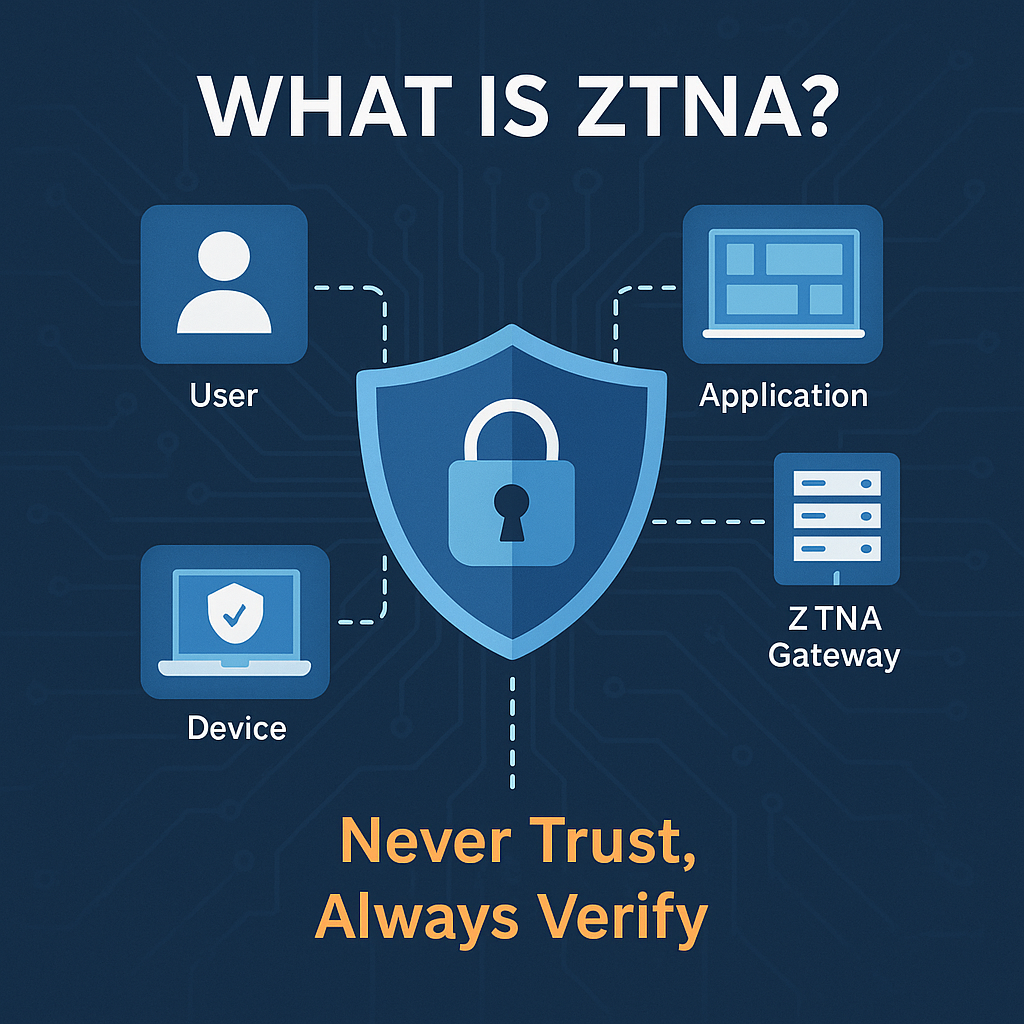
- Zero Trust Architecture – Never trust, always verify.
- Multi-Factor Authentication (MFA) – Add extra layers of login security.
- Firewall & IDS/IPS Systems – Block suspicious traffic.
- Regular Employee Training – Minimize human error risks.
Limitations of VPNs
While VPNs are powerful, they aren’t magic. Common limitations include:
- Speed Reduction: Encryption can slow down internet speeds.
- Not Foolproof: Some advanced attacks (like phishing) bypass VPNs.
- Logging Policies: Some VPN providers track user activity.
- Device Compatibility Issues: Not all devices support every protocol.
That’s why enterprises should carefully evaluate VPN providers and consider enterprise-grade solutions with strong no-log policies and global coverage.
Best Practices for Using a VPN
To maximize effectiveness, IT managers and professionals should follow:
- ✅ Choose a reliable VPN provider with strong encryption.
- ✅ Always enable kill switch to cut internet if VPN drops.
- ✅ Use split tunneling for efficiency (business vs. personal traffic).
- ✅ Combine VPN with endpoint security.
- ✅ Regularly update VPN apps and firmware.
Future of VPNs and Beyond
The VPN market is expected to exceed $107 billion by 2027. The future will see:
- AI-Enhanced VPNs that detect threats in real time.
- Integration with SASE (Secure Access Service Edge) for cloud security.
- Decentralized VPNs (dVPNs) using blockchain.
- Improved Speeds with next-gen protocols like WireGuard.
Businesses that adopt advanced VPN strategies now will stay ahead of evolving cyber threats.
FAQs: How Do VPNs Work?
- What does a VPN actually do?
A VPN encrypts your internet traffic and hides your IP address, making online activities private and secure. - Are VPNs legal?
Yes, VPNs are legal in most countries, though some nations restrict usage. - Can VPNs stop hackers?
VPNs make it harder for hackers to intercept your data, but they should be combined with firewalls and MFA. - Do VPNs slow down internet speed?
Slightly, but modern protocols like WireGuard minimize speed loss. - Is a free VPN safe to use?
Most free VPNs compromise security or log user data. Paid, trusted providers are recommended.
Conclusion: Why You Need a VPN Now
Understanding how do VPNs work is crucial for modern businesses. VPNs provide secure, encrypted connections that protect data, enable remote work, and ensure compliance. For IT managers and executives, they are no longer optional but a necessity.
If you’re ready to protect your business with enterprise-grade security, Request a Free Demo from Xcitium today and discover how VPNs can be integrated into your cybersecurity strategy.