What Is Zero Day? The Complete 2026 Guide to Zero-Day Vulnerabilities & Attacks
Updated on December 2, 2025, by Xcitium
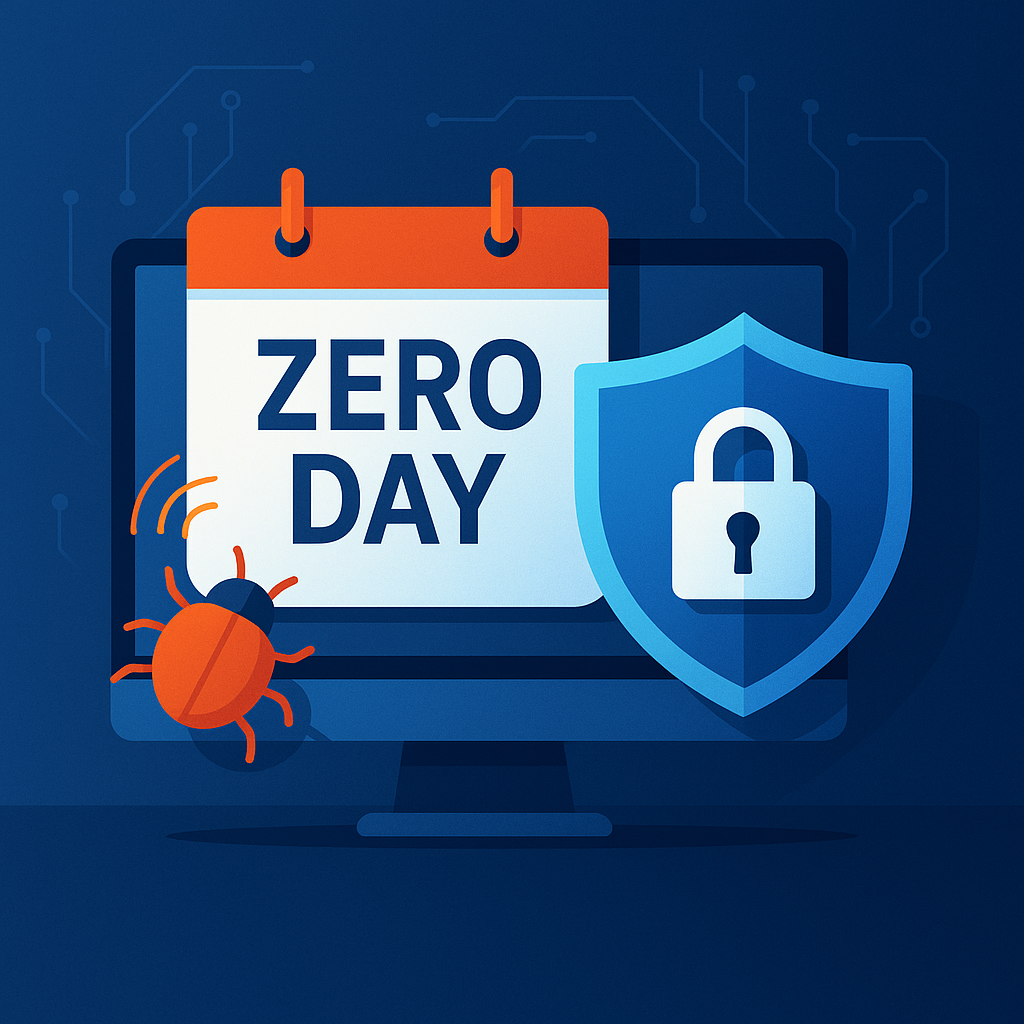
If you’re searching for what is zero day, you’re likely hearing about the rising wave of zero-day vulnerabilities and attacks impacting organizations worldwide. Zero-day threats are among the most dangerous and unpredictable security risks because they exploit software flaws that developers don’t yet know exist. That means no patches, no warnings, and no time to prepare.
In 2024 alone, zero-day attacks increased by more than 50%, with cybercriminals exploiting new vulnerabilities across operating systems, browsers, cloud platforms, IoT devices, and critical infrastructure. For IT managers, cybersecurity teams, executives, and business leaders, understanding zero-day threats is now essential—not optional.
This comprehensive guide explains what a zero-day is, how zero-day attacks work, why they’re so dangerous, and the best defenses to protect your organization in 2026.
What Is Zero Day? (Simple Definition)
A zero-day is a software vulnerability that is unknown to the software vendor or security community. Because the flaw has not been discovered or patched, attackers can exploit it immediately.
The term “zero-day” refers to the fact that developers have:
👉 Zero days to create a patch
👉 Zero days to warn users
👉 Zero days to mitigate the threat
A zero-day attack occurs when hackers exploit the vulnerability before the vendor becomes aware of it.
In simple terms:
A zero-day is a hidden security hole. A zero-day attack is when hackers find it before anyone else does.
Why Zero-Day Threats Are So Dangerous
Zero-day vulnerabilities are feared across the cybersecurity world because:
✔ There is no patch available
The vendor has not fixed the flaw.
✔ Traditional antivirus cannot detect them
Signature-based scanners do not recognize the exploit.
✔ Zero-days bypass firewalls and security policies
Attackers use unknown weakness points.
✔ They enable stealthy, high-impact attacks
Often used for espionage, ransomware, and supply chain attacks.
✔ They are difficult to detect and investigate
Because the vulnerability is unknown.
Cybercriminals, nation-state groups, and advanced persistent threats (APTs) frequently use zero-days to infiltrate high-value targets.
How Zero-Day Attacks Work (Step-by-Step)
Understanding zero-day attacks helps identify risks earlier. Here’s how they typically unfold:
1. Vulnerability Discovery
A flaw exists in software such as:
-
Operating systems
-
Browsers
-
Cloud services
-
Mobile apps
-
Network devices
-
IoT hardware
This flaw is not yet known to the vendor.
Attackers may discover it through:
-
Reverse engineering
-
Bug hunting
-
Malware testing
-
Source code analysis
-
AI-powered scanning tools
2. Zero-Day Development
The attacker creates an exploit—a method to take advantage of the flaw.
Examples:
-
Remote code execution (RCE)
-
Privilege escalation
-
Authentication bypass
-
Memory corruption attacks
3. Attack Deployment
Hackers deliver the exploit through:
-
Malicious emails
-
Phishing links
-
Drive-by downloads
-
Compromised websites
-
Malicious PDFs or documents
-
Exploit kits
-
Browser-based attacks
-
Supply chain compromises
4. System Compromise
The attacker gains:
-
Administrative control
-
Access to sensitive data
-
Ability to install malware
-
Control of user sessions
-
Persistence through hidden backdoors
5. Exploit Monetization
Zero-day attacks often lead to:
-
Ransomware infections
-
Data theft
-
Espionage
-
Financial fraud
-
System sabotage
6. Vendor Patch (Eventually)
Once discovered, vendors:
-
Investigate
-
Reproduce the flaw
-
Develop a fix
-
Push a security patch
Attackers exploit the zero-day for as long as they can before it’s patched.
Types of Zero-Day Vulnerabilities
Zero-day vulnerabilities come in various categories depending on what is exploited.
1. Zero-Day OS Vulnerabilities
Exploit Windows, macOS, Linux, or mobile OS flaws.
2. Zero-Day Browser Vulnerabilities
Target Chrome, Edge, Firefox, and Safari.
Often used for:
-
Drive-by downloads
-
Malicious redirects
3. Zero-Day Application Vulnerabilities
Found in:
-
Office software
-
Messaging apps
-
Video conferencing tools
-
Password managers
-
PDF readers
4. Zero-Day Network Vulnerabilities
Seen in firewalls, routers, VPNs, and switches.
5. Zero-Day Cloud Vulnerabilities
Target:
-
APIs
-
Identity platforms
-
SaaS applications
-
Cloud storage misconfigurations
6. Zero-Day IoT Vulnerabilities
Smart cameras, printers, industrial sensors, etc.
7. Zero-Day Supply Chain Vulnerabilities
Attackers inject malicious code during development or distribution.
Famous Zero-Day Attacks (Real Examples)
Zero-day attacks have shaped cybersecurity history.
1. Stuxnet (2010)
Used four zero-day exploits to sabotage Iranian nuclear centrifuges.
2. Google Chrome Zero-Days
Google patches dozens of exploited-in-the-wild Chrome zero-days each year.
3. Microsoft Exchange Zero-Days (2021)
Led to massive global data breaches.
4. Log4j (Zero-Day-Like Impact)
A critical logging flaw exploited at global scale.
5. Apple iOS ForcedEntry Zero-Day
Used in Pegasus spyware attacks on journalists and activists.
Who Uses Zero-Days?
Zero-day vulnerabilities are extremely valuable.
Used by:
-
Nation-state APT groups
-
Cybercriminal gangs
-
Ransomware groups
-
Hacktivists
-
Espionage agencies
-
Brokers selling zero-days on dark web markets
Zero-day exploits can sell for:
-
$10,000 to $10 million, depending on the vulnerability.
How to Detect Zero-Day Attacks
Detecting zero-day attacks is difficult—but not impossible.
Cybersecurity experts use the following:
1. Behavioral-Based Detection
Looks for:
-
Abnormal process activity
-
Strange system calls
-
Suspicious file modifications
-
Unexpected program behavior
2. Anomaly Detection (AI/ML)
AI learns normal system behavior and flags deviations.
3. Network Traffic Monitoring
Zero-day attacks often cause unusual outbound connections.
4. Endpoint Detection and Response (EDR)
Monitors:
-
Memory
-
CPU activity
-
Registry changes
-
System processes
EDR can detect unknown threats even when no signature exists.
5. Zero-Trust Architecture
Limits lateral movement and privilege escalation.
6. Threat Intelligence Feeds
Warn security teams about newly discovered vulnerabilities.
Zero-Day Defense Strategies (How to Protect Your Organization)
Protecting against zero-day threats requires a multi-layered approach.
1. Adopt a Zero-Trust Security Model
Never trust devices or users by default.
2. Use EDR/XDR for Real-Time Threat Detection
These advanced tools detect:
-
Unknown malware
-
Suspicious behavior
-
Hidden exploits
3. Patch Systems Immediately
When vendors release patches, apply them quickly.
4. Conduct Regular Vulnerability Scanning
Find weaknesses before attackers do.
5. Employ Application Whitelisting
Blocks unauthorized applications.
6. Secure Email Gateways
Prevent weaponized documents from reaching employees.
7. Restrict Administrative Privileges
Least-privilege access limits exploit impact.
8. Use Next-Gen Firewalls
Provide deep packet inspection for exploit detection.
9. Monitor Logs for Suspicious Activity
Automated alerts help catch zero-day exploitation early.
10. Train Employees
Many zero-day attacks begin with phishing.
Zero-Day vs Zero-Day Exploit vs Zero-Day Attack
These terms are related but distinct.
Zero-Day Vulnerability
The unknown flaw.
Zero-Day Exploit
The method attackers use to take advantage of the flaw.
Zero-Day Attack
The actual misuse of the exploit in real-world conditions.
Understanding this distinction helps during incident response.
Future of Zero-Day Threats (2025–2030)
Cybersecurity analysts predict:
✔ More zero-day automation using AI
AI discovers vulnerabilities faster than humans.
✔ AI-generated exploits
Machine learning creates attack code.
✔ More zero-day attacks on cloud, IoT, and autonomous systems
New platforms = new vulnerabilities.
✔ Zero-day marketplaces expanding
Bugs sold through brokers and dark web forums.
✔ Increase in supply chain attacks
Developers targeted to insert malicious code.
The zero-day threat landscape will continue evolving rapidly.
FAQs: What Is Zero Day?
1. What is a zero-day in cyber security?
A zero-day is an unknown software vulnerability exploited by attackers before a patch exists.
2. Why is it called zero day?
Because developers have zero days to fix it when it becomes known.
3. Are zero-day attacks common?
Yes—dozens occur every year, and many more go undiscovered.
4. How do hackers find zero-days?
Through reverse engineering, fuzzing, scanning tools, or AI analysis.
5. How can I protect my organization?
Use EDR/XDR, zero-trust principles, continuous monitoring, and rapid patching.
Final Thoughts
Zero-day vulnerabilities are among the most dangerous cybersecurity threats because they exploit the unknown. Understanding what zero day is, how these attacks work, and how to build a layered defense strategy is essential for protecting your organization in 2025 and beyond.
By implementing zero-trust security, advanced endpoint protection, fast patching cycles, and user training, your organization can dramatically reduce the risk of zero-day exploitation.
🚀 Protect Your Organization from Zero-Day Attacks
👉 Request a Demo: https://www.xcitium.com/request-demo/