What Is Ransom Software?
Updated on October 11, 2022, by Xcitium
You may want to call it software, but ransomware isn’t actually a software but a malicious code embedded in another software. Ransom software is a term commonly used to point to ransomware malware.
If you’re looking to learn more about ransomware and its mode of attacks, you will surely find this article useful.
What Is Ransomware?
There is no software called ransomware, but ransomware creators do hide the codes in compromised software. This results in ransomware attacks once you install such software on your computer.
Ransomware is like every other malware you may have heard of, but its attack differs from others. Computer viruses and Trojans, as you may know, causes a bug on your computer and may even corrupt and damage your files. But this is not the case with ransomware, the man behind this malware wants to steal money from you. You can liken this to a physical kidnap attack—where the captors kidnap a victim and demand for a ransom before setting the victim free. This is exactly what ransomware does to a victim’s computer.
Ransomware is even worse—given that the criminals may hold an entire company or healthcare facility to ransom, ceasing access to all sensitive data until a payment is paid. And this is no little money. A ransomware attack on the Baltimore City government in 2019 sucked about $18 million before normalcy was restored.
Ransomware Process
The process begins with developing the malware. No one monitors or knows about this process as it is usually a concealed plan by the ransomware thieves. They create malware and get ready to find their victims.
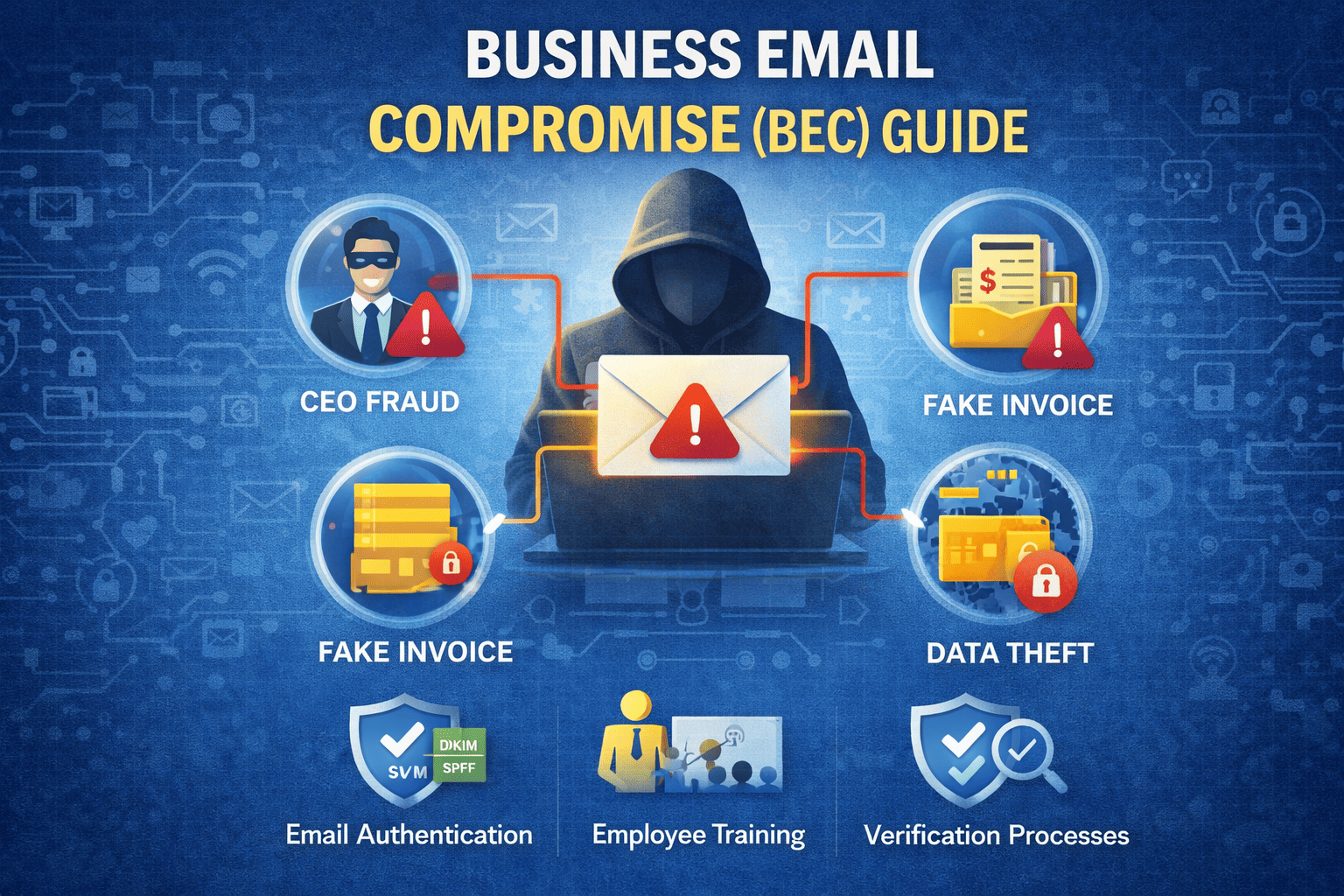
This is usually through phishing scams. You may receive a well-scripted email about a business deal with an attachment. The rest may be the story about ransomware attacks once you open such attachments.
Basically, the criminals broadcast emails randomly, and if you’re a target, they may customize the emails to get your attention. The trick includes impersonating someone you know—business associates, clients, staff or your service providers. You want to be careful of clicking any attachment quickly without vetting the email identity. This may push you into a ransomware attack, so be careful.
Apart from emails, malicious codes are also hidden in attachments on social media content, software, pop-ups on webpages, etc. Avoid downloading software from random websites.
The Attack
How do you know you’re under a ransomware attack? Unfortunately, the initial stages of ransomware are usually undetectable. If you’re able to notice the malware on your computer before it fully settles, you do get rid of it before it unleashes its mayhem.
The attack begins with a compromise—opening an infected attachment or downloading software containing the malware. Once the malware is on your computer, it opens up your data to your captor. The criminal then views all your data and finds the important ones to encrypt.
Ransom software can hide on your computer for several months, perhaps studying your data to know where to strike. After receiving enough information, your data may be encrypted with a unique decryption key. You need this key to regain access to your data, and that’s where the criminals demand money. They deny you access to your files and leave a notification on your computer screen requesting for the ransom with details on how to make payment.
Most ransomware victims have to pay the ransom to get regained access to their data. Ransomware criminals have often requested Bitcoin payment. This is why ransomware criminals aren’t trailed easily. As you may know, Bitcoin is decentralized and doesn’t record users’ identities.
Can’t Antiviruses Detect And Defend Against Ransomware?
Ransomware is classified as an advanced threat. Such threats have deceptive means of penetrating your computer. It might even go fileless, which is why antiviruses and firewalls may not detect them. However, cybersecurity remains the best means to tackle malware attacks. While you get antiviruses, you also want to invest in advanced security systems.
What Security Systems Are Termed Advanced?
There are high-end security systems that use advanced security technology to identify and block tricky malware. A typical example is the Advanced Endpoint Protection (AEP).
This gives you total protection against any malware, especially malware that tricks traditional security systems. You can learn more about AEP here.
Wrap Up
Even though you have the best security systems, including Advanced Endpoint Protection, keeping malware attacks at a distance is the best practice. You should avoid opening unverified attachments and downloading from untrusted websites.