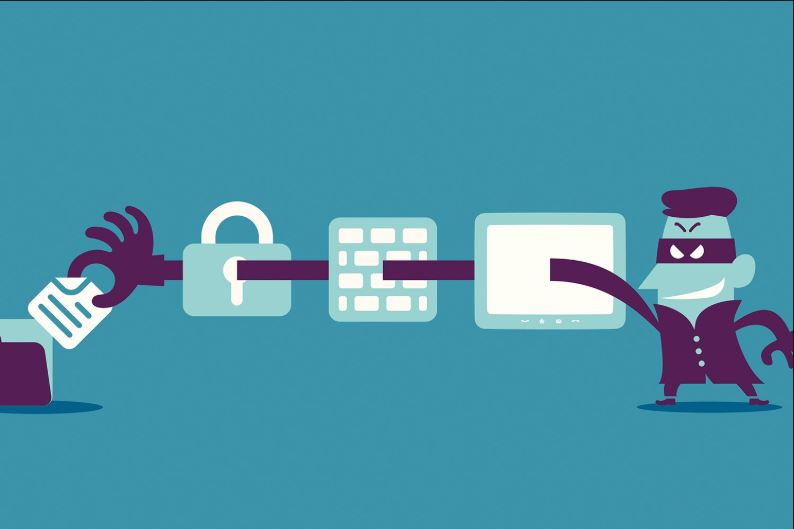
Ransomware Attack Definition: What You Need To Know
Updated on October 11, 2022, by Xcitium

Since WannaCry caused a global outcry, the average computer user has learned the term— “ransomware”.
Ransomware is not new. It’s been here for ages. The first known case was Joseph Popp, an evolutionary biologist who developed the AIDS Trojan. Any computer infected with the Trojan was asked to pay $189 before getting access to their computer.
Over the years, ransomware attackers have become more sophisticated and have attacked individuals, hotel chains, hospitals, government agencies, etc. The most famous remains WannaCry not because of the level of its damage but also the media attention it garnered.
This article provides insights into ransomware attack definition and other relevant areas.
What Is Ransomware Attack?
Ransomware is a type of malicious software that prevents users access to a computer system. Some ransomware might allow access but encrypts sensitive data with demand for a ransom.
Most ransomware attacks that lock users out of a computer system happens in organizations where logging in to the system is critical for operations.
The most ransomware attacks turn files to a format that’s not readable while deleting the readable format. To get the keys to read the data, the victim is required to pay a ransom.
The Ransomware Process
Most ransomware follows a three-step process. To be safe from ransomware, you have to understand this process.
The Incubation Stage
This is usually the most crucial stage of the attack.
The attacker creates the malware and generates field-value pairs. These pairs are needed to either unlock the system or to decode the encrypted files.
Then, the malware is released via phishing scams. Methods of phishing scams include emails, cold calls, fishy websites, and software. Usually, these emails, calls, or pop-ups will appear meaningful, just to trick you into opening or downloading. They might even mimic your service providers — like healthcare providers, banks, energy bills, etc.
When you download a software containing the malware or click a link, it gets installed on your computer.
Once it gets into your system, the first stage is completed.
The Generation Stage
When the malware enters your system, it might not be called ransomware because it’s still a malware.
The malware will try to connect to the attacker with the public key encoded in the malware. It does this with an internet connection. If your computer can detect the presence before it connects to the internet, you might be able to stop it.
However, if it connects, the malware will use a random key to encrypt your data. It also creates a ciphertext with your data. The key to decode your files will only be available to the attacker.
At this point, it becomes a full-blown ransomware attack as your computer will display the message from the attacker.
To get access to your data, you’ll be needed to send the ciphertext alongside the payment.
The Encoding Stage
When the attacker receives the payment alongside the ciphertext, the attacker will decrypt the ciphertext with their private key and send the key to you.
That’s when you have to encode your data with the key sent from the attacker.
At this stage, the attacker is happy that you’re their latest victim. However, you can avoid this attack by following the necessary precautions.
Besides, you shouldn’t even trust attackers. If they can attack you in the first place, what guarantee is there that they would make good of their promises after making payment? Ensure you scan your computer and remove any hidden malware to prevent any further harm by the attacker.
How Do I Avoid Ransomware Attack?
The ransomware attack process is not pleasant. It’s not something you don’t want to experience. Not only will you waste valuable time but also spend money requested by the attacker.
The following tips can help you prevent ransomware attack:
- Avoid fishy websites
- Back up your data from time to time
- Do not enter your personal details on an unsecured website. Some attackers can make a profile of you with just a few of your information
- Update your software and operating system as the update comes up
- Use strong passwords
- Install active antivirus software in your system
- Do not turn any security feature off when installing any software.
- Use advanced endpoint protection.
Final Thoughts
Ransomware attacks are terrible. Ensure you stick to cyber-security rules to keep your systems protected. More importantly, since some malware like the ransomware malware does bypass antiviruses and firewalls, you should invest in advanced endpoint protection to strengthen your security. Advanced endpoint protection is designed with hands-on technology like AI, IoT, etc., to combat the most notorious malware. Learn more about advanced endpoint protection here.