What Is Meant By A Ransomware Attack?
Updated on October 11, 2022, by Xcitium

In June 2019, major news houses headlined an attack on the Baltimore city government. This wasn’t a physical attack but a cyber-attack. Their entire systems were held hostage—restricting access to sensitive data and requesting a ransom before the restriction would be lifted. The attack lasted for over a month before they regained access to their systems after spending more than $18 million. This is a typical example of a ransomware attack.
So, What Is A Ransomware Attack?
A ransomware attack is a modernized version of the everyday cyber-attacks. Unlike other malware attacks that steal your information or entirely damage your data, the criminals behind ransomware are on a mission to deceitfully or forcefully get money from their victims.
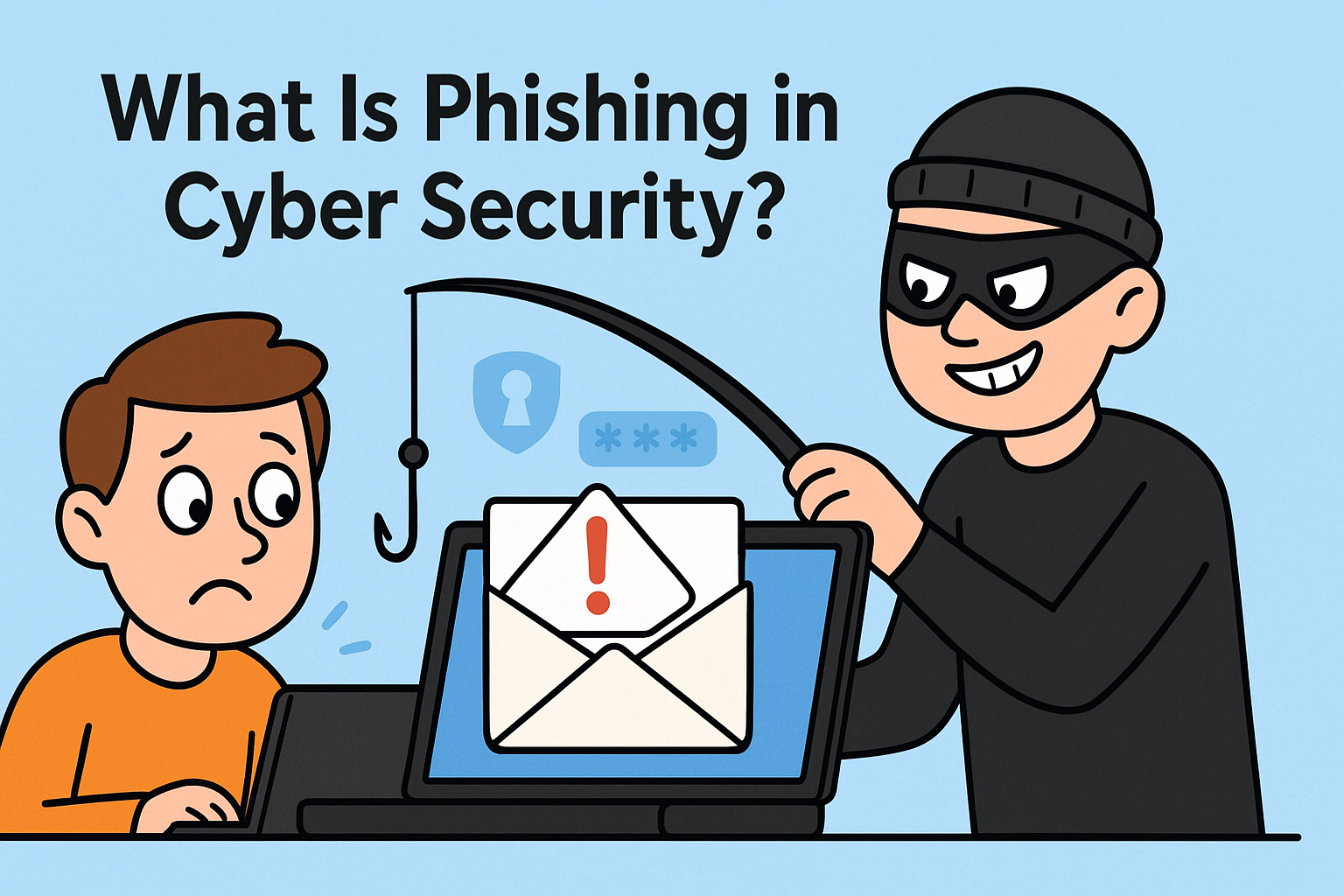
One can fall victim to a ransomware attack by opening an attachment with malicious code or downloading infected software. This is usually through phishing scam—spread via emails, calls, and maybe SMS. They’d broadcast emails with contaminated attachments. These emails may read like they’re coming from any of your service providers, business associates, clients, etc. Opening the link automatically installs the ransomware malware on your PC, which launches the attack after that.
Can Antivirus Combat Ransomware Attacks?
Over the years, antiviruses have been used to detect and block malware. So, yes, antiviruses can help you prevent ransomware attacks. However, you need the best antivirus that can withstand the deceitful nature of the ransomware malware.
Not sure how to find the best antivirus? It’s okay to get confused as there are a lot out there. Here is how you can find the best antivirus:
Go for Premium Versions
Not everyone can afford a premium antivirus, but if you have sensitive data and care about safety, you need a premium antivirus. This doesn’t mean free antiviruses are not active, but they do not contain all the necessary features. If you’re a business owner or individual with sensitive data, investing in a premium security system is worth it. It’s way better than struggling to recover your data after being hit by a malware attack.
User Opinions
If you are ready to get the best antivirus, seeking users’ opinions can help you find the best out there. This is more like a rule of thumb when looking for a new service product, views from past or existing users can help you make an excellent decision. You can find users’ opinions on cyber-security forums online and public reviews websites. Here are some of the sites that can give you the best suggestions:
Reddit: You will find a lot of sub-groups here. Navigate to a related forum and read up the threads on there. If you can’t find one that directly addresses your needs, you can ask questions and wait for responses. You will surely get enough feedback from users.
Quora: Quora is a popular question and answer website. You can type your question on Google and add Quora before hitting the search button. You’d find similar questions and answers. If you can’t find any thread with your kind of question, you can start a thread with your issue and wait for answers.
Trustpilot: This is a public review website. Many vendors are listed there with feedback from customers about their services. You can search for any antivirus software provider there to see what users are saying about the service.
You can also check Google business pages of various antivirus software providers to read reviews from users. This should help you find the best
Test The Antivirus
If you’ve finally gotten the antivirus, you want to test it to confirm its effectiveness before relying on it to protect your devices. There are various methods of testing an antivirus; let’s consider one of them:
Using The EICAR File
This file appears like malware to antiviruses, but it is just a test tool and won’t harm your computer. To test an antivirus, start by downloading the EICAR file. Download here. If your antivirus automatically blocks the download or warns that you’re about to download an infected file, that shows the antivirus is active.
What If Antivirus Fails?
Malware can still infect a computer even with the most reliable antivirus. This is because most cybercriminals have devised more advanced methods to bypass traditional security systems. Fileless malware and other advanced malware like ransomware are often difficult to block by antiviruses and firewalls. In this case, advanced endpoint protection is what you need.
Advanced endpoint protection is an advanced security system that uses cutting-edge technologies like AI, IoT, etc., to block advanced threats. While antivirus can help combat some malware attacks, it doesn’t work for all. You should get other top security systems to keep your computer and data protected.
If you’re not sure how advanced endpoint protection works, click here to learn more.