Incident Response Plan Template
Updated on February 20, 2026, by Xcitium
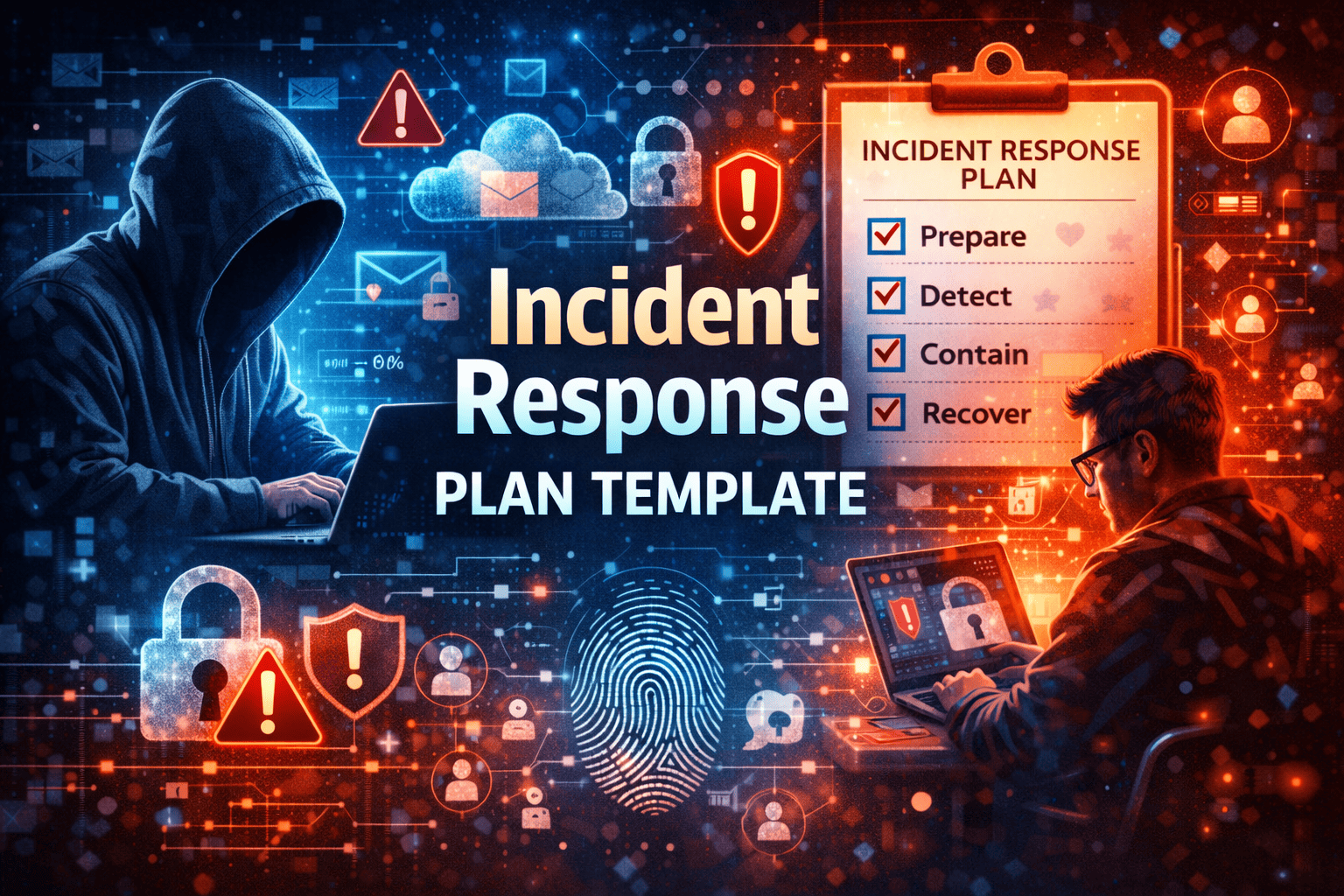
What would your organization do in the first 10 minutes after discovering a cyberattack?
According to industry research, the faster a company detects and responds to an incident, the lower the financial and reputational damage. Yet many businesses still operate without a clearly documented incident response plan (IRP). When ransomware hits or data is exposed, confusion replaces coordination—and delays become costly.
This comprehensive guide provides a practical incident response plan template, explains each phase of the incident response process, and offers actionable steps to strengthen your cybersecurity posture.
What Is an Incident Response Plan?
An incident response plan is a structured, documented approach that outlines how an organization detects, responds to, contains, and recovers from cybersecurity incidents.
It defines:
-
Roles and responsibilities
-
Communication protocols
-
Technical response steps
-
Escalation procedures
-
Recovery processes
Without a clear plan, response efforts become inconsistent and reactive.
Why Every Organization Needs an Incident Response Plan
Cyber threats evolve constantly. From phishing attacks and insider threats to ransomware and zero-day exploits, incidents are inevitable. Preparation determines the outcome.
Key Benefits of an Incident Response Plan
-
Faster containment of threats
-
Reduced financial losses
-
Lower legal and regulatory risk
-
Improved stakeholder communication
-
Enhanced business continuity
An effective cyber incident response strategy minimizes downtime and preserves trust.
Core Phases of the Incident Response Process
Most incident response frameworks follow six essential stages. Understanding these phases helps structure your plan.
1. Preparation
Preparation is the foundation of effective incident management.
Key Preparation Activities
-
Develop documented policies and procedures
-
Establish an incident response team (IRT)
-
Conduct employee security training
-
Deploy monitoring and detection tools
-
Perform regular risk assessments
Preparation ensures your organization can act decisively during a crisis.
2. Identification
In this phase, security teams determine whether an event qualifies as a security incident.
Common Indicators of Compromise
-
Unusual login activity
-
Suspicious outbound network traffic
-
Unexpected system changes
-
Alerts from endpoint detection tools
Early detection significantly reduces damage.
3. Containment
Containment prevents the threat from spreading further across systems.
Short-Term Containment
-
Isolate infected endpoints
-
Disable compromised accounts
-
Block malicious IP addresses
Long-Term Containment
-
Apply patches
-
Change credentials
-
Strengthen access controls
Containment balances urgency with business continuity.
4. Eradication
After containment, teams eliminate the root cause.
Eradication Actions
-
Remove malware
-
Close exploited vulnerabilities
-
Reconfigure misconfigured systems
-
Conduct forensic analysis
This phase ensures attackers cannot regain access.
5. Recovery
Recovery restores systems and operations safely.
Recovery Steps
-
Restore clean backups
-
Monitor systems for recurring threats
-
Validate system integrity
-
Gradually reconnect to the network
Careful recovery prevents reinfection.
6. Lessons Learned
Post-incident reviews strengthen future readiness.
Post-Incident Review Questions
-
How was the attack detected?
-
Were response times acceptable?
-
What security gaps were exposed?
-
How can procedures improve?
Continuous improvement reduces future risk.
Incident Response Plan Template
Below is a structured template you can adapt for your organization.
Incident Overview Section
Purpose and Scope
Define the purpose of the plan and which systems, departments, and assets it covers.
Incident Response Team Structure
Roles and Responsibilities
-
Incident Response Lead
-
IT Security Analysts
-
Legal and Compliance Officer
-
Communications Manager
-
Executive Sponsor
Clearly define decision-making authority and escalation paths.
Incident Classification Framework
Severity Levels
Create categories such as:
-
Low (minor phishing attempt)
-
Medium (isolated malware infection)
-
High (ransomware outbreak)
-
Critical (data breach with regulatory impact)
Assign response priorities to each level.
Communication Plan
Internal Communication
-
Notify executive leadership
-
Alert IT and security teams
-
Document incident details
External Communication
-
Inform customers (if required)
-
Engage legal counsel
-
Notify regulators when necessary
Clear communication prevents misinformation.
Containment and Mitigation Procedures
Technical Response Checklist
-
Disconnect affected devices
-
Preserve evidence
-
Apply security patches
-
Reset credentials
Standardized procedures eliminate guesswork.
Business Continuity Integration
Backup and Disaster Recovery Alignment
Ensure your incident response plan aligns with:
-
Disaster recovery plans
-
Data backup strategies
-
Business continuity planning
Resilience depends on coordination.
Common Mistakes in Incident Response Planning
Even organizations with documented plans can fall short.
1. Lack of Regular Testing
Conduct tabletop exercises and simulated breach drills at least annually.
2. Outdated Contact Information
Keep team rosters and escalation contacts current.
3. Overlooking Insider Threats
Plans must account for both external and internal risks.
4. Ignoring Compliance Requirements
Regulations may dictate specific reporting timelines. Ensure your plan includes compliance checkpoints.
Best Practices for Strengthening Your Incident Response Plan
To make your IRP effective:
-
Automate threat detection using advanced security tools
-
Integrate endpoint detection and response (EDR) solutions
-
Adopt Zero Trust architecture
-
Implement strong identity and access management (IAM)
-
Monitor continuously with threat intelligence feeds
Proactive defense reduces response pressure.
How Incident Response Supports Overall Cybersecurity Strategy
An incident response plan is not a standalone document. It supports broader cybersecurity initiatives such as:
-
Risk management
-
Vulnerability management
-
Identity security
-
Cloud security
-
Regulatory compliance
Organizations that integrate response planning into their overall security strategy build stronger defenses.
Frequently Asked Questions (FAQs)
1. What should an incident response plan include?
An incident response plan should include preparation guidelines, roles and responsibilities, communication procedures, containment steps, recovery processes, and post-incident review procedures.
2. How often should an incident response plan be updated?
Review and update your plan at least annually or after major security incidents, organizational changes, or regulatory updates.
3. Who should be on the incident response team?
The team typically includes IT security professionals, leadership representatives, legal counsel, HR, communications staff, and compliance officers.
4. Is an incident response plan required for compliance?
Many regulations and standards, including ISO 27001, NIST, HIPAA, and PCI-DSS, require documented incident response procedures.
5. How can small businesses create an incident response plan?
Small businesses can start with a simplified template, define key contacts, establish detection tools, and conduct basic training exercises to ensure readiness.
Final Thoughts: Be Ready Before an Incident Strikes
Cyber incidents are not a matter of “if” but “when.” Organizations without a structured incident response plan often face prolonged downtime, regulatory penalties, and reputational harm.
A well-documented incident response plan template empowers your team to respond quickly, minimize damage, and recover confidently.
Don’t leave your organization vulnerable.
👉 Strengthen your cybersecurity defenses and incident response capabilities today.
Request a personalized demo here:
https://www.xcitium.com/request-demo/
Prepare smarter. Respond faster. Protect what matters most.