How to Reset My Voicemail Passcode: Step-by-Step Guide for Security and Access
Updated on September 23, 2025, by Xcitium
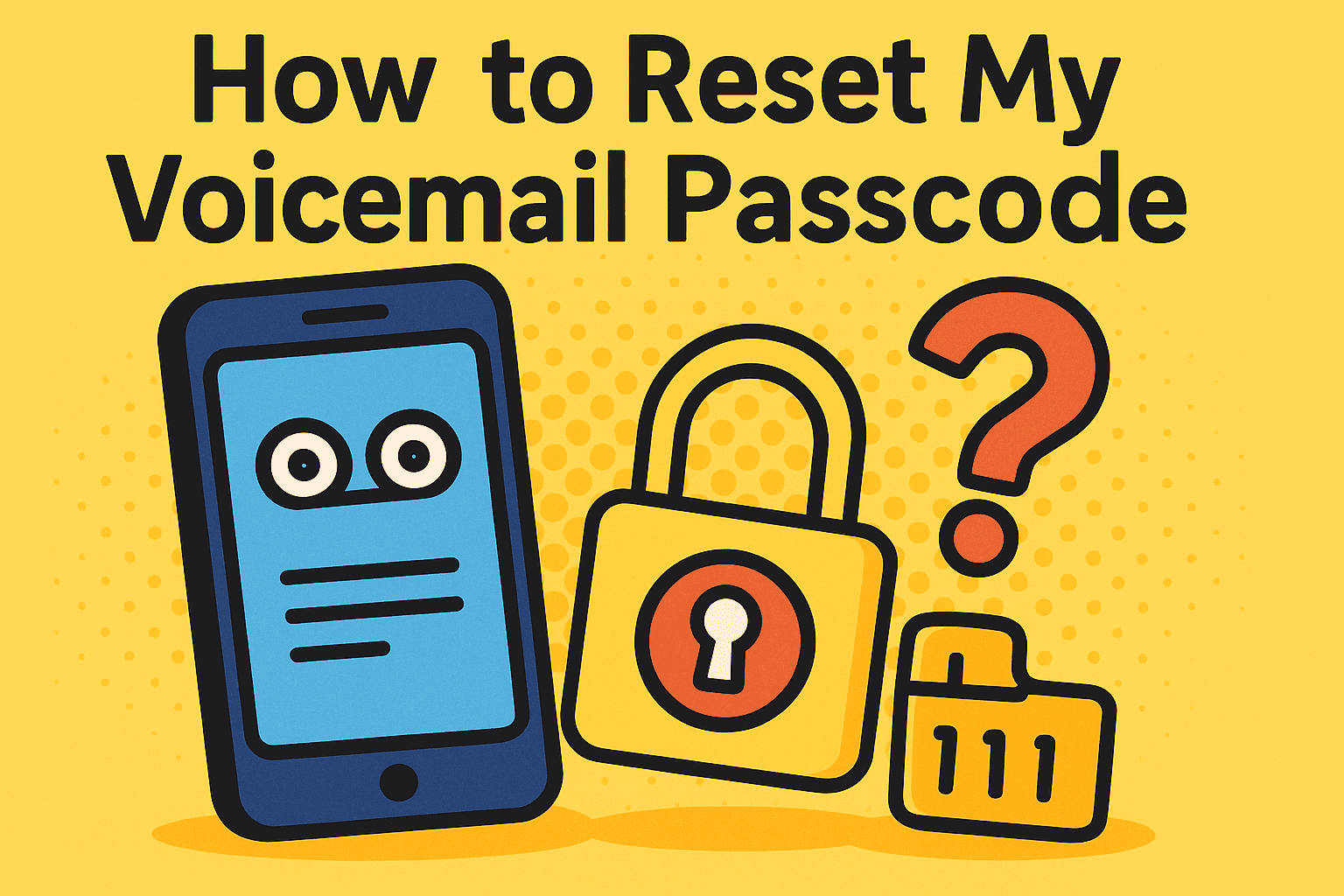
Forgetting a password or passcode is a universal experience, but when it comes to voicemail, the stakes are higher. If you’ve ever wondered, “how to reset my voicemail passcode?”, you’re not alone. Whether you’re an IT manager securing company phones or an executive ensuring private communication, voicemail access remains critical. A locked voicemail box could mean missing client calls, urgent updates, or even cybersecurity threats if left unchecked.
This article explores simple, secure methods to reset your voicemail passcode, while also covering best practices to keep your account safe from unauthorized access.
Why Resetting Your Voicemail Passcode Matters
Your voicemail isn’t just a convenience—it’s part of your communication security layer. Resetting or updating your voicemail passcode is crucial for:
- Protecting privacy: Prevents unauthorized access to sensitive messages.
- Preventing fraud: Hackers often target weak voicemail passcodes.
- Business continuity: Ensures you don’t miss critical customer or partner messages.
- Compliance: Industries like healthcare and finance require secure communication practices.
👉 In short, resetting your voicemail passcode is both a security necessity and a productivity safeguard.
How to Reset My Voicemail Passcode on iPhone
Apple provides a straightforward way to reset your voicemail passcode directly from your device:
- Go to Settings → Phone.
- Tap Change Voicemail Password.
- Enter your current passcode (if required).
- Type in your new passcode and confirm.
- Save changes.
Tip: Use a 6-digit code that’s not easily guessable (avoid birthdays, “123456,” or repeated digits).
How to Reset My Voicemail Passcode on Android
Resetting your passcode on Android may vary depending on your carrier and phone model. Generally, the steps are:
- Open the Phone app.
- Tap the three dots (menu) → Settings.
- Go to Voicemail → Change Password.
- Enter your current passcode and create a new one.
- Save changes and test access.
Pro Tip for IT Managers: Standardize passcode reset policies across devices to maintain consistency and security.
Resetting Through Carrier Services
If you can’t access your settings, you may need to reset your voicemail passcode through your carrier. Here’s how most major providers handle it:
- AT&T: Call 611, follow the automated menu, or use the myAT&T app.
- Verizon: Use the My Verizon app or call *611.
- T-Mobile: Reset through the T-Mobile app or dial 611.
- Sprint (now T-Mobile): Follow the carrier’s app instructions or dial *2.
Carriers often allow you to reset passcodes online through your account dashboard.
Security Best Practices When Resetting Your Passcode
Resetting your voicemail passcode is just the first step. To truly secure your messages, follow these guidelines:
- Use complex passcodes: Mix numbers and avoid predictable sequences.
- Enable two-factor authentication (2FA): Some carriers offer additional verification steps.
- Rotate passcodes regularly: Especially in business environments with shared devices.
- Audit device access: Ensure former employees or unauthorized users cannot access company voicemail.
👉 These steps strengthen not only your voicemail security but also your organization’s overall cyber resilience.
Common Problems When Resetting Voicemail Passcodes
If you’re still struggling with how to reset my voicemail passcode, here are common issues and solutions:
- Forgot old passcode: Contact your carrier directly to override.
- Passcode not saving: Restart your phone and retry.
- Carrier restrictions: Some carriers may require app or web portal resets.
- Locked out after too many attempts: Customer service can reset your voicemail remotely.
Enterprise Considerations: IT Managers & CEOs
For leaders and IT teams, voicemail passcode resets go beyond convenience—they’re part of risk management.
- Set company-wide standards: Ensure employees use strong voicemail passcodes.
- Monitor for anomalies: Unexpected resets could indicate phishing or SIM swap attempts.
- Document reset procedures: Helps streamline support for non-technical employees.
- Integrate with cybersecurity policies: Treat voicemail security like email or endpoint protection.
FAQ: How to Reset My Voicemail Passcode
Q1. What if I forget my voicemail passcode completely?
Contact your carrier directly. They can reset it for you, often through your online account or customer service.
Q2. How often should I reset my voicemail passcode?
At least every 90 days, especially for business accounts handling sensitive data.
Q3. Can hackers break into voicemail without my passcode?
Yes, if your passcode is weak or if your carrier doesn’t have advanced protections. Always choose strong, unique codes.
Q4. Is there a difference between PIN and passcode?
No. Carriers often use the terms interchangeably for voicemail access.
Q5. What length should my voicemail passcode be?
Use at least 6 digits for stronger protection, and avoid predictable patterns.
Conclusion
If you’ve ever asked, “how to reset my voicemail passcode?”, the process is simpler than you think—whether on iPhone, Android, or through your carrier. But resetting is more than regaining access—it’s about protecting sensitive messages, maintaining business communication, and reducing cybersecurity risks.
For IT managers and executives, securing voicemail is part of a broader digital security strategy. By combining strong passcodes, authentication, and organizational policies, businesses can ensure both privacy and efficiency.
👉 Ready to secure all layers of your business communication? Explore how Xcitium’s Zero-Trust cybersecurity solutions protect organizations from every angle.