How to Go Private on Twitter: A Complete Privacy Guide
Updated on September 12, 2025, by Xcitium
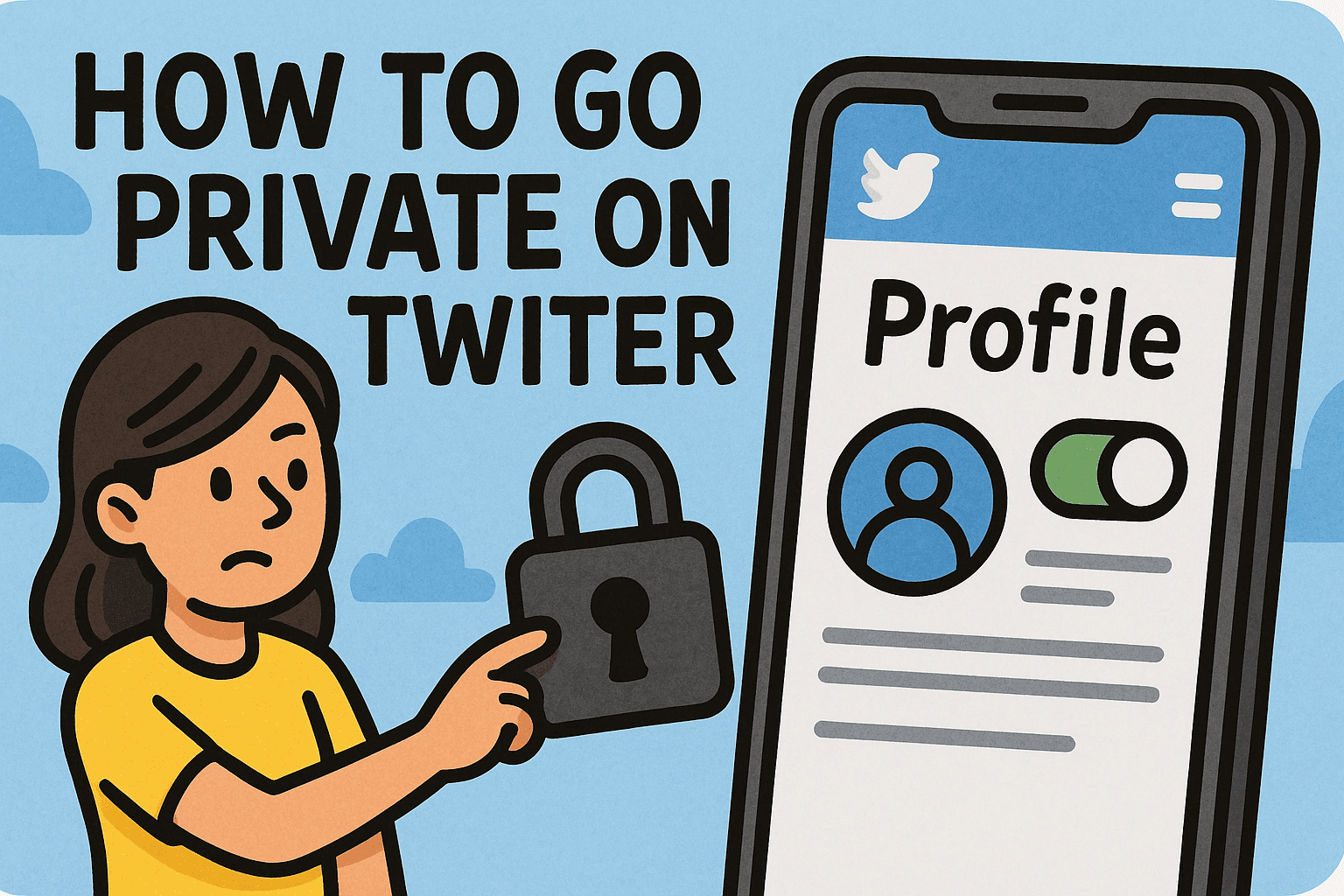
Have you ever wondered, “How to go private on Twitter so only approved followers can see my tweets?” In today’s digital landscape, privacy is no longer optional—it’s essential. Twitter (now rebranded as X) is one of the world’s largest social platforms, but public profiles can expose users to risks such as identity theft, data scraping, and online harassment.
For IT managers, cybersecurity professionals, and business leaders, knowing how to protect personal and corporate accounts is part of a broader online security strategy. In this guide, you’ll learn how to go private on Twitter, the implications of private vs. public accounts, and best practices to safeguard your digital presence.
What Does “Going Private” on Twitter Mean?
When you go private on Twitter, your account is set to Protected Tweets mode. This means:
- Only approved followers can see your tweets.
- Your content won’t appear in search results (outside your followers).
- Retweets are disabled for your posts.
- New followers must request permission.
👉 For executives, this ensures better control over who can see your thoughts, business updates, or sensitive discussions.
How to Go Private on Twitter (Desktop)
Here’s a step-by-step guide:
- Open Twitter (X) on your browser.
- Click on your profile picture and go to Settings & Support > Settings and Privacy.
- Select Privacy and Safety.
- Click Audience and Tagging.
- Toggle Protect Your Posts on.
Once enabled, your tweets will be visible only to followers you approve.
How to Go Private on Twitter (Mobile App)
If you’re using the iOS or Android app:
- Open the X (Twitter) app.
- Tap your profile picture and select Settings & Privacy.
- Go to Privacy and Safety > Audience and Tagging.
- Turn on Protect Your Posts.
👉 This method works the same across devices, making it easy to manage account security on the go.
How Going Private Impacts Your Account
Before deciding to go private, understand the trade-offs:
Benefits:
- Greater privacy and control.
- Reduces exposure to spam or harassment.
- Prevents sensitive content from spreading.
Drawbacks:
- Your tweets won’t appear in public searches.
- Engagement may decrease since retweets are disabled.
- Followers must be manually approved.
For business leaders, private accounts may limit reach, but they can be used for internal communications or sensitive discussions.
Why Going Private Matters for Cybersecurity
Learning how to go private on Twitter is not just about personal preference—it’s a cybersecurity measure.
- Phishing Prevention: Hackers often target public profiles for information.
- Brand Protection: Executives with public accounts may become impersonation targets.
- Data Privacy: Private accounts reduce the risk of data scraping.
- Safer Networking: Allows only trusted contacts to see your posts.
👉 In industries like finance and healthcare, protecting social media accounts is part of compliance and zero-trust strategies.
Best Practices Beyond Going Private
Going private is one step, but you should also:
- Use Strong Passwords: Combine uppercase, lowercase, numbers, and symbols.
- Enable Two-Factor Authentication (2FA): Adds a layer of login security.
- Audit Followers Regularly: Remove suspicious accounts.
- Limit Third-Party Apps: Revoke access to apps you don’t trust.
- Monitor Mentions: Even with private accounts, your handle can be tagged publicly.
Common Mistakes to Avoid
When securing your account, avoid these pitfalls:
- Assuming Privacy Is Absolute: Screenshots can still be shared outside your circle.
- Ignoring DMs: Direct messages remain separate from protected tweets.
- Not Reviewing Old Tweets: Private mode won’t retroactively remove content already indexed by search engines.
- Mixing Personal and Business Accounts: Keep them separate for better control.
Business Perspective: Should Companies Go Private on Twitter?
For organizations, going fully private isn’t always practical. However, executives and IT managers may:
- Keep corporate accounts public for brand visibility.
- Maintain private secondary accounts for secure team communications.
- Use Twitter Lists for curated and controlled engagement.
This hybrid approach balances public relations with cybersecurity.
FAQs on Going Private on Twitter
Q1. Can I switch back to public after going private?
Yes. You can toggle between public and private anytime in settings.
Q2. Do private tweets still show in Google search?
No. Once private, your tweets won’t appear in search results.
Q3. Can followers retweet private tweets?
No. Retweets are disabled for protected tweets.
Q4. Does going private protect my old tweets?
Yes, but if they were previously indexed, cached versions may remain visible externally.
Q5. Can I approve or remove followers manually?
Yes. You can accept, reject, or block followers at any time.
Conclusion: Privacy as Part of Cybersecurity
So, how to go private on Twitter? The process is simple—just toggle on Protect Your Posts under privacy settings. But for professionals and executives, the real value lies in how privacy strengthens security.
By protecting your account, you reduce risks like impersonation, phishing, and unwanted exposure. Combined with strong security practices, going private is part of a holistic cybersecurity strategy for both individuals and organizations.
👉 Want to protect your business far beyond Twitter? Discover how Xcitium’s zero-trust solutions can safeguard your enterprise against modern cyber threats.