What Is an SMB Server? A Complete Guide for Secure File Sharing
Updated on January 28, 2026, by Xcitium
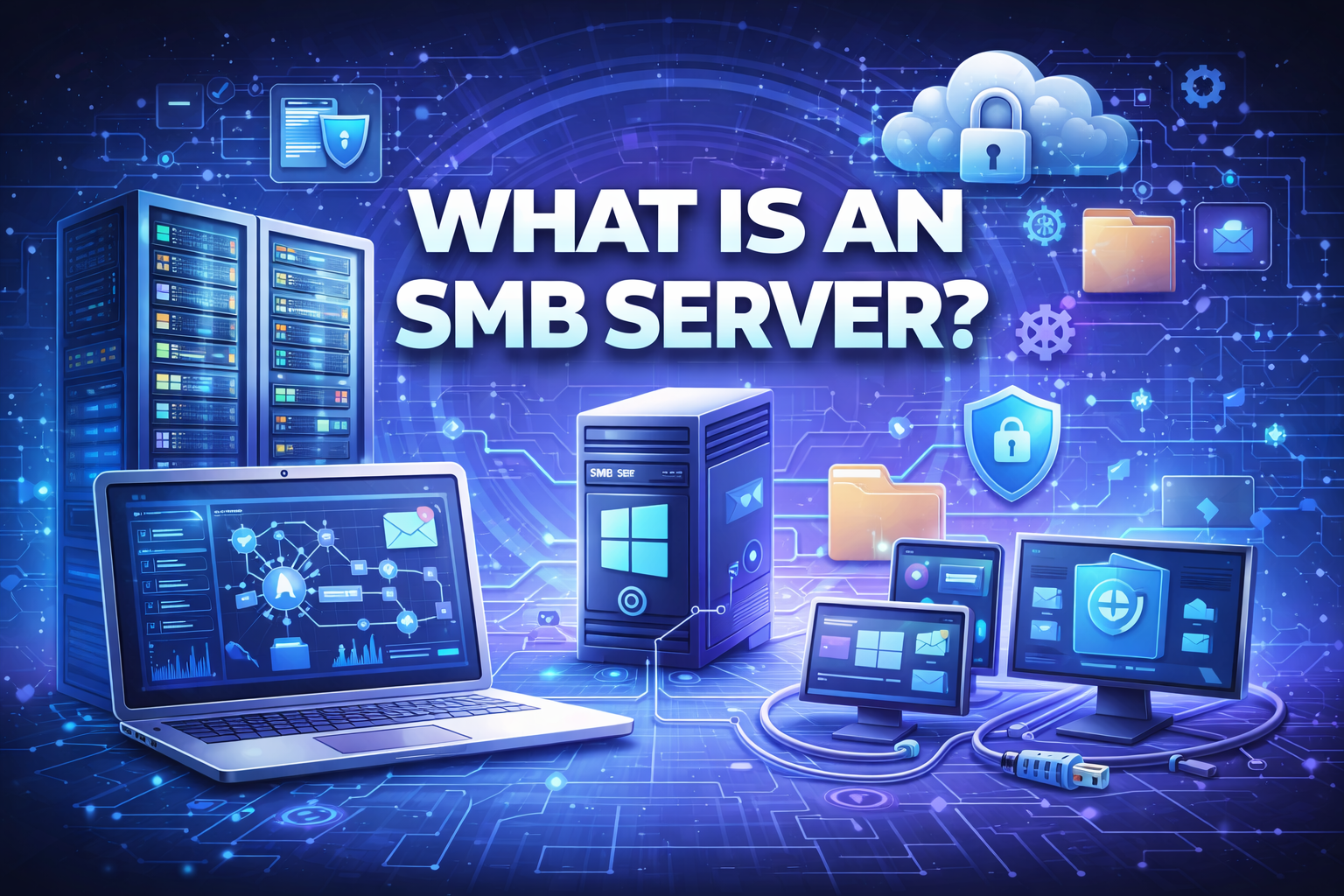
File sharing is at the heart of modern business operations—but not all file-sharing methods are created equal. If you’re asking what is an SMB server, you’re already exploring one of the most widely used file-sharing technologies in enterprise and small business environments.
SMB Meaning
For IT managers, cybersecurity teams, CEOs, and founders, understanding what is an SMB server is essential. SMB servers support collaboration, centralized storage, and business continuity—but if misconfigured, they can also become prime targets for cyberattacks.
In this guide, we’ll explain what is an SMB server, how it works, common use cases, security considerations, best practices, and why SMB remains relevant in today’s hybrid and cloud-driven world.
What Is an SMB Server?
To start with the basics, what is an SMB server?
An SMB server is a system that uses the Server Message Block (SMB) protocol to share files, printers, and other resources across a network. SMB allows devices—such as computers, servers, and applications—to communicate and access shared resources securely and efficiently.
In simple terms, an SMB server acts as a central hub for file and resource sharing within a network.
What Does SMB Stand For?
SMB stands for Server Message Block. It is a network file-sharing protocol originally developed by IBM and later adopted and enhanced by Microsoft.
SMB enables:
-
File sharing
-
Printer sharing
-
Network browsing
-
Inter-process communication
It is a core component of Windows networking but is also supported on Linux, macOS, and NAS devices.
Why SMB Servers Are Widely Used
Understanding what is an SMB server also means understanding why it’s so popular.
Why Organizations Use SMB Servers
-
Easy file sharing across teams
-
Centralized data storage
-
User access control
-
Cross-platform compatibility
-
Integration with Active Directory
SMB servers simplify collaboration while maintaining control over sensitive data.
How an SMB Server Works
To fully understand what is an SMB server, let’s look at how it operates.
How SMB Works Step by Step
-
A client requests access to a shared resource
-
The SMB server authenticates the user
-
Access permissions are verified
-
Files or resources are delivered securely
-
Activity is logged and monitored
This process ensures both accessibility and control.
Common SMB Server Use Cases
SMB servers are used across industries and organization sizes.
Typical Use Cases
-
File sharing in offices
-
Departmental document repositories
-
Application data storage
-
Backup and archival systems
-
Network-attached storage (NAS)
For many businesses, SMB servers are mission-critical.
SMB Server vs File Server: What’s the Difference?
A common question is whether an SMB server and a file server are the same.
| Feature | SMB Server | Generic File Server |
|---|---|---|
| Protocol | SMB | Various (NFS, FTP, SMB) |
| OS focus | Windows-centric | Cross-platform |
| Authentication | Integrated | Varies |
| Use case | LAN file sharing | Broad storage |
An SMB server is a type of file server that specifically uses the SMB protocol.
SMB Protocol Versions Explained
Understanding what is an SMB server also involves knowing the different SMB versions.
SMB 1.0 (Legacy – Not Recommended)
SMB 1.0 is outdated and insecure.
Risks
-
Lack of encryption
-
Vulnerable to exploits (e.g., WannaCry)
Most organizations should disable SMB 1.0 entirely.
SMB 2.0 and SMB 3.0 (Modern Standards)
Modern SMB versions provide:
-
Improved performance
-
Stronger authentication
-
Encryption support
-
Reduced network overhead
SMB 3.x is the preferred standard for secure environments.
SMB Server and Active Directory Integration
One of the strongest advantages of SMB servers is Active Directory (AD) integration.
Benefits of AD Integration
-
Centralized user management
-
Role-based access control
-
Group policy enforcement
-
Simplified auditing
This makes SMB servers ideal for enterprise environments.
SMB Server Security Considerations
From a cybersecurity perspective, what is an SMB server also means understanding its risks.
Common SMB Security Risks
-
Weak authentication
-
Overly permissive access
-
Exposed SMB ports
-
Unpatched vulnerabilities
Attackers frequently target SMB servers for lateral movement.
SMB Servers and Ransomware
Many ransomware campaigns exploit SMB weaknesses.
Why SMB Is a Target
-
Centralized file storage
-
High-value business data
-
Trust relationships between systems
Securing SMB servers is critical to preventing ransomware spread.
Best Practices for Securing an SMB Server
To protect SMB servers, organizations should:
-
Disable SMB 1.0
-
Enforce strong authentication
-
Enable SMB encryption
-
Restrict access by role
-
Monitor SMB traffic continuously
Security should be proactive, not reactive.
SMB Server and Zero Trust Security
Zero Trust principles apply directly to SMB environments.
Zero Trust for SMB Servers
-
Never trust by default
-
Authenticate every request
-
Limit access to least privilege
-
Monitor continuously
SMB servers should be treated as high-risk assets.
SMB Server Performance Optimization
Security is critical—but performance also matters.
Performance Best Practices
-
Use modern SMB versions
-
Optimize network bandwidth
-
Use SSD-backed storage
-
Enable caching where appropriate
Balanced optimization improves both speed and reliability.
SMB Server in Cloud and Hybrid Environments
SMB servers are no longer limited to on-prem networks.
Modern SMB Deployments
-
Cloud-based file servers
-
Hybrid storage solutions
-
Virtualized SMB servers
Cloud providers now support SMB for enterprise workloads.
SMB Server vs NFS: Key Differences
Another common comparison is SMB vs NFS.
| Feature | SMB Server | NFS |
|---|---|---|
| Primary OS | Windows | Linux/Unix |
| Authentication | Strong | Simpler |
| Security | High (SMB 3.x) | Depends on config |
| Use case | Enterprise file sharing | Unix environments |
Choosing depends on environment and security needs.
Compliance and SMB Servers
SMB servers often store regulated data.
Compliance Support
-
Access logging
-
File-level permissions
-
Encryption in transit
-
Auditing capabilities
Properly configured SMB servers help meet compliance requirements.
Common SMB Server Misconfigurations
Even experienced teams make mistakes.
Mistakes to Avoid
-
Leaving SMB ports exposed to the internet
-
Using outdated protocol versions
-
Excessive user permissions
-
Lack of monitoring
Small missteps can lead to major breaches.
How to Choose the Right SMB Server Setup
When deploying an SMB server, consider:
-
Number of users
-
Data sensitivity
-
Security requirements
-
Performance needs
-
Cloud vs on-prem deployment
The right design prevents future issues.
The Future of SMB Servers
SMB continues to evolve.
What’s Next
-
Deeper encryption support
-
Cloud-native SMB services
-
Better performance optimization
-
Tighter security integration
SMB remains a cornerstone of enterprise file sharing.
Actionable Tips for IT Leaders
If your organization uses SMB servers:
-
Audit all SMB configurations
-
Disable legacy protocols
-
Encrypt data in transit
-
Monitor access and anomalies
-
Integrate with endpoint security
Visibility and control are key.
FAQ – SMB Meaning
1. What is an SMB server used for?
It is used for file, printer, and resource sharing across a network.
2. Is an SMB server secure?
Yes—when using SMB 3.x with proper configuration and monitoring.
3. Should SMB be exposed to the internet?
No. SMB should only be accessible within trusted networks.
4. Is SMB only for Windows?
No. SMB is supported on Linux, macOS, and NAS devices.
5. Can SMB servers be used in the cloud?
Yes. Many cloud platforms support SMB-based file services.
Final Thoughts: Why SMB Servers Still Matter
SMB Meaning: Understanding what is an SMB server is essential for organizations that rely on shared data and collaboration. SMB servers provide convenience and efficiency—but only when paired with strong security, monitoring, and access control.
As cyber threats continue to target shared resources, organizations must treat SMB servers as critical assets—not afterthoughts.
👉 See how advanced security platforms protect file servers, endpoints, and networks together.
Strengthen your SMB environment today.
🔗 Request a demo:
https://www.xcitium.com/request-demo/