What Does Encrypted Mean?
Updated on June 25, 2025, by Xcitium
Data breaches are rising at an alarming rate—over 22 billion records were exposed in 2022 alone. So, how do businesses and individuals protect their sensitive information? Enter encryption. But what does encrypted mean, really? This guide demystifies encryption and shows how it shields your digital life from cyber threats.
Understanding the Term: What Does Encrypted Mean?
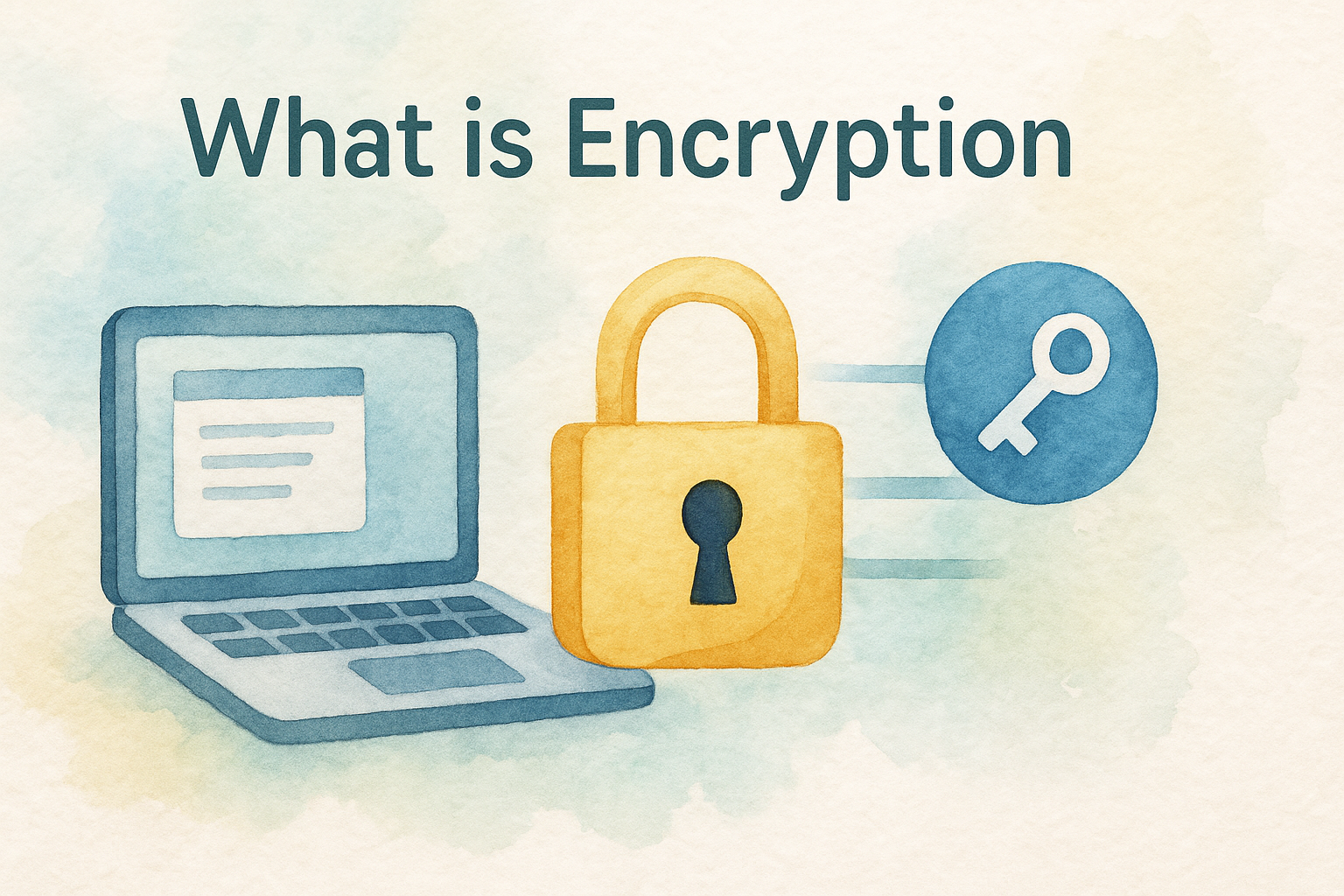
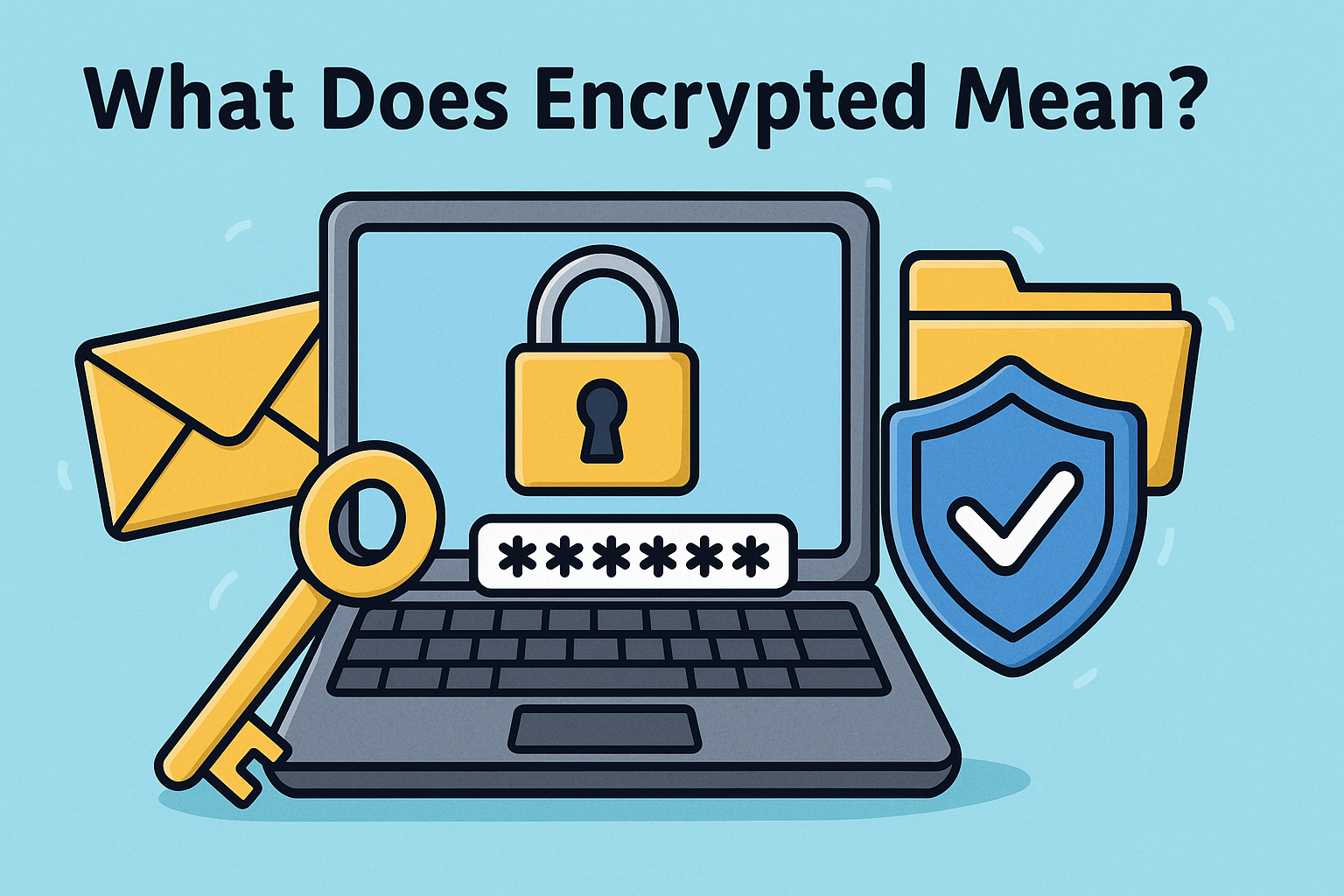
Encryption refers to the process of converting readable data (plaintext) into a coded format (ciphertext) to prevent unauthorized access. This ensures only authorized users with the decryption key can view the original content.
In simpler terms, when something is encrypted, it’s been locked with a digital key—and only those with the right key can unlock it.
Encrypted Meaning in Everyday Life
Encryption plays a vital role in:
- Online banking – Your financial data is encrypted to stop hackers.
- Messaging apps – Apps like WhatsApp use end-to-end encryption.
- Email security – Services provide encrypted email to safeguard communication.
- E-commerce – Credit card information is protected via encrypted channels.
Types of Encryption
1. Symmetric Encryption
- Uses a single key to encrypt and decrypt data.
- Fast and suitable for internal file storage.
2. Asymmetric Encryption
- Uses a pair of keys: public and private.
- Common in secure communications (e.g., SSL/TLS).
3. End-to-End Encryption Meaning
End-to-end encryption ensures data is encrypted on the sender’s device and decrypted only on the receiver’s. Even the service provider can’t access the content.
Why Encryption Is Crucial in Cybersecurity
Encryption enhances:
- Confidentiality – Keeps information private.
- Integrity – Prevents unauthorized tampering.
- Authentication – Verifies sender and recipient identity.
Without it, businesses risk:
- Data theft
- Compliance failures
- Financial loss
Encrypted Email Meaning and Use Cases
Encrypted emails prevent eavesdropping and unauthorized access. Common use cases include:
- Legal and financial correspondence
- Health records under HIPAA
- Business negotiations
Tools like ProtonMail and Tutanota are widely used.
How Do Passkeys and Encryption Work Together?
Modern security methods like passkeys and encryption work together to:
- Replace traditional passwords
- Prevent phishing
- Simplify authentication securely
This synergy strengthens cybersecurity at every access point.
Best Practices to Implement Encryption
- Use a Secure VPN for online communication.
- Encrypt hard drives with BitLocker or FileVault.
- Secure email using end-to-end encrypted tools.
- Educate employees on safe file sharing practices.
- Deploy HTTPS on all company websites.
Encryption Tools and Services
Popular encryption tools include:
- VeraCrypt – File and disk encryption
- OpenPGP – Encrypts emails and files
- BitLocker – Built-in Windows disk encryption
Businesses can also use enterprise-grade encryption software integrated into broader cybersecurity platforms.
The Future of Encryption
Emerging trends include:
- Post-quantum encryption to resist quantum computer attacks
- Homomorphic encryption for encrypted data processing
- AI-integrated encryption tools for adaptive security
Staying ahead with cutting-edge solutions ensures resilience against evolving threats.
FAQs
1. What does encrypted mean in simple terms?
It means your data is scrambled into unreadable code so no one else can access it without a key.
2. What is the difference between encrypted and password-protected?
Encryption changes the actual data, while a password merely restricts access without altering content.
3. How do I know if my email is encrypted?
Check if your provider uses HTTPS or offers end-to-end encryption (like Gmail’s confidential mode or ProtonMail).
4. Is end-to-end encryption really secure?
Yes, it prevents even service providers from accessing the contents of your communication.
5. Can encrypted files be hacked?
Not easily. Strong encryption with robust key management is very difficult to break without authorized access.
Final Thoughts
Understanding what does encrypted mean is essential for protecting personal and professional data. Whether you’re an IT manager or a small business owner, embracing encryption enhances your cybersecurity posture.
Ready to enhance your business security with powerful, encrypted solutions? Request your free demo now.