What is Vishing? A Comprehensive Guide to Voice Phishing Scams
Updated on July 9, 2025, by Xcitium
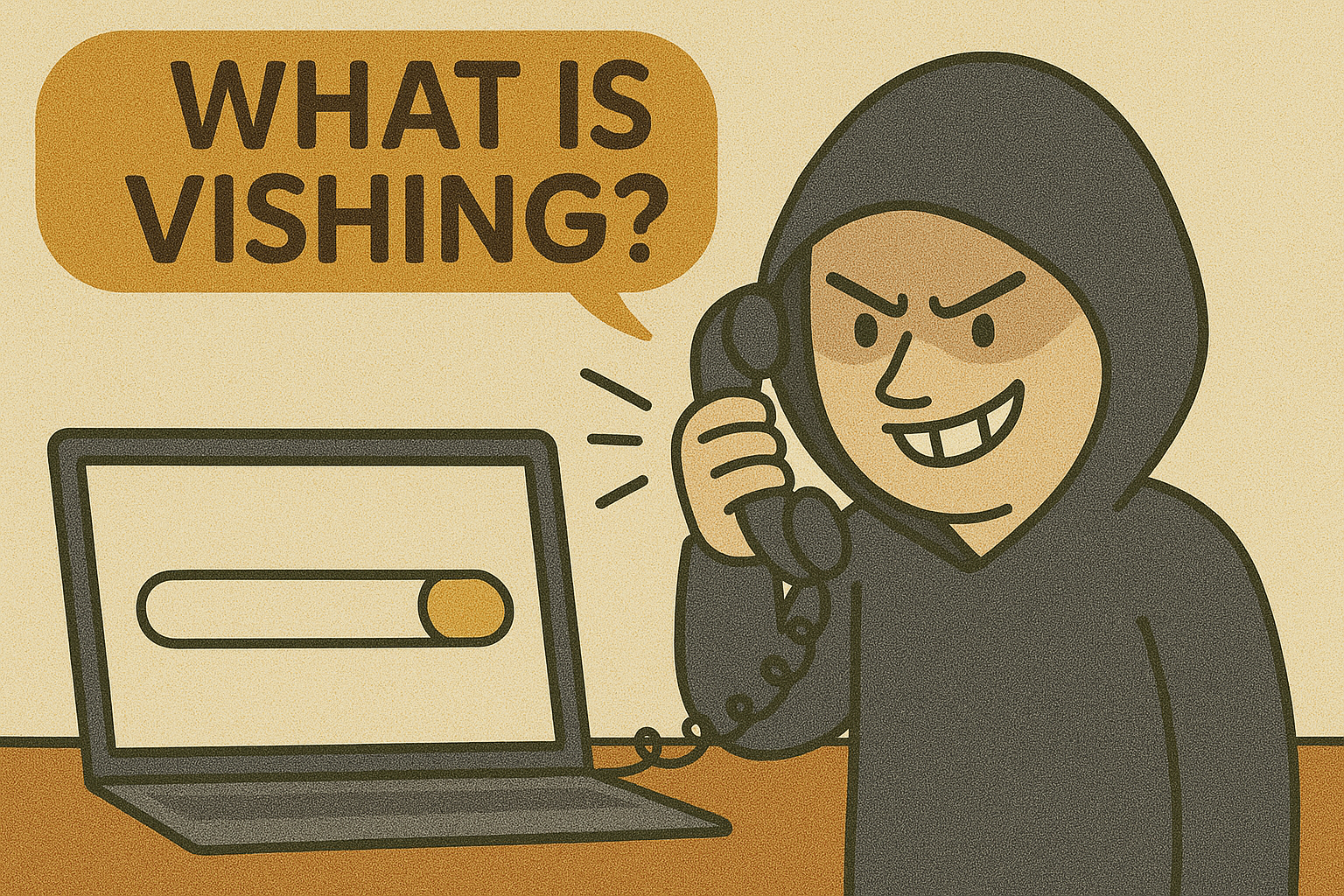
Every day, cybercriminals evolve their tactics to trick unsuspecting users into revealing sensitive information. While email phishing is well-known, a more direct and deceptive method is on the rise—vishing.
So, what is vishing exactly?
Vishing, or “voice phishing,” is a type of cyberattack where attackers use phone calls to impersonate trusted entities—banks, government agencies, or tech support—to steal confidential data such as login credentials, credit card numbers, or Social Security numbers. As a growing threat in the cybersecurity landscape, vishing requires equal parts awareness and action.
In this blog, we’ll break down how vishing works, share vishing examples, and provide practical tips to prevent vishing for individuals and businesses.
What is Vishing?
Vishing is short for voice phishing, a social engineering tactic where attackers call victims and manipulate them into giving up sensitive information.
Unlike email phishing, which relies on written communication, vishing preys on human psychology and trust in real-time conversations. The goal? Trick you into acting quickly—before thinking critically.
How Vishing Works
Vishing scams typically follow this sequence:
- Caller ID Spoofing: The attacker uses spoofing technology to fake the caller ID (e.g., “IRS” or “Bank of America”).
- Scripted Deception: They deliver a rehearsed, urgent message—such as suspicious account activity or unpaid taxes.
- Information Extraction: Victims are pressured into giving details like:
- Credit card numbers
- Bank account credentials
- Social Security numbers
- Company access codes
Real-World Vishing Examples
Here are a few alarming vishing examples that highlight the tactic’s effectiveness:
- Bank Impersonation: “This is your bank. We’ve noticed suspicious activity. Please confirm your account number and PIN.”
- Tech Support Scam: “This is Microsoft. Your computer has been infected. We need remote access to fix the issue.”
- CEO Fraud: Attackers pretend to be high-level executives requesting urgent wire transfers from employees.
These attacks often sound convincing because the scammers research their targets, sometimes using information gathered through phishing or data breaches.
Vishing vs Phishing vs Smishing
While these terms are often confused, here’s a quick comparison:
| Method | Description | Example |
| Phishing | Email-based fraud to steal data or install malware | Fake invoice from “PayPal” |
| Smishing | SMS-based phishing | “Click here to claim reward” |
| Vishing | Voice-based fraud via phone calls | “Your bank account is locked” |
Smishing and vishing are considered subcategories of phishing, each targeting different communication channels but with the same malicious goal.
Why Vishing Is Dangerous for Businesses
Cybersecurity professionals and IT managers should treat vishing with the same seriousness as malware or ransomware.
Reasons why vishing is a threat to enterprises:
- Exploits employees’ trust: Social engineers manipulate emotions—urgency, fear, and authority.
- Bypasses email filters: Vishing doesn’t rely on links or attachments, so it’s harder to block.
- Targets high-value accounts: Attackers often go after executives and finance teams.
Without proper training, even experienced professionals can fall victim.
How to Prevent Vishing Attacks
Now that you understand what vishing is, here are best practices to prevent vishing attacks:
1. Educate Employees
- Train your staff on how vishing works.
- Conduct simulated vishing attacks during cybersecurity awareness sessions.
2. Verify Unknown Callers
- Always hang up and call back official numbers.
- Don’t trust caller ID alone—spoofing is easy.
3. Never Share Sensitive Data
- Avoid revealing passwords, bank details, or authentication codes over the phone.
4. Enable Multi-Factor Authentication (MFA)
- Even if credentials are stolen, MFA can stop unauthorized access.
5. Report Suspicious Calls
- Encourage a culture of reporting within your organization.
- Share vishing attempts with your IT department immediately.
Final Thoughts + Call to Action
In an increasingly connected world, vishing remains one of the most manipulative and dangerous social engineering techniques. Whether you’re an individual user or managing enterprise cybersecurity, vigilance is your first line of defense.
Knowing what vishing is, how it works, and how to prevent it can be the difference between safety and a costly data breach.
🛡️ Want to Strengthen Your Cybersecurity Posture?
Let Xcitium help protect your organization from vishing and other cyber threats.
FAQs
1. What is vishing in simple terms?
Vishing is a type of cyberattack where criminals call victims and pretend to be legitimate institutions to steal sensitive information.
2. Can vishing happen via mobile phones?
Yes. Attackers often target mobile users using spoofed numbers and urgent messages.
3. What’s the difference between vishing and phishing?
Phishing is email-based, while vishing is done through phone calls. Both aim to steal data.
4. What are examples of vishing attacks?
Fake tech support calls, bank fraud alerts, or IRS impersonations are common vishing examples.
5. How can businesses prevent vishing?
By training staff, verifying caller identities, using MFA, and creating strong reporting protocols.